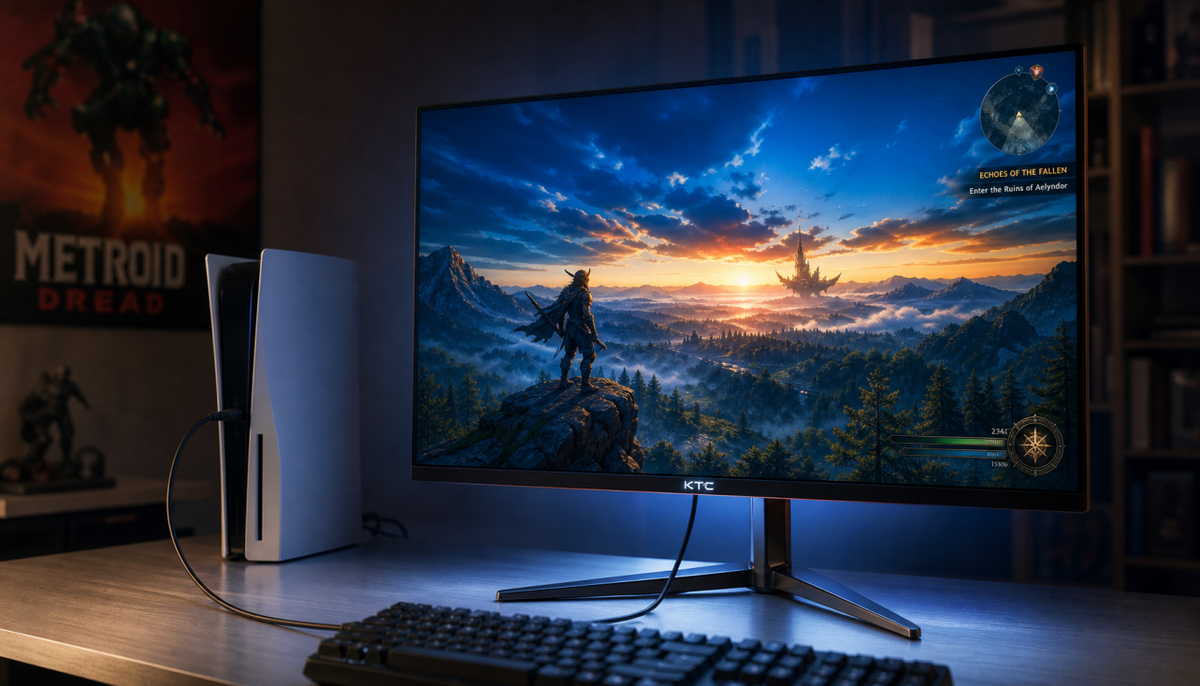
Featured storyCan You Daisy-Chain HDMI 2.1 Adapters or Converters Without Losing 4K120Hz?Daisy-chaining HDMI adapters for your 4K 120Hz gaming monitor is risky. Each extra converter or switch makes your signal less reliable, often dropping you to 60Hz.Jun 1, 2026/6 min read
How to Tell Whether Your Gaming Console Is Outputting 10-Bit Color Over HDMI 2.1Confirm 10-bit color output from your console on an HDMI 2.1 monitor. This guide shows how to check system settings, the monitor OSD, and cable quality for true HDR.Jun 1, 2026/13 min read
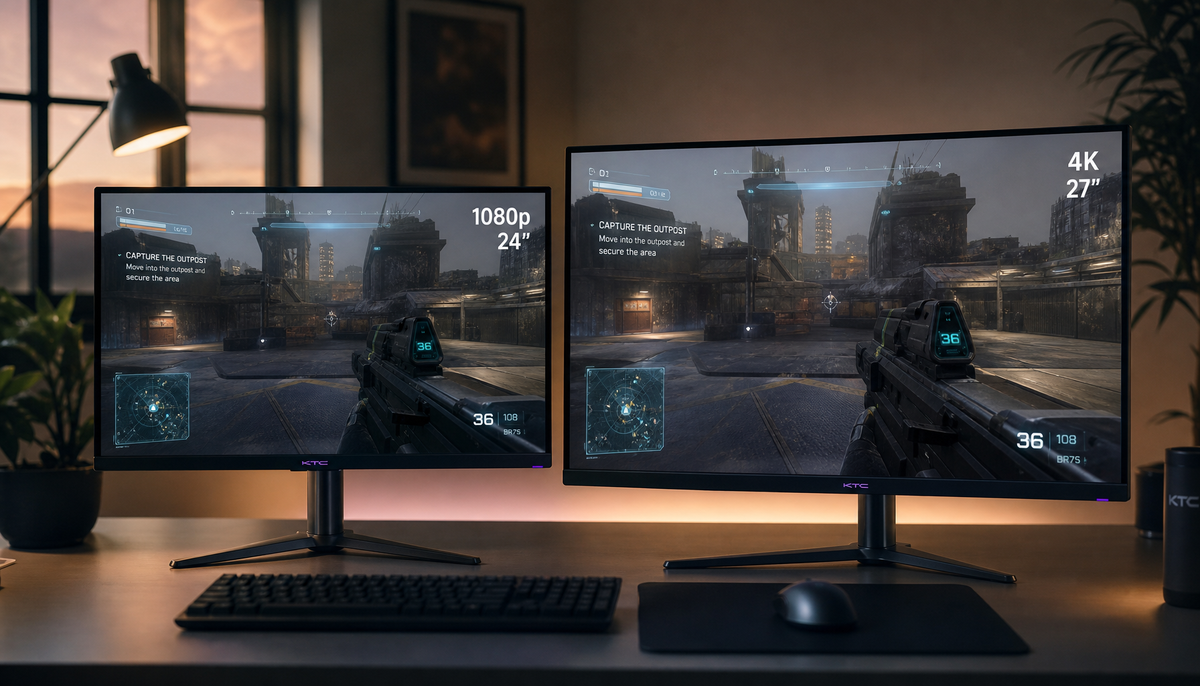
Why 1080p Looks Worse on a 4K Monitor Than on a Native 1080p Panel1080p on a 4K monitor often looks worse due to required image scaling. This process of stretching the signal to fit the panel's higher pixel count softens the picture, unlike the sharp 1:1 mapping of a native 1080p screen.Jun 1, 2026/9 min read
How to Check If Your Monitor Is Really Running at Its Full Native ResolutionYour monitor's native resolution might not be what you think. See how to check for OS scaling issues, cable limits, and other common causes of blurry text on any display.Jun 1, 2026/9 min read
How RGB, BGR, and a Non-RGB Subpixel Layout Affect Monitor SharpnessSubpixel layout differences like RGB, BGR, and non-RGB patterns impact monitor sharpness. See how this affects text clarity on gaming, ultrawide, and OLED displays.Jun 1, 2026/6 min read
Why Your 4K Monitor Looks Less Sharp After Enabling HDRA 4K monitor looks less sharp with HDR due to signal issues like chroma subsampling. Restore crisp text and visuals by checking GPU settings, refresh rate, and your cable.Jun 1, 2026/12 min read
1440p vs 4K at 27 Inches: Is the Sharpness Difference Actually Noticeable?The 1440p vs 4K choice on a 27-inch monitor comes down to use. 4K offers superior sharpness for text and work, while 1440p is the practical pick for high-refresh gaming.Jun 1, 2026/9 min read