Featured storyHow to Clean a Portable Touch Screen Without Damaging the Capacitive LayerCleaning a portable touch screen is simple with a microfiber cloth. This guide provides the correct method to remove fingerprints without damaging the sensitive coating.Apr 21, 2026/11 min read
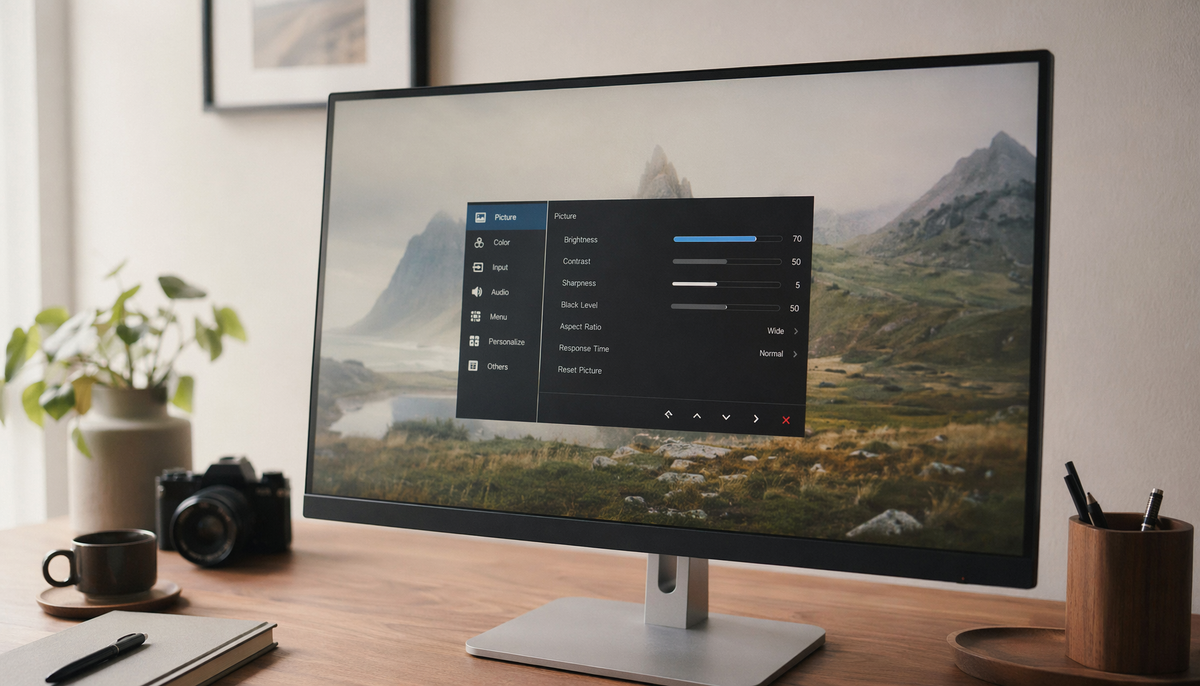
How to Verify Your Display Calibration Is Actually WorkingVerify monitor calibration to ensure your display is accurate. This guide provides practical steps for checking neutral grays, shadow detail, and what numbers matter.Apr 21, 2026/13 min read
How to Prevent Accidental Touch Inputs When Using a Portable Monitor in TransitAccidental touch inputs on your portable monitor can be frustrating in transit. Stop false taps with simple fixes like disabling touch, using a better stand, and routing cables.Apr 21, 2026/9 min read
HDMI CEC Device Control on Monitors: Why Some Commands Work and Others Don’tHDMI CEC on monitors often provides partial support. While power and input commands work, volume control may fail due to audio path issues. Get solutions for your setup.Apr 21, 2026/7 min read
How to Remove Fingerprints from Touch-Enabled Portable Displays Without Damaging the DigitizerClean fingerprints from your portable monitor without damage. Use a dry microfiber cloth, then a slightly damp one with water for oil. This protects the screen's coating.Apr 21, 2026/6 min read