







190Hz-210Hz Monitors
KTC Multiple Display for Diverse Scenarios

KTC Multiple Display for Diverse Scenarios
Filters
6 products
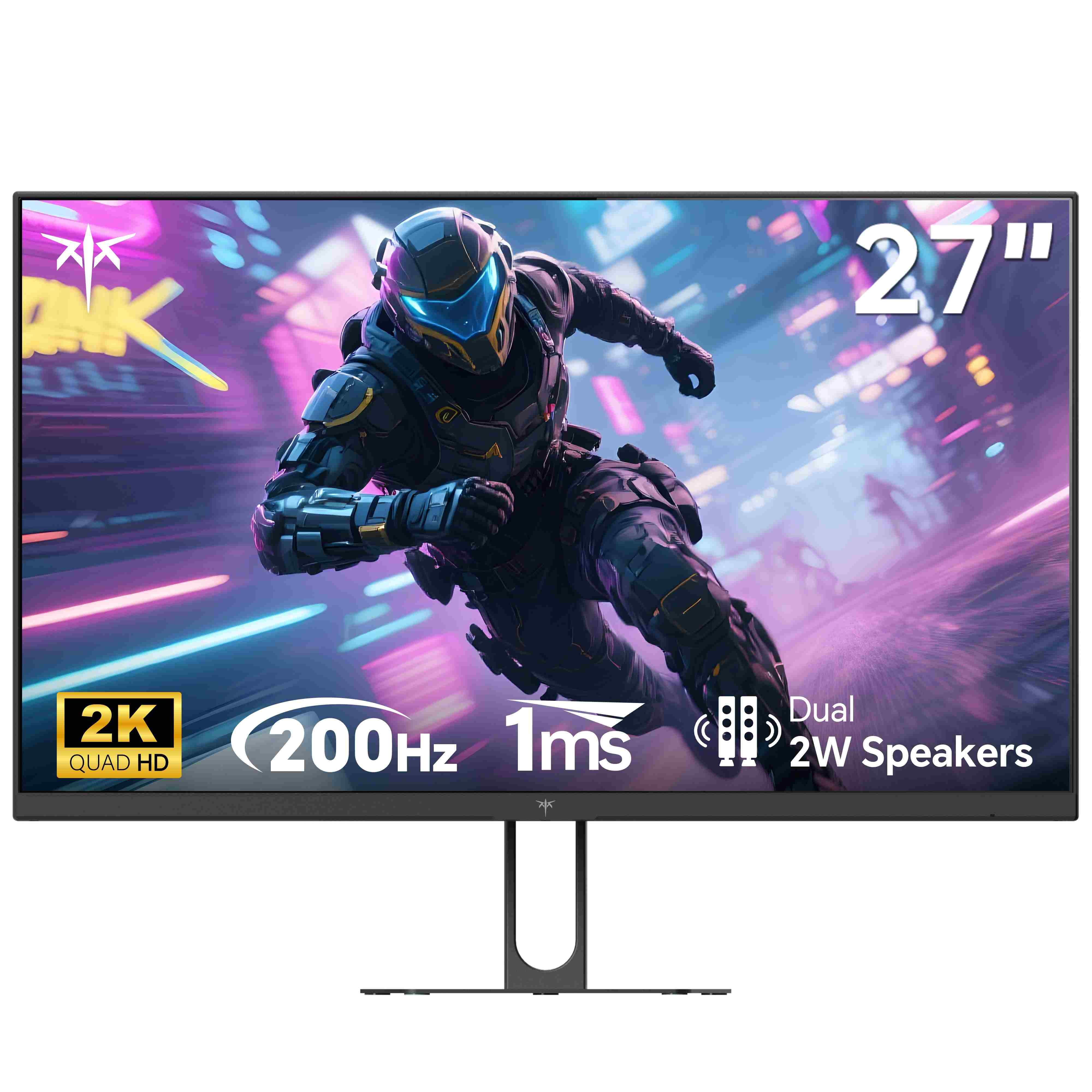
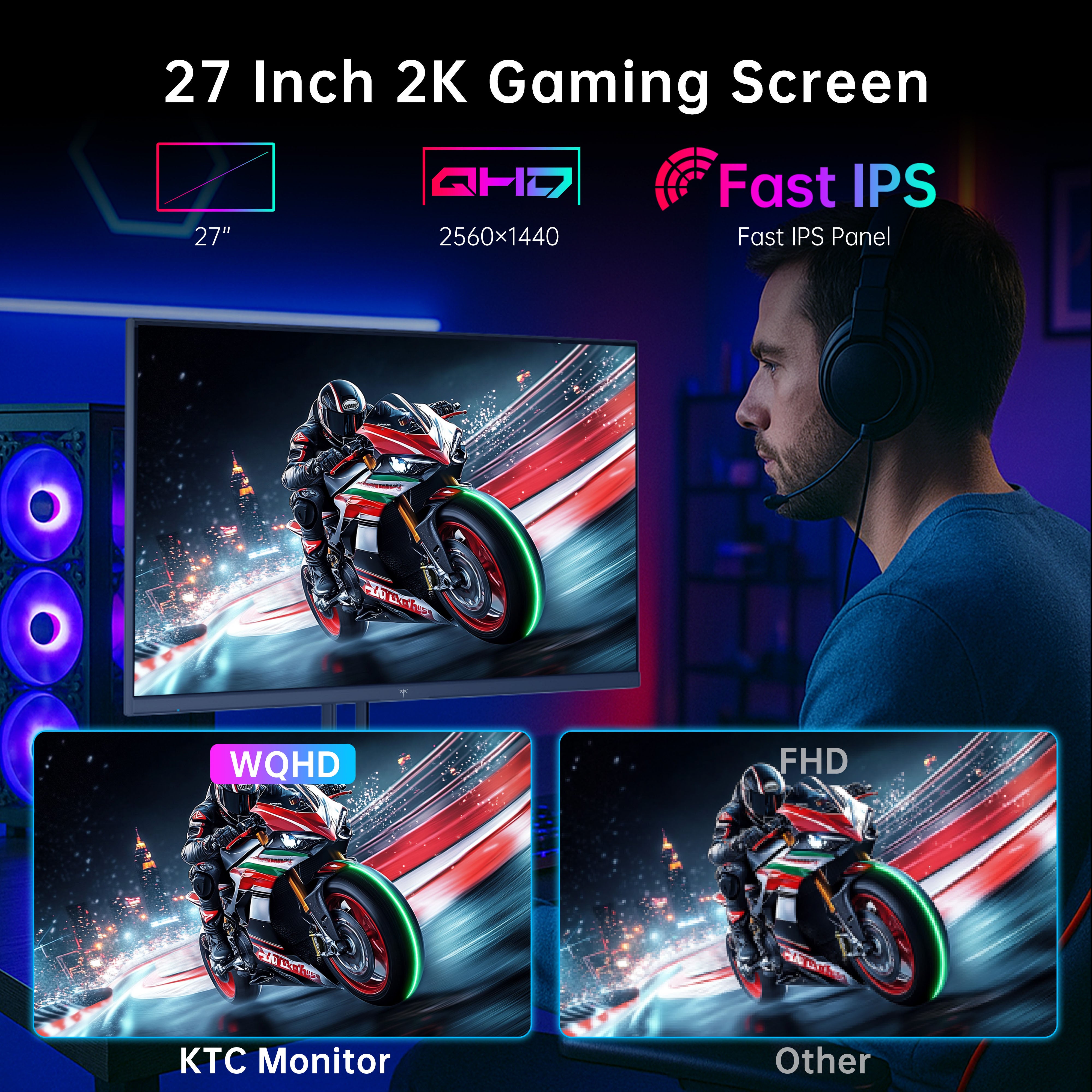
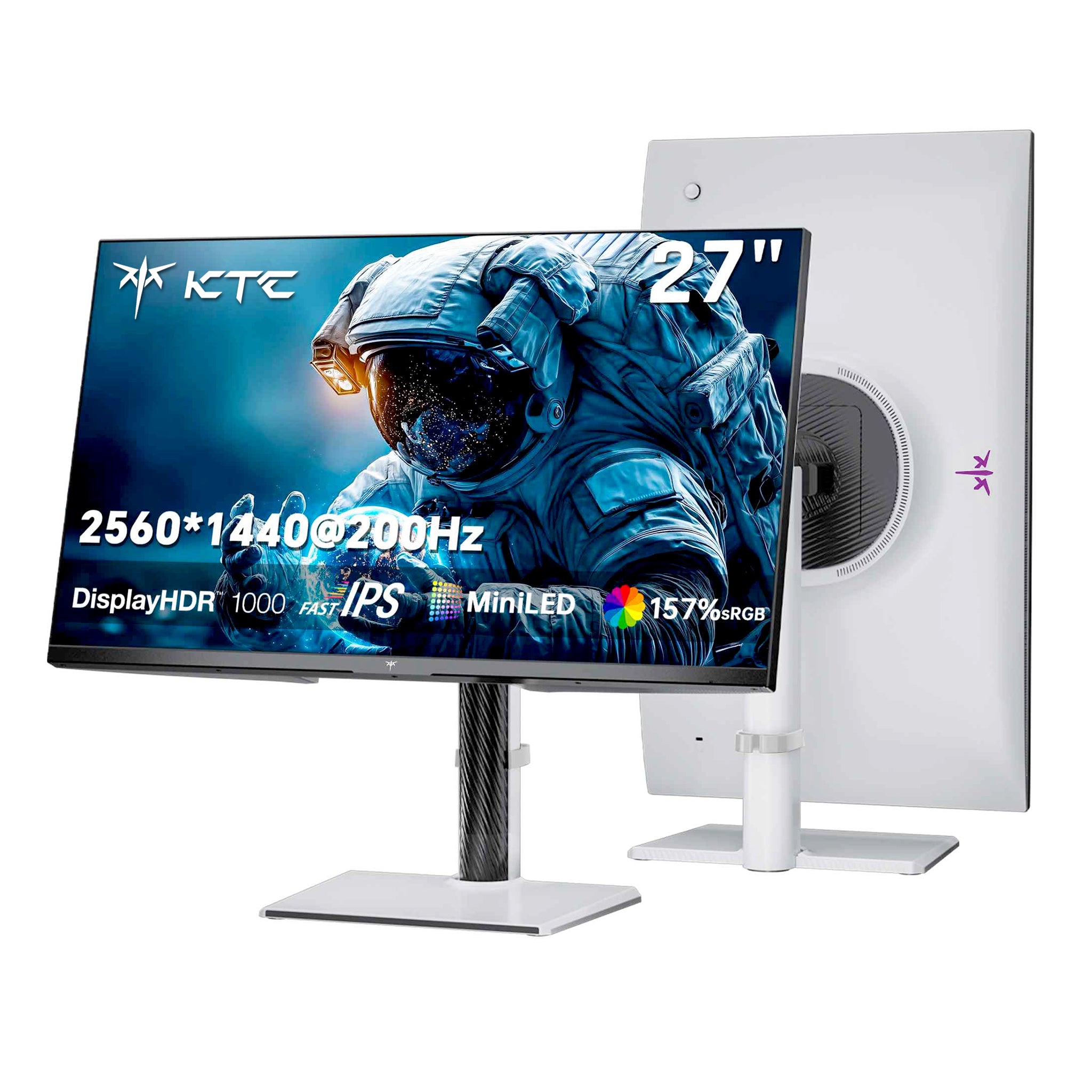

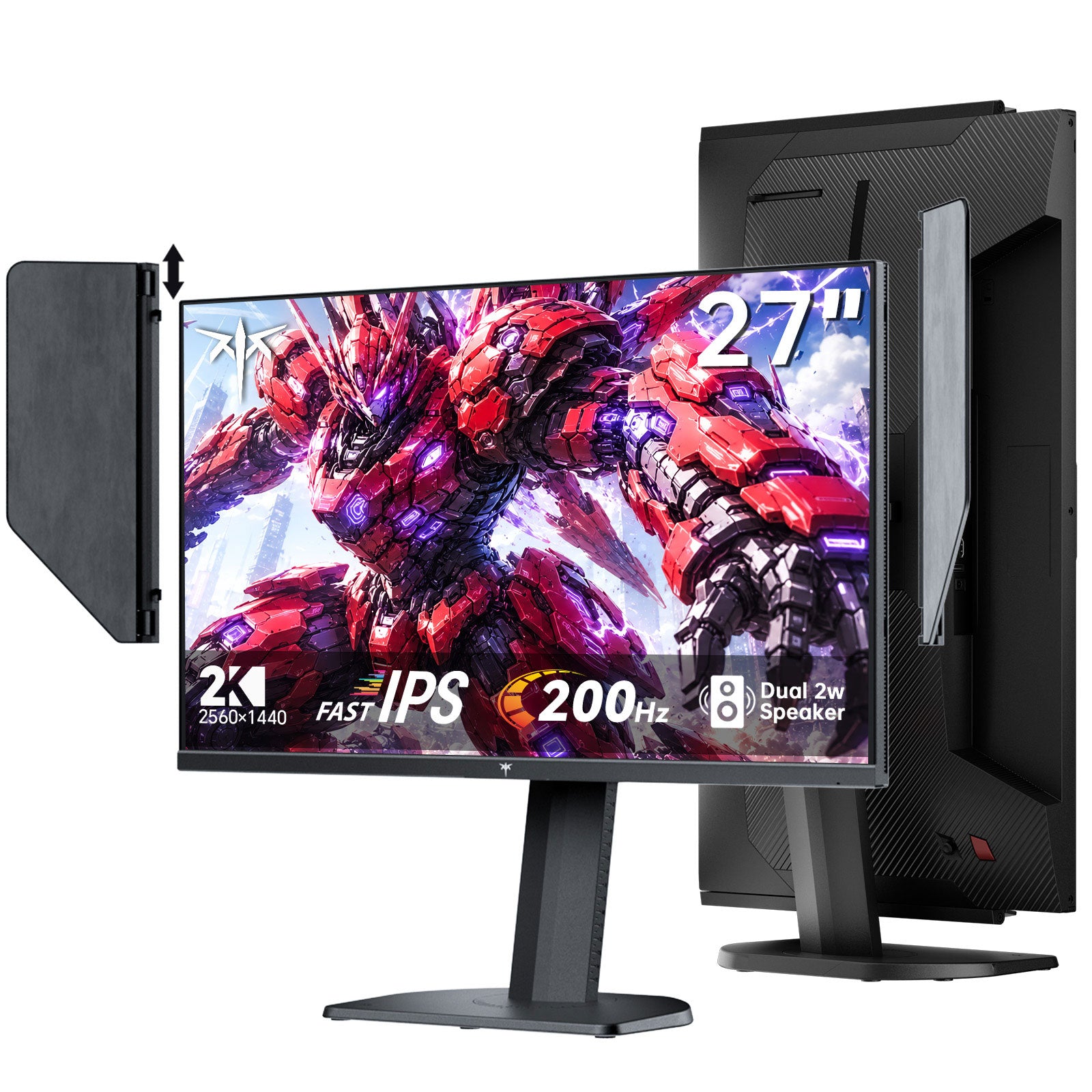
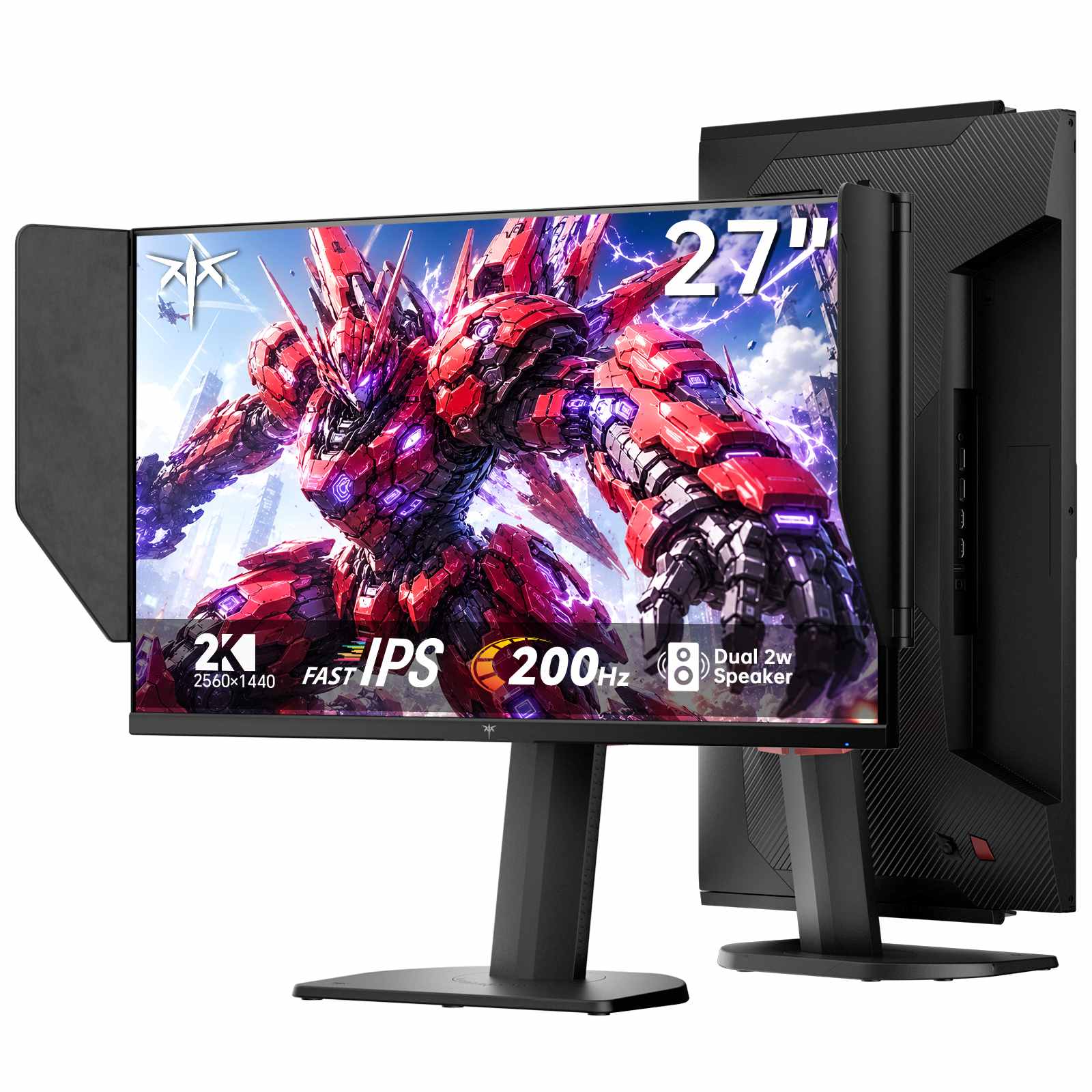
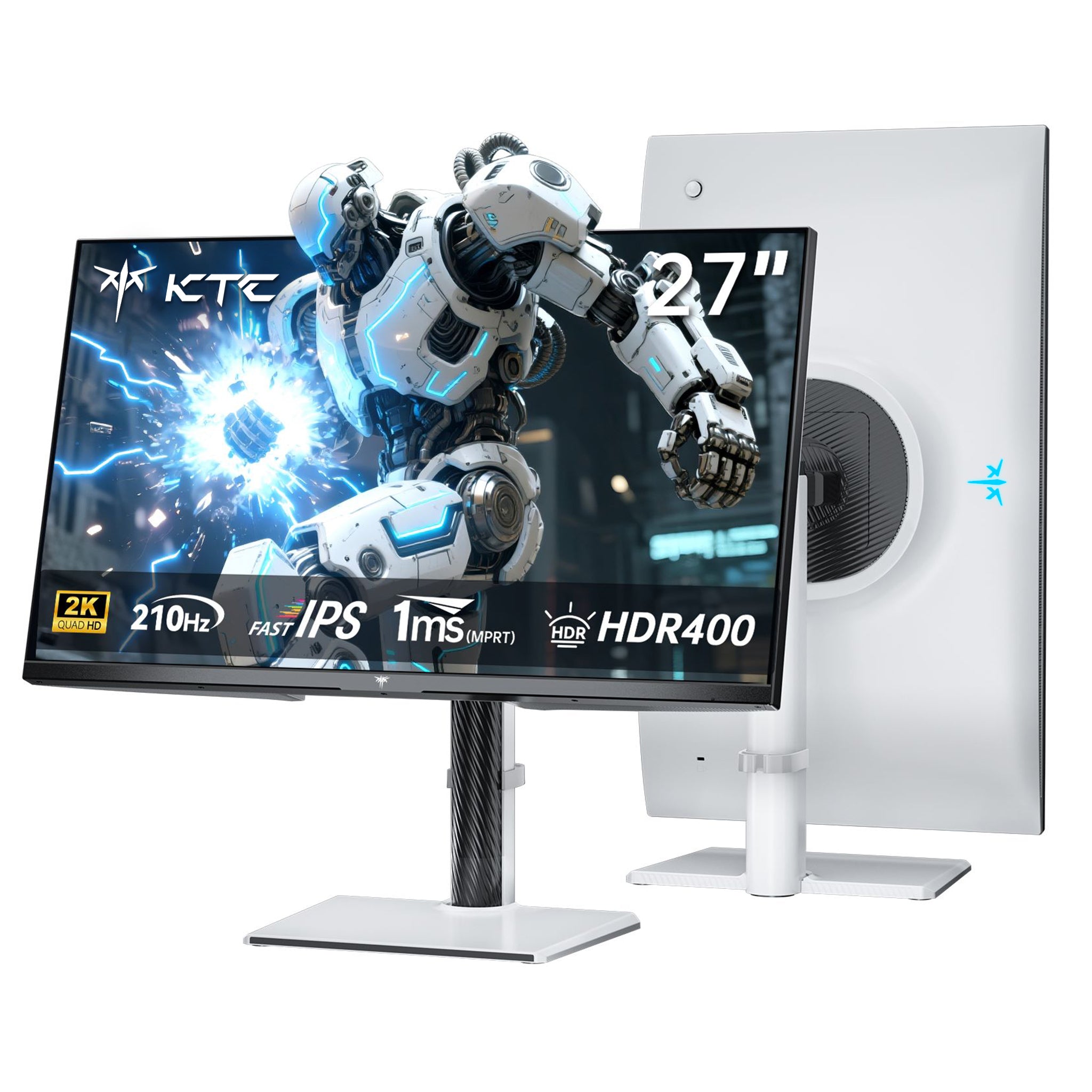
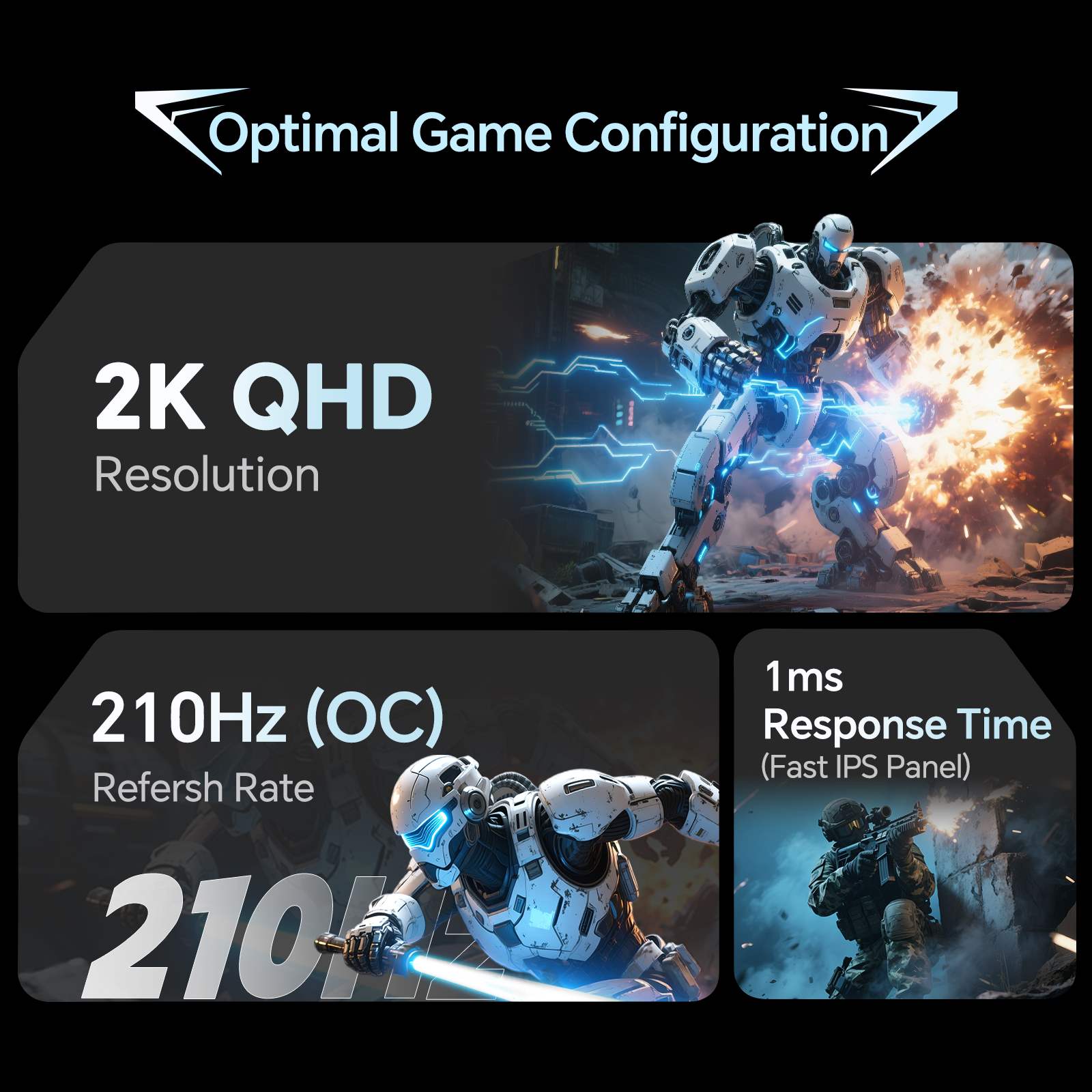
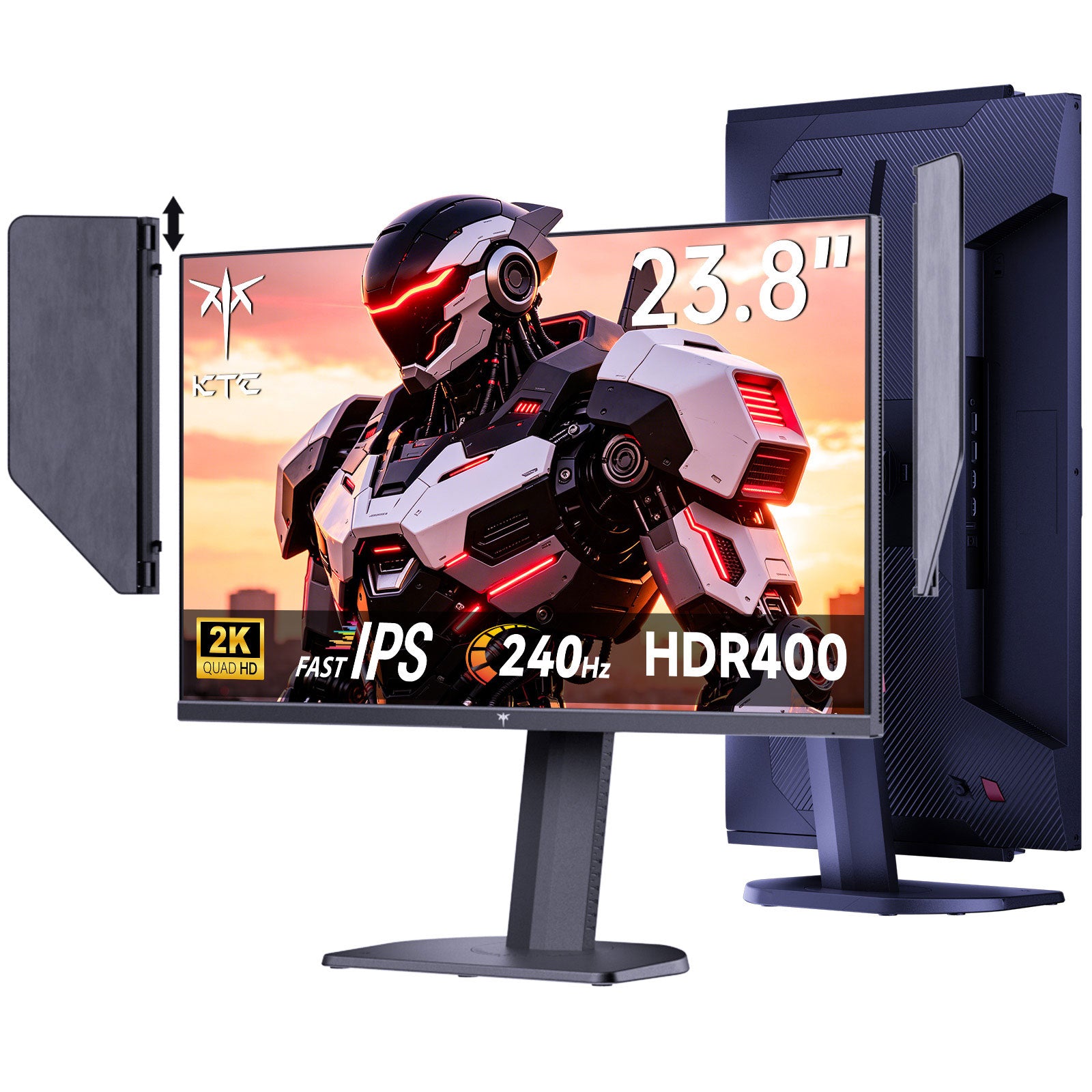
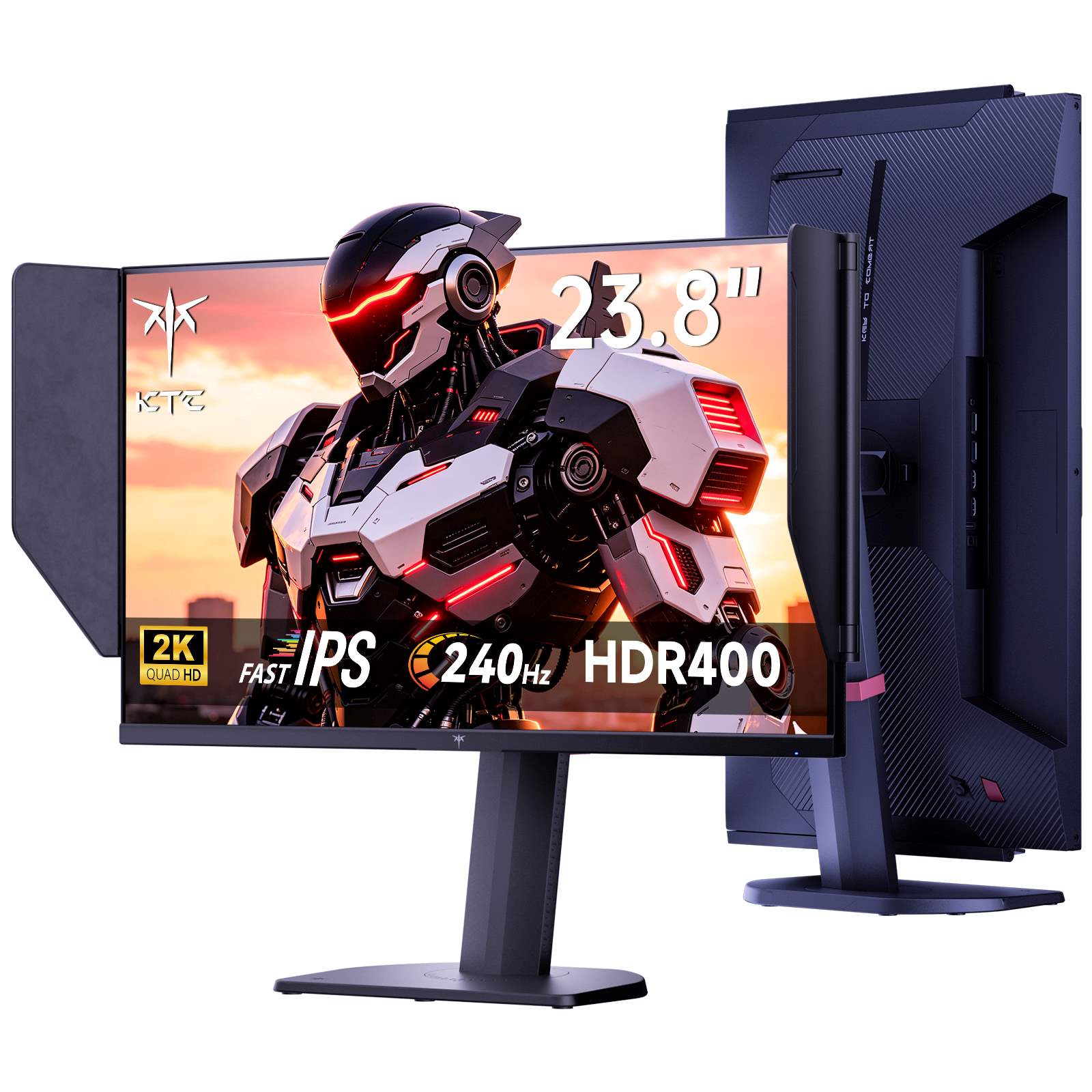
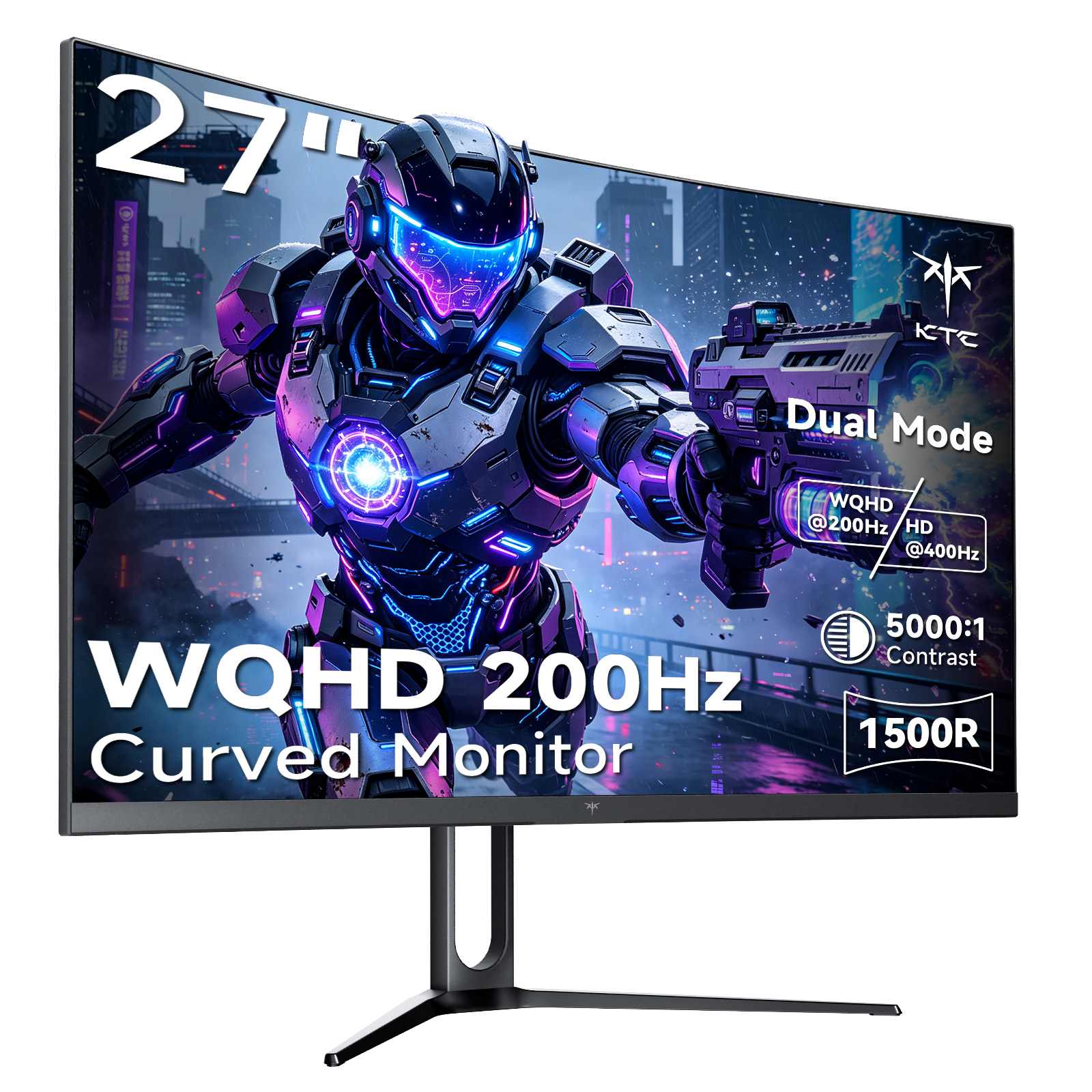
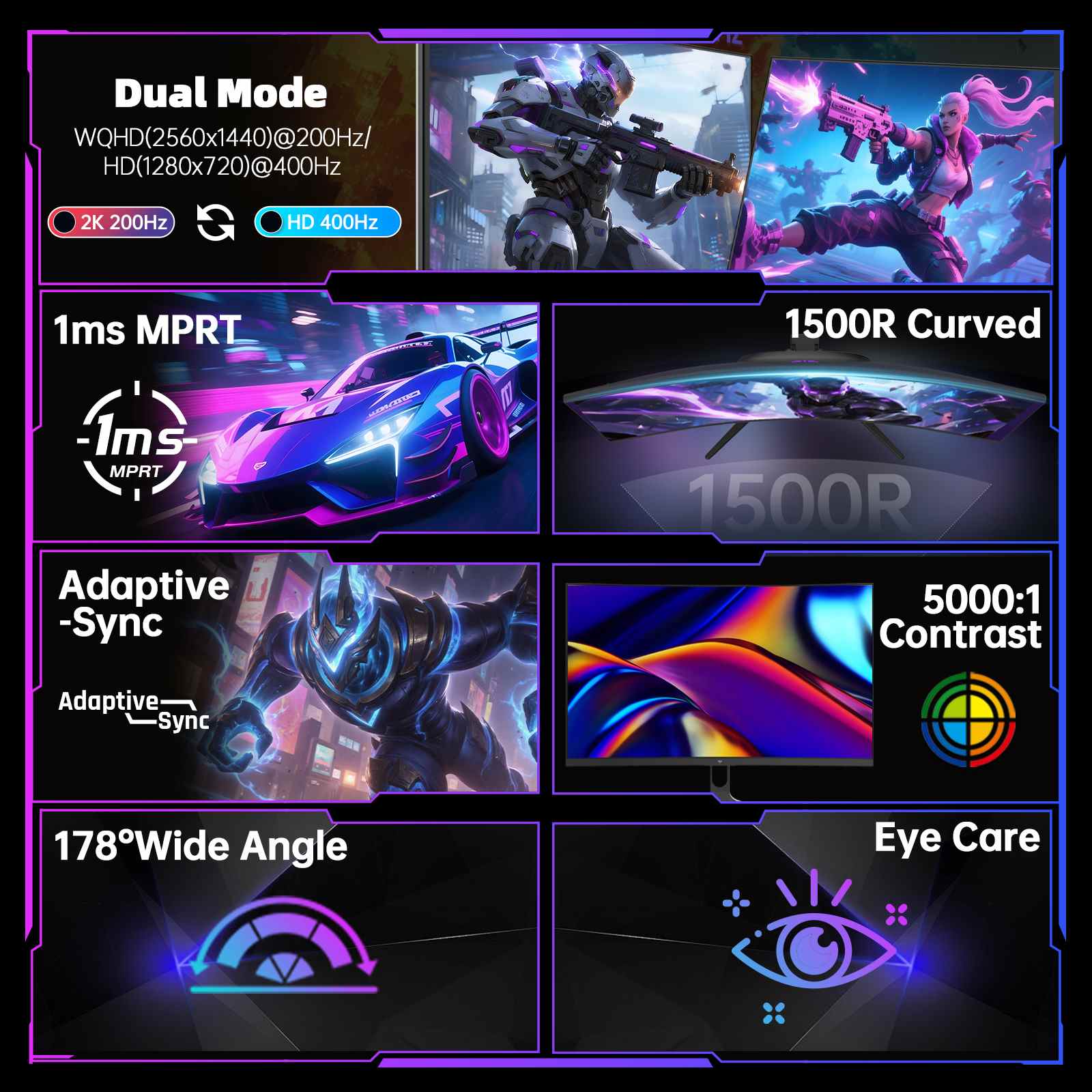
This band sits at a useful boundary. At 200Hz a new frame arrives every 5ms, against 6.9ms at 144Hz and 4.2ms at 240Hz. It is the point where you get most of the responsiveness of a dedicated esports panel while keeping resolutions and screen sizes that still work for everything else, which is why nearly every monitor here runs 1440p rather than 1080p.
It also fits systems that can sustain high frames at 1440p without the steeper demands of 240Hz and above. For mixed use that includes both fast games and everyday work, the 200Hz class delivers a clear step up in fluidity without narrowing your panel choices to pure speed.
A 200Hz ceiling only matters if your frame rate reaches it. At 1440p that asks meaningfully more of a graphics card than 1080p does, and the mismatch between panel and hardware is the most common reason a high refresh purchase disappoints, a point we explore in our high refresh rate gaming guide that maps the whole ladder from 60Hz upward. Choosing a rate your system can sustain matters more than buying the highest number on a specification sheet.
Two setup checks are worth doing on day one. Confirm the panel is actually running at its rated rate rather than defaulting to 60Hz, and enable adaptive sync, since frame rates in this range fluctuate below the ceiling often enough that tearing shows up without it. Enabling sync keeps motion even while adding useful guidance for driver settings.
Match refresh to the games you play most, then let size and panel decide the short list. The models below group by how they deliver 200Hz class performance.
Explore KTC 190Hz to 210Hz monitors to match high refresh with the resolution and size your system can drive. With choices from 27 inch 1440p at 200Hz with speakers or hoods to Mini LED with zoned HDR and curved dual mode panels, you can step up from mainstream smooth to esports responsive without overcommitting your GPU. Start from your sustained frame rate, confirm the cable can carry the mode at full color, and let the 200Hz ceiling keep motion immediate and consistent across gaming and everyday desktop work.
Pair the panel with a cable that can carry the mode at full color, as bandwidth limits are the most common silent cap beyond the GPU itself. After setting the rate in your system, open the monitor menu to confirm the input still reports 200Hz and that adaptive sync is active.
For desktop use at 60Hz most mid range cards handle it comfortably. For 165Hz and above in demanding games headroom matters, so choose a refresh rate your system can sustain and check our high refresh rate gaming guide for the demands at this tier.
Yes, though the jump is smaller than from 60Hz to 144Hz. At 200Hz a new frame arrives every 5ms versus 6.9ms at 144Hz, so fast camera movement and scrolling feel more immediate, especially if your frame rate stays near the ceiling.
It helps. Frame rates in this range often sit below the ceiling, so syncing display to actual output removes tearing and keeps motion consistent. Our screen tearing guide covers G Sync, FreeSync and frame rate capping choices.
Yes for mixed use. Even outside games, higher refresh makes scrolling and window drag feel more direct, while still keeping costs below the top esports tier.