Featured storyWhy Your Monitor Goes Black for a Second When Switching Between Apps or GamesA monitor that goes black for a second when switching apps is usually a display mode change, not a failure. Get solutions for this common issue on gaming monitors.May 25, 2026/9 min read
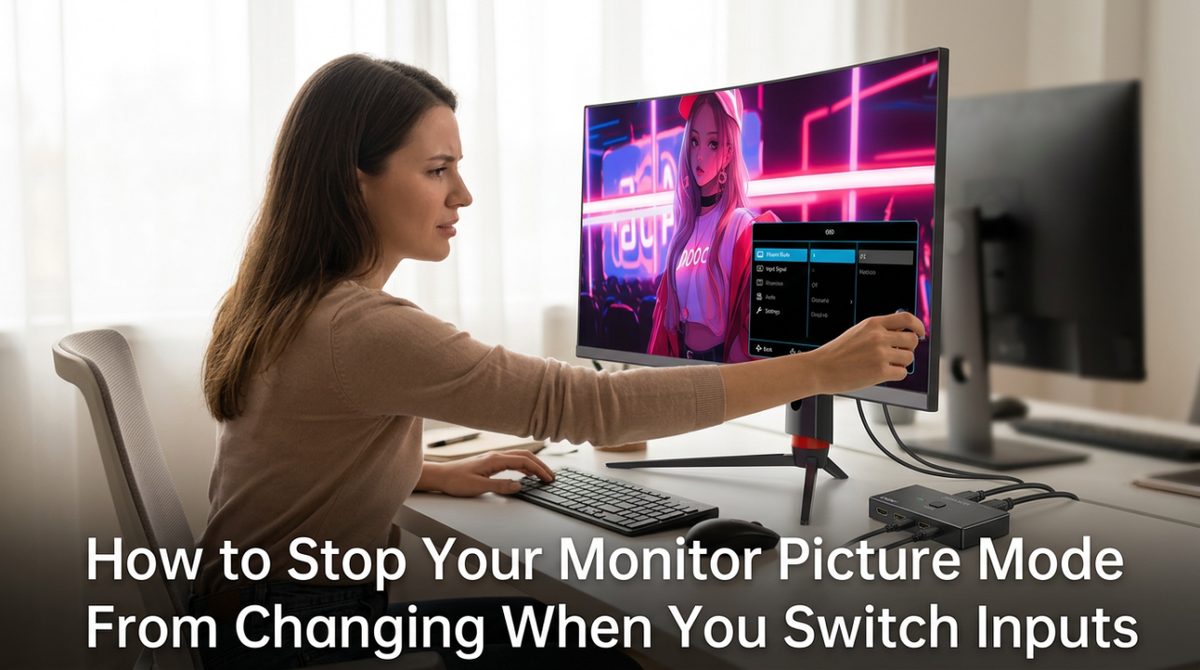
How to Stop Your Monitor Picture Mode From Changing When You Switch InputsMonitor picture mode changing between inputs is usually due to per-input memory, HDR, or auto-switching. Get a consistent image by disabling auto features and copying presets.May 25, 2026/10 min read
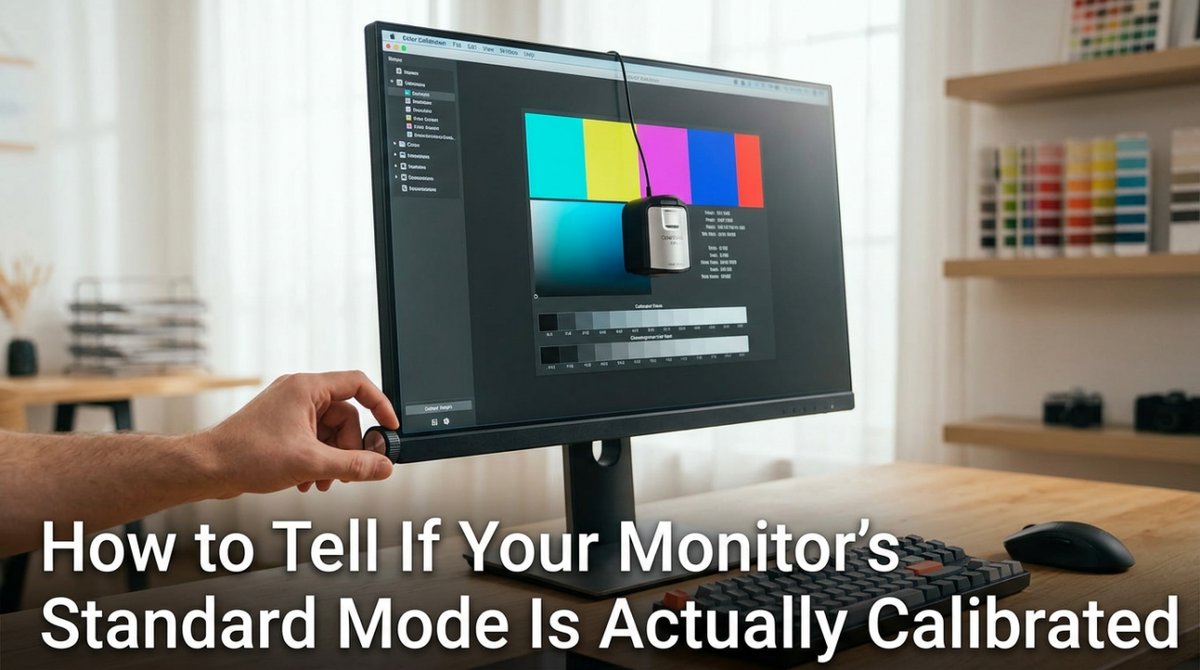
How to Tell If Your Monitor’s Standard Mode Is Actually CalibratedMonitor standard mode is often a default preset, not a guarantee of calibration. Use these simple checks for white point, gamma, and saturation to see if your display is truly color-accurate.May 25, 2026/10 min read
Why Competitive Gaming Hurts Sleep More Than Casual Play and How Your Monitor Setup Can HelpCompetitive gaming hurts sleep from high stress and intense monitor light. Get better rest with simple changes to your display settings, screen size, and pre-bed gaming habits.May 25, 2026/7 min read
How Monitor Blue Light Affects REM Sleep Cycles in Shift WorkersMonitor blue light affects REM sleep for shift workers by delaying melatonin and shortening rest. Get actionable tips on monitor settings and buying choices to protect your sleep.May 25, 2026/9 min read
Second Monitor Not Waking Up From Sleep Mode: Causes, Fixes, and What to Check Before You Replace ItA second monitor not waking up from sleep is often a signal, power, or refresh-rate issue. Get solutions for cable, port, and OS settings before you replace your screen.May 25, 2026/10 min read
Monitor Not Detected After a Platform Update: Fixes for Gaming, Ultrawide, and Portable DisplaysMonitor not detected after an update? This common issue is often a reset display mode or driver handshake problem. This guide covers fixes for gaming, ultrawide, and portable displays.May 25, 2026/8 min read