Featured storyWhy Text Looks Blurry on a Smart Display Used as a PC MonitorBlurry text on a smart display used as a PC monitor is often due to resolution mismatch or poor scaling. Get settings to fix fuzzy fonts and improve desktop clarity.May 17, 2026/8 min read
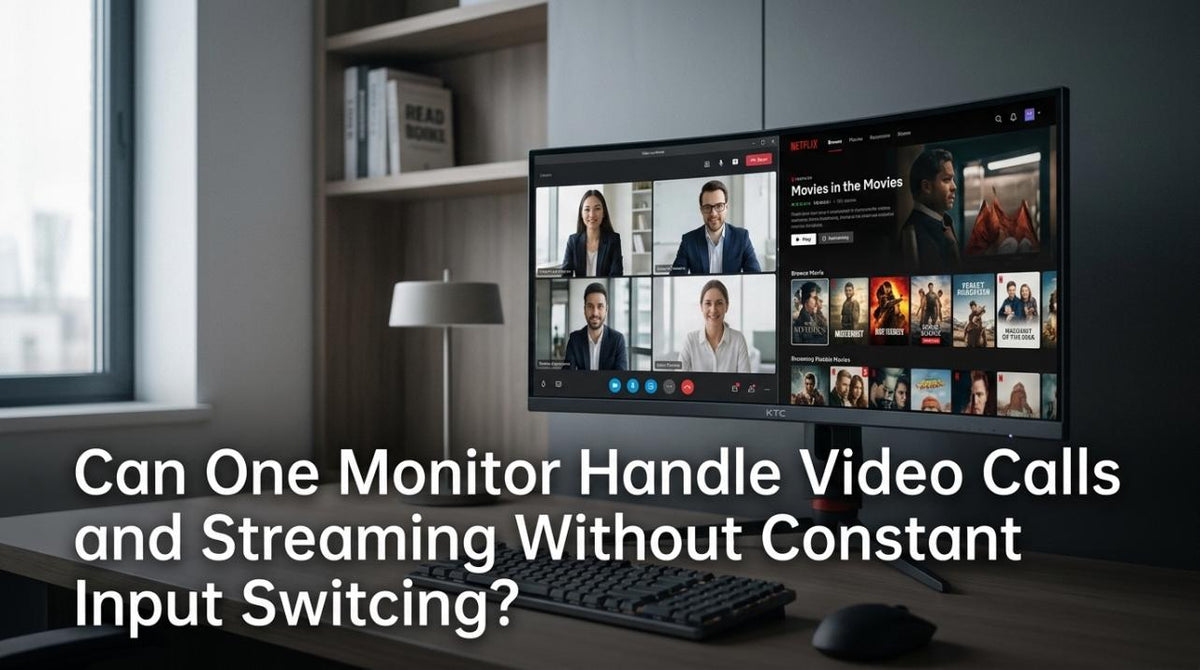
Can One Monitor Handle Video Calls and Streaming Without Constant Input Switching?A single monitor for video calls and streaming is possible without frustrating input lag. Get a smooth workflow with features like a built-in KVM, PBP, or USB-C.May 17, 2026/8 min read
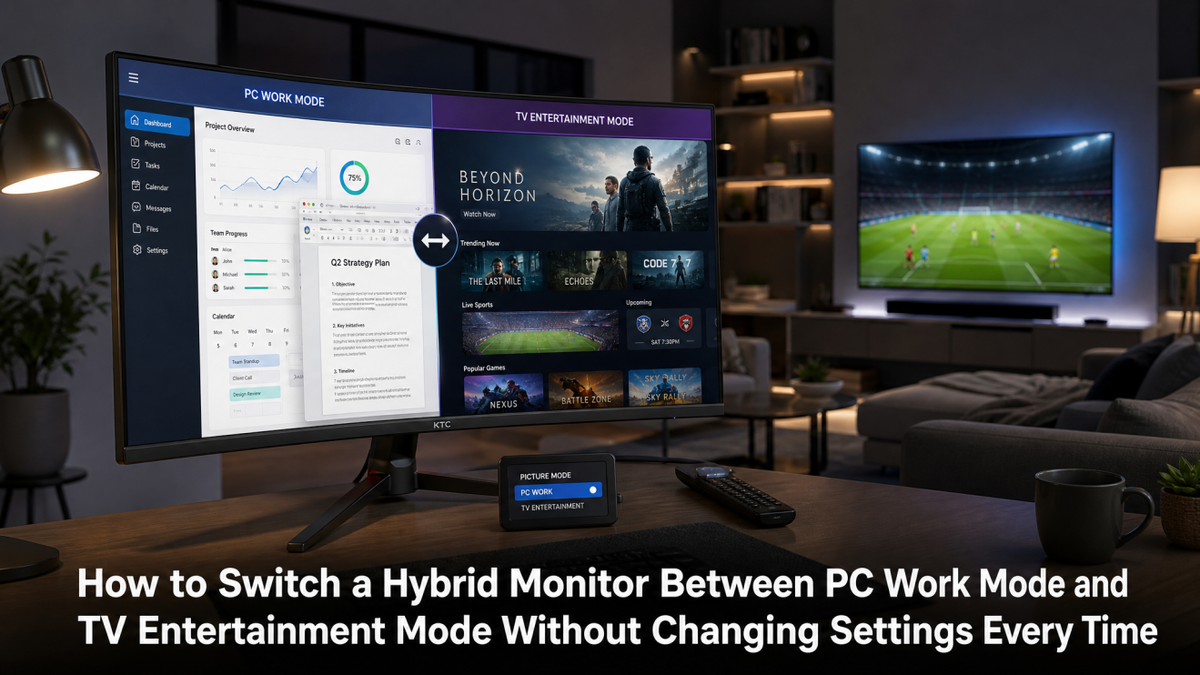
How to Switch a Hybrid Monitor Between PC Work Mode and TV Entertainment Mode Without Changing Settings Every TimeA hybrid monitor setup allows you to switch between PC work and TV entertainment without constantly changing settings. Get the right display with KVM and separate inputs.May 17, 2026/10 min read
What to Do When Gaming Console Audio and Video Are Out of Sync on Smart Displays and Gaming MonitorsGaming console audio and video out of sync? Fix frustrating AV lag by disabling display processing, enabling Game Mode, and simplifying your audio signal path for a clean setup.May 17, 2026/9 min read
How to Disable Smart Display Features That Hurt Console Gaming PerformanceBoost console gaming performance by disabling smart display features that add input lag. Get a faster response by turning off motion smoothing, noise reduction, and more.May 17, 2026/9 min read
Can Smart Display Voice Assistants Control Console Playback on a Gaming Monitor?Voice control for a gaming monitor and console is possible when the assistant is linked to the console. Get details on the right HDMI setup, audio solutions, and key features.May 17, 2026/5 min read
Why VRR Flicker Happens on Smart Displays With Consoles and How to Reduce TearingVRR flicker on consoles causes brightness pulsing and screen tearing. Get solutions for your smart display or gaming monitor by checking settings, cables, and panel type.May 17, 2026/9 min read