Featured storyWhy Does Your Monitor Show Different Colors After Waking from Sleep?Monitor shows different colors after sleep? This common issue is usually a GPU, driver, or HDR handshake problem, not a broken panel. Get solutions for washed-out or dark screens.May 12, 2026/8 min read
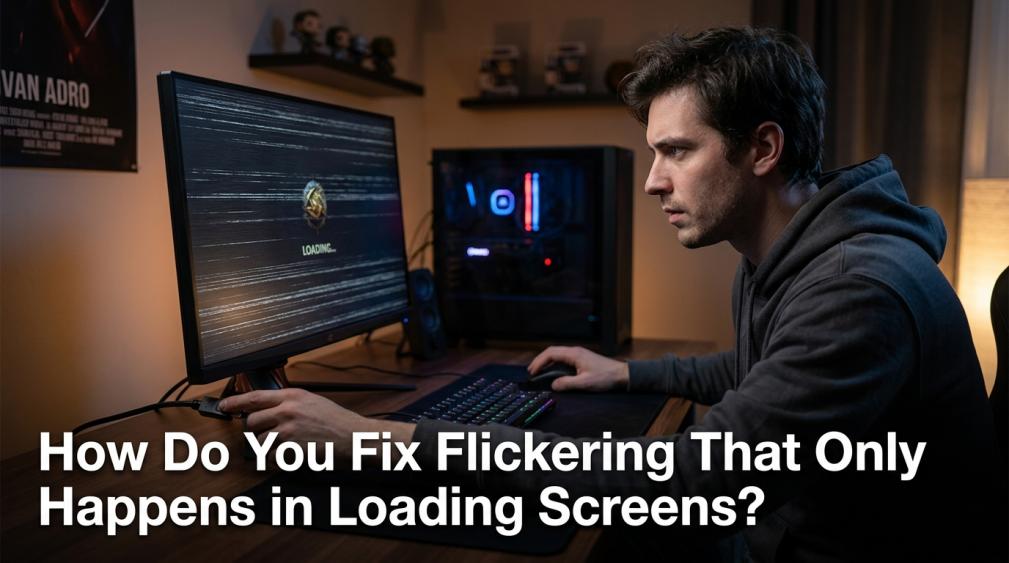
How Do You Fix Flickering That Only Happens in Loading Screens?Flickering in loading screens is often a VRR sync issue, not a failing monitor. Get solutions for unstable frame delivery by checking adaptive sync, display drivers, and your signal path to restore a stable picture.May 12, 2026/6 min read
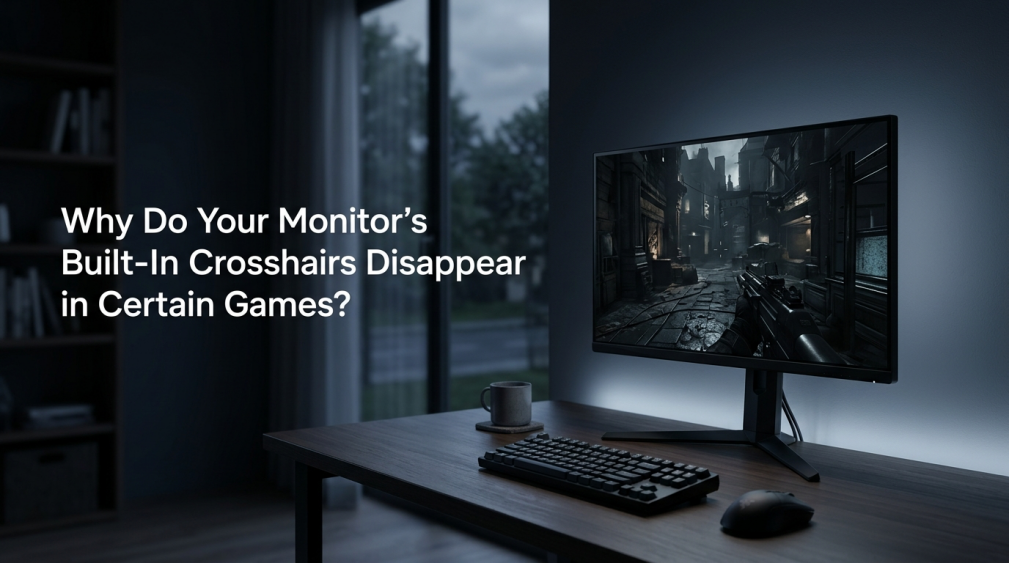
Why Do Your Monitor’s Built-In Crosshairs Disappear in Certain Games?A monitor crosshair disappearing in games is usually a software issue, not hardware failure. This guide explains why it happens and gives you practical fixes.May 12, 2026/6 min read
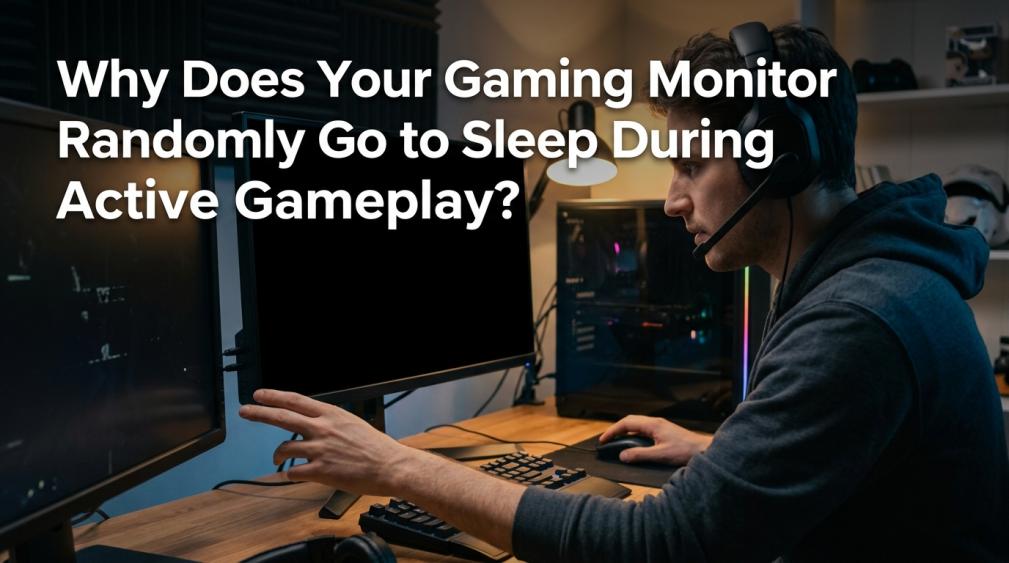
Why Does Your Gaming Monitor Randomly Go to Sleep During Active Gameplay?A gaming monitor that randomly goes to sleep is often due to Windows power settings, a lost video signal, or a driver conflict. Get clear steps to fix the black screen issue.May 12, 2026/8 min read
How Do You Fix Washed-Out Colors After Switching from Console to PC Gaming?Washed-out colors on PC are typically from incorrect display settings. Get a practical fix by checking resolution, refresh rate, picture modes, and HDR for a vibrant image.May 12, 2026/7 min read
Why Does Your Monitor’s Refresh Rate Drop When You Enable HDR?A refresh rate drop with HDR is typically due to increased bandwidth demands. This bottleneck is often your cable, port, or GPU. Get clear steps to fix the issue.May 12, 2026/7 min read
How Do You Fix Persistent Image Retention on Your Gaming Monitor?Image retention on your gaming monitor causing faint ghost images? Get steps to remove persistent HUDs or taskbars using low-risk methods like rest periods and color cycling.May 12, 2026/6 min read