







Featured story
MegPad Kitchen Command Center Workflow
A practical guide to setting up a rolling smart display as a kitchen command center, with decision criteria, app choices, movement workflow, and a final setup checklist.

KTC Journal
Monitor reviews, gaming guides, productivity advice, and practical display know-how from the KTC team.
A practical guide to setting up a rolling smart display as a kitchen command center, with decision criteria, app choices, movement workflow, and a final setup checklist.
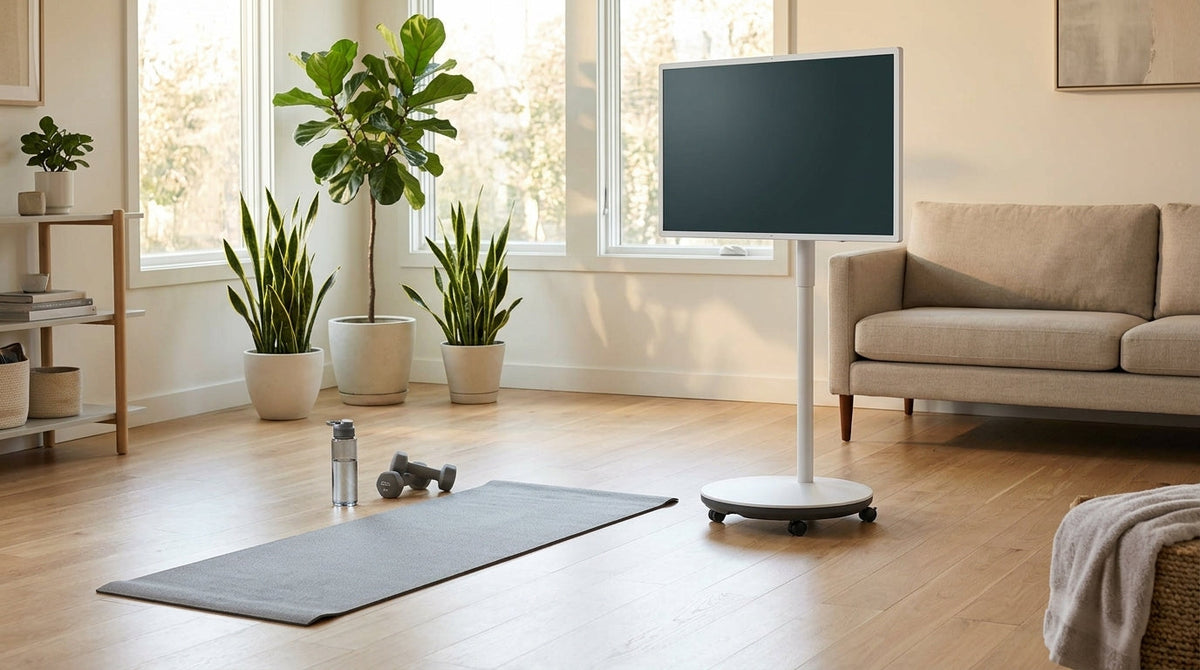
A practical guide to placing a MegPad for home workouts, with room-by-room setup tips, viewing-angle advice, cable management, app use, and a quick safety check before each session.
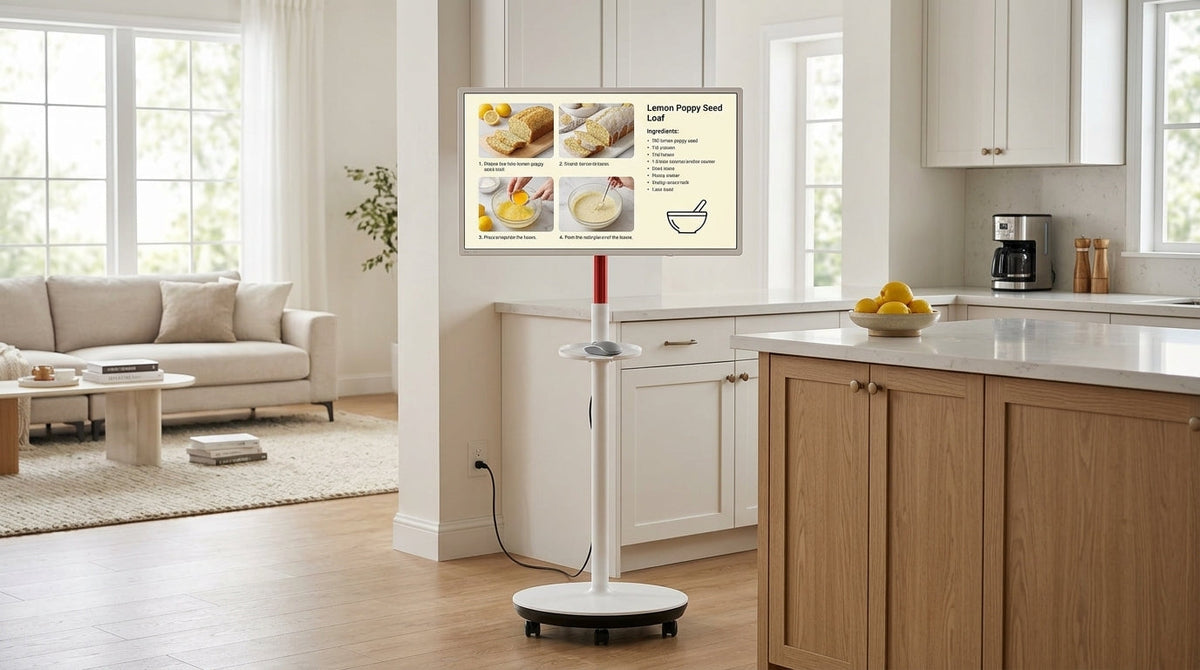
A rolling smart display works best when room-to-room movement is frequent, power access is manageable, and the screen can serve shared viewing without adding setup friction. This guide maps the daily workflow from kitchen prep to home office shifts and family-room handoff.

A rolling smart display can simplify small-apartment living when one screen needs to move between work, streaming, and workouts. The best setup depends on layout, outlet access, cable slack, and floor stability.
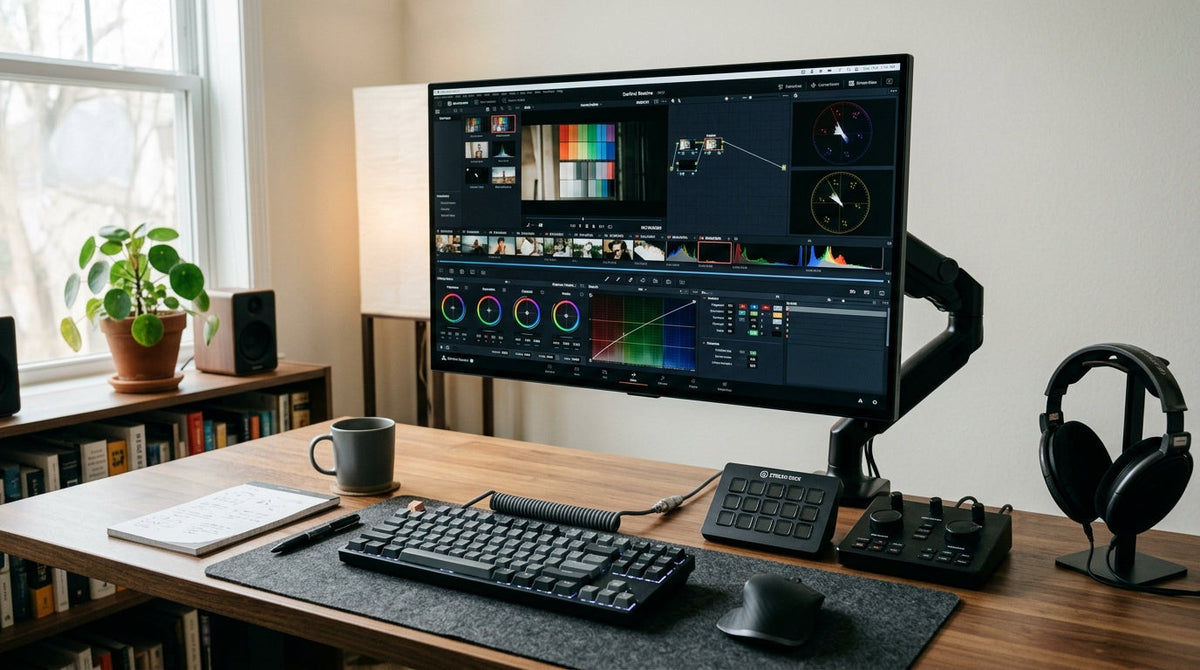
Creators can get more consistent color from a KTC Mini-LED monitor by starting with a stable baseline, using conservative SDR and local dimming settings, mapping the software pipeline correctly, and saving separate presets for editing and gaming.
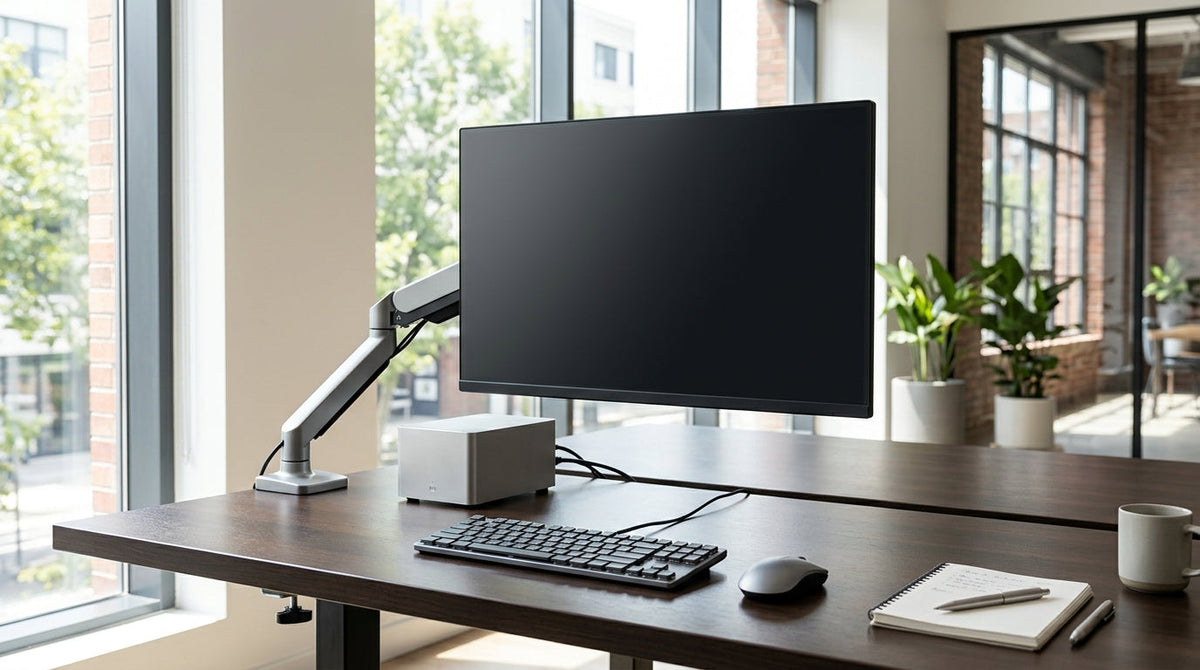
A practical hybrid gaming guide for shoppers who want one KTC monitor to work well with PS5, Xbox, and PC. It focuses on the checks that matter first: ports, VRR support, console settings, and desk fit.
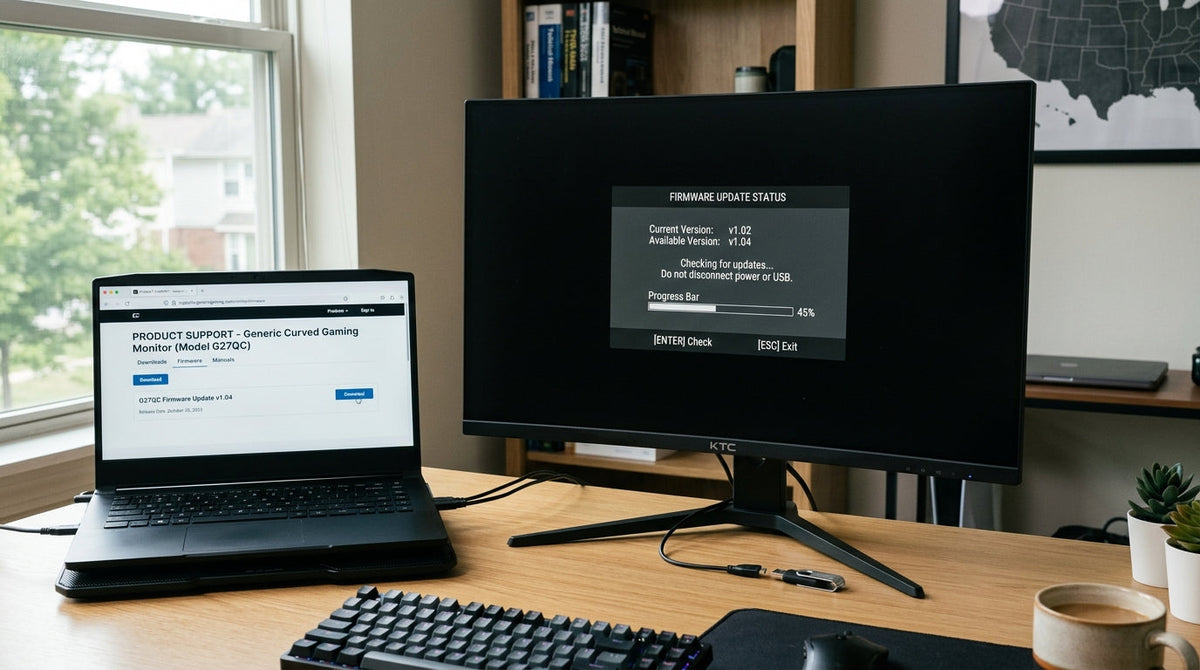
A practical, safety-first guide to KTC monitor firmware updates. Learn what firmware can change, how to verify the source, how to prep your setup, and when to stop and contact support.