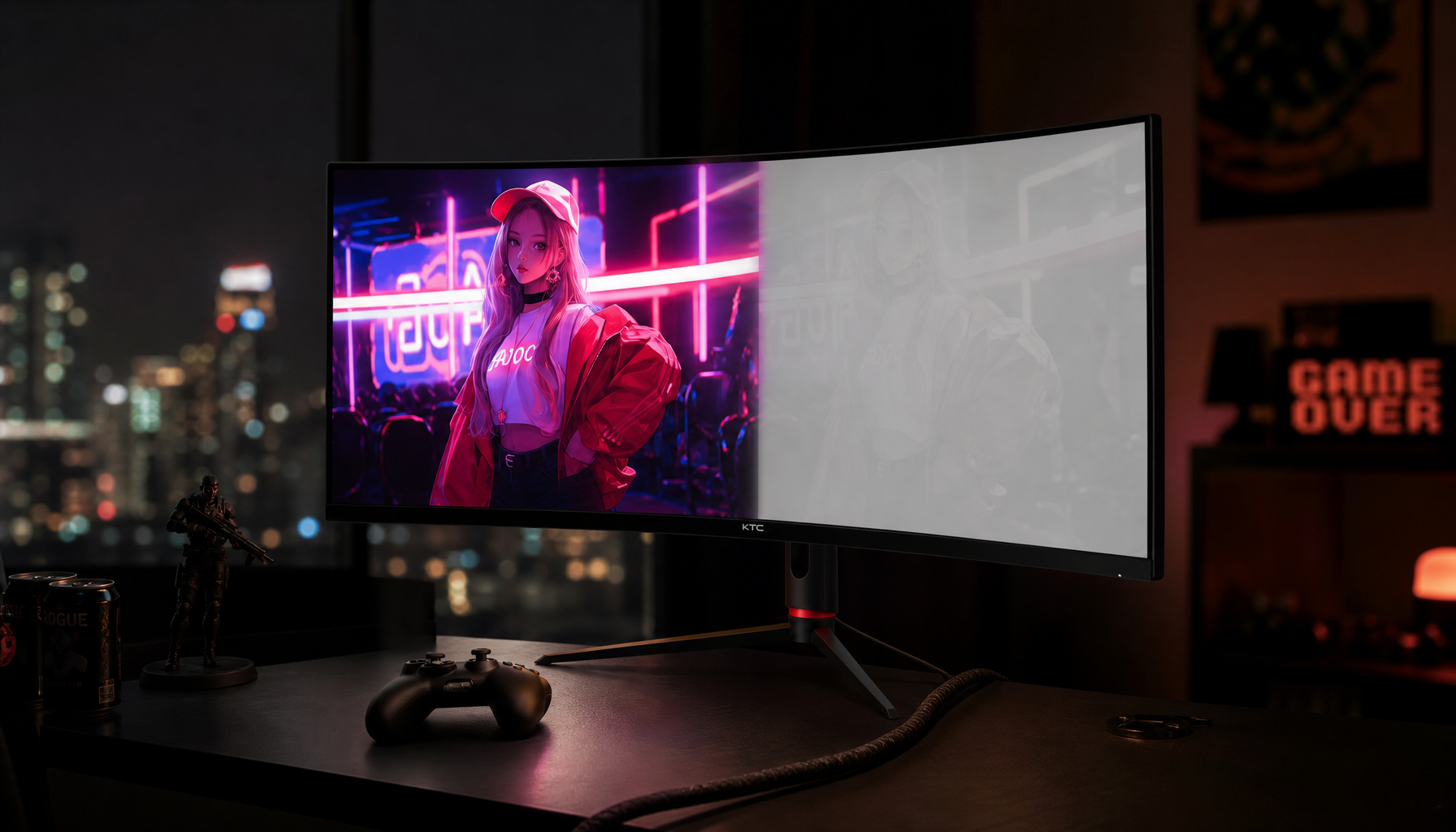
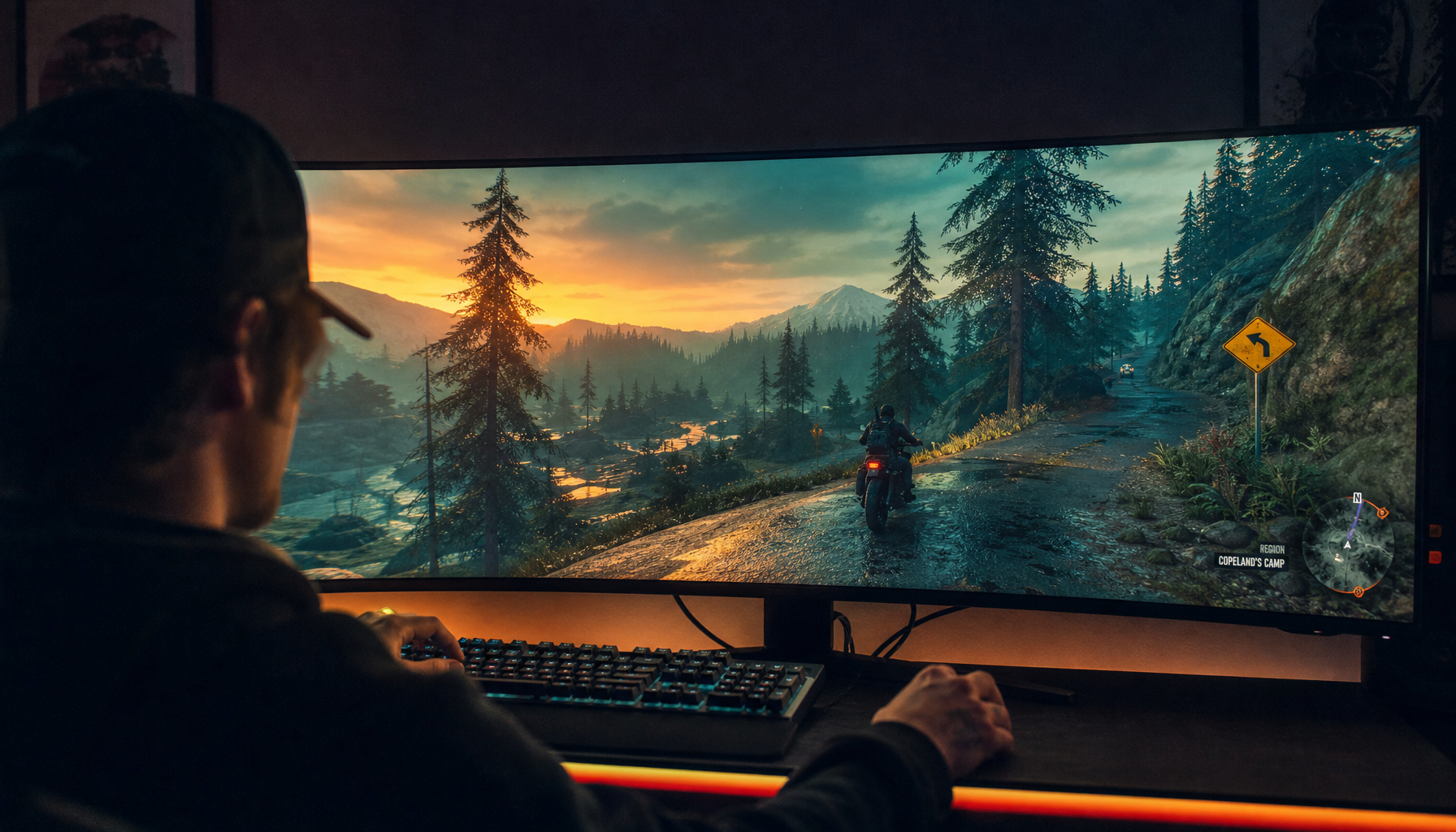
HDR400 often looks worse than good SDR because it can accept HDR signals without the brightness, contrast, dimming, and color volume needed to make HDR convincing. A well-tuned SDR mode can look cleaner, punchier, and more consistent than an entry-level HDR mode stretched beyond limited hardware.
HDR400 Is a Floor, Not a Finish Line
HDR400 is the entry tier in HDR certification, and it mainly confirms that a monitor meets basic HDR requirements, including 400-nit peak brightness and HDR signal support. That matters, but it is not the same as a premium HDR experience.
The mismatch is expectation. HDR should let bright highlights, dark shadows, and saturated color coexist with control. Many HDR400 monitors sit close to good SDR brightness, so the expected impact never arrives.

A strong SDR monitor with accurate color, stable gamma, and solid contrast can feel more reliable than weak HDR because SDR operates inside the panel’s comfort zone.
Contrast Matters More Than Peak Brightness
HDR is not just brighter SDR. The real upgrade is active contrast: bright highlights next to deep blacks at the same time.
Many HDR400 LCD monitors rely on global dimming, where the entire backlight rises or falls together. Without local dimming, a dark cave with a bright torch becomes a compromise: raise the backlight and the blacks turn gray; lower it and the highlight loses impact.

That is why critics often argue that HDR400 is too forgiving for convincing HDR, especially because local dimming is not required at this tier.
For gamers, this shows up quickly in night scenes, sci-fi menus, muzzle flashes, neon signs, and HDR skyboxes. Instead of depth, the image may look hazy.
Desktop HDR Can Make SDR Content Look Washed Out
Even when the monitor is behaving correctly, the desktop can look worse after HDR is enabled. Most apps, browsers, and productivity tools are still SDR, so the operating system has to map SDR content into an HDR desktop space.
If that mapping is off, white backgrounds can look dull, colors can look thin, and text-heavy work can feel less crisp. This is one reason office users often switch HDR off between games and productivity sessions.

A better setup starts with the basics: confirm HDR is enabled for the correct display, use current GPU drivers, and test with real HDR content through HDR setup. On compatible systems, the HDR Calibration app can also help align black detail, highlight clipping, and peak brightness.
- Use the monitor’s most accurate HDR mode.
- Set SDR content brightness to taste.
- Run HDR calibration before judging games.
- Compare the same scene in SDR and HDR.
- Disable extra dynamic contrast processing.
Good SDR Wins When HDR Hardware Is Too Limited
A good SDR image is predictable. It usually has correct gamma, balanced color, and no aggressive tone mapping. HDR400 may add processing without adding enough hardware strength.
That is why a quality SDR mode can look better for spreadsheets, web work, esports, and even some games. It avoids raised blacks, clipped highlights, oversaturated skies, and the flat look caused by poor tone mapping.
For buying, treat HDR400 as a bonus, not the headline feature. Prioritize panel contrast, color accuracy, refresh rate, response time, and ergonomics first. If HDR is a major reason to upgrade, look higher: HDR600, HDR1000, Mini-LED, or OLED-class True Black displays usually have more of the contrast control HDR needs.

Newer HDR400 implementations can improve color coverage, but without strong contrast control, they still may not outperform excellent SDR in real scenes.