For the 2026 World Cup, a Projector is the Ultimate Answer

For the 2026 World Cup, a Projector is the Ultimate Answer
KTC By

Squinting at a tiny phone screen during big games? This 4K home projector scales your viewing up to 120 inches so you can feel the roar of the stadium live.

Share

As the 2026 World Cup nears, fans are preparing for what could be the "last dance" for legends like Messi and Ronaldo. Small phone or laptop screens simply can't capture the grandeur of the stadium.

The KTC P10 Projector transforms any wall into a stadium, starting at 120 inches.

  • Visual Precision: Every pass and shot is magnified. With a 1500:1 contrast ratio, it distinguishes the shades of the grass and the play of light and shadow on the field perfectly.
  • The Vibe: When you turn on the projector, the atmosphere changes instantly. Pair a 100-inch screen with surround sound, and you’ll feel the roar of the crowd as if you were in the stands.
  • Pitch Black Night: Project 100–120 inches for peak brightness and cinematic immersion.
  • Daytime (with curtains): Project at 80 inches for higher pixel density and clarity.
  • Social Gatherings: Place it on a coffee table and pair it with a Bluetooth speaker to turn your living room into a "Fan Square."
  • Outdoor Terrace: Its compact size allows for open-air viewing on balconies or courtyards using a portable power station.

Recommended products

More to Read

Rear view of a white monitor with a dark textured center and a vertical stand column on a wooden desk.

KTC M27P6 Review: 4K 160Hz Mini LED Gaming Monitor

Vermax tests the KTC M27P6 4K 160Hz Mini LED monitor in console Fortnite, PC 320Hz play, HDR1400 Black Ops 6, and a USB-C KVM laptop workflow.

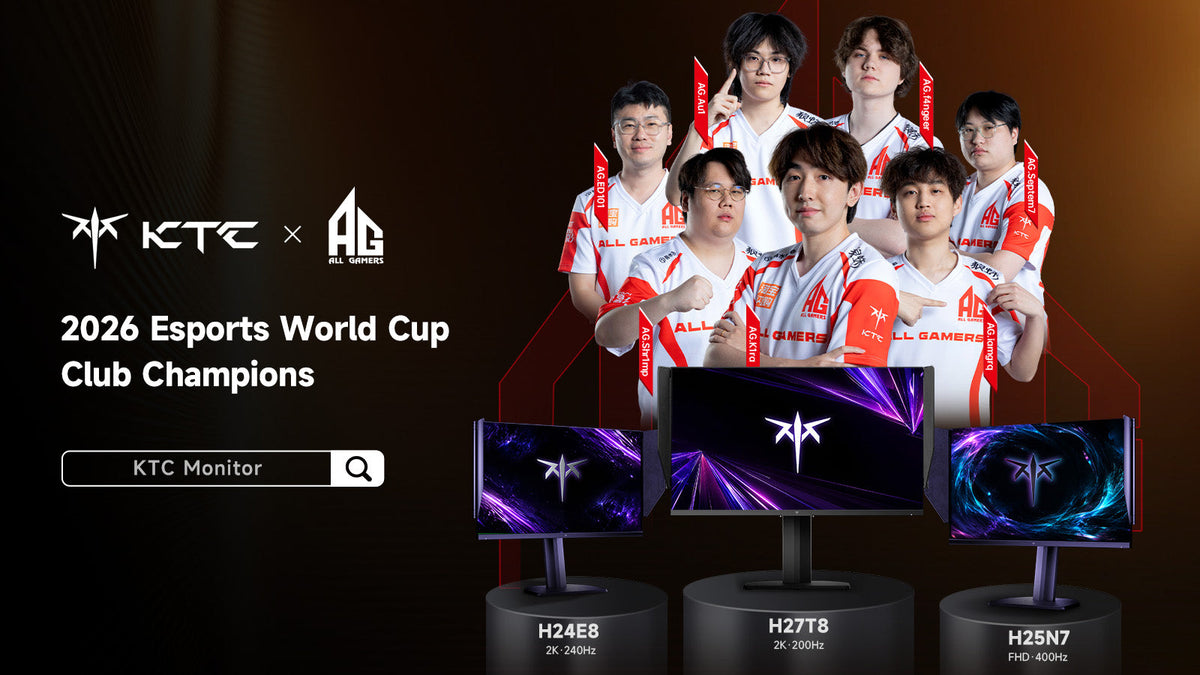
KTC and ALL GAMERS celebrate AG.AL as 2026 Esports World Cup Club Champions with H24E8, H27T8 and H25N7 gaming monitors

AG.AL Crowned 2026 Esports World Cup Club Champion

AG.AL claimed the 2026 Esports World Cup Club Championship after Gwendal Duparc's Trackmania title pushed the club past Team Falcons on the final day.

Person relaxed at a home desk playing a smooth motion game on a monitor in the evening

How to Enable 180Hz on a Monitor in Windows 11

Is your 180Hz monitor stuck at 60Hz or 144Hz? Fix cable limits, enable OSD overclocking, and configure Windows 11 display settings for buttery-smooth gameplay.