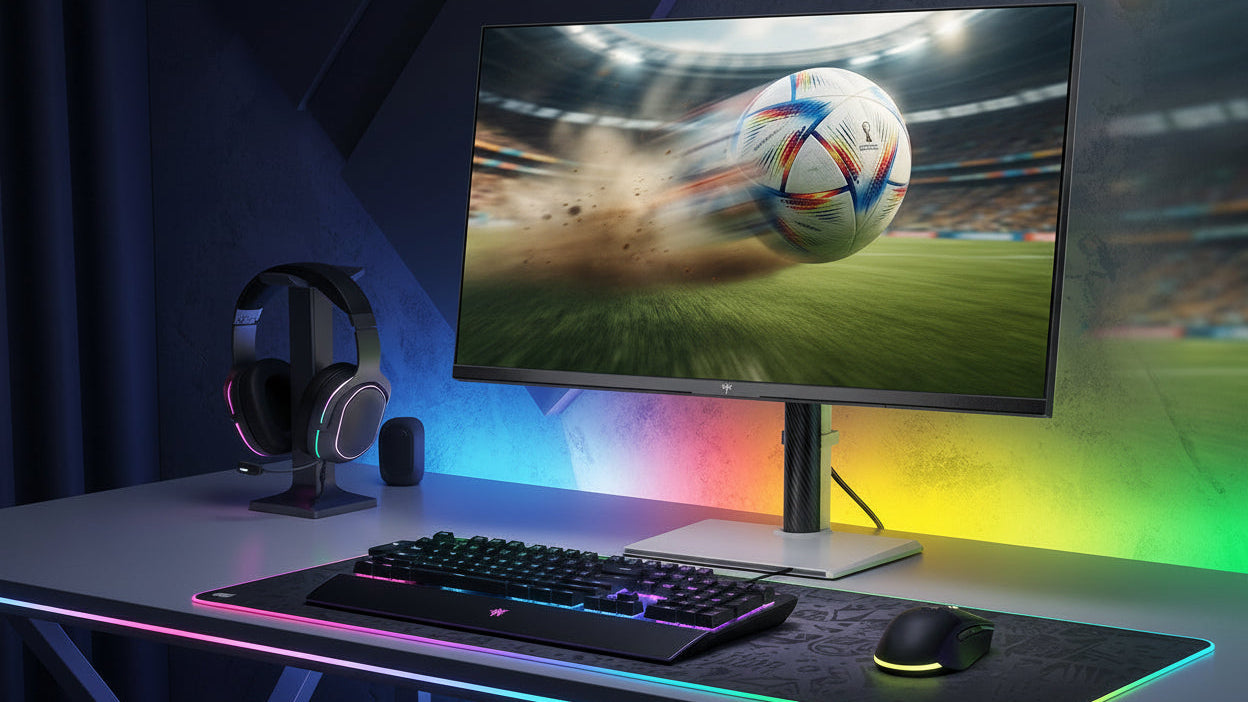
The choice between a matte vs. a glossy monitor fundamentally changes how light interacts with the panel. Choosing the wrong coating for your environment can result in severe eye strain from glare or a disappointing, "washed-out" image. This guide explains the physics behind both coatings, helping you determine which surface provides the best gaming monitors for visual clarity based on your specific lighting conditions.
What is a Glossy Monitor and Why Does It Look So Good?
A glossy monitor features a smooth, highly reflective outer layer, typically made of glass or a specialized clear polymer. Because there is no rough texture applied to the surface, the light emitted by the pixels travels directly to your eyes without any interference or scattering.
The Advantage of Color "Pop" and Deep Blacks
In the matte vs glossy monitor debate, glossy screens consistently win in pure visual fidelity. Because the light path is unobstructed, colors appear significantly more vibrant and saturated. This is often referred to as color "pop." Furthermore, glossy coatings allow for much deeper, inkier black levels.
When a pixel turns off to display black, the smooth surface does not catch or scatter ambient room light, maintaining the true depth of the image. For creative professionals editing photos, or gamers seeking the best gaming monitors for visual clarity, a glossy screen provides the most accurate and striking representation of the content.
The Reflection Struggle: Why Glossy Screens Fail in Bright Rooms
The primary, and often deal-breaking, weakness of a glossy screen is its high reflectivity. It acts almost exactly like a dark mirror.
If you place a glossy monitor in a room with a window behind you, or with bright overhead fluorescent lights, the screen will reflect those light sources perfectly. When you try to watch a dark movie scene or play a horror game, you will see a clear reflection of your own face, your shirt, and the window behind you instead of the game. This mirror effect completely destroys the immersion and the perceived contrast ratio. Because your eyes must constantly focus "through" the reflection to see the digital image, using a glossy screen in a poorly controlled lighting environment rapidly causes severe visual fatigue and headaches.

What is a Matte Monitor and How Does It Stop Glare?
A matte monitor is designed specifically to solve the reflection problem. During manufacturing, a microscopic, textured anti-glare (AG) coating is applied to the outer layer of the screen.
How Anti-Glare Coatings Diffuse Light
When ambient light from a window or a desk lamp hits a matte screen, the rough, textured surface scatters the light rays in multiple directions. Instead of bouncing a sharp, defined reflection back into your eyes, the light is dispersed across the panel. This diffusion effectively "softens" the glare, turning a harsh, bright reflection into a dull, diffuse glow that is much easier for your eyes to ignore. This physical property makes a matte finish the absolute best monitor for bright rooms, such as corporate offices with large windows or home setups with uncontrolled overhead lighting.
The "Grainy" Trade-off: Understanding the Visual Cost
The same microscopic texture that scatters incoming room light also scatters the light trying to exit the monitor. As the pixels emit light through the matte coating, the image loses a small degree of sharpness.
This creates a phenomenon often described as "graininess," "sparkle," or a slightly "washed-out" look, particularly on solid white backgrounds. The blacks on a matte screen often appear slightly gray because the textured surface catches ambient light and illuminates the dark areas. While modern manufacturing has improved matte coatings significantly, reducing the heavy "Vaseline effect" seen on older models, a matte IPS monitor will never perfectly match the striking clarity and vibrant color saturation of a glossy display sitting in a dark room.

Which Monitor Coating Is Best for Your Setup?
The decision between a matte vs glossy monitor is not about which technology is inherently superior; it is entirely dependent on your physical environment and your tolerance for reflections.
When to Choose a Glossy Monitor
You should select a glossy coating if you have total control over the lighting in your room. If you game in a basement, use blackout curtains, or only use your computer at night, Glossy is the superior choice. Without ambient light to cause reflections, a glossy screen provides the ultimate visual experience. It is the preferred monitor coating for gaming when playing visually stunning, single-player RPGs where color accuracy and deep contrast are the priority.
When to Choose a Matte Monitor
You must choose a matte coating if you cannot control your environment. If your desk faces away from a window, if you work in a brightly lit office, or if you use multiple desk lamps, a matte screen is mandatory. It is the best monitor for bright rooms because the anti-glare coating ensures the screen remains legible regardless of where the sun is throughout the day. For competitive e-sports players, matte is also the standard monitor coating for gaming. In competitive titles, seeing the enemy through a dull, diffused glow is always preferable to having a sharp reflection of a lamp obscure your crosshair.

Effective Monitor Screen Glare Solutions
If you already own a monitor and are struggling with reflections, you do not necessarily need to buy a new display. There are practical monitor screen glare solutions you can implement immediately.
Environmental Adjustments
The most effective solution is changing the position of the monitor relative to the light source. Never place a glossy monitor directly opposite a window. If possible, position your desk so the window is beside you, and use sheer curtains to diffuse the incoming sunlight before it hits the room.
For artificial lighting, avoid placing lamps directly behind your chair where they will reflect off the screen. Instead, use "bias lighting"—a soft LED strip attached to the back of the monitor that illuminates the wall behind the screen. Bias lighting reduces the contrast between the bright monitor and the dark room, significantly lowering eye strain without creating any reflections on the front of the glass.
Aftermarket Anti-Glare Films
If repositioning your desk is impossible, you can apply an aftermarket anti-glare screen protector. These adhesive films physically add a matte texture to a glossy screen. While they are cheap and effective monitor screen glare solutions, they can be difficult to apply without trapping dust bubbles, and they will slightly reduce the sharpness of your IPS monitor or OLED display.
Choose Your Ideal Monitor Finish Today
Understanding the physical differences between a matte vs. a glossy monitor is essential for building a comfortable and visually impressive setup. A glossy screen offers unmatched color vibrancy and deep blacks, making it the perfect choice for light-controlled, dark rooms. Conversely, a matte screen utilizes a textured surface to diffuse harsh reflections, cementing its status as the best monitor for bright rooms. By accurately assessing your room's lighting and your tolerance for glare, you can confidently select the coating that delivers the best gaming monitors for visual clarity without compromising your daily comfort.
FAQs about monitor matte and glossy coatings
Why are almost all gaming monitors matte?
Most manufacturers use matte coatings because they guarantee consistent performance in any environment. A matte finish is universally acceptable for both bright offices and dark bedrooms. Because manufacturers cannot control where a customer places the display, applying a matte monitor coating for gaming drastically reduces the number of returns caused by customers complaining about severe reflections.
Can you remove the matte coating from a monitor?
Technically, yes, but it is highly discouraged. Removing the anti-glare layer usually involves disassembling the monitor bezel and applying wet paper towels to soak and peel off the polarizing film. This process is extremely risky and often destroys the delicate panel underneath, instantly voiding the warranty. If you want the best gaming monitors for visual clarity, purchase a monitor that is glossy from the factory.
Does an IPS monitor look better, glossy or matte?
An IPS monitor looks significantly more vibrant and has deeper perceived contrast with a glossy coating, provided you use it in a dark room. However, if you place that same glossy IPS monitor in a sunlit room, the reflections will make the matte version look much better and far more legible.
What is a "semi-glossy" or "light matte" coating?
Many modern high-end displays use a "light matte" coating. This is a compromise that uses a very fine, subtle texture. It reduces the harshest reflections from bright lights but minimizes the "grainy" distortion associated with heavy, aggressive matte coatings. This hybrid approach is currently very popular on premium 4K panels.