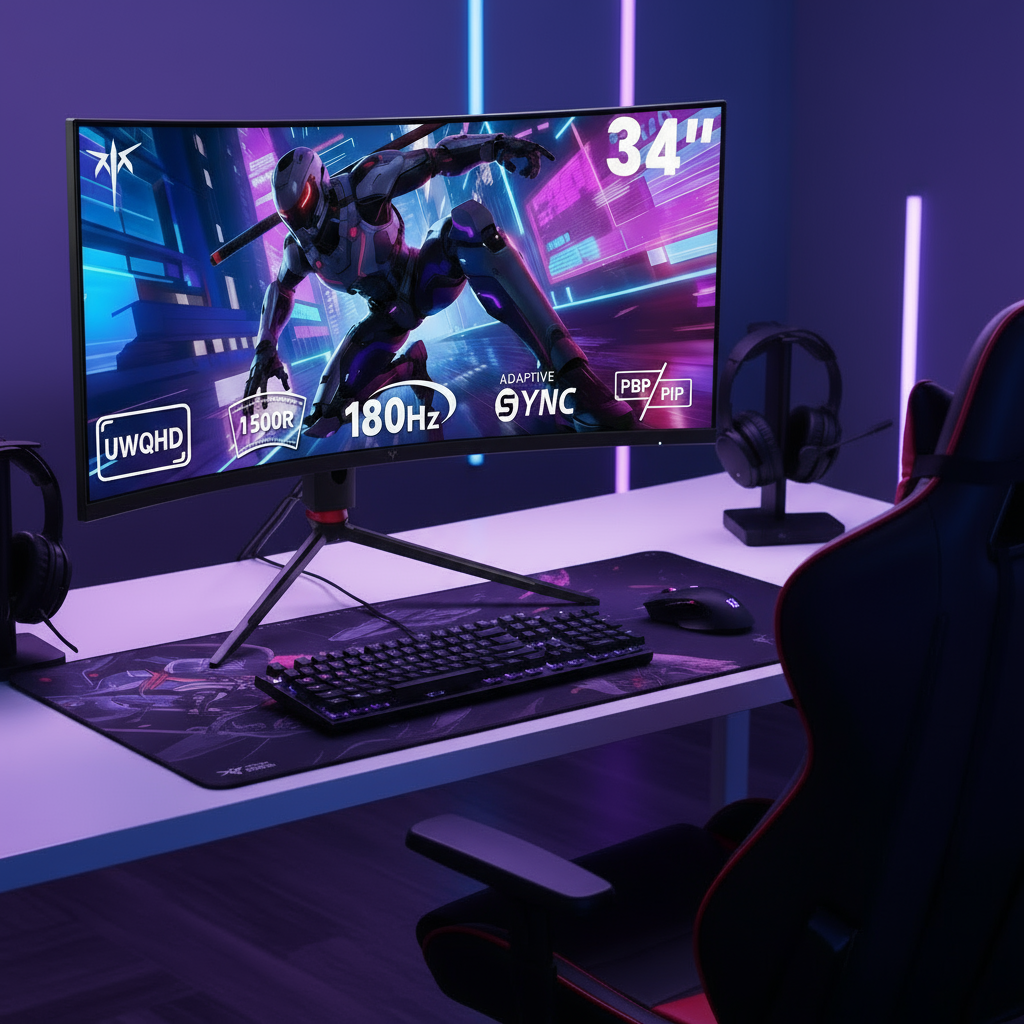


Deciding between a 24-inch and 27-inch gaming monitor comes down to balancing focused competitive performance against sharper detail and immersion, with the best choice depending on your resolution, desk depth, and the games you play most. Competitive players who prioritize quick reactions often stick with 24-inch models at 1080p, while gamers seeking 1440p clarity and more screen space typically find 27 inches the better fit.

24-Inch vs 27-Inch Gaming Monitor: The Decision Framework
A 24-inch monitor keeps the entire screen within a tighter field of view, which helps many tactical shooters feel more immediate. A 27-inch display adds real estate that benefits open-world and story-driven titles. The key is matching size to how close you sit and what resolution your graphics card can drive comfortably.
- Choose 24 inches when desk depth is limited or you play fast-paced competitive games that reward minimal eye movement.
- Choose 27 inches when you want higher pixel density at 1440p or need extra space for multitasking alongside gaming.
- Avoid pairing a 27-inch panel with 1080p unless you sit at least three feet away, as the lower pixel density becomes noticeable.
Resolution and Pixel Density: Why Size Isn't Everything
Pixel density, measured in pixels per inch, determines how sharp an image looks more than the physical diagonal measurement. A 24-inch 1080p monitor sits at roughly 93 PPI, while a 27-inch 1440p panel reaches about 109 PPI, delivering noticeably crisper text and finer detail without forcing heavy operating-system scaling.
This difference matters most when upgrading from older 1080p setups. Moving to a 27-inch 1080p screen drops density to around 81 PPI and often produces visible pixelation during close viewing. In contrast, 27-inch 1440p maintains clarity while giving the extra workspace many players want for modern titles.
The KTC H24T7 offers a compact 24-inch option at 1440p for users who want higher density without increasing overall footprint.
Competitive Edge: Why 24-Inch Remains the Esports Gold Standard
Professional FPS players continue to favor 24 to 24.5-inch monitors because the smaller canvas keeps critical information within a 30-to-40-degree central vision cone. This reduces the need for large eye or head movements during long sessions.
The trade-off appears when moving to 27 inches: eye travel distance increases by roughly 12 percent, which can slightly delay target acquisition in titles that demand rapid flicks. For Valorant or CS2 players who already sit close, the 24-inch size preserves reaction consistency.
The KTC H25X7 delivers 360 Hz native performance in the 24.5-inch form factor that many competitive setups still rely on.
Immersive Gaming: When 27-Inch Is the Smarter Upgrade
Larger screens shine in single-player campaigns, RPGs, and battle royales where spotting distant enemies benefits from extra pixels. At 1440p, a 27-inch monitor provides enough real estate to display more of the environment without sacrificing too much sharpness.
The same size also supports higher refresh rates on capable graphics cards, keeping motion smooth during exploration and combat. Players who sit farther back or use deeper desks gain immersion without the neck strain that can occur on shallower surfaces.
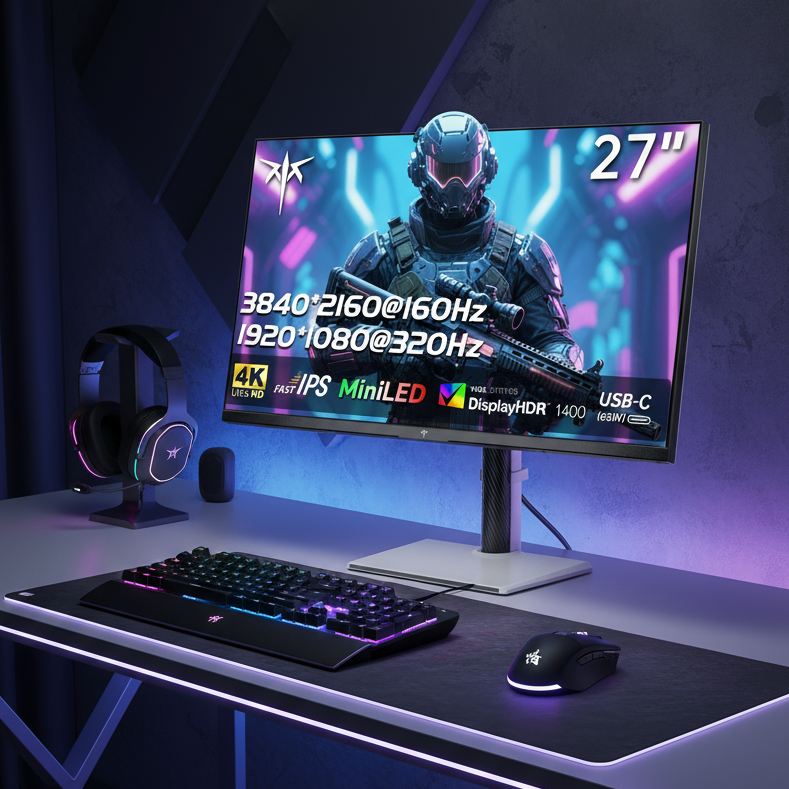
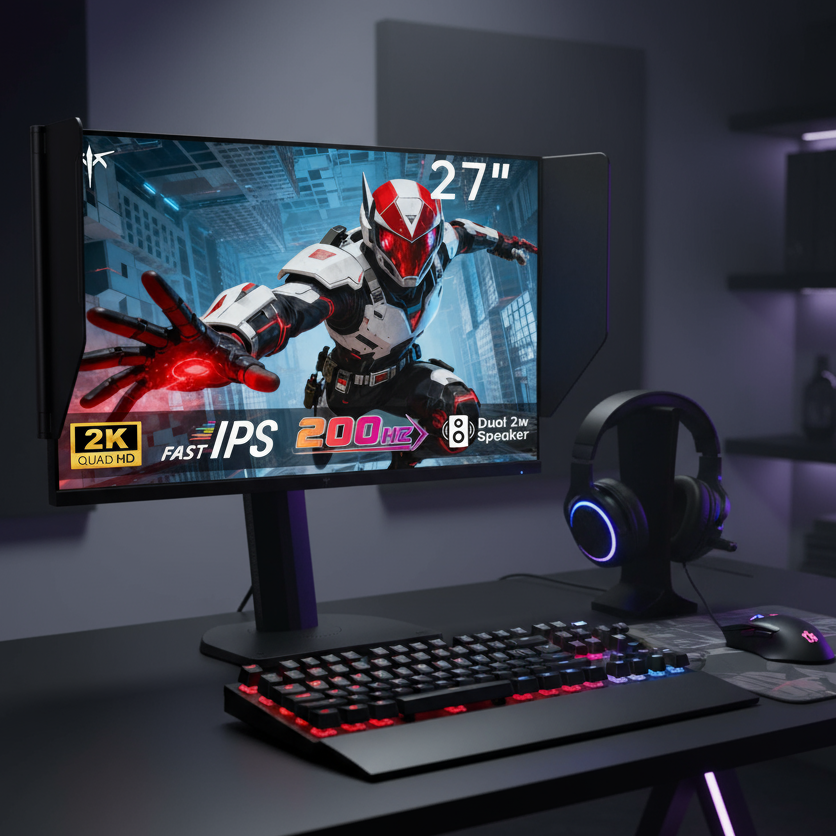
The KTC M27T6S pairs 200 Hz with strong HDR contrast on a 27-inch 1440p panel for users who want both speed and visual impact.
The Ergonomic Equation: Viewing Distance and Desk Depth
The American Optometric Association recommends keeping the screen 20 to 28 inches from your eyes for reduced strain. At this distance, a 24-inch monitor fits most compact desks, while a 27-inch model may require sitting farther back or using a deeper surface to maintain the same viewing angle.
When desk depth falls below 24 inches, the larger screen can push the top edge too high or force excessive neck tilt. Height-adjustable stands become especially useful here because they let you fine-tune alignment without buying a new desk.
Recommended Monitor Size by Desk Depth
Desk depth strongly influences whether 24-inch or 27-inch remains comfortable at typical viewing distances.
View data table
| Desk Depth | Best Size | Notes |
|---|---|---|
| <22 inches | 24-inch | Maintains arm's-length viewing without neck strain |
| 22-26 inches | Either | 24-inch safer; 27-inch needs height adjustment |
| 26-30 inches | 27-inch | Allows full immersion while staying within 20-28 inch distance |
| >30 inches | 27-inch | Extra depth supports larger screen without compromise |
Ergonomics and Eye Comfort: Beyond the Screen Size
Proper monitor height places the top edge at or slightly below eye level so the center of the screen sits a few degrees below horizontal gaze. The Mayo Clinic office ergonomics guidelines emphasize this alignment to reduce neck and shoulder tension during extended sessions.
Flicker-free backlights and low blue-light modes, standard on most current gaming panels, further ease eye fatigue. Curved 27-inch models can also help by keeping edge-to-edge distance more consistent with natural eye curvature.
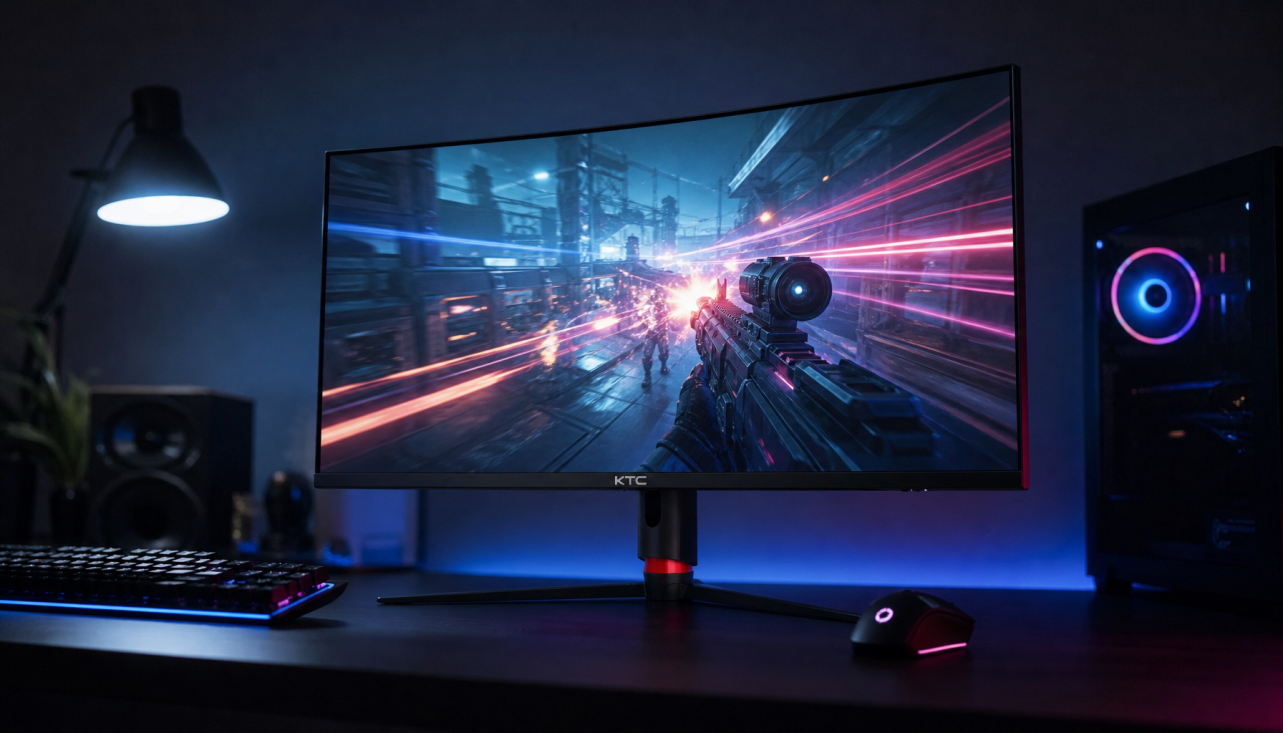
The KTC H27S17 includes a 1500R curve that some players find more comfortable during long immersive sessions.
Multi-Monitor and Space Efficiency: Finding the Right Fit
Dual 24-inch setups often provide more usable workspace than a single 27-inch display for streamers or creators who need reference windows visible at once. On very small desks, a lone 24-inch monitor leaves room for peripherals and keeps cable clutter manageable.
For users who want one larger screen, VESA-compatible arms reclaim desk surface by moving the display off the stand entirely. This approach works especially well with 27-inch models that include full ergonomic stands.
The broader Gaming Monitor collection shows available sizes and stands that support both compact and expansive desk layouts.
Summary Recommendation: Which Size Wins for You?
Competitive FPS players with shallow desks or limited space should start with a 24-inch 1080p or 1440p monitor at 360 Hz or higher. All-around gamers who value 1440p clarity and play a mix of genres will usually prefer a 27-inch 1440p panel at 180 Hz or above. Budget-conscious buyers seeking immersion can consider curved 27-inch options, provided they verify desk depth first.
Before purchasing, measure your desk depth, confirm your graphics card can sustain high frame rates at the target resolution, and test viewing distance in your actual chair position. These three checks prevent the most common size-related regrets.
Common Questions About 24-Inch and 27-Inch Gaming Monitors
How Far Should I Sit From a 27-Inch Monitor?
Industry guidelines suggest roughly 28 to 36 inches for a 27-inch 1440p screen. This distance keeps the entire display within comfortable eye movement while preserving the immersion advantage over smaller panels.
Is 27 Inches Too Big for Competitive Gaming?
It depends on desk depth and seating position. Players who sit closer than 24 inches often find 24-inch monitors easier to track, while those with deeper desks can use 27-inch models without losing peripheral awareness.
Does 1440p on 27 Inches Require a Powerful Graphics Card?
Yes. The higher pixel count demands more GPU performance to maintain frame rates above 144 Hz. If your card struggles at 1440p, a 24-inch 1080p monitor will deliver smoother motion at the same settings.
Can I Use a 24-Inch 1440p Monitor Without Scaling?
At roughly 123 PPI, many users enable 125 percent scaling in Windows for comfortable text size. Legacy applications may appear slightly soft until you adjust individual app compatibility settings.
Which Size Works Better on a Small Desk?
A 24-inch monitor leaves more surface area free and reduces the chance of the screen edge sitting too close to your face. Measure your available depth before considering a 27-inch upgrade.
Should I Choose Curved or Flat at 27 Inches?
Curved panels can reduce edge distortion during long sessions, but flat screens offer more consistent geometry for productivity work. The difference is noticeable mainly in racing or simulation titles where peripheral immersion matters most.