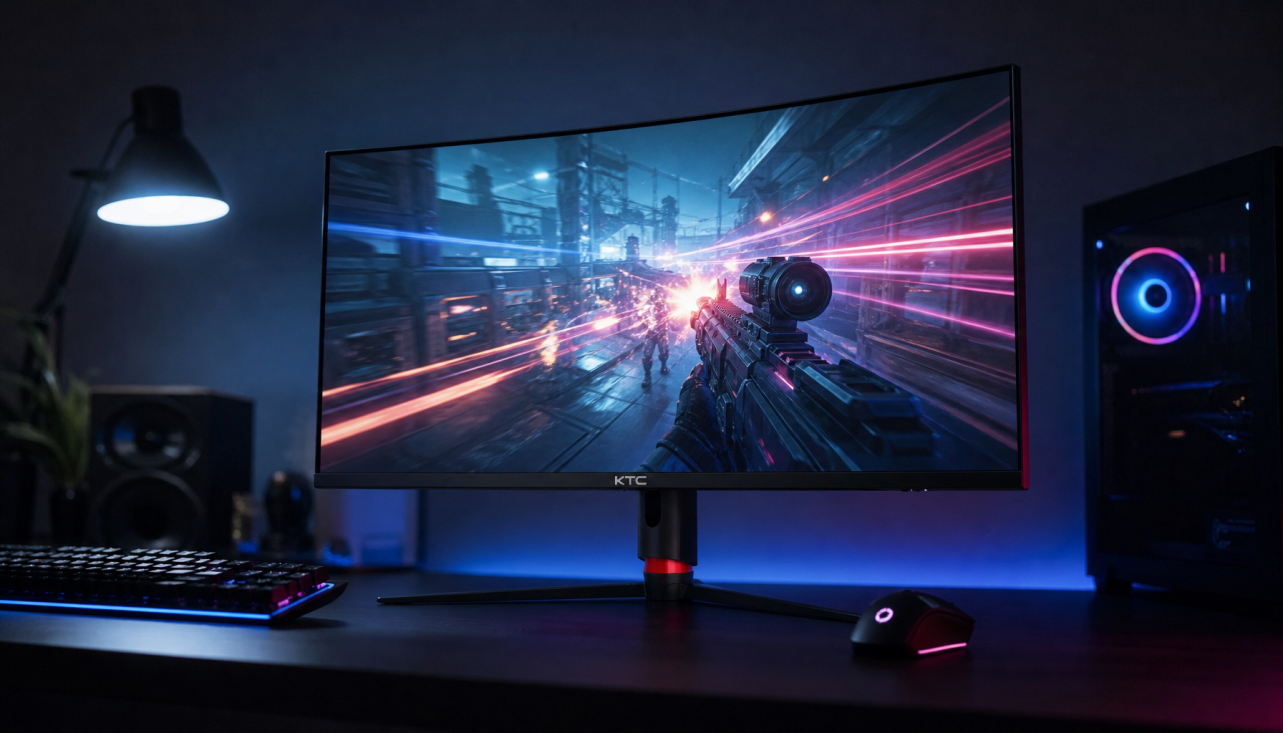
Ultra-high refresh rate monitors deliver the biggest gains in motion clarity and responsiveness when your system can consistently match the panel’s frame rate, but the jump from 240Hz to 400Hz is often smaller than marketing suggests once real-world hardware limits and panel technology are considered.

Beyond Smoothness: How Refresh Rate Impacts Motion Clarity and Blur
Higher refresh rates reduce the time each frame stays on screen, which directly cuts persistence-based motion blur that affects tracking moving targets. At 240Hz a frame persists for roughly 4.17 ms; at 300Hz that drops to 3.33 ms; and at 400Hz it reaches 2.5 ms. Competitive players notice the difference most during rapid flicks and crosshair tracking rather than simple camera pans.
The practical shift is from chasing perceived smoothness to preserving edge definition on moving objects. The Law of Persistence shows that once refresh intervals fall below the eye’s tracking speed, further gains come mainly from reduced blur rather than added fluidity.
Technical Nuances: Refresh Rate vs. Pixel Response Time
Refresh rate alone does not guarantee clarity. Pixel response time determines how quickly each pixel can change state, and many 400Hz IPS panels still carry a small gray-to-gray tail that OLED panels largely eliminate. As a result, a well-tuned 300Hz OLED can appear sharper in fast motion than a 400Hz IPS despite the lower refresh rate.

VESA’s ClearMR certification measures the ratio of clear to blurry pixels during motion, giving buyers a more reliable indicator than the Hz number by itself. When choosing between similar refresh rates, check the panel type and any published ClearMR rating before assuming higher Hz always wins.
The Competitive Edge: Input Lag and System Latency Floor
Higher refresh rates shorten scan-out time—the period required to push a new frame to the screen. Moving from 300Hz to 400Hz trims roughly 0.83 ms of scan-out latency, a modest but measurable improvement in click-to-photon timing when paired with NVIDIA Reflex. Larger jumps, such as 144Hz to 360Hz, can shave 15–20 ms in optimized systems, which matters more for reaction-critical plays.
Diminishing returns appear quickly. The sub-millisecond gains at the top end only help when every other part of the pipeline—CPU, GPU, and game engine—keeps pace.
Real-World Requirements: Is Your PC Ready for 400Hz?
Many titles impose engine caps that make 400Hz monitors redundant. Apex Legends, for example, limits frame rates near 300 FPS regardless of hardware, so a 400Hz panel simply repeats frames. Titles like Valorant and CS2 can exceed 400 FPS on high-end 2026 CPUs and GPUs, but only when settings are lowered and NVIDIA Reflex is enabled.
If frame rates regularly fall below the monitor’s refresh rate, micro-stutter and tearing appear unless VRR is active. The chart below helps match common games and hardware tiers to a realistic refresh-rate target.
Which Refresh Rate Fits Your Game and PC?
Use this chart to match your main game and hardware tier to a practical refresh-rate target: 240Hz for most setups, 300Hz for stronger esports rigs, and 400Hz only when the game and hardware can sustain very high frame rates.
View chart data
| Scenario | Valorant / CS2 | Apex Legends | Other esports titles |
|---|---|---|---|
| Low hardware | 1.0 | 2.0 | 3.0 |
| Mid hardware | 1.0 | 2.0 | 2.0 |
| High hardware | 1.0 | 1.0 | 2.0 |
Which Refresh Rate Should You Choose? The 2026 Buyer’s Guide
Match the monitor to both your primary game and the frame rates your PC actually sustains. Most competitive players land on 240Hz or 300Hz because those rates align with sustainable performance and current panel strengths.
Players who value motion clarity over raw scan-out speed often prefer a 240Hz OLED such as the KTC G27P6, whose near-instant pixel response keeps edges sharp even at lower refresh rates. For Apex Legends and similar capped titles, a 300Hz model like the KTC H25Y7 offers the best balance of clarity and responsiveness without wasted headroom.
Only dedicated Valorant or CS2 players with top-tier 2026 hardware should consider a 400Hz panel such as the KTC H25X7. Dual-mode options like the KTC H27P6 let users keep 4K for work or console gaming and switch to 320Hz for esports, providing flexibility without buying two displays.
Check your current frame-rate counter in the games you play most before upgrading. If average FPS stays below 300, the extra refresh rate brings little visible benefit.
Frequently Asked Questions
Is 400Hz Worth It in 2026?
Only for a narrow group of players. Titles capped below 400 FPS, such as Apex Legends, show no motion benefit, and the 0.83 ms scan-out improvement over 300Hz is often smaller than the difference between IPS and OLED response times.
What Frame Rate Does a 400Hz Monitor Require?
To use the full refresh rate you need a system that can sustain at least 400 FPS in the target game. Anything lower causes the monitor to repeat frames, eliminating both the latency and clarity advantages.
How Does OLED Compare to 400Hz IPS for Tracking?
OLED panels reach near-instant response times that reduce ghosting even at 240Hz or 300Hz. Many players find a 300Hz OLED clearer for tracking than a 400Hz IPS because the pixel transition tail on IPS remains visible at high speeds.
Can I Use a 400Hz Monitor for Everyday Gaming and Work?
Yes, but most non-competitive tasks do not benefit from the extra refresh rate. A dual-mode 4K/320Hz monitor often provides better versatility for mixed use without sacrificing esports performance when needed.
Do Higher Refresh Rates Reduce Input Lag on Every Game?
They lower the monitor’s contribution to total system latency, yet game engine caps, CPU bottlenecks, and GPU settings usually set the real ceiling. Enabling NVIDIA Reflex and capping frames slightly below refresh rate often yields more consistent results than simply buying the highest Hz panel.