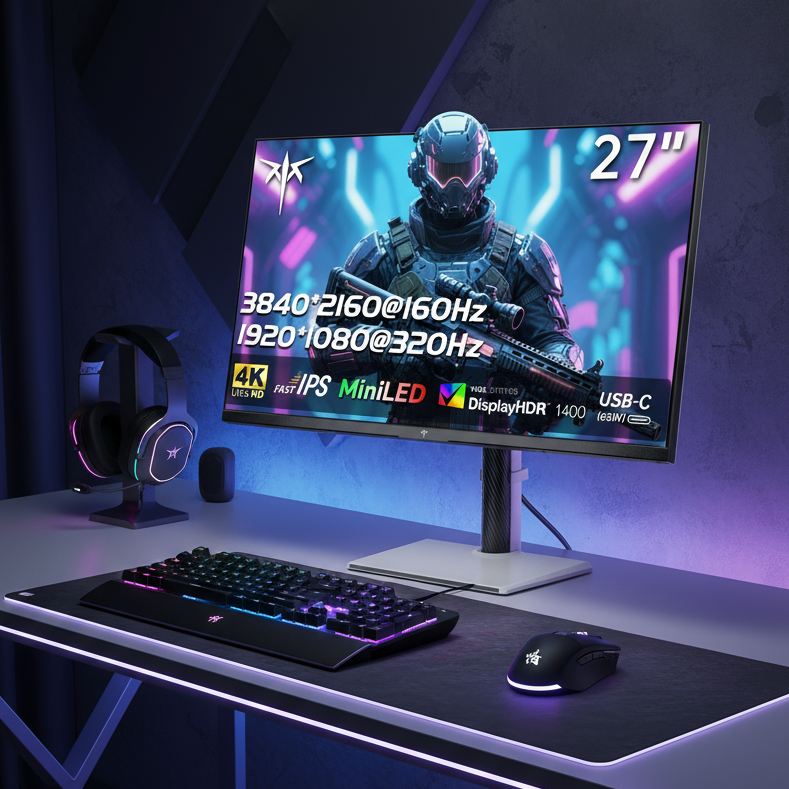
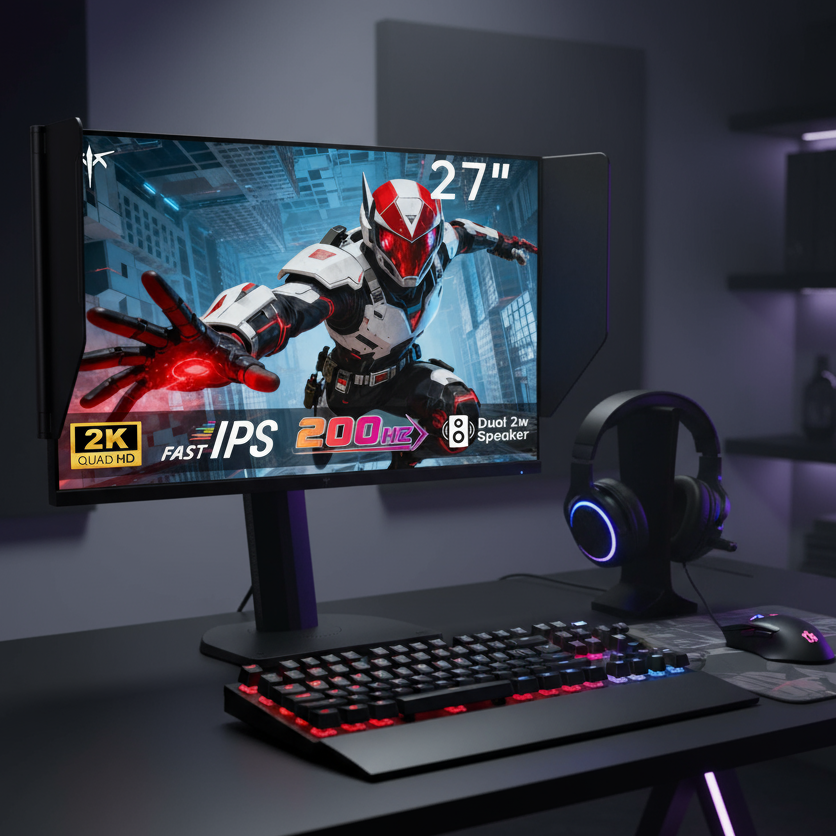


For most competitive gamers prioritizing visual tracking clarity, a 240Hz OLED monitor typically provides sharper motion than a 300Hz Fast IPS panel because its near-instant pixel transitions outweigh the modest refresh-rate gap.

The Motion Clarity Debate: 240Hz OLED vs. 300Hz Fast IPS
Savvy enthusiasts often face a clear tradeoff when comparing high-refresh monitors. Higher advertised refresh rates on Fast IPS panels promise smoother motion, while OLED technology offers pixel transitions measured in microseconds rather than milliseconds. The KTC G27P6 represents the 240Hz OLED side with its 0.03 ms response, while the KTC H27E6 exemplifies the 300Hz Fast IPS approach. The core question remains which combination of refresh rate and pixel speed actually produces clearer motion during fast camera pans and target tracking.
Why Refresh Rate and Pixel Response Time Are Not the Same Metric
Motion clarity depends on two separate factors that do not always move in the same direction. Refresh rate determines persistence, calculated as 1000 divided by the refresh rate in Hz. At 240 Hz this yields roughly 4.17 ms of persistence; at 300 Hz the figure drops to 3.33 ms. Pixel response time, or gray-to-gray transition, measures how quickly each pixel changes color. As this official Blur Busters guide explains, total perceived blur equals persistence plus the gray-to-gray transition time. A 300 Hz panel with a real-world 2 ms gray-to-gray time can therefore produce more blur than a 240 Hz OLED whose transitions finish in 0.03 ms.

How OLED’s Faster Transitions Offset the 60Hz Refresh Advantage
OLED pixels change state in approximately 0.03 ms, effectively removing gray-to-gray blur from the equation. The remaining persistence of 4.17 ms on a 240 Hz OLED still results in less total blur than many Fast IPS panels whose slower transitions add 1–2 ms on top of their shorter 3.33 ms persistence window. Independent testing has shown that 240 Hz OLED panels can match or exceed the motion clarity of 360–480 Hz LCDs. The VESA ClearMR standard provides an objective industry metric that consistently rates high-performance OLEDs higher than most IPS panels even when the latter run at elevated refresh rates.
Total Motion Blur Comparison
Lower total blur time means sharper perceived motion during fast movement. OLED achieves lower combined blur despite the lower refresh rate.
Show Data Table
| Panel | Refresh Rate | GtG (ms) | MPRT (ms) | Total Blur (ms) |
|---|---|---|---|---|
| 240Hz OLED | 240 | 0.03 | 4.17 | 4.2 |
| 300Hz Fast IPS (typical) | 300 | 1.0 | 3.33 | 4.33 |
| 300Hz Fast IPS (realistic) | 300 | 2.0 | 3.33 | 5.33 |
Motion Blur, Overshoot, and Real-World Performance
Fast IPS panels require aggressive overdrive tuning to reach advertised sub-1 ms gray-to-gray times. This tuning frequently produces overshoot, visible as bright or dark trails behind moving objects. OLED panels avoid this artifact because their self-emissive pixels transition cleanly without liquid-crystal overshoot. Both technologies still exhibit sample-and-hold persistence, so neither completely eliminates blur unless black-frame insertion is enabled. The practical result is that OLED motion remains cleaner during rapid camera movement even when the IPS panel carries a higher refresh-rate specification.
Which Option Is More Suitable for Competitive Esports?
Game genre and room lighting determine the better choice. Tracking-intensive titles such as Apex Legends or Overwatch reward the visual clarity of OLED, where enemies remain sharply defined during sustained aim. Flick-timing games such as Counter-Strike 2 or Valorant place greater value on the 0.84 ms scan-out advantage of 300 Hz panels, which can feel more responsive to elite players. Bright rooms also favor Fast IPS because higher peak brightness maintains visibility; controlled lighting lets OLED’s contrast advantage shine. The Blur Busters forum discussion notes that the clarity gap often exceeds the small latency difference for most players.
The Productivity Paradox: Burn-in and Text Clarity
Mixed-use buyers must weigh performance against longevity. OLED panels carry a risk of burn-in when static elements such as taskbars or spreadsheets remain on screen for extended periods. Fast IPS monitors avoid this concern entirely. Text on OLED can also show minor fringing due to subpixel layout, whereas IPS panels deliver sharper desktop fonts. For users who spend significant time on productivity tasks, the 300 Hz IPS route provides a lower-maintenance option while still delivering competitive gaming performance.
Decision Guide: Choosing Your Competitive Edge
When prices are close, the 240 Hz OLED route usually delivers the clearer competitive edge for visual tracking. The KTC G27P6 suits players who value motion sharpness above all else. The KTC H27E6 offers strong value for those who prioritize raw input speed and bright-room usability. Check your primary game genres, typical lighting conditions, and daily productivity hours before deciding. These factors shift the recommendation more reliably than raw refresh-rate numbers alone.
Frequently Asked Questions
Does Higher Refresh Rate Always Reduce Motion Blur?
No. Refresh rate lowers persistence, yet pixel response time can add comparable or greater blur on LCD panels. A 300 Hz Fast IPS display with realistic 2 ms transitions can appear blurrier than a 240 Hz OLED whose transitions finish in microseconds.
How Does Overshoot Affect Fast IPS Panels?
Aggressive overdrive on Fast IPS often creates inverse ghosting, where bright or dark halos trail moving objects. These artifacts can distract more than standard motion blur and are absent on OLED panels.
Is OLED Suitable for Both Gaming and Office Work?
OLED excels at gaming but requires care with static content to limit burn-in risk. Users with heavy productivity needs may prefer Fast IPS to avoid maintenance routines and potential long-term image retention.
Which Panel Wins for Bright Rooms?
Fast IPS panels typically reach higher sustained brightness, preserving visibility in sunlit environments. OLED contrast remains superior in darker or controlled lighting where deep blacks matter more than peak luminance.
Can Black Frame Insertion Eliminate Blur on Both Technologies?
Black frame insertion reduces persistence on both OLED and IPS panels. However, it lowers brightness and can introduce flicker, so many competitive players leave it disabled in favor of native panel clarity.