Mini-LED vs OLED monitor choice gets simpler when you start with your desk, not the spec sheet. If your screen has to handle daytime work in a bright room, Mini-LED is usually the safer default. If you care more about dark-room contrast and gaming immersion, OLED can be the stronger fit, but only when static desktop use and burn-in anxiety are not the main concern.

How Hybrid Desks Change the Panel Tradeoff
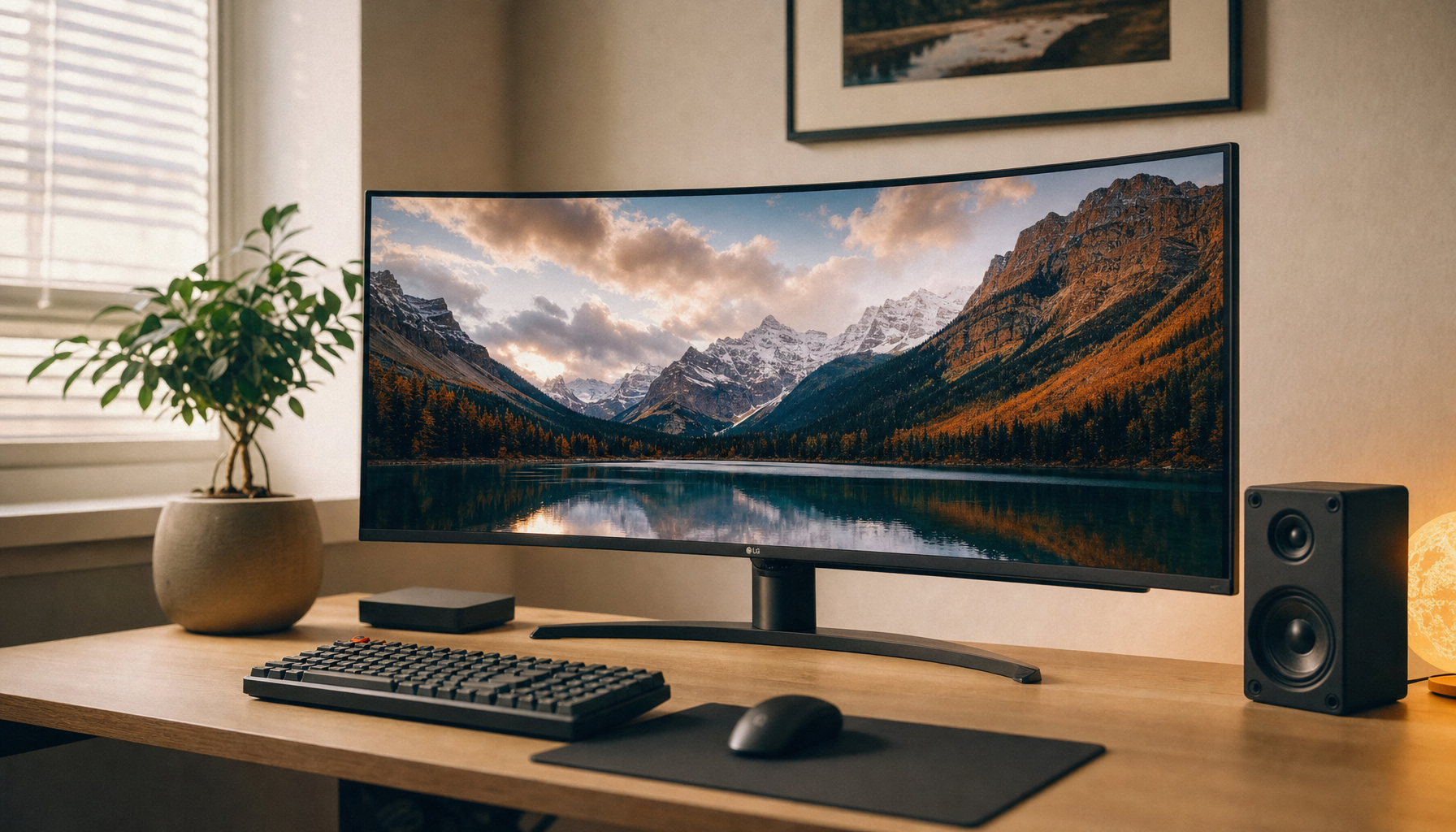
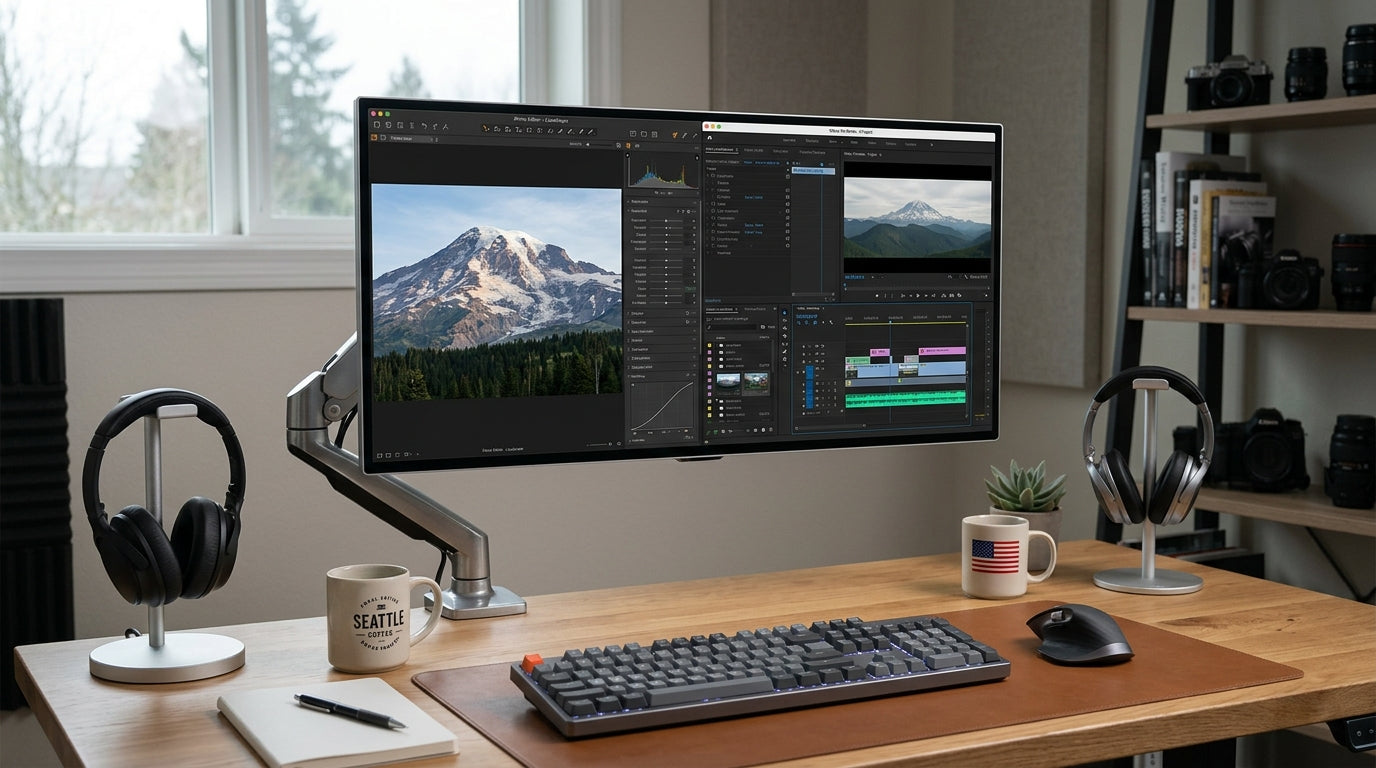
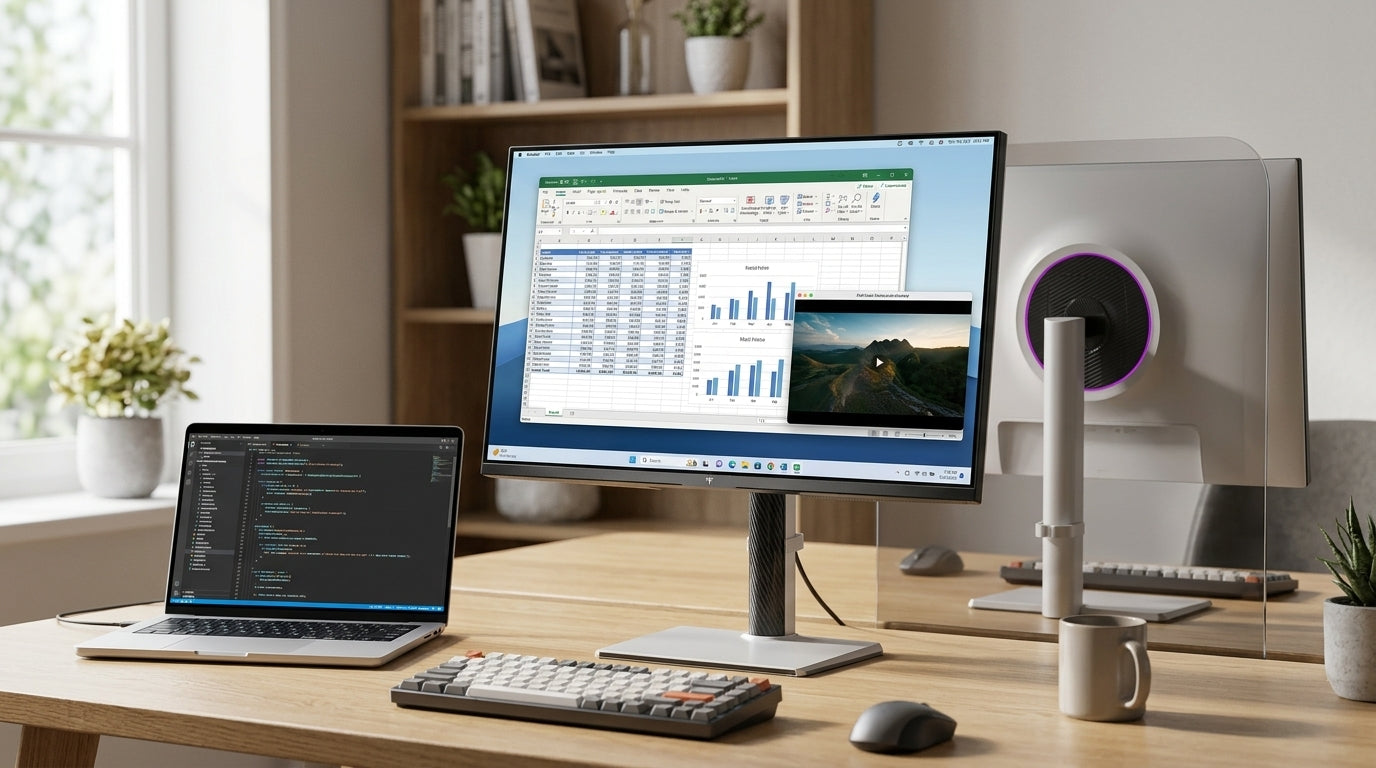
A hybrid desk is not a pure gaming setup and not a pure office setup either. That is why the mini-LED vs OLED monitor decision should start with room light, desk distance, and how many hours the screen spends on documents, browsers, and games.
For most buyers, the real question is not "which panel is better," but "which compromise do I notice first?" Mini-LED usually gives you more daylight resilience and less anxiety around static content. OLED usually gives you deeper blacks and a more dramatic image, especially when the room gets dimmer.
That tradeoff matters because the same panel can feel great in one desk and awkward in another. A screen beside a window, for example, may benefit more from brightness headroom than from perfect black levels. A darker room with long gaming sessions can swing the other way.
If you want a broader gaming-category browse path while you compare panel types, start with the gaming monitor range.
Brightness and Room Light
Mini-LED is generally the safer bright-room pick when your desk sits near windows or under strong overhead light. In a comparison like RTINGS' Mini-LED vs OLED monitor guide, the practical advantage is simple: more brightness headroom can help the screen stay readable when the room is not dim.
That does not mean OLED fails in daylight. It means the buyer should judge OLED against the actual room, not against a dark-room demo. If you work with blinds open, use a glossy desk surface, or sit off-angle from the screen, the difference you feel may come more from glare control and placement than from the panel family alone.
HDR is another place where marketing language can overstate the gap. The VESA DisplayHDR 1400 definition requires high peak luminance and local dimming, which lines up with why Mini-LED is often positioned as the bright-room HDR option. What that means at a desk is practical, not magical: bright highlights and mixed light are easier to balance when the panel has more headroom.

If your room is bright most of the day, this section is the first filter that matters. If your desk is already in a dim corner, brightness stops being the whole story and contrast or text comfort may matter more.
Text Clarity and Desktop Readability
Text clarity matters more in spreadsheets, code, docs, and browser tabs than in most games. That is why hybrid-desk buyers often notice OLED vs Mini-LED differences during work hours first, not during a boss fight.
Some OLED panels can show text-edge fringing because of subpixel layout, resolution, screen size, and viewing distance, as explained in this OLED vs RGB Mini-LED write-up. In plain terms, text can look slightly colored or less crisp on some setups, especially when you sit close and spend hours reading small type.
Mini-LED desktop panels usually use more familiar RGB layouts, so the text experience often feels more predictable for office work. That said, I would not call OLED text universally bad, and I would not call Mini-LED automatically sharper. Resolution, panel size, and seating distance can shrink the difference enough that it stops being a dealbreaker.
Use this self-check: if you spend long sessions in spreadsheets, code, or text-heavy apps and you already know you are sensitive to fringe or softness, prioritize the panel that looks clean at your actual desk distance. If your work is more mixed and you mostly notice text while gaming or browsing, the tradeoff may be minor.
For a concrete Mini-LED fit example, the M27T6 Mini-LED monitor is a reasonable checkpoint for readers who want 27-inch 1440p, 180Hz, and a full ergonomic stand in one display. It is not a universal winner, but it does match the hybrid-desk pattern of readable resolution plus gaming speed.
Blooming and Black Levels in Real Use
Blooming is the halo or light spill you may notice around bright objects on dark backgrounds. It is real, but it is not equally visible in every scene or every room.
In the PC Monitors forum discussion on Mini-LED vs OLED, blooming is treated as scene-dependent rather than constant. That lines up with everyday use: dark-room movies and dark game menus make halos easier to notice, while bright office apps and mixed desktop content often make them much less important.
Here is the practical split:
| Situation | Mini-LED | OLED | What it means at the desk |
|---|---|---|---|
| Bright room with office work | Usually easier to live with | Still usable | Brightness and glare matter more than perfect blacks |
| Dark-room gaming or films | Good, but halos can appear | Strongest advantage | OLED contrast is easier to appreciate |
| Mixed work and gaming | Strong all-around compromise | Strong if static UI is limited | The right choice depends on what you notice most |
| Small bright details on dark backgrounds | Blooming may show up | Cleaner black background | This is where OLED tends to look more dramatic |
If you game mostly at night and care a lot about black levels, OLED can be the better experience. If you split time between work apps and gaming and want fewer visual surprises, Mini-LED is usually the calmer compromise.
Burn-In Risk and Long-Term Use
OLED burn-in risk for office use should be treated as a usage factor, not a certainty. RTINGS' real-life OLED burn-in test shows why static UI patterns matter: taskbars, window borders, spreadsheets, and always-on dashboards can add worry when they stay in the same place for long periods.
That does not mean OLED is off-limits for desk use. It means you should match the panel to your habits. If your workday keeps the same UI elements on screen for hours, Mini-LED is usually the more comfortable choice. If your desktop use is lighter, you rotate content often, and your gaming or media time matters more, OLED becomes easier to justify.
A simple rule helps here:
- Choose Mini-LED if you want to reduce burn-in concern and keep the same desktop layout open all day.
- Choose OLED if you accept more care around static content in exchange for stronger contrast and darker blacks.
- Do not assume either panel is maintenance-free; what matters is how you actually use it.
The OLED lifespan guide is useful if you want to separate brightness decay from failure talk, because those are not the same thing. That distinction matters for buyers who see long warranty language or lifespan claims and want to know what they really mean.
If you are deciding by product category, the all-OLED monitor selection is the cleaner path for contrast-first shoppers, while all-Mini-LED monitors are the easier browse path for bright-room and office-heavy buyers.
Choose the Right Panel for Your Desk
Use this fit test if you want the shortest path to a decision:
- If your room is bright for much of the day, start with Mini-LED.
- If your work is static-content heavy, Mini-LED is usually the lower-stress choice.
- If you game in darker rooms and care most about black levels, OLED moves ahead.
- If text comfort is your top concern, check the actual panel size, resolution, and seating distance before you decide.
- If you want one monitor for work and gaming with fewer compromises, pick the panel that matches the majority of your day, not the peak scenario.
That is the easiest way to read a mini-LED vs OLED monitor comparison without overthinking it. Mini-LED tends to fit bright-room hybrid desks and office-heavy routines. OLED tends to fit darker rooms and users who value contrast more than static desktop peace of mind.
If you want a concrete shopping path after that filter, compare the Mini-LED options against the OLED options, then check whether the model you like matches your room light, work hours, and gaming style. The right panel is the one that fits your desk most days, not just your best-looking demo scene.
Related Resources
FAQ
How Do I Choose Between Mini-LED and OLED for a Bright Room?
Start with glare, window placement, and how often you use the display in daylight. Mini-LED is usually the safer pick when ambient light is high. OLED can still work, but the advantage of deep blacks is easier to notice when the room is dimmer.
What Matters More for Mixed Work and Gaming: Text Clarity or Contrast?
Use the trait you notice for the longest part of your day. If you spend more time in documents, spreadsheets, or code, text comfort should lead. If your screen time is split toward movies or dark-room gaming, contrast becomes more valuable.
Can OLED Burn-In Risk Affect Office Use?
Yes, it can matter when the same UI elements stay on-screen for long periods. The risk is usage-dependent, not a guaranteed timeline. If you keep taskbars, toolbars, or dashboards visible all day, Mini-LED is usually the easier fit.
Why Does Mini-LED Blooming Matter More in Some Scenes Than Others?
Blooming is easiest to notice around small bright objects on dark backgrounds. In bright rooms or in normal desktop work, it can fade into the background. That is why it should be treated as a scene-specific tradeoff, not a universal dealbreaker.
Can One Monitor Type Work Well for Both Daytime Productivity and Night Gaming?
Yes, if you accept that one side of the tradeoff will be imperfect. Mini-LED is usually the safer all-day compromise for bright rooms and office use. OLED becomes more attractive when gaming contrast matters more than static desktop caution.
Final Takeaway
For most hybrid desks, Mini-LED is the safer first choice because it handles bright rooms, long work sessions, and burn-in worry more comfortably. OLED is the better pick when your room is darker and you care most about black levels, contrast, and gaming immersion. If you are still undecided, compare your real room light and static-content hours before you compare panel buzzwords.