Featured storyHow to Check If Your Monitor Is Really Running at Its Full Native ResolutionYour monitor's native resolution might not be what you think. See how to check for OS scaling issues, cable limits, and other common causes of blurry text on any display.Jun 1, 2026/9 min read
How RGB, BGR, and a Non-RGB Subpixel Layout Affect Monitor SharpnessSubpixel layout differences like RGB, BGR, and non-RGB patterns impact monitor sharpness. See how this affects text clarity on gaming, ultrawide, and OLED displays.Jun 1, 2026/6 min read
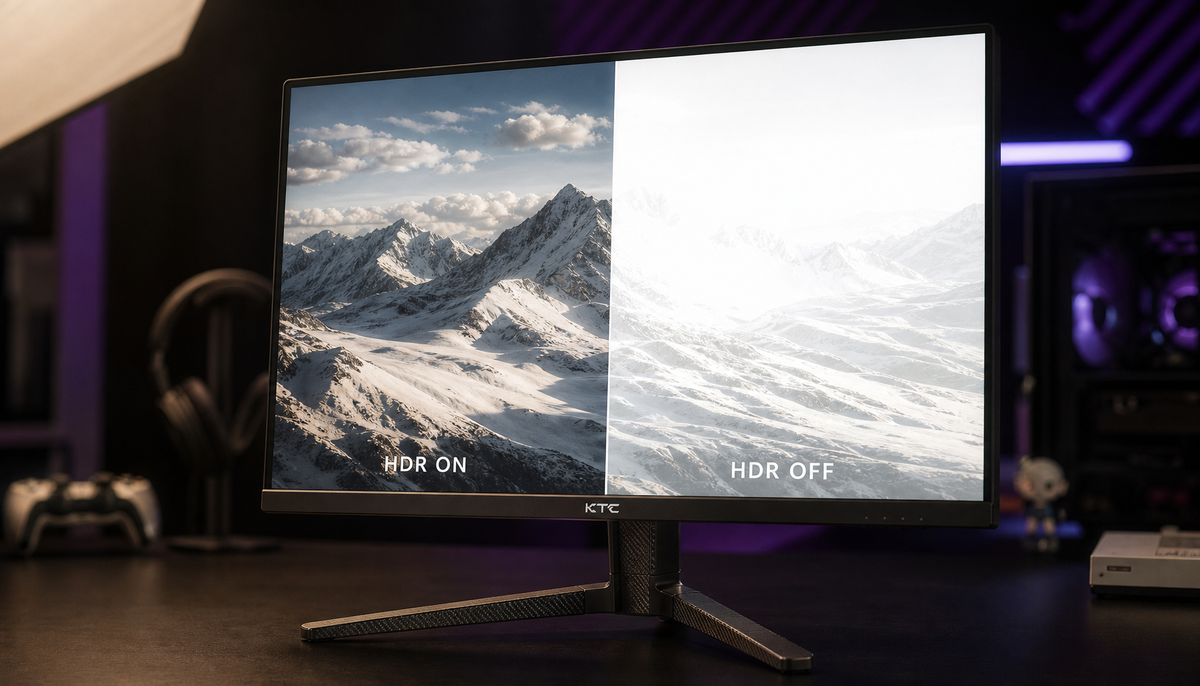
Why Your 4K Monitor Looks Less Sharp After Enabling HDRA 4K monitor looks less sharp with HDR due to signal issues like chroma subsampling. Restore crisp text and visuals by checking GPU settings, refresh rate, and your cable.Jun 1, 2026/12 min read
1440p vs 4K at 27 Inches: Is the Sharpness Difference Actually Noticeable?The 1440p vs 4K choice on a 27-inch monitor comes down to use. 4K offers superior sharpness for text and work, while 1440p is the practical pick for high-refresh gaming.Jun 1, 2026/9 min read
What Monitor Resolution Matches High-Density Display Sharpness?Monitor resolution sharpness requires the right PPI for your viewing distance. Compare 4K, 5K, and 1440p monitors at 27 & 32 inches for crisp text and ideal OS scaling.Jun 1, 2026/11 min read
What Are the Early Signs of OLED Degradation in Gaming Monitors?Early signs of OLED degradation on gaming monitors include faint unevenness, subtle color shifts, and shadows from static UI elements like taskbars before burn-in occurs.Jun 1, 2026/6 min read
How Viewing Distance Changes the Sweet Spot for Different Curvature RatingsCurved monitor viewing distance is key for immersion. Get guidance on matching 1000R, 1500R, or 1800R curvature to your desk setup, screen size, and use case.Jun 1, 2026/4 min read