







Featured story
Does Adaptive Sync Technology Introduce Flicker During Gameplay?
Adaptive Sync flicker can disrupt gameplay, but it's often fixable. This guide details why VRR causes brightness pulsing and provides clear steps to stop it.

KTC Journal
Monitor reviews, gaming guides, productivity advice, and practical display know-how from the KTC team.
Adaptive Sync flicker can disrupt gameplay, but it's often fixable. This guide details why VRR causes brightness pulsing and provides clear steps to stop it.
Console auto input switching on monitors with multiple HDMI ports can be unreliable. Get practical fixes and buying advice for seamless transitions between your PC and console.
ARC and eARC on the same monitor don't work as separate channels for each device. Your display has one shared audio return path for all sources, like a console or PC.
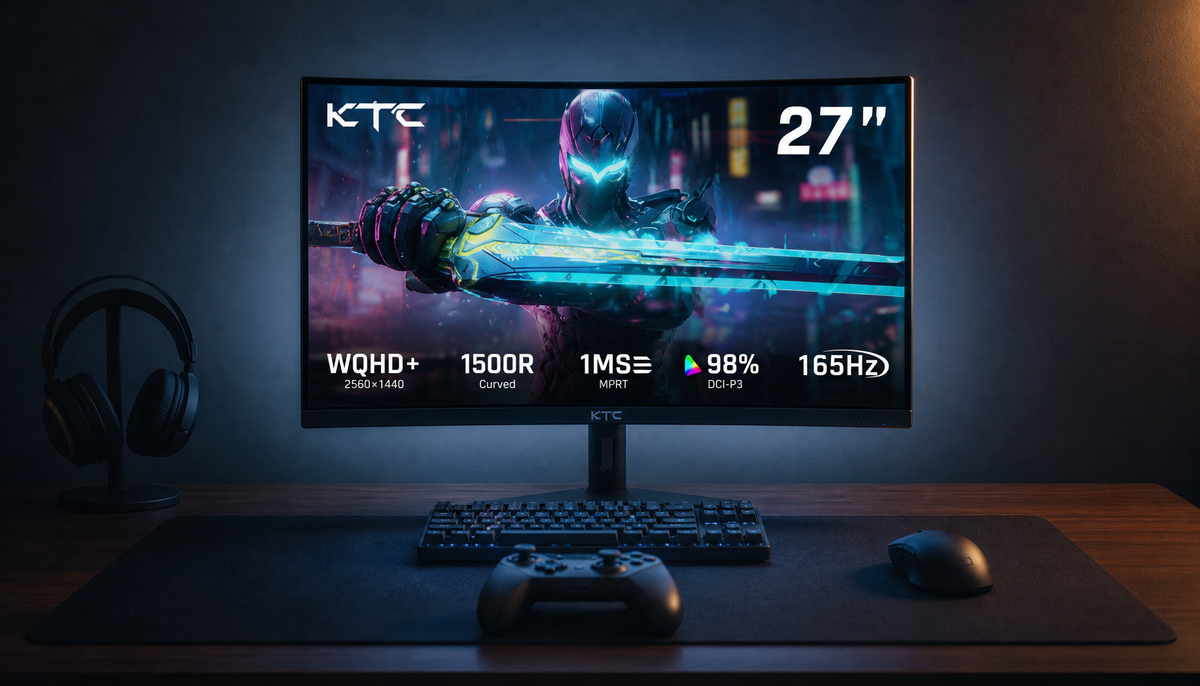
Console performance mode without HDMI 2.1 can offer a significant responsiveness boost on many monitors. Get the details on how it works, what you lose vs. HDMI 2.1, and how to test your setup.
Console VRR and overdrive can work together for smoother gameplay. This guide shows why the fastest overdrive setting causes ghosting and how a balanced preset is better.

Console VRR power consumption and heat output are typically minor. Your monitor's warmth is more often caused by high brightness, HDR, and 120Hz modes, not VRR itself.

Console VRR performance on FreeSync or G-Sync monitors depends on HDMI VRR support, not just the logo. Attain smooth gameplay by checking the port, VRR range, and 120Hz handling.