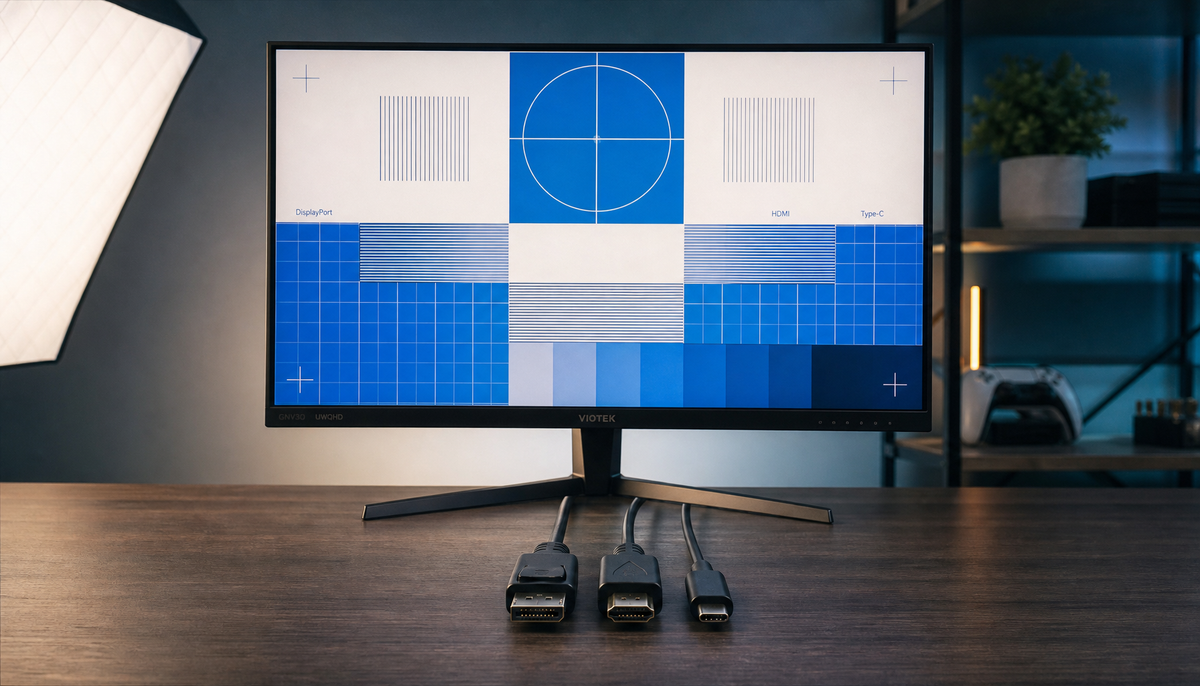
Featured storyDockless USB-C KVM Setup for MacBook and Windows UsersA practical guide to setting up a dockless USB-C KVM desk for MacBook and Windows users, with compatibility checks, wiring order, and a clear rule for when a dock still makes sense.Jun 11, 2026/7 min read
Color-Critical Editing on Non-Pro DisplaysA practical guide for freelance editors and creators who need repeatable color on a budget monitor without buying a calibrator. It covers neutral setup, free visual checks, software conflicts, and conservative fit rules for paid work.Jun 11, 2026/9 min read
Rolling Display Placement for Shared Family SpacesA rolling display works best in a shared room when traffic flow, sightlines, and parking space come first. Use a simple room-fit checklist before choosing a model.Jun 11, 2026/9 min read
USB-C KVM Monitor Wake and Switch ReliabilityUSB-C KVM monitors can simplify a hybrid desk, but wake and switching reliability often depends on the full device chain. This guide shows how to diagnose the failure mode, test a setup before buying, and judge when a KTC option is a fit.Jun 11, 2026/8 min read
MegPad Home Gym Workout Screen PlacementA practical guide to placing a rolling smart display in a home gym so it stays visible, mobile, and out of the way during workouts.Jun 11, 2026/9 min read
Mini-LED Calibration Workflow for Hybrid DesksA practical Mini-LED calibration workflow for hybrid desks that starts with room light, sets an HDR baseline, checks local dimming, and finishes with simple color validation.Jun 11, 2026/8 min read
Reliable USB-C KVM Configuration for Laptop and DesktopA practical guide to building a stable USB-C KVM setup for a laptop and desktop, with clear checks for video, USB, charging, cables, and switching behavior.Jun 11, 2026/9 min read