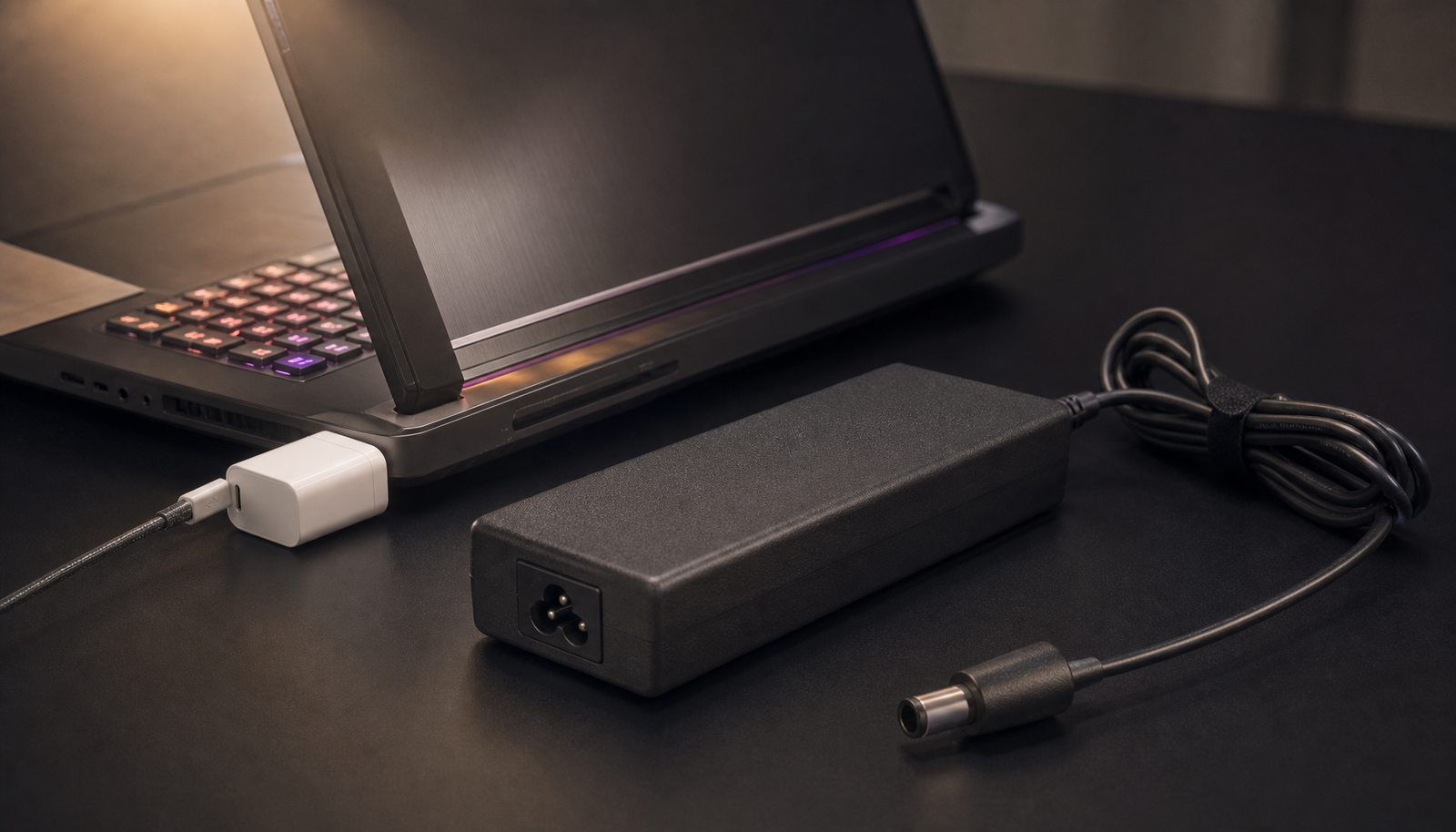
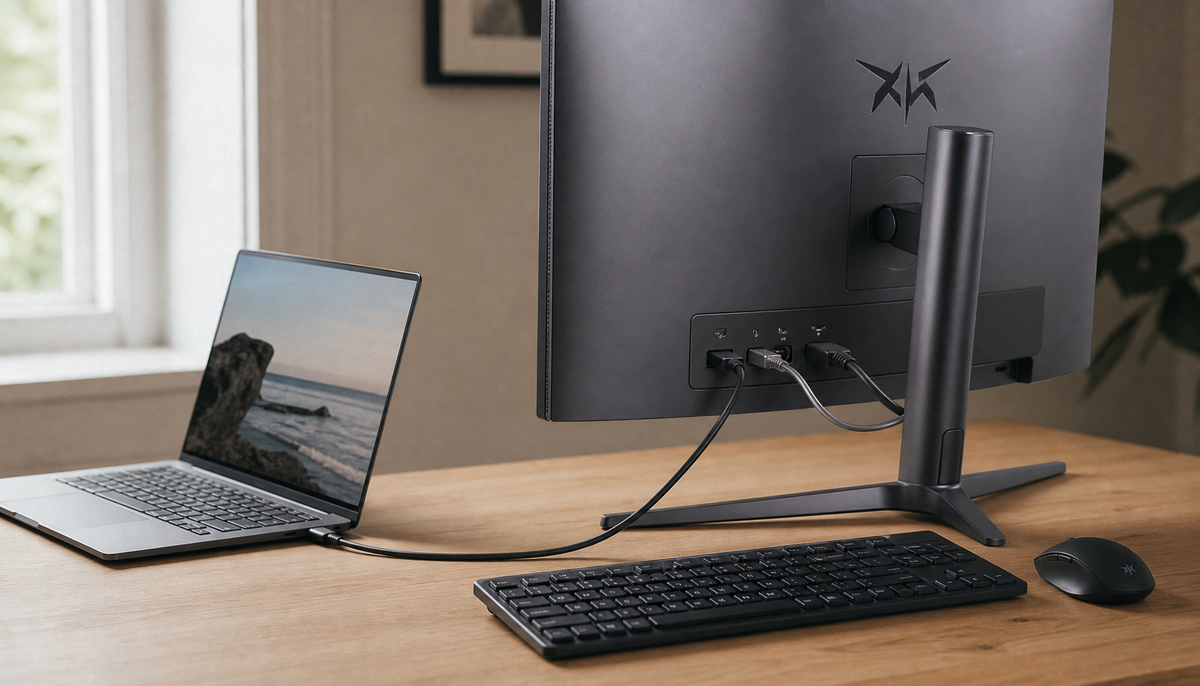
Featured storyWhy Does Input Lag Increase When Using Monitor USB Hubs for Peripheral Connections?Input lag from a monitor USB hub is caused by shared bandwidth and electronics adding delay. This guide explains why it happens and how to get a responsive setup.Jun 3, 2026/10 min read
Why Does Input Lag Differ Between Identical Monitors From the Same Production Batch?Input lag making identical monitors feel different is often caused by firmware, picture modes, or PC settings. Get consistent performance by troubleshooting the signal chain.Jun 3, 2026/8 min read
Why Does Input Lag Increase When Enabling Monitor-Based Crosshair Overlays?Monitor crosshair input lag can make aiming feel heavy, but the overlay is rarely the direct cause. Enabling the crosshair can trigger other display settings like picture modes or local dimming that add delay. Check your configuration to restore crisp, responsive aiming.Jun 3, 2026/6 min read
Why Does Input Lag Increase When Using Picture-in-Picture or Picture-by-Picture Modes?Input lag in PiP or PbP modes stems from the extra processing required to scale and sync multiple video signals. This makes gaming feel unresponsive. Get the technical reasons for the delay and tips to minimize it on your monitor.Jun 3, 2026/8 min read
Why Does Input Lag Vary Between Different USB Ports When Using USB Peripherals?USB input lag varies between ports due to different controller paths, shared hubs, and power settings. A port audit reveals the best connection for a responsive setup, reducing stutter for gaming and productivity.Jun 3, 2026/9 min read
How Does Monitor Scaling Affect Input Lag When Running Non-Native Resolutions?Monitor scaling can add input lag, impacting your game's responsiveness. Understand the difference between GPU and display scaling to optimize for higher FPS without extra delay.Jun 3, 2026/9 min read
How Does Adaptive Sync Behave When Frame Rate Drops Below the LFC Threshold in CPU-Bound Scenarios?Adaptive Sync below the LFC threshold causes stutter in CPU-bound games. LFC repeats frames to stop tearing but can't fix uneven CPU pacing. Get tips to tune your game.Jun 3, 2026/10 min read