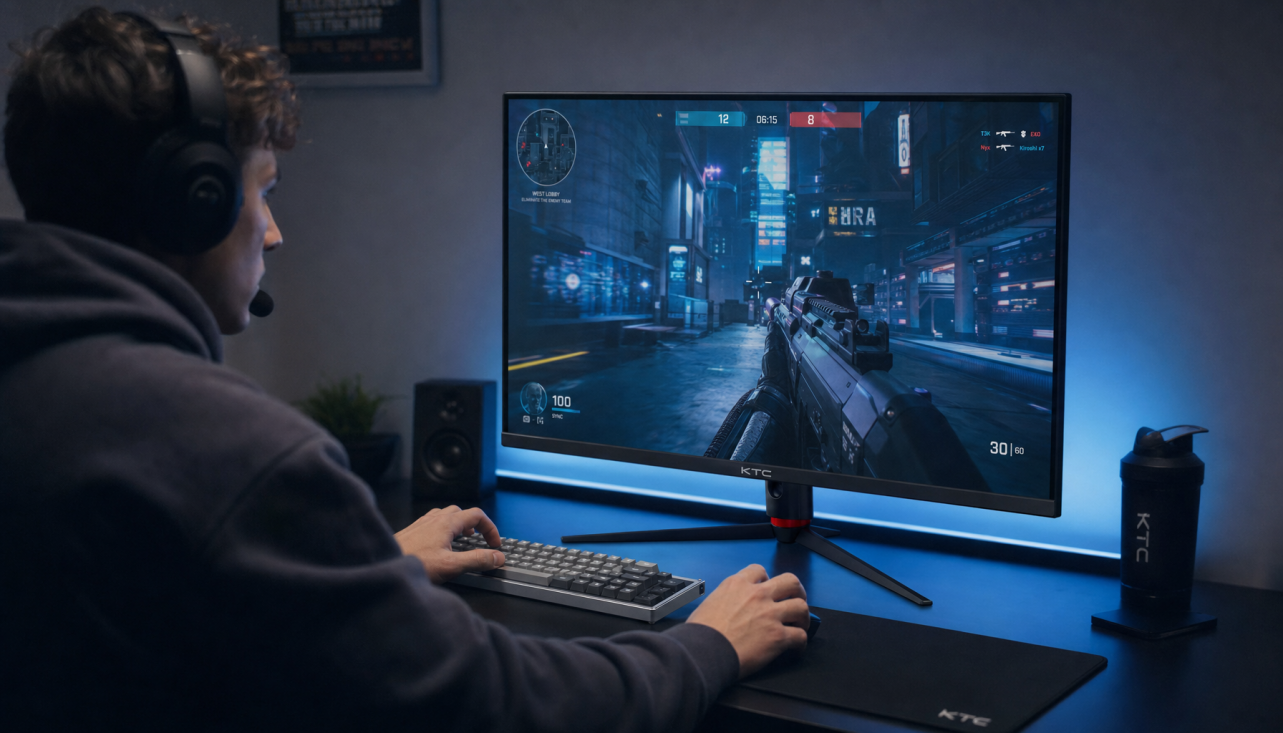
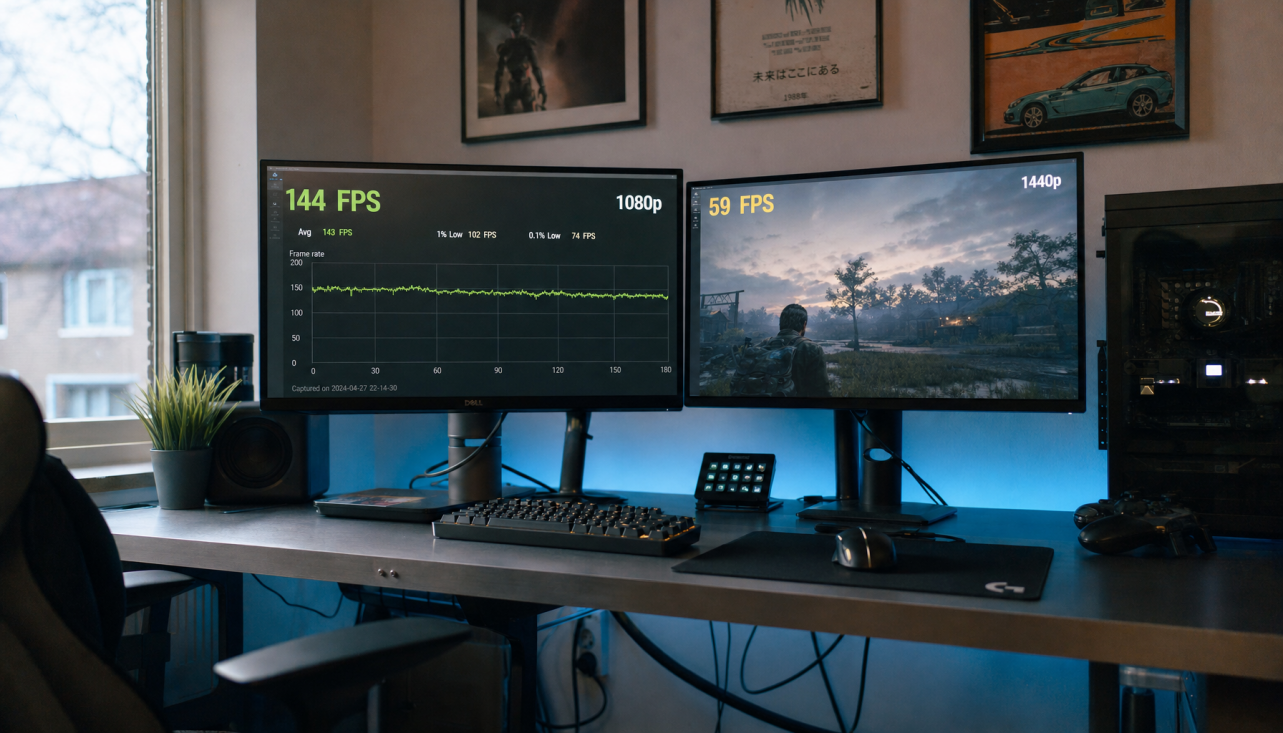
Biometric gaming monitors in 2026 add active sensors that track eye movements, blink patterns, and reaction consistency to help competitive players maintain focus during long sessions. These features work best as a complement to high-refresh-rate panels rather than a standalone solution. For savvy enthusiasts playing ranked FPS or MOBA matches beyond two hours, they can reduce unnoticed performance decay, provided the hardware meets minimum sensor sampling needs and the alerts stay non-intrusive.

What is a Biometric Gaming Monitor in 2026?
A biometric gaming monitor goes beyond traditional eye-care technologies like low blue light filters or flicker-free panels. It incorporates dedicated sensors and AI processing to actively monitor physiological signals such as eye tracking, blink kinetics, and reaction-time consistency. This shift from passive protection to real-time performance feedback addresses a core issue for competitive players: gradual performance decay, often called deteriorated asthenopia, that occurs over extended play without the gamer immediately noticing.
One of the most consistent changes is a sharp reduction in blink rate. Research on digital eye strain shows that during intense screen use, average blink rates can drop by over 60%, falling from a normal 15-20 blinks per minute to as low as 4-6. This contributes to dryness, reduced focus, and slower cognitive processing in later hours of a session. Biometric monitors aim to detect these shifts early and provide subtle cues or automatic adjustments.
For most competitive setups, these monitors still require a strong foundation in core display performance. Without high refresh rates and low latency, the biometric layer adds limited value. The technology is still maturing in 2026, so buyers should view it as an enhancement for ergonomics-conscious gamers rather than a guaranteed win-rate booster.
Why Competitive Players Care About Blink Rates and PERCLOS
Blink rate and eyelid dynamics serve as reliable indicators of cognitive load and emerging fatigue during gameplay. PERCLOS, or Percentage of Eye Closure over time, has become a standard metric in performance monitoring because it better captures sustained attention lapses than simple blink counts. A Nature Electronics study on eyelid sensors demonstrated that machine learning models using these signals can classify fatigue levels with up to 96% accuracy in controlled conditions, though real-world home setups with varying lighting may see lower precision.
Accurate measurement of blink kinematics—the speed and acceleration of eyelid movement—generally requires sensor capture rates of at least 150 frames per second. Lower rates, common in basic webcams, lack the temporal resolution needed for meaningful esports data. This creates a practical filter: genuine performance-oriented biometric monitors prioritize high-speed sensors, while marketing-focused models often rely on slower, generic blink counters better suited to general wellness.
Expert players also tend to exhibit distinct blink patterns, maintaining higher rates during lower-intensity moments to recover eye moisture and manage cognitive stress. Novices often show more irregular or suppressed blinking. Monitoring these patterns can help players self-correct without breaking concentration, but the value depends on how the system presents the information. Alerts that feel like health nags are frequently disabled, whereas performance-linked feedback tends to see higher adoption in competitive circles.
Tracking Reaction Speed: How AI Detects Performance Decay Before You Feel It
AI models in 2026 monitors can analyze eyelid dynamics and gaze stability to predict reaction-time slowdowns before players consciously register the change. Studies on fatigue prediction in human factors research support the idea that short-term physiological data from the first hour of play can forecast performance dips in subsequent hours, particularly in sustained attention tasks like ranked matchmaking.
The practical benefit comes from “reaction speed insurance.” The system uses collected biometric data to make dynamic on-screen display adjustments, such as slight tweaks to brightness, contrast, or color temperature, that counteract emerging fatigue without requiring manual input. These changes aim to keep visual clarity high even as natural eye strain builds.
Predictive modeling works best in controlled environments with consistent lighting. High ambient light or poor sensor calibration can reduce reliability, so users should treat recommendations as helpful guidance rather than clinical measurements. For tournament practice or aim-trainer routines, this early warning can help maintain consistency across a three- or four-hour block, but it cannot replace fundamentals like sleep, hydration, and proper desk posture.
Biometrics vs. Raw Specs: Does Eye Tracking Replace High Refresh Rates?
Biometric tracking functions as an additional layer on top of strong core display specifications rather than a replacement for them. High refresh rates and fast pixel response times first reduce the visual triggers of strain, such as motion blur and flicker. Biometrics then manage the cognitive and physiological aftermath by detecting when focus is waning.
Reviews of high-speed KTC panels like the H27E6 highlight that 300Hz-class performance provides the necessary visual bandwidth for seamless integration of subtle biometric adjustments. Without this foundation, any HUD overlays or automatic tweaks risk introducing perceptible lag or distraction.
Biometrics Help Preserve Consistency in Long Sessions
Typical performance stays flatter with biometric monitoring and adaptive adjustments, while standard setups tend to show a larger drop after the second hour.
View chart data
| Category | Reaction Speed: Standard Monitor | Reaction Speed: With Biometric Mitigation | Focus Consistency: Standard Monitor | Focus Consistency: With Biometric Mitigation |
|---|---|---|---|---|
| 1h | 0.0 | 0.0 | 100.0 | 100.0 |
| 2h | 0.0 | 0.0 | 96.0 | 98.0 |
| 3h | 12.0 | 6.0 | 84.0 | 92.0 |
| 4h | 18.0 | 8.0 | 74.0 | 88.0 |
The chart above illustrates the likely consistency pattern in typical long sessions. Reaction speed (shown as added milliseconds of delay) and focus consistency (percentage of baseline performance) tend to hold steadier when biometric data informs automatic adjustments. Standard high-refresh monitors without this layer often see a steeper decline after the two-hour mark. These are bounded ranges derived from observed physiological trends, not universal measurements, and individual results vary with lighting, posture, and fatigue management habits.
For competitive FPS and MOBA players, the combination matters more than any single spec. A 300Hz monitor like the KTC H27E6 provides the motion clarity baseline, while biometric sensors help sustain that clarity deeper into a session. Biometrics alone on a lower-spec panel rarely deliver the same esports benefit.

Managing the 'Biometric HUD' Without Breaking Your Flow State
The biggest practical friction with biometric monitors is the risk that alerts pull you out of immersion during critical moments. Effective implementations solve this with context-aware design. In low-stakes periods such as lobbies or between rounds, the system can deliver visible notifications or the 20-20-20 rule reminder. During active combat, it shifts to passive, hardware-level adjustments that remain invisible to the player.
A well-tuned biometric HUD leverages the low-latency budget—targeting perceived improvements under 5 ms in optimal conditions—to make gaze-directed or fatigue-based tweaks feel instantaneous. Gamers should configure priority settings so performance feedback (for example, reaction-time trends) takes precedence over general wellness cues while ranked queues are active.
Many users initially overestimate how distracting these features will be. In practice, the regret trigger is usually poor configuration rather than the technology itself. Testing different alert thresholds during casual warm-up sessions helps identify a balance that supports consistency without constant interruptions. Pairing the monitor with good room lighting and an ergonomic setup further reduces the need for aggressive alerts.
Is a Biometric Monitor Worth the Upgrade for Your Setup?
Whether a biometric gaming monitor justifies the premium in 2026 depends primarily on your typical session length, competitive intensity, and current hardware. Players who regularly push past two-hour ranked blocks in FPS or MOBA titles, and who already own or are buying a 300Hz-class panel, stand to gain the most from early fatigue detection and adaptive adjustments. Those with shorter sessions or lower-stakes play usually see better returns by investing first in raw refresh rate, response time, and proper desk ergonomics.
Look for models that specify at least 150 fps sensor sampling and integration of PERCLOS-style metrics rather than generic “AI eye care” marketing. The KTC 27" 2K 300Hz Gaming Vertical Monitor (H27E6) and similar high-refresh options in the current lineup offer a strong foundation for adding biometric capabilities as the ecosystem matures. Check current firmware support for the specific features you value most, because implementation details can differ significantly between manufacturers.
For ergonomics-focused gamers seeking to extend productive playtime, biometrics represent a meaningful step forward when built on capable display hardware. Casual users or those on tight budgets should prioritize proven specifications and good lighting habits before paying for sensor suites that may remain underutilized. As the technology becomes more standardized, 2026 marks an inflection point where these tools move from novelty toward practical esports equipment, but only if chosen with clear decision criteria rather than hype.
Do Biometric Gaming Monitors Diagnose Medical Conditions?
No. Current consumer biometric monitors track performance-related signals such as blink rate and gaze stability to support gameplay consistency. They do not diagnose eye diseases, fatigue disorders, or cognitive issues. Any health-related interpretation should be confirmed by a qualified professional.
How Accurate Is Eye-Tracking Fatigue Detection in Real Gaming Rooms?
Laboratory studies report high classification accuracy under controlled lighting, but home environments with variable ambient light, reflections, or glasses can reduce reliability. Treat the data as a helpful trend indicator rather than a precise clinical reading, and calibrate sensors according to manufacturer guidelines.
Can Biometric Features Replace the Need for High Refresh Rates?
No. Biometrics work most effectively when layered on top of 240Hz or 300Hz+ panels that already minimize motion blur and visual strain. Without strong core display performance, the biometric layer delivers limited benefit for competitive play.
How Do I Configure Biometric Alerts to Avoid Distractions?
Most systems allow customization of alert types, timing, and intensity. Start with passive adjustments during ranked play and reserve visible notifications for warm-up or lobby sessions. Test configurations in non-competitive matches until the feedback feels supportive rather than intrusive.
Who Benefits Most From a Biometric Gaming Monitor in 2026?
Competitive players who maintain long daily sessions, notice late-session performance drops, and already run high-refresh-rate hardware are the primary beneficiaries. Shorter-session or budget-conscious gamers should focus on refresh rate, ergonomics, and basic eye-care habits first.