Content bit depth does not increase the number of local dimming zones, but it gives the display finer brightness and color instructions for each frame. On Mini-LED and HDR monitors, that extra precision helps gradients look cleaner and gives the dimming algorithm better data to avoid rough transitions, black crush, and visible banding.
Bit Depth Is the Signal’s Fine Control
Bit depth describes how many tonal steps exist per red, green, and blue channel. An 8-bit signal has 256 levels per channel, while a 10-bit signal has 1,024 levels per channel, creating smoother transitions between nearby shades, as shown in common bit depth comparisons.

That matters because local dimming is not simply “bright zone, dark zone.” The monitor is constantly deciding how strongly to drive each backlight zone based on the pixel data above it.
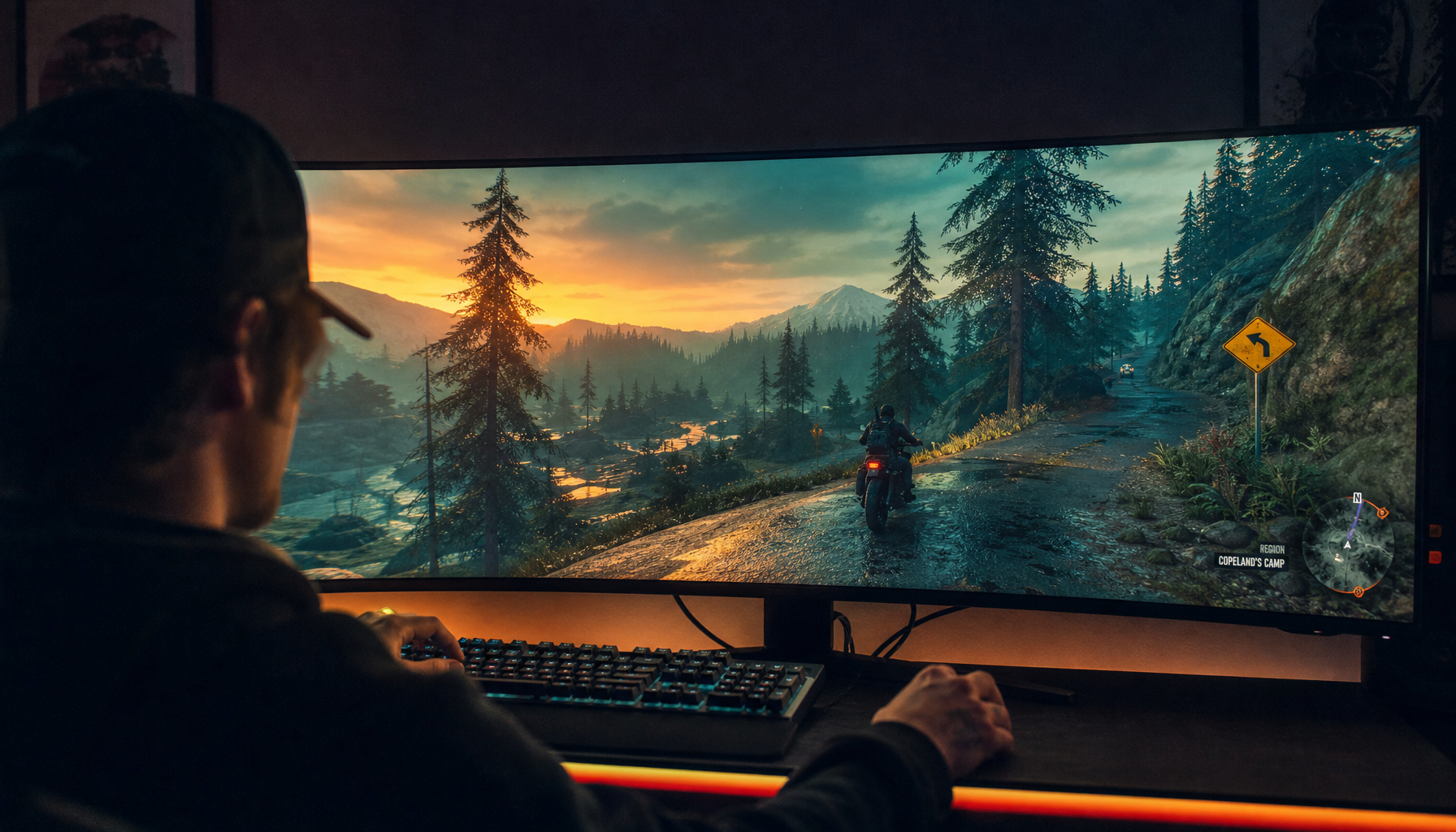
With 8-bit HDR-like content, the display may receive coarser luminance changes. With 10-bit HDR content, those changes are more gradual, so a sunset, fog layer, shadow wall, or game skybox can transition without obvious stair-stepping.
Local Dimming Precision Depends on More Than Zones
Local dimming works by adjusting separate backlight areas instead of changing the entire screen at once. Mini-LED improves this by using many smaller LEDs grouped into hundreds or thousands of controllable zones, giving the monitor stronger contrast control in bright and dark areas through independent backlight zones.
But the zone grid is still much lower resolution than the LCD pixel layer. A 4K screen has more than 8 million pixels, while even a strong Mini-LED monitor may have only hundreds or a few thousand zones.

That means bit depth and dimming zones solve different problems. Zone count controls spatial precision: where light can be bright or dark. Bit depth controls tonal precision: how smoothly the image moves between levels.
A premium HDR gaming monitor needs both. More zones without enough tonal precision can still show harsh transitions. Higher bit depth without good dimming can still leave blacks looking gray.
Why Low Bit Depth Makes Banding More Visible
Banding appears when smooth gradients turn into visible stripes. It often shows up in skies, smoke, dark game menus, compressed streaming scenes, and soft desktop wallpapers.

Higher bit depth reduces this because it divides the same color space into finer increments. It does not automatically expand the display’s gamut, but it makes shade changes smoother within that range.
Local dimming can make banding easier to notice because HDR raises contrast. When the backlight boosts a highlight beside a dark gradient, your eye becomes more sensitive to uneven steps.
Common weak spots include dark blue loading screens with subtle glow effects, gray-to-black desktop gradients, HDR skies in open-world games, streaming video with heavy compression, and shadow detail around subtitles or HUD elements.
A quick nuance: 8-bit + FRC can look close to native 10-bit in everyday use, but strict HDR grading and dark-scene evaluation still favor true 10-bit processing.
Best Settings for Gaming, Work, and HDR
For competitive gaming, refresh rate and response time may matter more than 10-bit output if bandwidth forces a tradeoff. Some monitors can run 10-bit at a lower refresh rate but drop to 8-bit at maximum refresh, so choose based on the game.
For HDR games, movies, and creative review, use 10-bit output when the graphics card, cable, port, monitor mode, and content all support it. A modern high-bandwidth display connection is often the safer choice for high-refresh, high-bit-depth output.

For office work, local dimming is often better turned off. Static white windows, spreadsheets, and browser tabs benefit from consistent brightness more than aggressive contrast, and some Mini-LED monitor makers recommend disabling local dimming for SDR productivity while enabling it for HDR.
For the cleanest result, use this order:
- Enable 10-bit for HDR and color-sensitive work.
- Use local dimming for HDR, not routine SDR office use.
- Lower dimming strength if halos or black crush appear.
- Prefer native 10-bit for grading; accept 8-bit + FRC for value gaming.
- Check real reviews, because algorithms matter as much as specs.
Bit depth is the smoothness layer. Local dimming is the contrast engine. When both are well implemented, a monitor can deliver deeper blacks, brighter highlights, and cleaner gradients without turning immersive scenes into visible steps.