Yes, but only in the right lane. A curved monitor can be productive for ultrawide multitasking, 3D work, and timeline-heavy creative tasks, while a flat 4K or 5K display is still the safer choice for CAD, print, typography, and precision layout.
If you have ever stared at a floor plan, logo grid, or page margin and wondered whether the screen edge is making it look slightly off, the monitor is part of the workflow, not just the backdrop. Today’s better design displays give you 27-inch to 32-inch workspaces, crisp 4K or 5K detail, and factory-tuned color, which makes close review less guessy. The goal is simple: sort out when a curved screen helps, when it gets in the way, and which specs matter more than curvature.
What Curvature Changes in Real Design Work
Straight lines depend on where you sit
The main tradeoff is that curved displays are built around a centered viewing position. That can feel comfortable for one person sitting squarely in front of the panel, but it also means the image is being shown on a bent surface, which can change how edge geometry feels during long drafting or layout sessions.

For precision-heavy work, flat screens are usually preferred for precision work. That matters in architecture, CAD, typography, and branding, where you are checking wall alignments, line weights, baselines, gutters, and margins across the full canvas rather than just enjoying a wider field of view.
Comfort is real, but comfort is not the same as accuracy
The upside is that curved monitors can reduce edge distortion and cut some refocusing and head movement on larger screens. On a big ultrawide, that can make long sessions feel easier, especially if you keep multiple panels open all day.
A company and user discussions both describe lower R numbers as a stronger bend, so a 1000R screen follows roughly a 3.3 ft radius, 1800R is about 5.9 ft, and 4000R is about 13.1 ft. In practice, a gentler curve is usually easier to tolerate for design work than a very aggressive one.
The Specs That Matter More Than Curvature
Start with panel type, resolution, and color
For accurate creative work, IPS panels are the safer baseline for color accuracy and stable viewing angles. A 27-inch monitor works well at 2560 x 1440, but 4K on 27-inch or 32-inch panels gives you sharper edges, cleaner text, and less scrolling when you are working through detailed drawings or full-page layouts.
In real buying terms, factory-calibrated design monitors now reach about 99% to 100% sRGB and up to 98% to 99% P3, which affects output quality more than the screen shape does. Good examples from current buying guides include a 27-inch 5K display at 218 PPI, a 32-inch 4K display, and a 27-inch 5K display from a company.
Refresh rate is useful, but it is not the first filter
For hybrid gaming-and-design buyers, higher refresh can be nice, but it is not the main filter for design accuracy. A 120Hz 27-inch 4K display can make cursor movement and window dragging feel smoother, and some premium creative monitors now reach 240Hz, but calibration support, anti-glare treatment, and stable color modes matter more for professional results.
Daily-use features also deserve more weight than curvature. A good stand with height, tilt, swivel, and pivot, plus a single-cable port with power delivery and common video inputs, will improve your setup every day. If you are considering OLED for contrast and black levels, remember that static toolbars and panels still make burn-in risk part of the decision.
When a Curved Ultrawide Is the Right Tool
Best for wide workflows and fewer window swaps
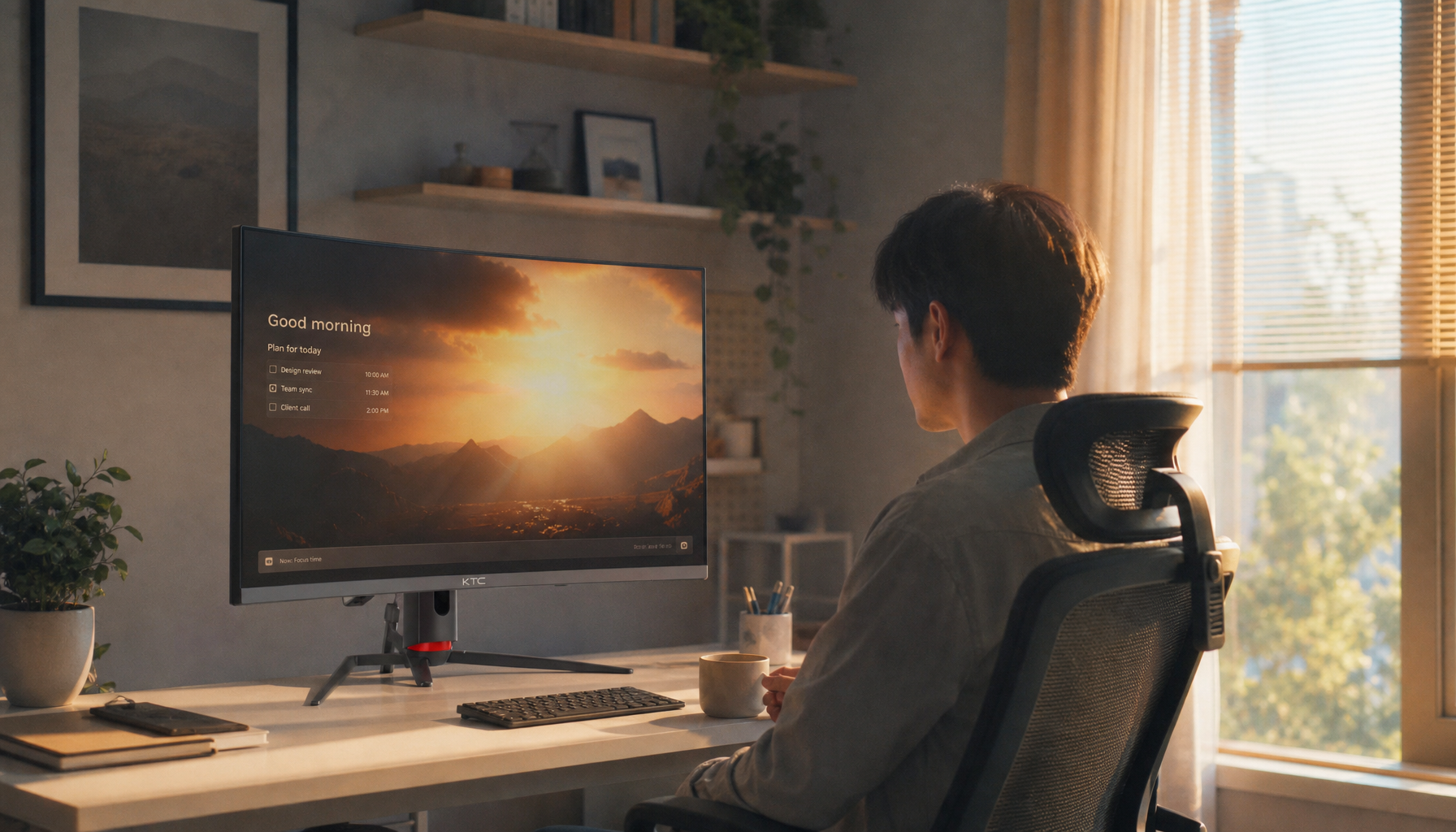
Curved ultrawides make the most sense when screen width solves a real workflow bottleneck. A 34-inch curved panel can hold a 3D viewport, layers, reference material, and notes at once, which is a real gain if your current routine is constant window shuffling.

That is why a 21:9 curved screen can replace two or even three traditional displays. For motion graphics, video timelines, 3D modeling, and concept-heavy work, losing the bezel break can be more valuable than the small geometric compromises that worry CAD users.
Better for mixed creative work than strict drafting
The fit is strongest when the day mixes design with review, rendering, asset management, and multitasking. A company explicitly lists graphic design, video editing, coding, and data analysis as good curved-monitor use cases, and those all benefit from width and comfort more than from perfect edge neutrality.
Still, community feedback on a platform is mixed. Some users of a CAD app and a BIM app like curved screens, while others see them as a detriment for straight-line work, which is the clearest sign that curvature is a workflow preference only after the accuracy basics are already in place.
When Flat Still Wins
Safer for architecture, print, and typography
For line-critical work, flat monitors remain the better choice for CAD, engineering, retouching, print design, and detailed layout work. That list maps directly to architectural drafting, branding systems, packaging, and page layout, where you need the whole screen to feel visually trustworthy.
The same logic applies to collaboration. Because curved panels are optimized for a single centered viewer, they are less forgiving when a coworker or client is standing off to the side reviewing elevations, spreads, or markups with you.

The safest flat-monitor profiles to shop
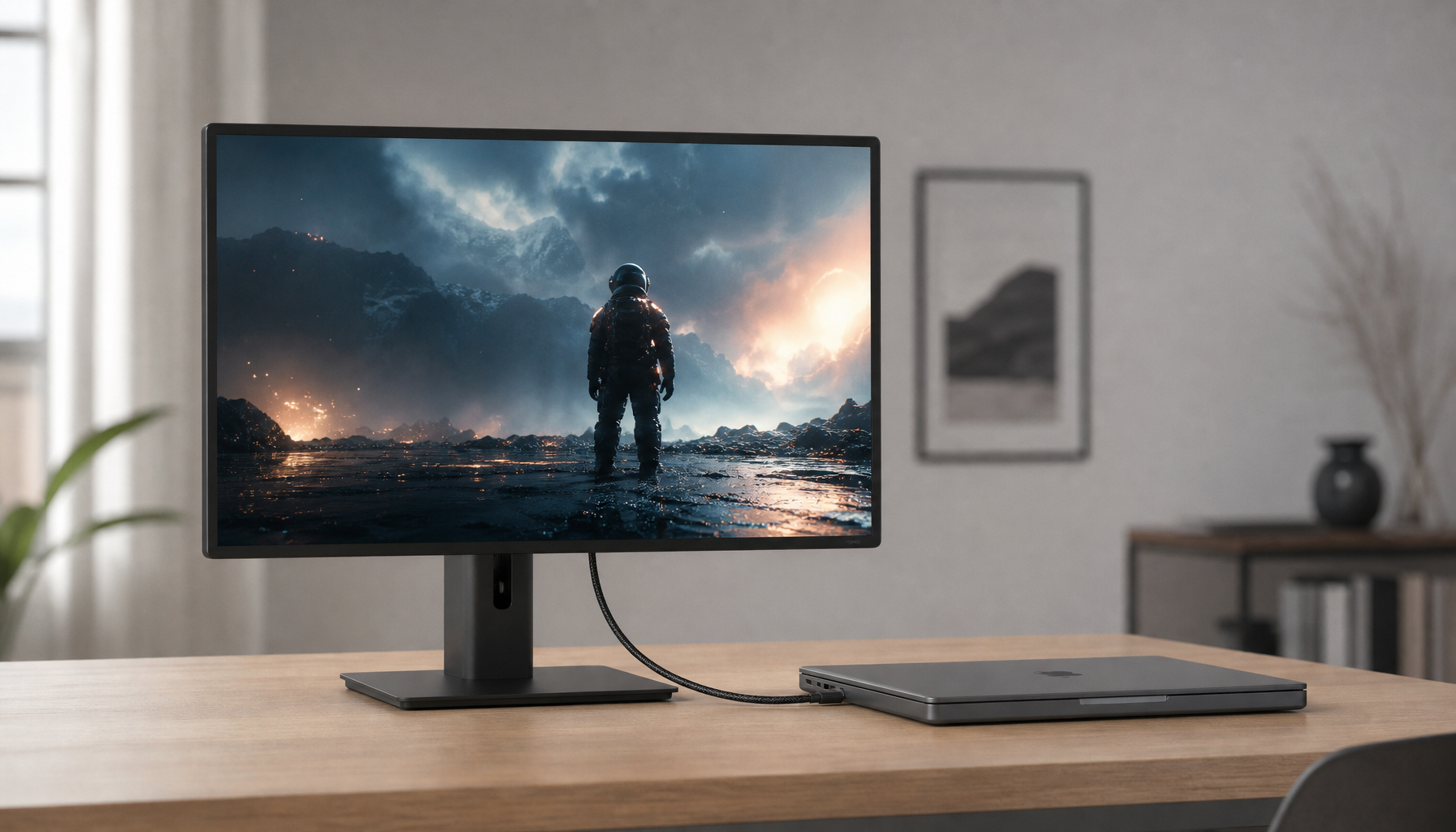
For most buyers, a 27-inch to 32-inch flat 4K or 5K display is the safest buying range. A 27-inch 4K IPS model is the value play, a 27-inch 5K IPS model is excellent for text and line clarity, and a 32-inch 4K or 6K display makes sense if you want larger palettes without sacrificing detail.
At the budget end, a 27-inch 4K IPS screen with around 99% sRGB and an adjustable stand is already strong enough for many screen-first design jobs. At the higher end, factory-calibrated 32-inch panels with wide-gamut coverage, hardware calibration support, and a single-cable port or a high-speed display interface are better long-term investments than buying curvature first.
Curved vs. Flat Buying Matrix
Compare the workflow, not just the shape
For design buyers, resolution, color coverage, and ergonomics matter more than the screen shape. Use curvature as a secondary filter after you know your main job, panel type, and resolution target.
Use case |
Better fit |
Why |
Recommended monitor profile |
Architectural CAD, plans, elevations |
Flat |
Straighter visual reference across the full panel |
27-inch 4K/5K IPS or 32-inch 4K IPS |
Print layout, branding, typography |
Flat |
Easier to trust grids, margins, and type spacing |
27-inch 5K or 32-inch wide-gamut flat display |
3D modeling and rendering |
Mild curved or flat |
Wide canvas can help, but color still comes first |
34-inch curved ultrawide or 32-inch flat 4K |
Video timelines and multitasking |
Curved ultrawide |
Fewer window swaps, no bezel split |
34-inch curved ultrawide with strong panel quality |
Hybrid gaming + design |
Depends |
High refresh helps feel, accuracy still decides |
27-inch 4K or 1440p monitor with accurate preset modes |
In short, curvature helps most when wide-screen comfort and immersion are the goal. The more your job depends on judging a straight edge, exact spacing, or print-proof composition, the stronger the case for a flat display.
FAQ
Q: Can a curved monitor distort straight lines in CAD or architecture work?
A: It can change how straight lines feel near the edges of the screen, especially on stronger curves and larger ultrawides. The drawing data is not wrong, but the display can add enough visual doubt to slow review, which is why flat screens remain safer for drafting-heavy jobs.
Q: Is a curved ultrawide good for color-accurate graphic design?
A: It can be, but only if the panel itself is strong. Color accuracy comes from panel quality, calibration, gamut coverage, and brightness consistency, not from the curve.
Q: Should I buy a gaming monitor for design work?
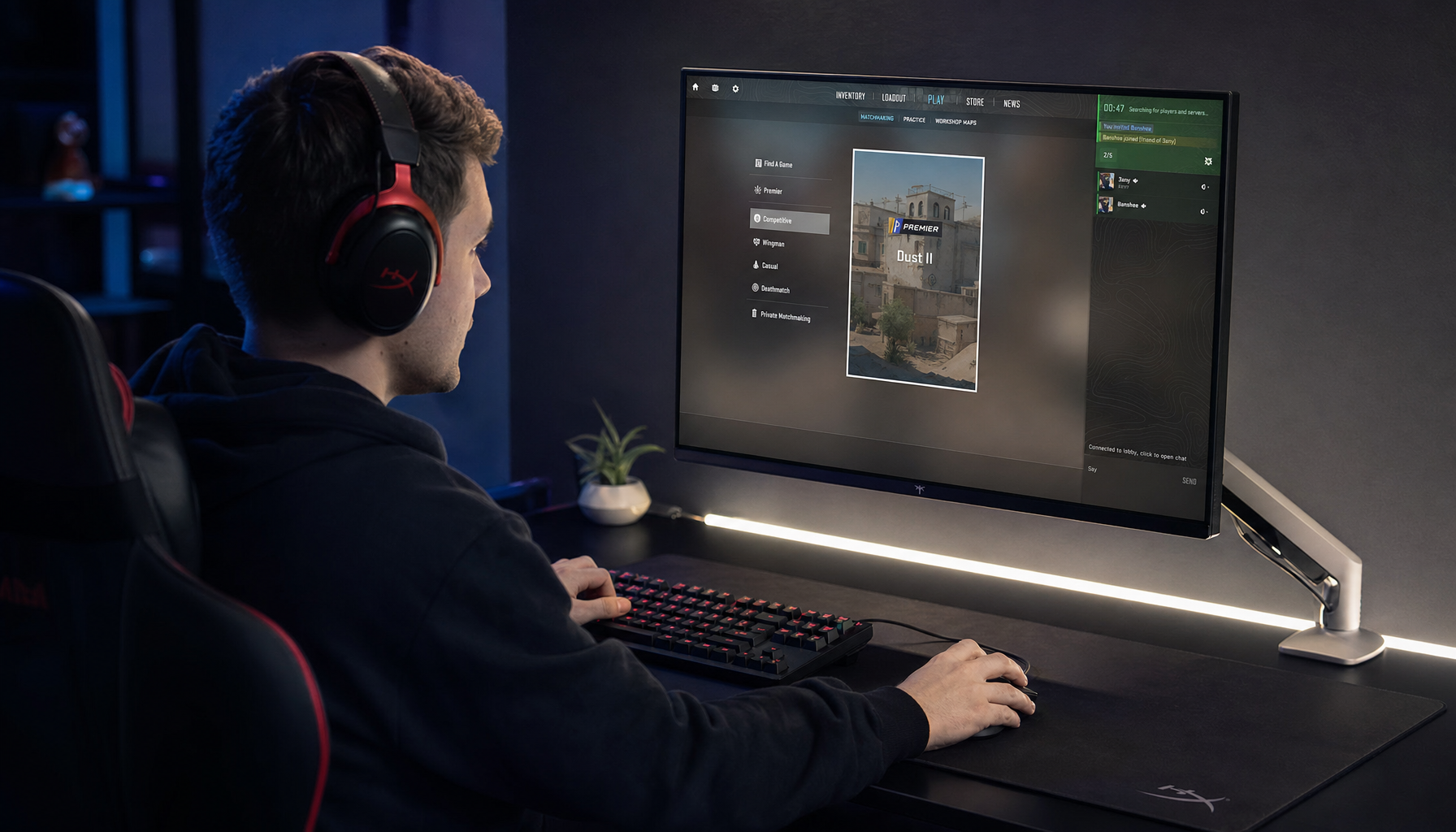
A: Only if the design fundamentals are solid first. A high-refresh panel is a nice bonus, but IPS or pro OLED quality, factory calibration, wide-gamut modes, modern display connectivity, and a good stand should come before refresh rate.
Practical Next Steps
Buy by workflow, then by monitor class
For most accurate design work, a flat 27-inch or 32-inch IPS display is still the default recommendation. It is the lowest-risk path for architecture, print, branding, and any job where straight lines and consistent spacing matter more than panoramic immersion.
A curved display becomes easier to justify when your workflow is ultrawide-first and built around multitasking, 3D, or long timelines. If that is your use case, keep the curve mild, insist on strong color specs, and make sure your desk has the depth to support the larger chassis comfortably.

Action checklist
- Define your primary work: CAD and print-proofing, or 3D and multitasking.
- Start with panel quality: IPS or pro OLED, factory calibration, and the right color space coverage.
- Choose resolution before shape: 27-inch 4K or 5K, or 32-inch 4K if you want more workspace.
- Treat curvature as optional: a gentler 1800R is usually easier for design than a tighter 1000R.
- Check daily-use hardware: a port with power delivery, a display input, anti-glare coating, and a fully adjustable stand.
- Calibrate after setup and test line work, type, and neutral grays before committing to the monitor.