For most desktop monitors, edge blooming starts to feel effectively imperceptible around 1,000 to 1,500 well-controlled Mini-LED dimming zones at a normal 2 ft viewing distance. There is no magic number: panel contrast, dimming firmware, brightness, room lighting, and content can move the real threshold higher or lower.
Why Zone Count Matters
Blooming appears when a bright object is smaller than the backlight area lighting it, so the glow spills into nearby dark pixels. That is why local dimming zones matter: smaller zones can track highlights more precisely.
A 32-zone monitor often creates obvious blocky halos around subtitles, cursors, stars, and HUD icons. A 576-zone display can look much cleaner, but small white objects on black can still expose the grid.

The practical sweet spot begins when Mini-LED moves into four figures. Around 1,152 zones on a 27- to 32-inch monitor, each zone becomes small enough that blooming is usually masked by normal viewing distance, game motion, and the eye’s lower sensitivity in dark areas.
The Real Minimum: Around 1,000 Zones
If you want one buying number, use this: do not expect blooming to become hard to notice until roughly 1,000 zones or more on a standard desktop monitor.
For a 27-inch 16:9 display viewed from about 2 ft away, a 1,152-zone layout can make each lighting area roughly 0.5 inches wide, depending on the grid design. At that size, halo edges become much harder to detect during games, movies, and productivity work.
But imperceptible is a high bar. A white mouse cursor on a black screen, subtitles in HDR, or a starfield test can still reveal haloing even on premium Mini-LED. The better claim is that 1,000+ zones can make blooming non-distracting for most users.

Zone count is a shortcut, not a guarantee, because firmware and panel contrast can make a lower-zone monitor look cleaner than a poorly tuned higher-zone one.
Normal Viewing Distance Changes the Answer
Office and gaming monitor distance is usually much closer than TV distance. A 24- to 27-inch desk monitor is commonly used around 20 to 30 inches away, while ultrawides often sit closer to 30 to 36 inches.

At closer distances, your eyes resolve smaller halo edges. That means a zone count that looks excellent from a couch may still show blooming at a desk.
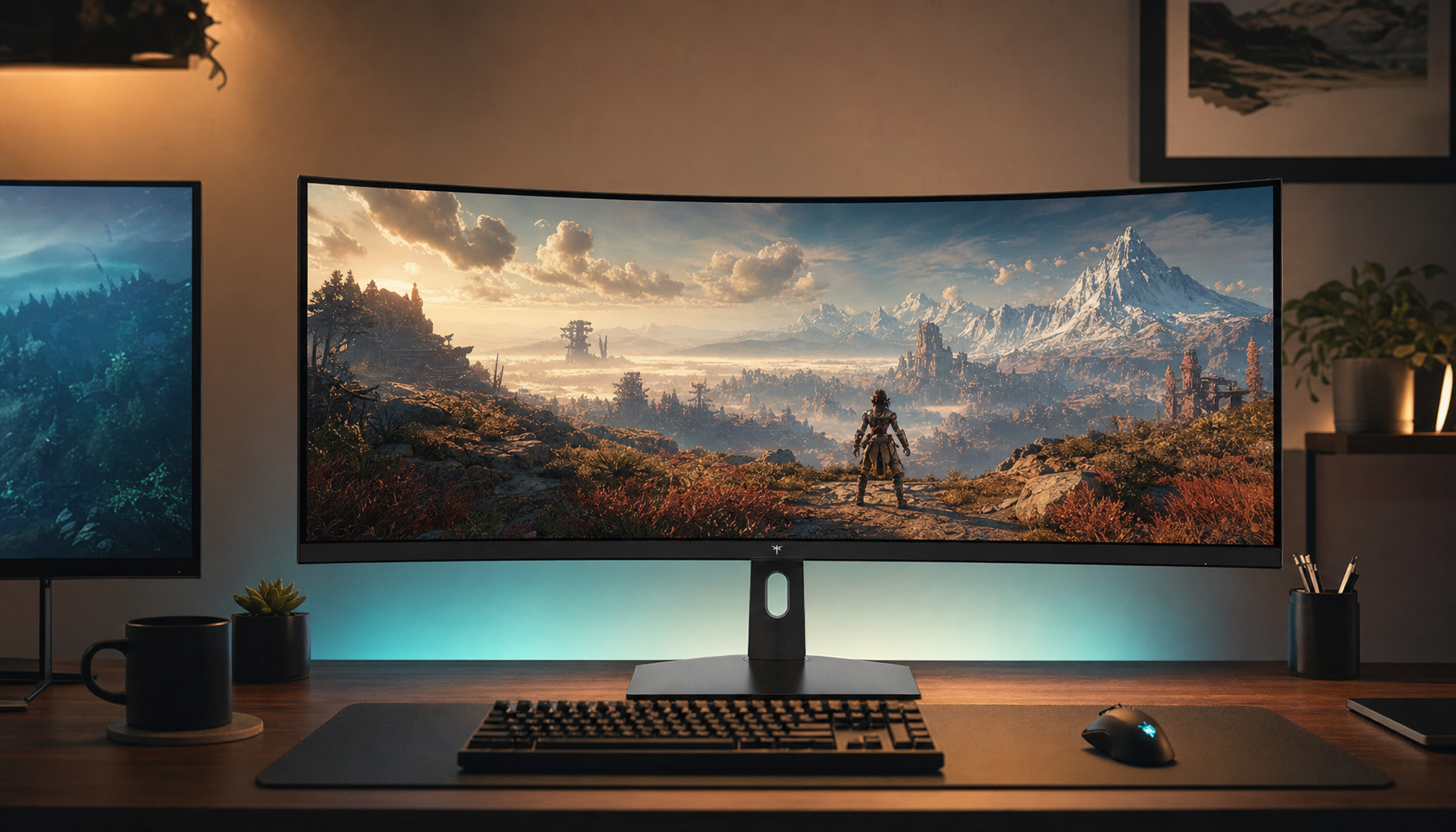
For portable smart screens and compact monitors, fewer zones may look acceptable because the screen is smaller. For 32-inch, 34-inch ultrawide, or 49-inch super-ultrawide displays, the same zone count spreads across more screen area, so you should aim higher.
Quick buying targets:
- 32 to 576 zones: visible blooming in dark scenes.
- 1,000 to 1,500 zones: strong practical minimum for most users.
- 2,000+ zones: safer for HDR gaming and dark-room viewing.
- OLED/QD-OLED: no true backlight blooming, but different tradeoffs.
Settings Can Beat Specs
Even with enough zones, aggressive brightness can make haloing more visible. High local dimming modes often chase peak HDR impact, which can exaggerate subtitles, crosshairs, and cursor glow.
For the cleanest image, start with Medium or Normal local dimming, moderate brightness, and avoid showroom-style vivid modes. A subtle bias light behind the monitor can also reduce perceived blooming without crushing detail.

Full-array Mini-LED is the right LCD path because edge-lit dimming has less control over small highlights. Still, if absolute black precision is the priority, emissive display technologies like OLED and QD-OLED remain the cleanest solution.
Bottom Line for Buyers
The minimum zone count where edge blooming becomes effectively imperceptible is about 1,000 zones for a normal-size desktop monitor, assuming competent tuning. For demanding HDR gamers, dark-room movie watchers, and ultrawide users, 1,500 to 2,000+ zones is the smarter target.
Buy the full display system, not the zone number alone: Mini-LED zone count, native contrast, dimming controls, HDR behavior, viewing distance, and your real content all decide whether the glow disappears into the experience.