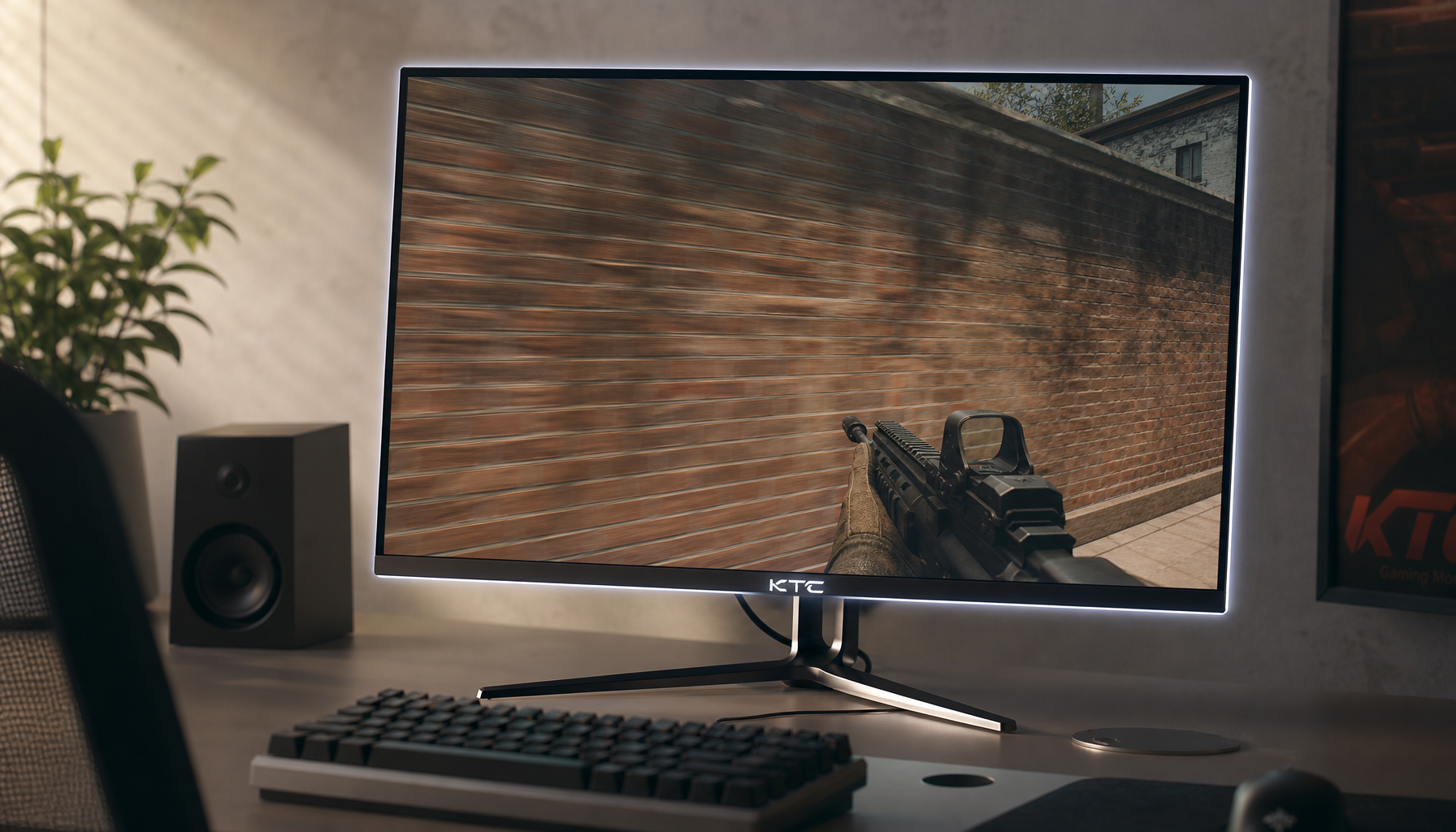
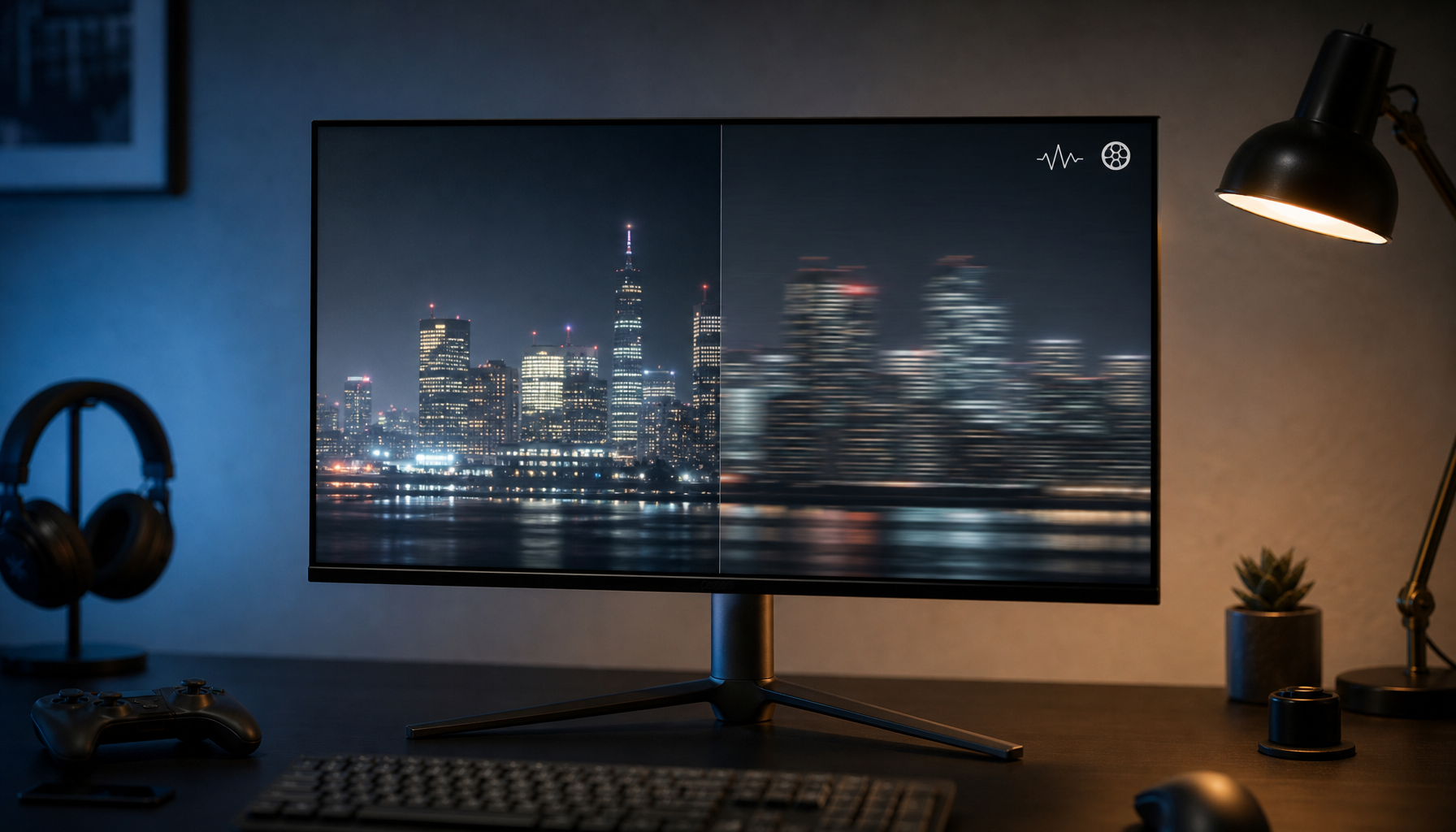
Panel pixel persistence is how long an image remains visible on screen during motion, while response time is how long pixels take to change from one shade to another. A monitor can have excellent response time and still look blurry if each frame stays visible too long.
Does a fast game still smear when you flick the camera, even though the box says “1 ms”? In real use, separating persistence from response time helps you choose settings and panels that reduce blur, ghosting, and overdrive artifacts without paying for a spec that does not match your workload. This guide explains how to read GtG, MPRT, refresh rate, OLED, IPS, VA, and TN claims with more confidence.
Pixel Persistence, in Plain English
Pixel persistence is the visible hold time of an image on the panel. On a typical sample-and-hold display, each frame stays lit until the next refresh replaces it. Your eyes track a moving target, but the screen holds each frame in place for a tiny slice of time, so the moving object spreads across your vision as blur.
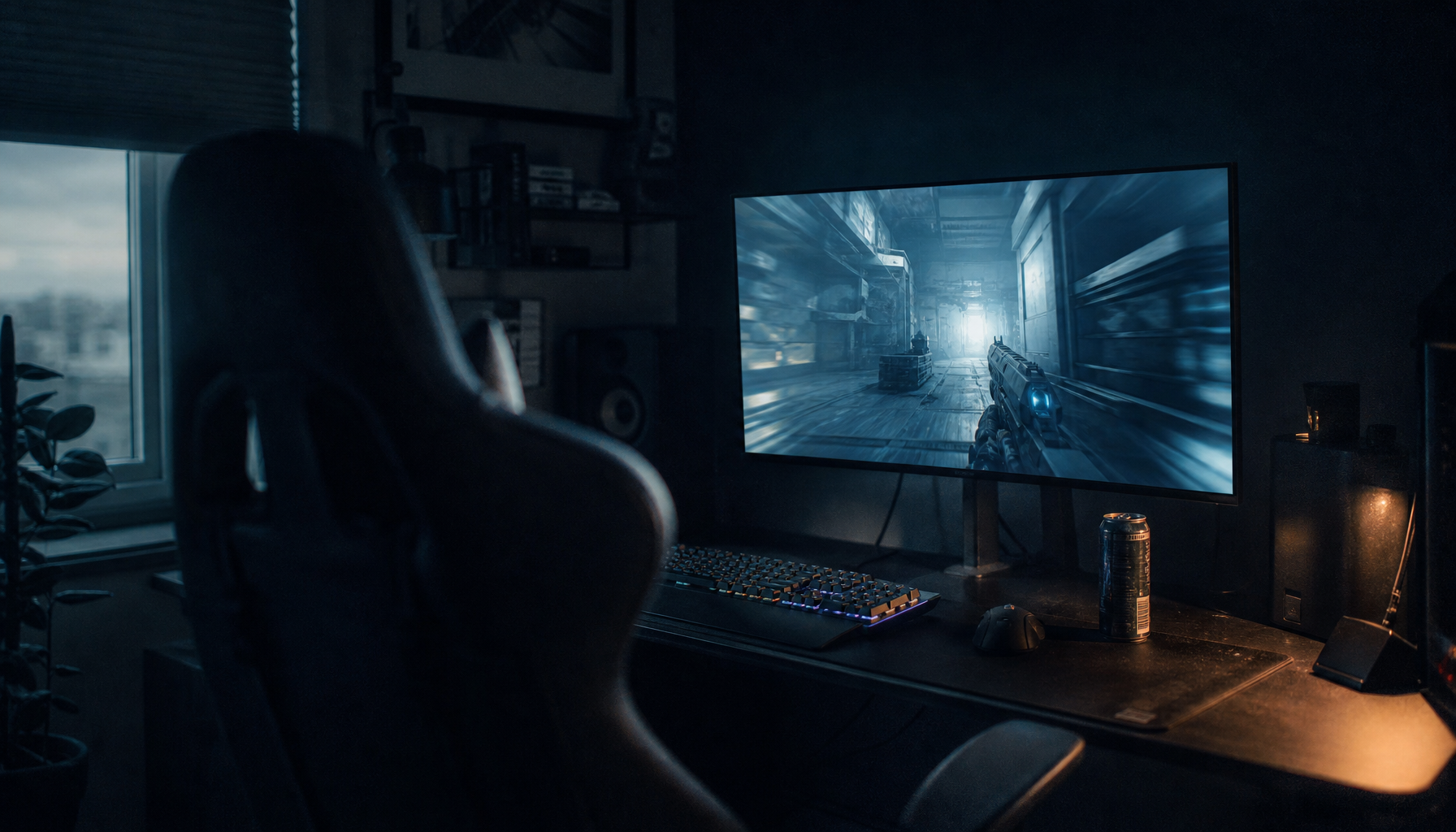
That is why persistence is closely tied to MPRT, or Moving Picture Response Time. A moving image or frame remains visible for roughly the duration of a refresh cycle unless the display uses blur-reduction techniques such as backlight strobing. At 60 Hz, that visible hold time is about 16.7 ms. At 120 Hz, it is about 8.3 ms. At 240 Hz, it drops to about 4.2 ms. The simple field test is easy: drag a white window across a dark desktop or pan across signs in a game. If the object stretches into a soft smear but does not leave a colored trail, persistence blur is likely the main issue.

Response Time Is a Different Measurement
Response time describes how quickly pixels transition between levels, most commonly gray-to-gray, or GtG. It is about the pixel changing state, not about how long the finished frame remains visible. A pixel changes between gray shades very quickly on OLED because each pixel emits its own light; LCD panels rely on liquid crystal movement, which is inherently slower and often needs overdrive.
The catch is that response time is not one universal number. A dark gray to light gray transition may be faster than a deep black to medium gray transition, and falling transitions can differ from rising transitions. The practical result is familiar: a monitor advertised as “1 ms” may still show dark smearing on a VA panel, bright halos from aggressive overdrive, or uneven blur across different colors.
GtG Versus MPRT
Measurement |
What It Tells You |
What It Does Not Tell You |
GtG response time |
How quickly pixels change between shades |
How long each frame remains visible |
MPRT or persistence |
How long motion remains visible to your eyes |
Whether pixel transitions are clean or overshot |
Refresh rate |
How often the display can update |
Whether the panel can transition cleanly between updates |
Input lag |
How responsive controls feel |
Whether motion looks sharp |
A clean monitor needs both fast transitions and low persistence. For example, a 240 Hz OLED may have near-instant pixel transitions, but each frame still persists for about 4.2 ms at 240 Hz. That is why even a 0.03 ms OLED can still show sample-and-hold blur if the game runs at modest frame rates.
Why a “1 ms” Monitor Can Still Look Blurry
The main reason is that GtG and persistence solve different problems. GtG reduces trails caused by slow pixel transitions. Persistence reduces eye-tracking blur caused by visible frame hold time. A fast transition can make object edges cleaner, but it cannot erase the blur created by your eyes following a frame that remains continuously lit.
There is also a measurement nuance buyers should respect. The gray-to-gray transition time often gets discussed as a continuum rather than a pass/fail threshold because partial transitions can still be visible. If a panel gets most of the way to the new shade quickly but takes longer to fully settle, a reviewer may measure an impressive number while your eyes still catch residual ghosting in motion.
In practical display evaluations, the easiest separator is a pursuit motion test or fast side-scrolling scene. If the entire moving object is evenly softened, persistence is probably dominant. If the object has a dark shadow, bright outline, colored trail, or reverse halo, response tuning and overdrive are the first suspects.

How Refresh Rate Changes Persistence
Refresh rate sets the ceiling for sample-and-hold clarity. At 60 Hz, each frame lasts long enough that blur is obvious in fast camera pans. At 144 Hz, persistence is reduced substantially. At 240 Hz and beyond, motion can become much easier to track, especially when your GPU actually feeds the panel enough frames.
A practical calculation helps. If a game runs at 60 fps on a 240 Hz screen without effective frame multiplication, you do not get true 240 unique motion updates. You get smoother scanout potential and lower latency headroom, but motion detail still depends on delivered frames. The highest refresh rate should be paired with enough GPU performance and the correct display setting in the operating system or GPU control panel.
This is where variable refresh rate matters. VRR can smooth frame pacing and reduce tearing, but it does not make pixels faster. If a 144 Hz VRR monitor drops into a demanding scene around 90 Hz, persistence behaves closer to an 11.1 ms hold time, so motion may look blurrier even though pacing feels smoother.
Panel Type Matters, but Specs Still Need Context
OLED is the clearest example of the split between response and persistence. OLED panels have near-instant response, exceptional contrast, and very sharp transitions, but their sample-and-hold blur still depends on refresh rate and frame rate. They can also involve practical tradeoffs such as text clarity and burn-in risk for static productivity layouts.
LCD behavior varies more by panel type. TN is usually the speed-first choice, IPS balances color and gaming well, and VA often delivers stronger contrast with a higher risk of dark smearing. For office productivity, coding, dashboards, and spreadsheet-heavy days, an IPS or Mini LED LCD may be the more reliable value because static content is less risky than on OLED. For competitive gaming, OLED or well-tuned fast IPS can be excellent. For cinematic single-player games, VA or OLED can deliver stronger depth, as long as motion artifacts are acceptable.
Image Persistence Is Not the Same Thing
The phrase “pixel persistence” can also be confused with image persistence, also called image retention. That is a different issue: a faint afterimage remains after static content has been displayed for a while. On LCDs, this is not the same as phosphor wear from older display types, and technical discussions have proposed factors such as panel structure, color filter behavior, backlight intensity, and temperature rather than a single universal cause. The retained image patterns are useful to distinguish from ordinary motion blur.
The practical difference is simple. Motion persistence disappears when the object stops moving. Image retention remains visible after the content changes, such as a faint toolbar, taskbar, or window outline lingering on a flat gray screen. If you use a display for office work eight hours a day, this distinction matters more than a headline gaming response number.

How to Buy and Tune for Real Clarity
For esports, prioritize verified response behavior, high refresh rate, and clean overdrive across the frame rates you actually hit. A 240 Hz or 360 Hz panel is only valuable if your system can sustain high fps in the games you play. Use the overdrive mode that looks clean during frame-rate dips, not the one with the most aggressive name in the on-screen menu.
For mixed gaming and productivity, fast IPS remains a strong value pick. It avoids many OLED static-content concerns, usually has clean text rendering, and can now deliver high refresh rates with respectable response. If you review spreadsheets by day and play shooters at night, a well-reviewed 144 Hz to 240 Hz IPS display often makes more sense than chasing the lowest possible GtG number.
For immersive HDR gaming and media, OLED gives the best response and black-level performance, while Mini LED LCD can be better for bright rooms and static desktop use. Full-array and Mini LED LCDs can often sustain higher full-screen brightness than OLED, which matters in sunlit rooms, large white documents, and productivity apps.
Quick FAQ
Is MPRT the Same as Response Time?
No. MPRT describes visible motion persistence, while GtG response time describes pixel transition speed. Some monitor menus use “MPRT” as a blur-reduction setting, but technically it is a measurement.
Can OLED Still Have Motion Blur?
Yes. OLED greatly reduces transition blur, but sample-and-hold persistence remains unless refresh rate, frame rate, or impulse-style display behavior reduces visible hold time.
Is Lower GtG Always Better?
Lower GtG is useful, but only when it is measured honestly and paired with clean overdrive. A slightly slower mode with no halos can look better than a faster mode with inverse ghosting.
Bottom Line
Panel pixel persistence controls how long motion stays visible; response time controls how cleanly pixels change. For a monitor that feels fast and looks sharp, judge GtG, MPRT, refresh rate, frame rate, overdrive tuning, and panel type together instead of trusting a single “1 ms” badge.