Purple or green tint on VA panel edges usually comes from off-axis gamma shift, where the liquid crystals, polarizers, and backlight are no longer viewed at their intended alignment. It is most noticeable on dark gray, black, or low-brightness content, especially on large, curved, or close-viewed displays.
Why VA Edges Shift Color Off-Axis
VA stands for Vertical Alignment, and its core strength is contrast. The liquid crystals block more backlight when closed, which helps VA monitors produce deeper blacks than many IPS displays; testing has measured VA monitors at far higher average native contrast than IPS in VA panel testing.
That same structure is also why the edges can look different from the center. When you view a VA screen from an extreme horizontal or vertical angle, the perceived gamma changes. Dark tones may lift, crush, or skew slightly toward purple, green, or gray.

This is not the same as a whole-screen color cast. A uniform green or purple image can point to a cable, GPU, driver, or color-profile issue. Edge-only tint that changes as your head moves is usually optical panel behavior.
Why It Shows Up at the Edges First
Even when you sit centered, the far left and right edges of a large monitor are already being viewed from a sharper angle than the middle. On a 32-inch screen viewed from about 2 ft away, the edges can sit far enough off-axis for VA gamma shift to become visible.

That is why the effect often appears as colored edge shading rather than a full-screen problem. VA drawbacks such as gamma shift and black crush are angle-sensitive behaviors that can vary across the same screen.
Curved VA monitors help by turning the edges slightly toward you. They do not eliminate the physics, but they can reduce the difference between center and edge viewing angles for a single user.
Purple vs. Green: What the Color Tells You
Purple tint often appears when dark tones and mid-grays shift unevenly across RGB subpixels. Green tint can appear when the panel, firmware, color profile, or brightness behavior favors green at low luminance.
If the tint only appears at extreme angles, it is likely normal VA viewing-angle behavior. If it appears straight-on, across the full image, or suddenly after a sleep/wake cycle, look beyond the panel.
Quick checks:
- Move your head: if the tint moves or fades, it is viewing-angle related.
- Test a gray background: low-brightness gray reveals tint fastest.
- Try another cable/input: signal issues can mimic color faults.
- Reset monitor color settings: disable unusual color temperature presets.
- Check another device: a screenshot viewed elsewhere separates the panel from the source.

A useful distinction: cell phone and OLED tint advice often focuses on low-brightness calibration, while VA monitor edge tint is more often about viewing geometry and gamma shift.
Can You Fix It or Only Reduce It?
You usually cannot repair normal VA edge tint, but you can reduce how often you notice it. Sit farther back, keep your eyes centered vertically, and avoid pushing brightness too low in dark rooms.

Use a neutral color temperature, standard gamma, and the monitor’s sRGB or accurate picture mode if available. VA panels are known for strong contrast and black reproduction, while their trade-offs include response and viewing-angle limits.
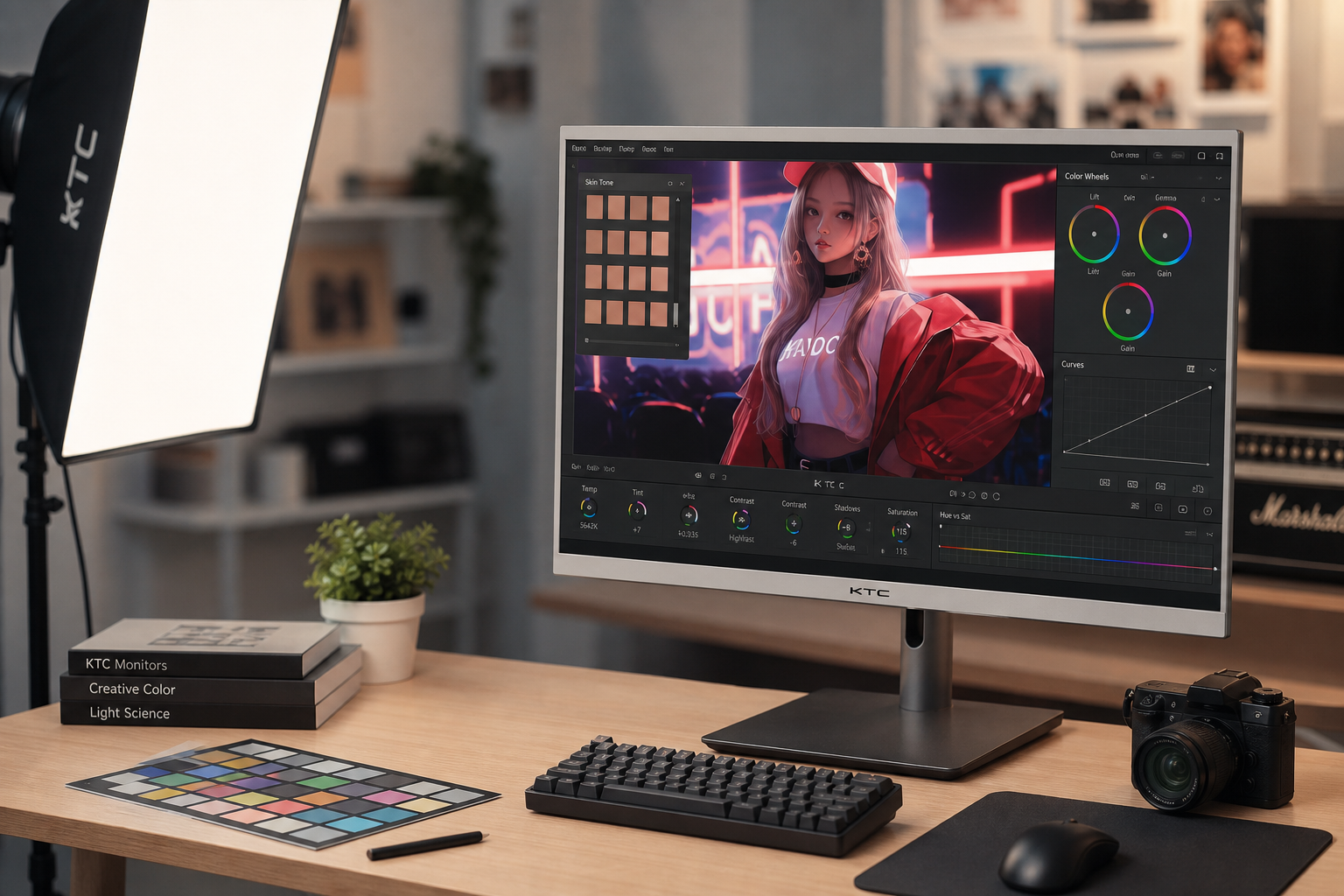
For office productivity, a slight edge shift may be acceptable if you value deep contrast for text, spreadsheets, and dark-mode dashboards. For color-critical editing, shared viewing, or multi-monitor setups angled around your desk, IPS is usually the more reliable choice.
When to Return or Replace the Monitor
Return or exchange the display if the tint is visible straight-on during normal use, differs sharply between left and right edges, appears with obvious blotches, or persists after cable and settings checks.
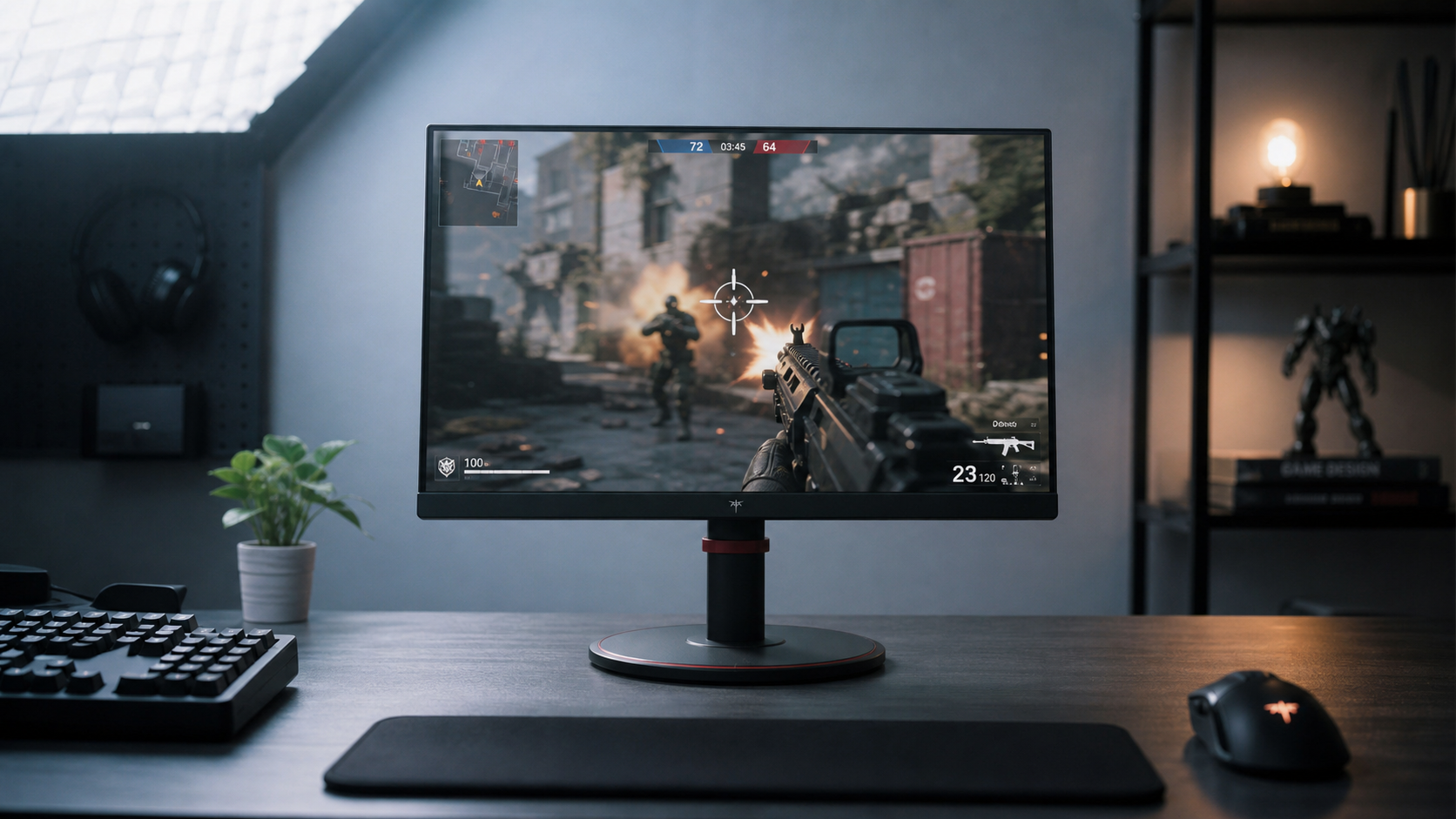
For gaming and media, VA remains a strong value when you want immersion, dark-scene depth, and low burn-in concern. For precision color work, choose IPS or OLED instead, because consistent color across the screen matters more than peak contrast.