Tandem OLED burn-in protection matters in 2026 because dual emissive layers lower stress per layer, which improves the odds for long static desktop sessions. That makes tandem OLED more attractive for coding, dashboards, and office work, but it still does not make OLED burn-in proof.

How Tandem OLED Changes Pixel Stress
Two Emissive Layers Share the Load
Tandem OLED splits light generation across two stacked emissive layers, so the panel can reach a given brightness with less work from each layer. In plain terms, it is less like one worker carrying the whole box and more like two workers sharing it. Ossila’s tandem OLED explainer describes the basic structure the same way: two emissive stacks share the drive burden.
Lower Current per Layer Means Less Degradation
The reason that matters is simple. OLED materials age as they are driven, and lower current density usually means less electrical and thermal stress per layer. A Society for Information Display paper on tandem OLED lifetime links that load-sharing design to slower degradation under high-brightness operation. That does not guarantee a doubled lifespan for every monitor, but it does explain why tandem OLED is a credible durability upgrade rather than a marketing label.
Why Heat and Static UI Wear Matter More on Desktops
Desktop use is a special case because the screen often holds the same pixels in place for hours. Taskbars, IDE toolbars, browser tabs, chat columns, and status bars keep the same regions lit, so uneven aging can build up faster there than on a movie-first screen. For that reason, tandem OLED burn-in protection is most relevant when your day has a lot of fixed UI and not much motion.
If you want a broader panel-selection lens for static work, our static-content panel comparison is a useful follow-up.
What 2026 Longevity Tests Actually Show
For most buyers, the question is not whether tandem OLED can be better in theory. The real question is whether the advantage is large enough to matter in day-to-day desktop work. The best answer in 2026 is cautious: the benefit is real, but it is workload-dependent.
| Test Or Metric | What It Indicates | Why It Matters For Desktops | Caution |
|---|---|---|---|
| Static-heavy stress behavior | How a panel handles long-held UI in one place | This is closest to coding, spreadsheets, and taskbars | It is the harshest desktop case, not the average one |
| Mixed-use behavior | How much wear accumulates when content changes often | This better reflects browsing, media, and varied multitasking | Mixed use usually hides the advantage more than static use |
| High-brightness longevity | How fast wear builds when the panel is driven hard | Bright IDEs and white windows increase stress | Results from other device classes do not translate one-to-one to monitors |
A useful reference point is the difference between accelerated lab claims and real desktop patterns. A newer LG Display SID 2026 announcement says third-generation tandem OLED features lower power use and more than twice the lifespan of the previous generation in automotive applications. That is encouraging, but it is not the same as proving identical gains on a coding monitor.

The safer reading is that tandem OLED is a stress-management upgrade. It improves the odds under demanding use, but the size of that advantage still depends on brightness, static content, and how often your layout changes.
Where Tandem OLED Helps Most on a Desktop
For developers and productivity buyers, tandem OLED makes the most sense when the screen spends long stretches on the same layout. Dark-mode IDEs, pinned taskbars, split-window workflows, and browser-heavy work are all cases where the panel keeps revisiting the same regions.
Coding and IDEs With Fixed Toolbars
If your editor stays open for six to ten hours a day, the main issue is not just brightness. It is cumulative exposure. That is why recent monitor burn-in reporting for IDE use focuses on toolbars, sidebars, and status bars as the parts most likely to stress a panel over time. Tandem OLED helps here because it reduces the work each layer has to do, but fixed UI still remains the thing to manage. OLED text clarity remains a related desktop consideration.
Office Multitasking With Persistent Taskbars
The same logic applies to office desks with mail, chat, docs, and a permanent taskbar. A tandem panel can be a sensible OLED choice if you want deep contrast and also keep a lot of UI parked on-screen. It is less compelling if your work already changes constantly, because the longevity gain becomes harder to notice.
Mixed Media Use Versus All-Day Static Layouts
This is the main flip point. If your day is mostly variable content, tandem OLED is nice but not essential. If your day is mostly fixed UI, it becomes much more relevant. That is why the best-fit boundary is not “OLED or not OLED,” but “how static is your actual desk?”
For readers comparing panel families more broadly, this IPS, VA, and OLED breakdown helps frame the trade-off.
If you still want an OLED monitor as a desktop display, the All-OLED Monitor collection is the right place to browse the category. Just verify the specific model’s burn-in protections before you buy, because not every OLED page tells the same durability story.
Tandem OLED Versus Single-Stack OLED
A direct comparison is the clearest way to judge the upgrade. The point is not that tandem OLED eliminates risk. The point is that it spreads the load more intelligently.
| Factor | Single-Stack OLED | Tandem OLED | What It Means For You |
|---|---|---|---|
| Current per layer | Higher | Lower | Lower stress usually helps durability |
| Thermal stress | Concentrated | More distributed | Heat-related wear is easier to manage |
| Brightness headroom | Strong, but more demanding at higher output | Better efficiency at the same brightness target | The panel can work less hard for the same visible result |
| Burn-in risk | Still manageable with good habits, but more exposed to static UI wear | Better odds under static-heavy use | It is a better fit for desk work that repeats the same layout |
| Practical downside | Simpler stack, lower complexity | More complex architecture | Better longevity usually comes with more cost and engineering complexity |
Here is the clean decision sentence: if your monitor sits on mostly static work for hours every day, tandem OLED is the better risk-management choice; if your content changes constantly, the advantage is smaller and may not justify a premium.
This is also where the comparison flips back toward non-OLED options. If your workflow is a fixed spreadsheet wall, a trading desk, or a bright office with no willingness to hide static UI, a Mini-LED category is often the safer long-term choice because it avoids OLED burn-in altogether.
For a broader category view, the All Monitors collection is the general starting point when you want to compare OLED, Mini-LED, and office-friendly LCD options in one place.
What Habits Still Matter for Burn-In Prevention
Even with tandem OLED burn-in protection, the panel still benefits from basic discipline. Hardware reduces stress, but usage habits still shape how fast wear accumulates.
- Keep brightness sensible for SDR work. Static UI ages faster when the panel runs hot and bright for long periods. You do not need a dim screen, but you usually do not need maximum brightness all day either.
- Hide or reduce fixed UI when you can. Auto-hide taskbars, collapsed sidebars, and fullscreen editing reduce the number of pixels that sit in the same place for hours.
- Use screen sleep aggressively. Every minute the display is off is a minute of zero additional wear. That matters more than most people think on coding-heavy desks.
- Vary layouts when the work allows it. Switching between window arrangements spreads use across different pixels instead of hammering the same ones.
- Leave panel-care features enabled. Pixel shift, compensation cycles, and similar routines are there to help. Turning them off usually makes little sense unless you have a specific workflow reason.
A practical decision sentence: if you are willing to keep brightness moderate and let the panel sleep, tandem OLED is a much safer productivity bet than older OLED fears suggest; if you want to run a bright, static desktop all day and never think about settings, Mini-LED is still the lower-friction option.
Should You Buy Tandem OLED for Coding in 2026?
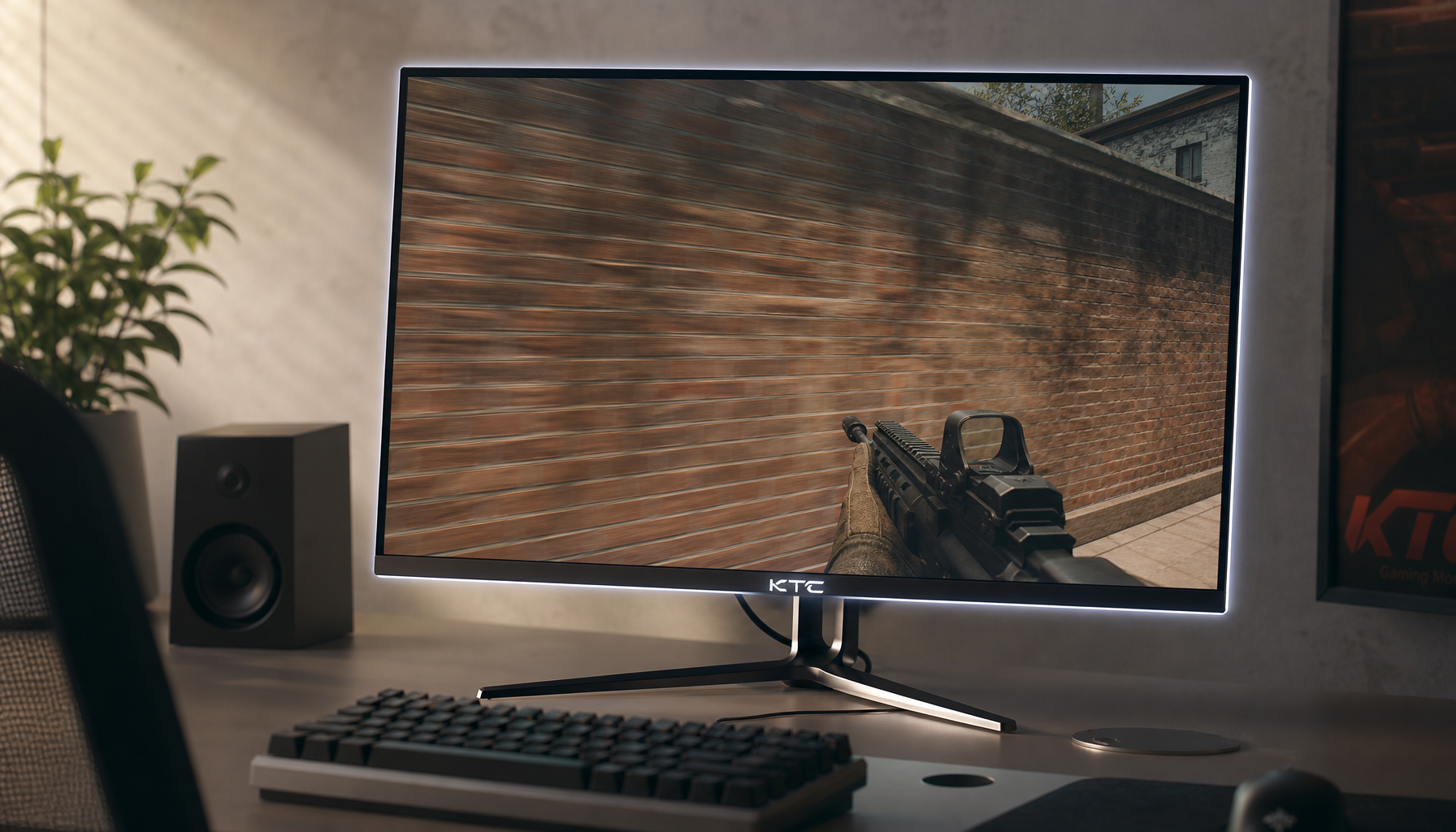
Buy tandem OLED if you want OLED contrast, you work in dark mode, and your desktop still sees long stretches of static UI. The KTC OLED 27" 2K 240Hz/0.03ms USB-C Gaming Monitor offers one concrete example of a current tandem-capable option. Skip tandem OLED if you refuse to manage brightness or if your work is so static that a burn-in-free panel is the more comfortable default; consider the KTC Mini LED 27" 4K 160Hz HDR1400 Gaming Monitor or the KTC Mini LED 27" 180Hz 2K HDR1400 Gaming Monitor instead. The 2026 answer is not that OLED is invincible. It is that tandem OLED makes OLED practical for more desktop users than before, provided you pair it with sensible habits.
FAQs
Q1. Does tandem OLED eliminate burn-in risk on desktops?
No. It reduces pixel stress and improves longevity odds under static loads, but fixed UI elements can still cause uneven aging over years.
Q2. How does tandem OLED compare to Mini-LED for coding?
Tandem OLED delivers perfect blacks and high contrast; Mini-LED avoids burn-in entirely and often handles very bright, static offices more comfortably.
Q3. What brightness setting helps most with longevity?
Moderate SDR brightness (around 150–200 nits) combined with auto-hide UI and screen-sleep timers yields the best real-world results.
Q4. Is the longevity gain noticeable in mixed-use workflows?
The advantage shrinks when content changes frequently; it becomes clearest during eight-hour static sessions with pinned toolbars.
Q5. Should I enable pixel-shift and compensation cycles?
Yes. Leave manufacturer panel-care routines enabled unless a specific workflow requires them off.