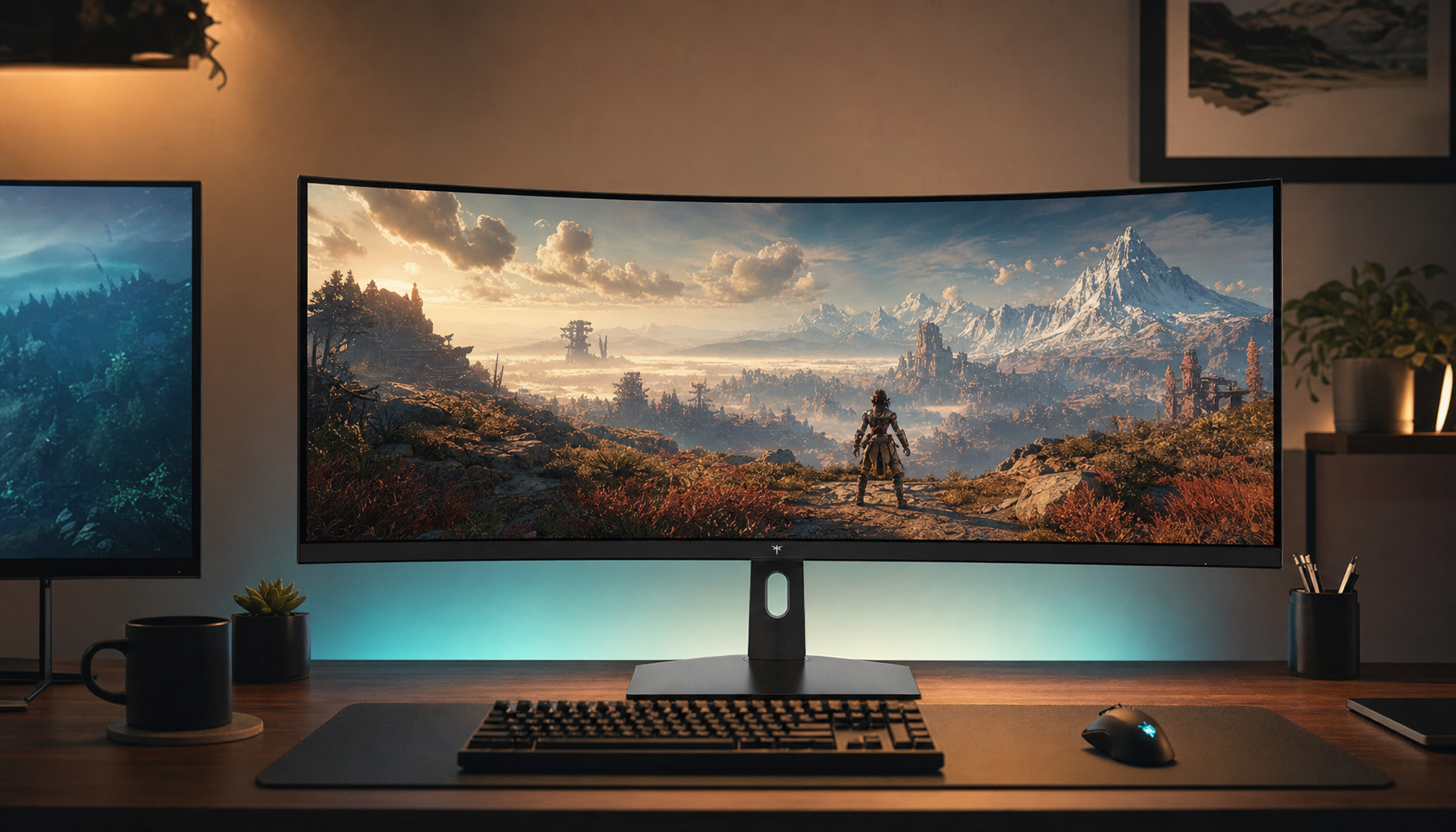
An ultrawide monitor shows more of the scene at once, making side movement, exits, and environmental cues easier to catch in survival horror. For many players, that wider view improves control and awareness without the heavy performance cost of 4K.
When a shape flickers at the edge of a hallway and you miss it because the camera feels too tight, survival horror stops being scary in the right way and starts feeling frustrating. Hands-on reports and monitor testing point to the same practical benefit: a wider screen gives you more usable side vision without the extreme GPU load of 4K. You’ll come away with a clear sense of when ultrawide genuinely helps, where it can backfire, and how to set one up for horror games without wasting money.
Why Peripheral Awareness Matters More in Survival Horror
Ultrawide monitors are built around a wider field of view, and that matters more in survival horror than in many other genres because the game is constantly asking you to manage uncertainty. You are not just aiming at enemies. You are scanning doorways, checking corners, reading motion in dim spaces, watching for resource prompts, and deciding whether to fight, flee, or hide. A standard 16:9 frame can force more camera correction to gather the same information.

That wider frame changes how tension lands. In a narrow view, fear often comes from not seeing enough. In a wider 21:9 view, fear shifts toward seeing just enough: the dragging shape near the left edge, the open locker you did not notice before, or the second route around a room that becomes visible a second earlier. That does not make horror less intense. It often makes it more deliberate, because the game gives you more evidence while still refusing certainty.
What Ultrawide Actually Means for Gameplay
Most ultrawide gaming displays use a 21:9 aspect ratio, compared with the standard 16:9 found on most gaming monitors and televisions. In plain terms, the screen is wider without becoming much taller. Common survival-horror-friendly options usually center on 34-inch, 3440x1440 models because they expand horizontal vision without pushing into the compatibility and hardware demands that come with larger super-ultrawide formats.
A simple way to think about it is this: 3440x1440 keeps the same vertical pixel count as regular 1440p, but adds width for more scene information. That resolution renders about 4.95 million pixels, while 4K renders about 8.3 million pixels. For players who want stronger immersion and more side visibility in dark games, that gap matters because ultrawide can feel dramatically bigger than 16:9 without punishing frame rate the way 4K often does.

How the Wider Frame Changes What You Notice
Hands-on ultrawide use points to cleaner environmental awareness. In survival horror, that usually plays out in three practical ways.
First, you catch side-entry movement sooner. If an enemy leans into frame from a doorway or a patrol path cuts across the far edge of a room, the extra width gives you a better chance of registering it without a panic camera swing. That is useful in games built around sound cues, partial visibility, and slow repositioning, where over-rotating the camera can make you lose orientation.
Second, navigation gets calmer. A wider hallway, broader room, or longer stretch of forest path means you can track landmarks, obstacles, and escape routes with less camera motion. On a curved ultrawide, that effect often feels more natural because the edges wrap slightly toward you instead of sitting flat and distant. Repeated recommendations for immersion and visual comfort fit horror particularly well because these games ask for long stretches of visual concentration in low-contrast scenes.

Third, the HUD becomes less intrusive. Extra horizontal space can spread interface elements outward. In survival horror, that can make ammo counters, health indicators, inventory prompts, and objective markers feel less like overlays pasted onto your line of sight and more like peripheral reference points.
Where Ultrawide Helps, and Where It Can Hurt
The strongest case for ultrawide is not raw performance. Aspect ratio alone does not make a monitor faster; refresh rate, response time, input lag, and adaptive sync still do that work. The real upgrade is experiential. In survival horror, that experience can improve decision-making because the scene carries more usable context.
The downside is that more information is still more information. Some firsthand ultrawide play reports note that wider views can feel busier during fast encounters. That matters for horror shooters with frantic fights. If the game asks you to snap between multiple threats at close range, the wider frame can raise cognitive load instead of lowering it. You see more, but you also have more to process under pressure.
Support is the other real limitation. Even strong ultrawide buying guides warn that some games still handle ultrawide support inconsistently. Survival horror is a mixed bag here because gameplay may support 21:9 while cutscenes do not. That means you can move from a beautifully wide exploration scene into a pillarboxed cinematic, which can feel abrupt.
The Performance Tradeoff Is Usually Worth It
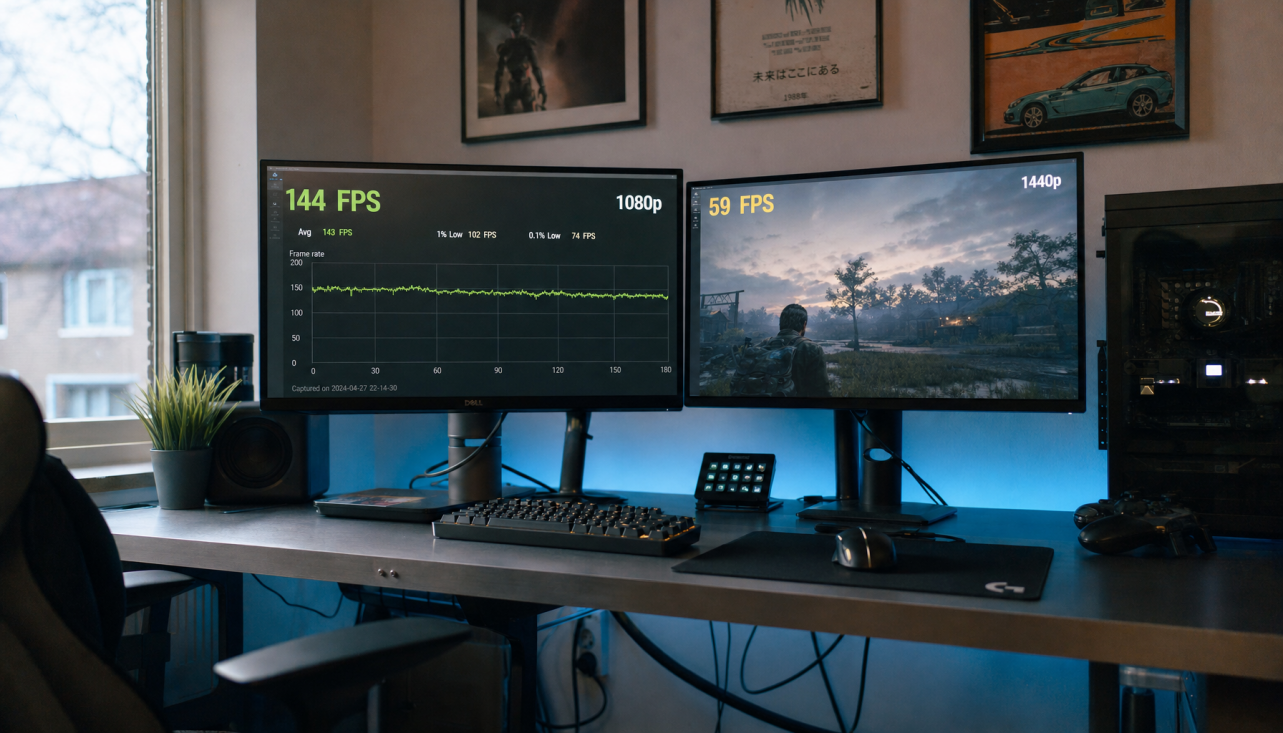
Moving from 2560x1440 to 3440x1440 increases pixel load by roughly 34%, so an ultrawide does ask more from your GPU than a standard 1440p monitor. But compared with 4K, it is still a far easier target. That is the sweet spot for survival horror, where stable frame pacing often matters more than chasing maximum resolution.
If your current system already struggles at 1440p, ultrawide can turn atmospheric horror into a stutter problem. If your GPU has headroom, though, 3440x1440 usually lands in the right zone: enough extra image to expand awareness, enough performance left to keep motion smooth, and enough resolution to preserve detail in dark textures, distant silhouettes, and environmental storytelling.
The Best Ultrawide Fit for Survival Horror
The safest recommendation for most players is a curved 34-inch 3440x1440 display with at least 144 Hz. That resolution-and-size class is widely treated as the sweet spot, and it balances support, immersion, and hardware demand better than 32:9 models.
A useful buying frame looks like this:
Priority |
Best Fit |
Why It Matters in Horror |
Peripheral awareness |
34-inch 21:9 |
Wider side vision without overwhelming scale |
Dark-scene impact |
OLED or high-contrast VA |
Better blacks help shape, shadow, and depth cues |
Smoothness |
144 Hz or higher |
Camera motion and flashlight sweeps look cleaner |
Curved panel |
Edges feel easier to track during long sessions |
|
Practicality |
3440x1440 |
More immersive than 16:9, easier to run than 4K |
If you also use the monitor for work, productivity-focused ultrawides can be excellent second-life displays. That makes the purchase easier to justify if horror gaming is only one part of your routine.
Setup Advice That Actually Improves the Experience
Higher refresh rates only help if your system is actually driving them, so the first step is making sure your operating system and the game are both set to the monitor’s full refresh rate. Survival horror often involves slow panning, controlled peeking, and dark-room contrast, which means uneven frame pacing is easy to notice.
Keep the monitor centered and close enough that the side edges sit inside your natural glance, not a full head turn. On a 34-inch curved panel, that usually means the display should feel wrapping, not wall-sized. If the image looks dramatic but your neck is working, the screen is too close or too large for the desk.

Panel choice matters more than many buyers expect. OLED remains the premium path for black depth. In survival horror, deep blacks and strong shadow separation are not cosmetic. They directly affect whether a threat reads as shape, noise, or empty darkness.
Ultrawide does not magically make horror games better. It changes what your eyes can gather before you react, and in a genre built on doubt, that wider awareness can turn panic into control without killing the tension. If you want the strongest balance of immersion, value, and reliable performance, a curved 34-inch 3440x1440 monitor is still the format that earns its space on the desk.