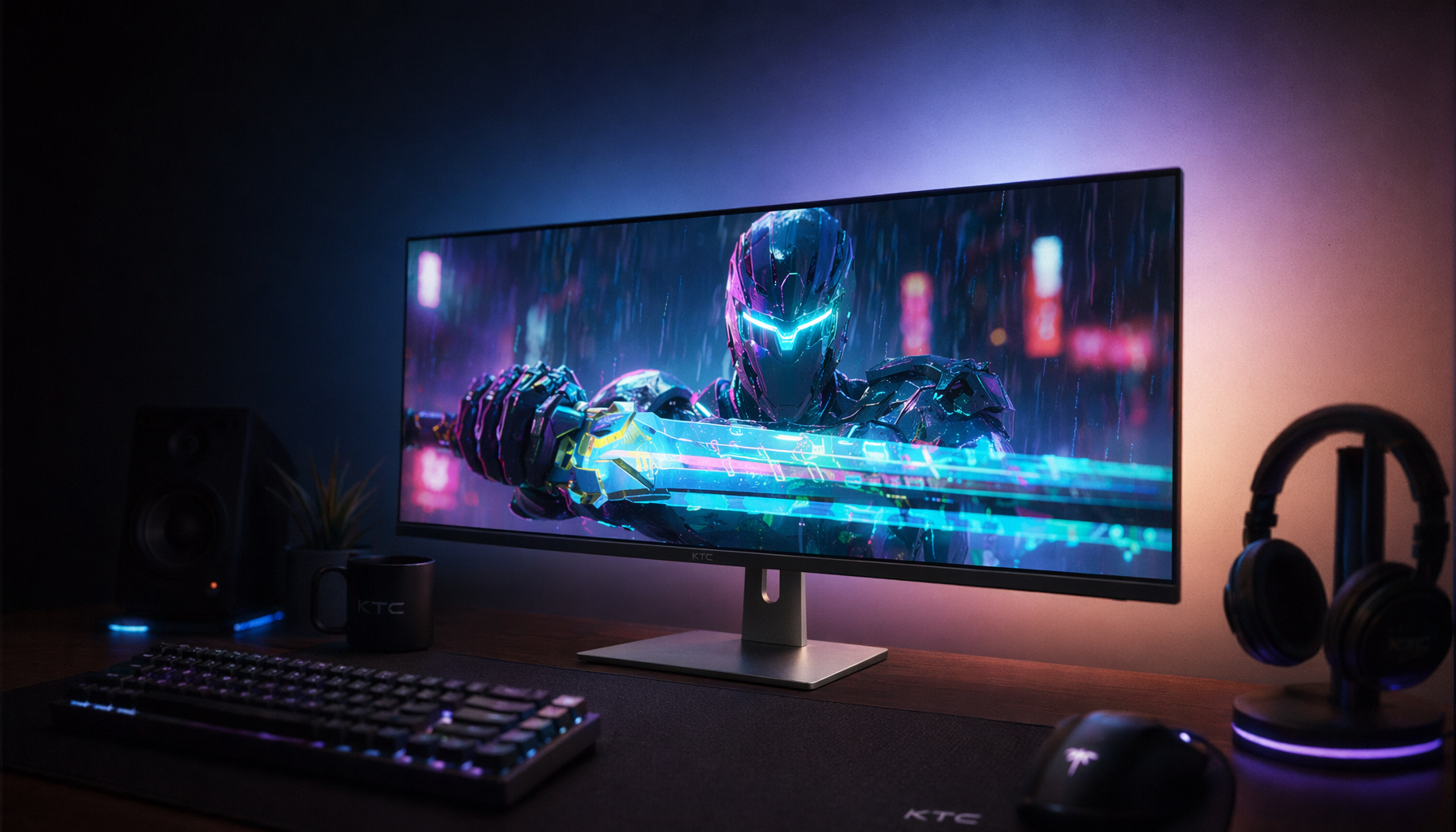
Some VA panels show trailing shadows in specific color changes because pixel response varies by transition, and blue-to-red shifts can leave one subpixel catching up while another has already moved.
Why VA Motion Artifacts Are Color-Specific
VA panels use vertically aligned liquid crystals that tilt when voltage is applied, helping them block more backlight and create deeper blacks than many LCD alternatives. That same behavior can slow difficult transitions, especially when dark tones or low-luminance colors are involved; high contrast and black smearing tradeoffs are common with VA panels.
Blue-to-red is a good example because it is not a simple “one pixel changes color” event. The red, green, and blue subpixels each receive different drive levels, and the perceived transition depends on how quickly those subpixels settle together.

If one channel reaches the target faster than another, your eye may catch a purple, dark, bright, or grayish afterimage behind motion.
The Real Culprit: Uneven Response Times
Monitor response time is often marketed as one clean number, but real panels do not switch every shade pair at the same speed. A “1 ms” or “4 ms” claim usually reflects a best-case or selected gray-to-gray measurement, not every blue, red, gray, and near-black transition you will actually see.
That is why a monitor can look clean in desktop scrolling but smear in a game HUD, neon sign, animated scene, or red enemy outline over a blue background. Pixels fail to transition quickly enough, and VA panels are more likely to expose that weakness in high-contrast or dark-adjacent motion.

At 144 Hz, each frame is on screen for about 6.94 ms. If a difficult VA transition takes longer than that, part of the old color leaks into the next frame, creating the shadow trail.
Overdrive Can Help, But It Can Also Miss
Overdrive pushes pixels harder so they arrive at the target shade faster. On a well-tuned monitor, this reduces smear without adding obvious artifacts.
The problem is that overdrive is usually tuned across many transitions, not perfectly optimized for every possible color pair. A setting that cleans up gray-to-gray motion may overshoot or undershoot blue-to-red, red-to-gray, or dark-blue-to-black movement.
A dark trail usually means the pixel transition is too slow. A bright trail points to overdrive overshoot, often called inverse ghosting. A colored fringe suggests the RGB subpixels are settling at different speeds. If the issue appears only in games, frame rate, variable refresh behavior, or game contrast may be making it easier to see.
Two VA monitors with the same refresh rate and advertised response time can behave very differently because panel quality and firmware tuning matter as much as the technology label.
How to Diagnose It Without Guesswork
First, test motion at several overdrive levels. If the shadow gets lighter or turns bright, overdrive is involved; if it stays dark and smeary, the panel’s native transition speed is likely the limit.
Next, try a lower refresh rate such as 120 Hz instead of 144 Hz or 165 Hz. A slower refresh gives each transition more time to complete, which can reduce visible trailing even if it does not improve input feel.
Also verify the basics: use DisplayPort or a certified HDMI cable, set the monitor to its native resolution and refresh rate, and confirm the issue does not appear in screen recordings. If the artifact is invisible in a recording but visible to your eyes, it is almost certainly display-side behavior.
What It Means When Buying a VA Monitor
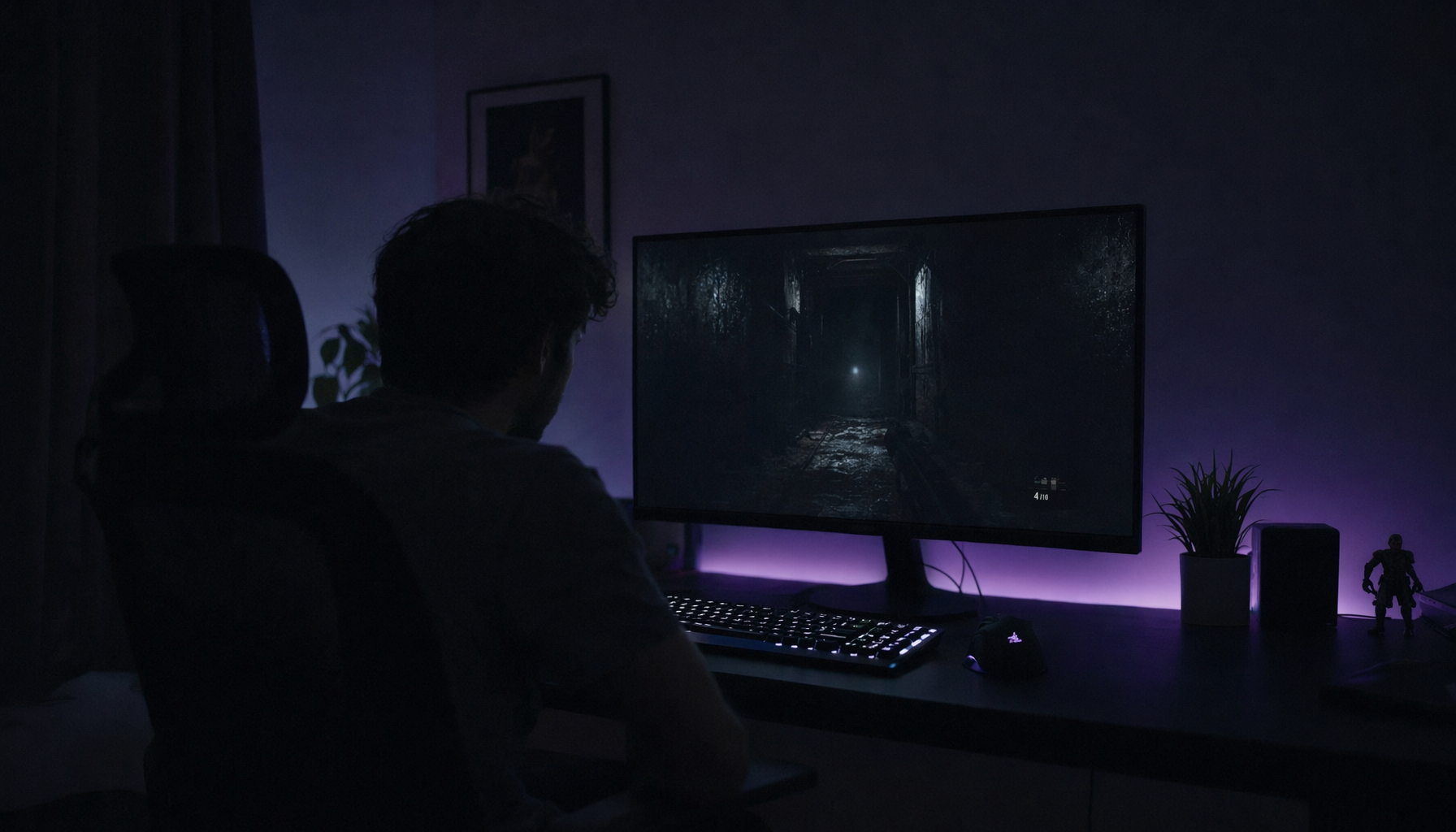
VA is still a strong value choice for immersive gaming, movies, office work, and dark-room use because its contrast can make scenes look deeper and more dimensional. The tradeoff is that motion quality must be judged by real testing, not spec-sheet response time alone.
For fast esports, IPS or OLED is usually safer. For cinematic games, RPGs, strategy titles, and productivity, a well-tuned VA can be excellent, especially if you prefer deep blacks over absolute motion clarity.