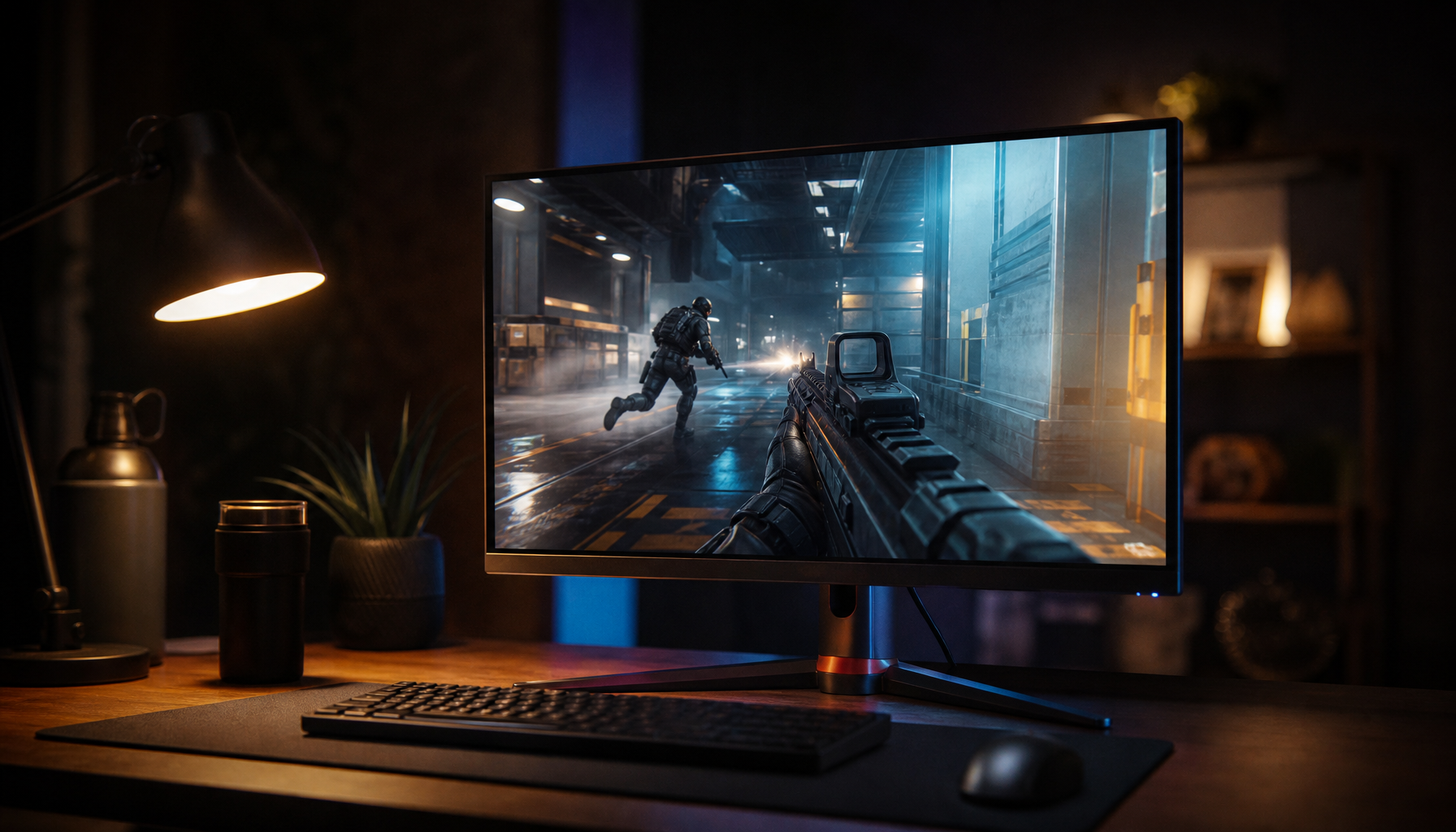
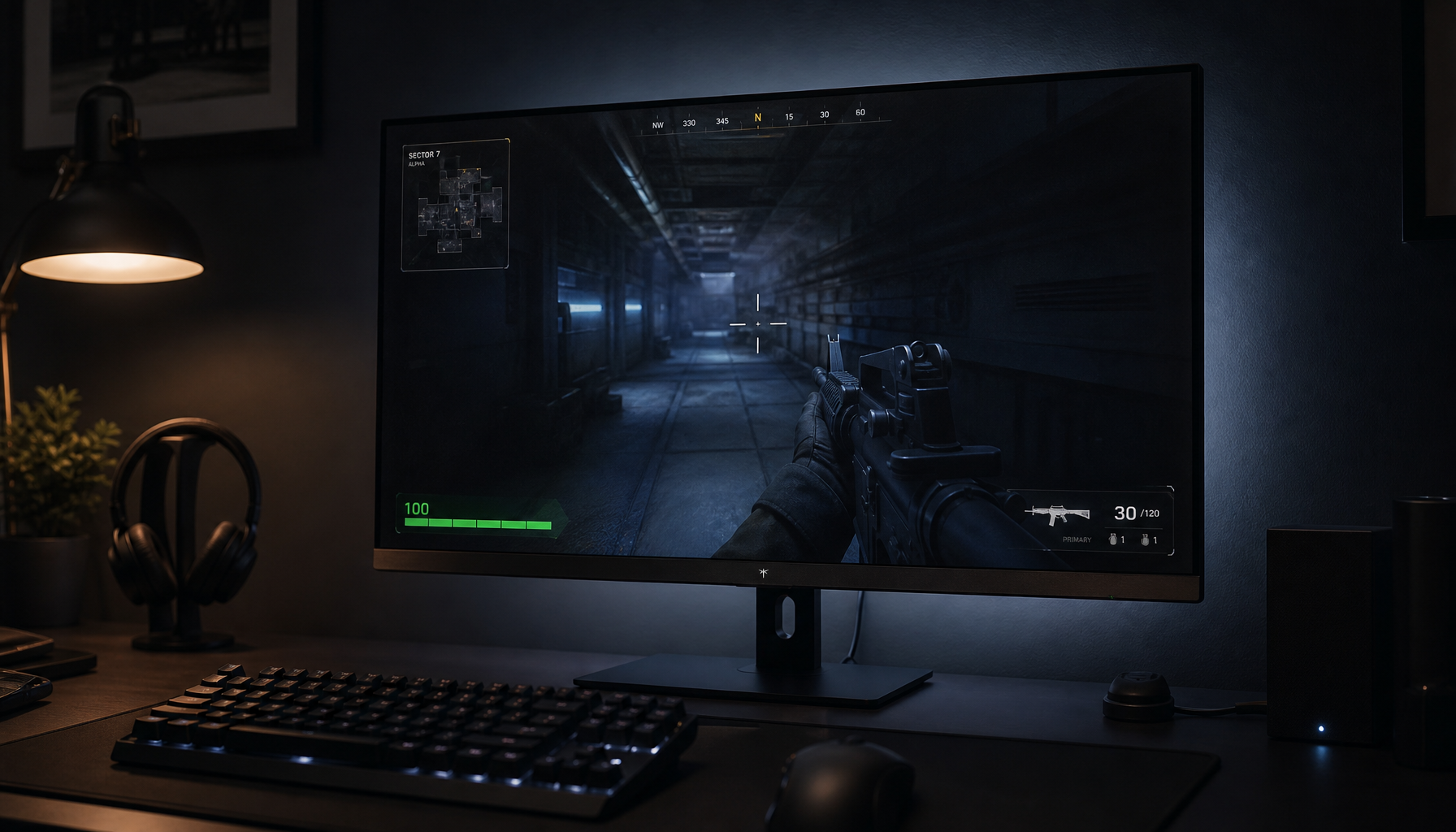
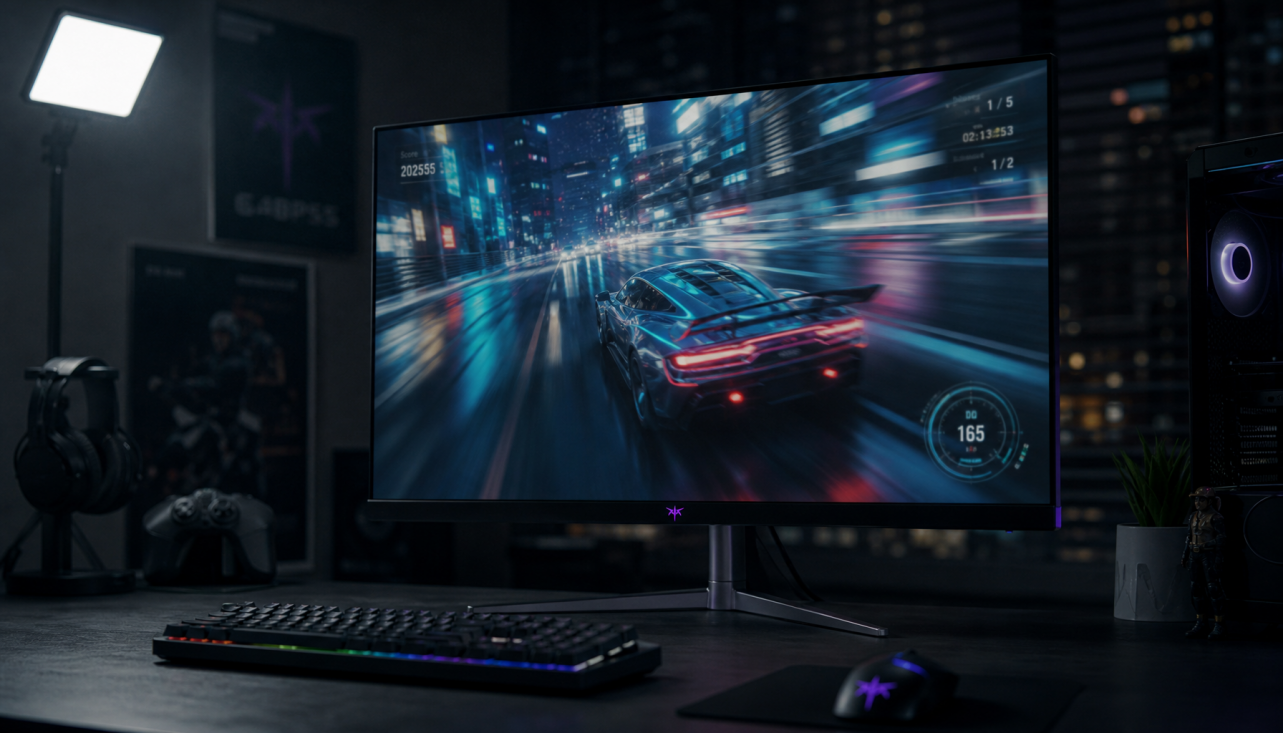
Some OLED monitors use white OLED with color filters because it is easier to manufacture at large sizes, can improve brightness efficiency, and helps manage panel longevity compared with separate red, green, and blue OLED emitters. The tradeoff is that color filters absorb some light, so panel makers tune WOLED for a practical balance of cost, brightness, lifespan, and image quality.
The Core Difference: WOLED vs RGB OLED
In a pure RGB OLED design, each pixel uses separate red, green, and blue OLED subpixels. That sounds ideal, but scaling it cleanly for monitor- and TV-sized panels is difficult because each emitter material ages differently and must be deposited with high precision.
WOLED takes another route. It creates broad white light from OLED layers, then uses color filters to produce red, green, and blue. Many WOLED panels also add a white subpixel to boost luminance, which matters for HDR highlights, full-screen productivity windows, and bright game scenes.

The reason this works so well for monitors is simple: OLED pixels are still self-emissive, so they can switch off individually for deep blacks and high contrast, unlike LCD panels that rely on a backlight shining through liquid crystals and filters. That self-lit pixel behavior is the foundation of OLED contrast.
Why Manufacturers Choose White OLED with Filters
WOLED is attractive because it is production-friendly. Large panels are expensive to make, and RGB OLED manufacturing becomes harder as screen size increases. A white-emitter stack with filters can be more repeatable, which helps yields, availability, and price stability.
For buyers, that can mean more monitor sizes, more refresh-rate options, and more aggressive pricing over time. It is not just a technical shortcut; it is a value decision.
WOLED also helps with white-heavy content. Office documents, web pages, spreadsheets, and creative apps often show large bright areas, where a white subpixel can support stronger luminance without pushing colored subpixels as hard.

That matters for a screen expected to handle both a late-night HDR game and an 8-hour workday. OLED still carries burn-in risk with static UI, but modern panels use protection features and better usage habits to reduce long-term wear.
What You Gain on a Gaming Monitor
For gaming, WOLED keeps the OLED advantages that actually change the experience: instant pixel response, true black, no backlight blooming, and strong HDR scene separation. Dark games, space scenes, horror titles, and high-contrast UI all benefit from per-pixel light control.

Those advantages translate into faster motion clarity than typical LCD response behavior, deep blacks without mini-LED haloing, strong HDR impact in dark and mixed scenes, better viewing angles for shared setups, and often more mature large-panel availability.
This is why many premium gaming monitors use either WOLED or QD-OLED panels. The panel type matters, but so do coating, firmware, brightness tuning, warranty, and burn-in care.
The Tradeoffs: Color, Brightness, and Text
WOLED is not automatically better than RGB OLED or QD-OLED. Color filters waste some light, so brightness and color volume depend heavily on the panel generation, heat management, and whether the white subpixel is used aggressively.
QD-OLED often has an advantage in vivid color because it uses quantum dots to convert light more efficiently, while WOLED can be strong for black depth, broad availability, and white output. Recent QD-OLED generations have also moved quickly, with panel makers refining layouts, refresh rates, and brightness structures across new monitors, as seen in QD-OLED panel generations.
Text clarity is another real-world factor. Some OLED subpixel layouts do not match what desktop operating systems expect, so text can look slightly fringed compared with a sharp IPS LCD. Higher pixel density helps, which is one reason 27-inch 4K and 32-inch 4K OLED monitors feel more desktop-friendly than lower-density models.

Panel branding alone does not tell the whole story, because two monitors using similar OLED technology can differ meaningfully in coating, brightness limits, cooling, firmware, and warranty.
Bottom Line for Buyers
WOLED with color filters exists because it solves a manufacturing and ownership problem, not because engineers forgot RGB exists. It makes large, fast, high-contrast OLED monitors more practical to build and sell.
Choose WOLED if you want immersive blacks, fast gaming response, strong mixed-use value, and proven monitor availability. Consider QD-OLED if your room lighting is controlled and you prioritize saturated HDR color. For all-day static office work, a quality IPS or mini-LED LCD may still be the more reliable productivity-first choice.