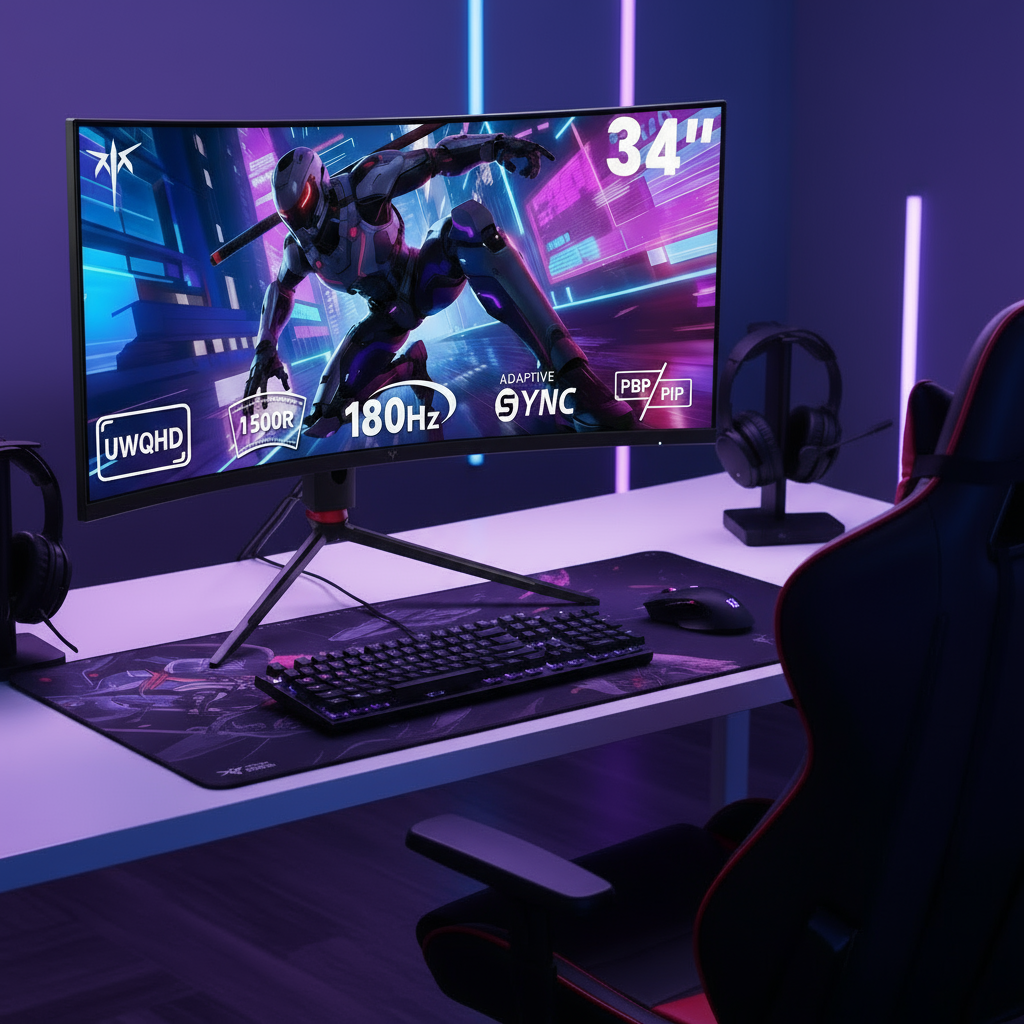


1440p monitors under $300 now deliver refresh rates and color performance that were previously available only at much higher prices, making them the practical choice for gamers who want sharp visuals and smooth motion without exceeding a strict budget.

Why 1440p Is the Definitive Standard for Gaming in 2026
Recent Steam Hardware Survey data highlights a significant migration toward 1440p resolution, which has seen the largest growth among PC gamers as mid-range GPUs now comfortably handle higher pixel densities. A 27-inch 1440p monitor provides a pixel density of approximately 109 PPI, offering a sharp image and expanded workspace without the extreme hardware demands of 4K. Budget monitors under $300 are no longer just entry-level options; they now feature specs previously reserved for the $500+ tier.
For most players upgrading from 1080p, the move to 1440p improves clarity for both competitive and narrative games while remaining achievable on current graphics cards. The The Ultimate Guide to Choosing a Gaming Monitor for Peak Performance explains how resolution and refresh rate trade-offs have shifted in recent years.
Evaluating Value Beyond Refresh Rate: The 2026 'Spec-Sheet Hero' Filter
Marketing claims such as "1ms MPRT" often overstate real motion clarity. The VESA Certified ClearMR standard replaces older, less reliable metrics like MPRT, providing a clear numerical ratio of clear pixels to blurry pixels to accurately grade motion blur. True high-dynamic-range performance is defined by VESA DisplayHDR 1000 and 1400 tiers, which require peak luminance levels and local dimming capabilities far exceeding the entry-level HDR 400 standard.
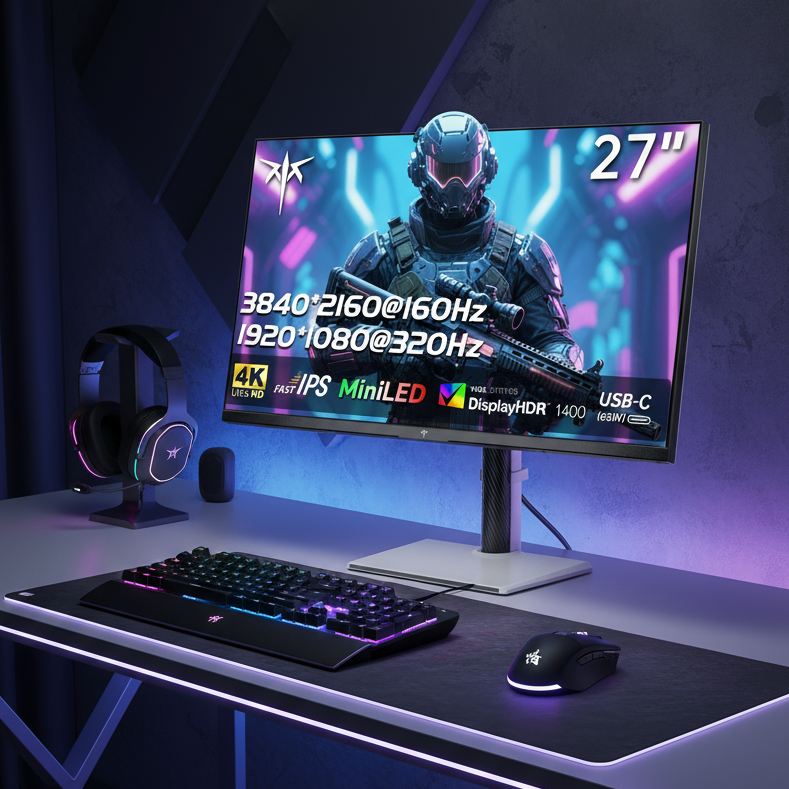
Mini-LED technology has revolutionized budget gaming displays by using thousands of tiny LEDs to provide precise local dimming, enabling contrast ratios and brightness levels previously reserved for premium professional monitors. KTC's manufacturing approach allows high local-dimming zone counts at accessible prices.
Marketing Specs vs Performance Reality
Tier comparison showing which specifications translate to visible improvements in motion clarity and HDR impact.
Show table
| Category | Marketing Claim | Real-World Performance |
|---|---|---|
| Motion Clarity | 90 | 65 |
| HDR Impact | 85 | 55 |
| Local Dimming Zones | 95 | 70 |
| Color Volume | 80 | 75 |
The tiers above help readers separate useful specifications from marketing numbers. Focus on ClearMR 6000+ ratings and at least 384 local dimming zones when HDR matters.
HVA vs. Fast IPS: Which 1440p Panel Fits Your Setup?
Choosing between HVA and Fast IPS depends on room lighting and game type rather than raw speed alone. HVA panels deliver deeper blacks that benefit dark-room cinematic titles, while Fast IPS maintains better color consistency when viewed from the side or in brighter environments.
Modern HVA technology has reduced the dark smearing common in earlier VA panels, but Fast IPS still leads in off-axis viewing. The IPS vs VA Panels: Which is Right for Your Playing Style? guide compares response behavior and contrast differences in detail.
Top 1440p Monitors Under $300: KTC's 2026 Value Lineup
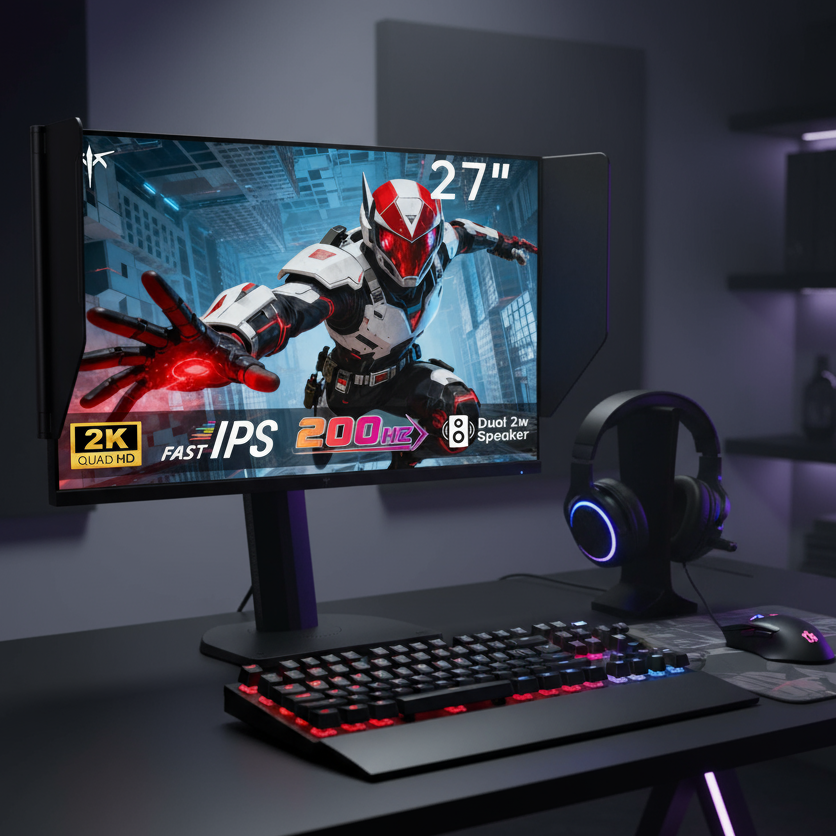
KTC offers several 1440p models that meet or exceed the performance thresholds discussed above. The M27T6 uses an HVA panel with HDR 1400 and Mini-LED local dimming. The M27T6S pairs a Fast IPS panel with 200Hz refresh and HDR 1000. Both include full ergonomic stands with height, swivel, tilt, and pivot adjustments.
For buyers prioritizing speed, the H27E6 reaches 300Hz while staying under the price ceiling. The H27T22C-3 provides 200Hz Fast IPS performance with a simpler stand for more compact desks. The H34S18S delivers an ultrawide 34-inch curved option for immersive setups.
See the full range in the Gaming Monitor collection or browse the $200 to $400 Monitors selection.
The 'Toggle Tax' and Warranty: When to Choose KTC
KTC monitors deliver strong panel specifications, but the on-screen display requires manual button navigation rather than desktop software control. This friction is acceptable for users who set up once and rarely switch modes, yet it can frustrate those who frequently toggle between HDR and SDR or productivity and gaming profiles.
KTC provides a 3-year warranty, though service typically requires shipping the unit back before a replacement is sent. Buyers who value advanced replacement programs may prefer other brands despite higher prices. Savvy enthusiasts often accept the trade-off to gain Mini-LED contrast and high refresh rates at lower cost.
Which 1440p Monitor Under $300 Fits Your Setup?
Match the monitor to your primary use case and room conditions. The M27T6 suits dark-room RPG and story-driven gaming thanks to its Mini-LED contrast. Competitive FPS players benefit from the H27E6 or M27T6S for their higher refresh rates and Fast IPS motion clarity. The H27T22C-3 offers balanced value for mixed gaming and general use.
Check your GPU's ability to drive 1440p at the target refresh rate, measure available desk space, and confirm whether your room lighting favors high contrast or wide viewing angles before purchasing.
Frequently Asked Questions
How Does Refresh Rate Compare to Response Time?
Refresh rate determines how many times the screen updates per second, while response time measures how quickly pixels change color. A high refresh rate paired with a ClearMR 6000+ rating reduces visible blur more reliably than a low ClearMR rating even at the same advertised refresh rate.
Is IPS or VA Better Under $300?
Fast IPS panels maintain color accuracy at wide angles and reduce motion smearing in bright rooms. HVA panels provide stronger contrast for darker environments. Choose Fast IPS when your desk receives ambient light or you play fast-motion shooters; choose HVA when you game primarily in controlled lighting.
What HDR Level Matters Most at This Price?
HDR 400 is mainly a marketing label with limited visible impact. HDR 1000 or 1400 with local dimming produces noticeable highlights and shadow detail. Look for models that list both peak brightness above 400 nits and at least 384 dimming zones.
Can These Monitors Replace a TV?
Many 27-inch 1440p models support console input and HDR, but their smaller size and desktop ergonomics make them better suited to desk use than living-room viewing. For TV replacement, consider larger 32-inch or ultrawide options with appropriate stand or VESA mounting.
Do All Budget Monitors Include Height Adjustment?
No. Several value models ship with tilt-only stands. Full ergonomic adjustment with height, swivel, and pivot is available on select KTC 1440p units but adds cost. Verify the stand specifications before purchase if desk height flexibility is important.