

Graphic designers and digital artists need monitors that deliver factory-calibrated color accuracy with Delta E under 2, high pixel density for sharp detail, and the right panel technology to match their primary workflow—without the premium studio price tag. In 2026, models like the KTC H27P3 and M27P6 bring professional-grade specs within reach for freelancers and creative professionals who want reliable performance for both design work and mixed productivity.

Beyond Resolution: Why Color Accuracy and Panel Tech Define Your Workflow
High resolution alone does not guarantee accurate output. For color-critical tasks such as matching brand colors or preparing files for print, Delta E below 2 serves as the industry benchmark for professional-grade color accuracy. This metric measures the difference between the intended color and what the monitor displays; values under 2 are generally imperceptible to the human eye, making calibrated monitors essential for consistent results across screens and print.
Designers must also choose the right color gamut. Adobe RGB coverage suits print-focused work where accurate cyan and green reproduction matters, while DCI-P3 coverage better supports digital and video workflows used by most modern platforms and devices. As this Puget Systems professional monitor guide explains, the choice between these gamuts depends on your final output medium.
Panel technology further shapes real-world usability. IPS Black panels deliver strong uniformity and around 2000:1 contrast without local dimming artifacts, which helps maintain consistent colors across the screen during long editing sessions. Mini-LED backlights, by contrast, provide much higher peak brightness and contrast for HDR content but can introduce blooming or halos in dark user interfaces if local dimming remains active during SDR work. Check our guide on What Delta E Values Actually Mean for Your Creative Work for deeper calibration context, and see Mini-LED IPS vs. Standard IPS: Is the Advanced Backlight Worth the Upgrade? for panel trade-offs.
The Essential Spec Sheet: What Designers Actually Need in 2026
Professional creative workstations require more than marketing numbers. VESA DisplayHDR 1.2 tiers, particularly the 1000 and True Black certifications, provide reliable benchmarks for luminance, contrast, and color volume that matter in HDR photo editing and video mastering. The VESA DisplayHDR performance criteria outline these standards clearly, helping creators avoid basic HDR400 implementations that fall short for serious work.
Ten-bit color depth, which supports over one billion colors, prevents visible banding in smooth gradients common in digital illustrations and retouching. Eight-bit panels with FRC simulation often fall short here, especially when pushing shadows or highlights. Panel uniformity—the evenness of brightness and color from corner to corner—remains one of the most overlooked factors; poor uniformity can ruin an otherwise well-calibrated display by creating subtle shifts that only appear in final prints or client reviews.
For more on these fundamentals, read our article explaining What Does Bit Depth Mean, and How Does 8-bit Differ From 10-bit Display? and guidance on How HDR Content Mastering Inconsistency Should Shape Your Display Calibration Decisions.
KTC H27P3 vs M27P6: PPI vs HDR Fit
A decision aid for choosing between sharper macOS typography/UI and stronger HDR work. The plot uses bounded fit tiers rather than exact performance scores.
View chart data
| Series | Mac UI / Retina scaling | HDR / video mastering | SDR uniformity / low blooming | Text sharpness / typography | Creator color workflow |
|---|---|---|---|---|---|
| KTC H27P3 (5K IPS) | 5 | 1 | 4 | 5 | 3 |
| KTC M27P6 (4K Mini-LED) | 3 | 5 | 2 | 3 | 5 |
Evaluating the KTC Lineup: Professional Fidelity on a Budget
KTC offers several monitors that align well with creative needs at more accessible price points than traditional studio displays. The KTC H27P3 stands out as a 5K specialist with 218 PPI, factory Delta E under 2, and 99% DCI-P3 coverage, making it particularly strong for Mac-based typography, UI design, and layout work where sharp text and precise scaling matter. Its IPS Black panel provides solid uniformity and contrast without the blooming sometimes seen in local-dimming designs.
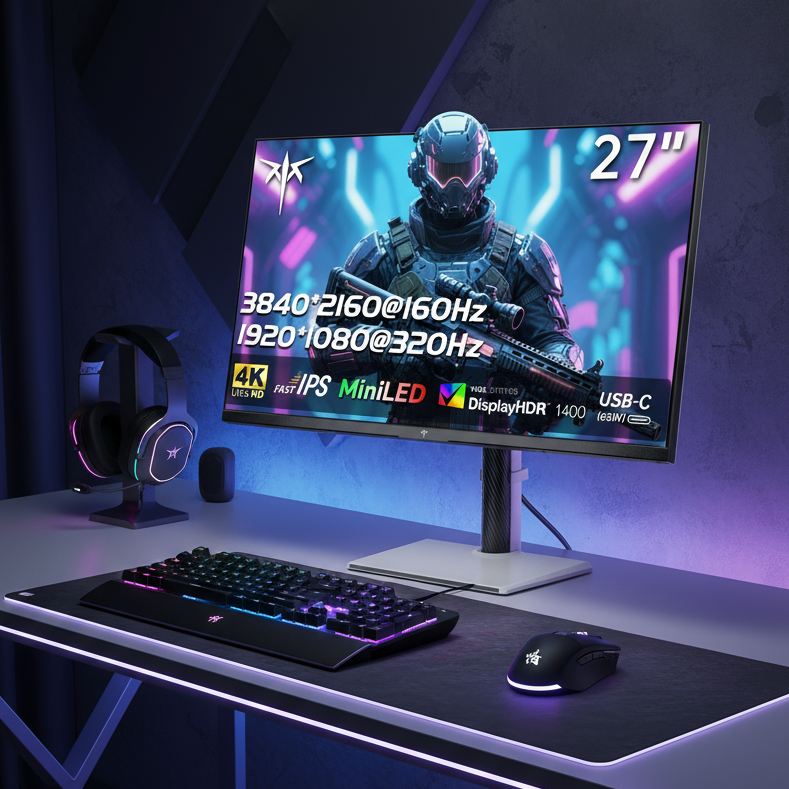
For creators focused on HDR photo editing, motion graphics, or video mastering, the KTC M27P6 delivers a 4K Mini-LED panel with HDR1400 certification, over 1,000 dimming zones, and exceptional peak brightness. This configuration excels at revealing fine shadow detail and vibrant highlights but requires careful management of local dimming for pure SDR tasks. The M27T6 offers a similar Mini-LED approach in a VA configuration for those who prioritize maximum contrast over wide viewing angles, though VA panels are generally less ideal for color-critical work where side viewing occurs.
These options let budget-conscious creatives access professional specifications. For calibration tips applicable to any monitor, see Calibrate Your Gaming Monitor in 5 Steps for a Pro-Level Upgrade and How to Verify Your Display Calibration Is Actually Working. The KTC 27" 5K@60Hz 2K@120Hz Home&Office Monitor | H27P3 and KTC Mini LED 27" 4K 160Hz HDR1400 Gaming Monitor | M27P6 both support the creative workflows described here when matched to the right use case.

5K vs. Mini-LED: Mapping Your Creative Work to the Right Panel
The best choice depends on your dominant tasks rather than chasing the highest specifications. Typographers, UI designers, and Mac users generally benefit most from the H27P3's 5K resolution. Its 218 PPI enables perfect 2x Retina scaling on macOS, delivering crisp text and interface elements without the fractional scaling blur common on 4K displays. This setup reduces eye strain during long vector or layout sessions and supports the precise detail needed for brand assets and illustrations.
HDR video editors, motion graphics artists, and photo retouchers working with high-dynamic-range content should lean toward the M27P6. Its Mini-LED backlight and HDR1400 performance provide the luminance and contrast required for accurate mastering, where standard IPS panels often appear washed out. The radar chart above clarifies these trade-offs across typical creative scenarios.
5K remains the Retina ideal for Apple Silicon users, while 4K serves as a capable professional baseline for most Windows-based design work. Neither is universally superior—evaluate your primary output and software environment first. Our All-Mini-LED Monitors collection includes additional high-performance options worth reviewing.
The 'Integration Tax': Setting Up Your Creative Workstation for Success
Budget-premium monitors like these can require extra steps for reliable daily use, especially in Mac ecosystems. Apple Silicon Macs often experience USB-C wake-from-sleep failures with certain display controllers, sometimes necessitating a cable reseat, switch to HDMI or DisplayPort, or secondary power connection. This reality means the promised one-cable setup may not always deliver 24/7 convenience without planning.
Mini-LED models also introduce an SDR toggle consideration. Local dimming improves HDR impact but can create distracting halos or pulsing in dark-mode interfaces and vector work. Many users develop an OSD routine to disable dimming during layout or illustration phases and re-enable it for media review. Power delivery through USB-C can also sag under sustained creative loads such as rendering or exporting, so pairing the monitor with your laptop's native charger often improves stability.
These friction points do not disqualify the monitors for professional use, but they reward users who map their workflow in advance. Consider an external KVM switch or dedicated video cables if your setup combines multiple computers or demands absolute reliability. Firmware updates may mitigate some handshake issues over time, yet hardware-level compatibility remains variable.
When choosing between high PPI for precision or high dynamic range for impact, align the monitor with your most frequent tasks, budget for potential accessory needs, and verify current firmware compatibility with your operating system. This approach helps creative professionals obtain studio-level visual fidelity while avoiding common post-purchase disappointments.