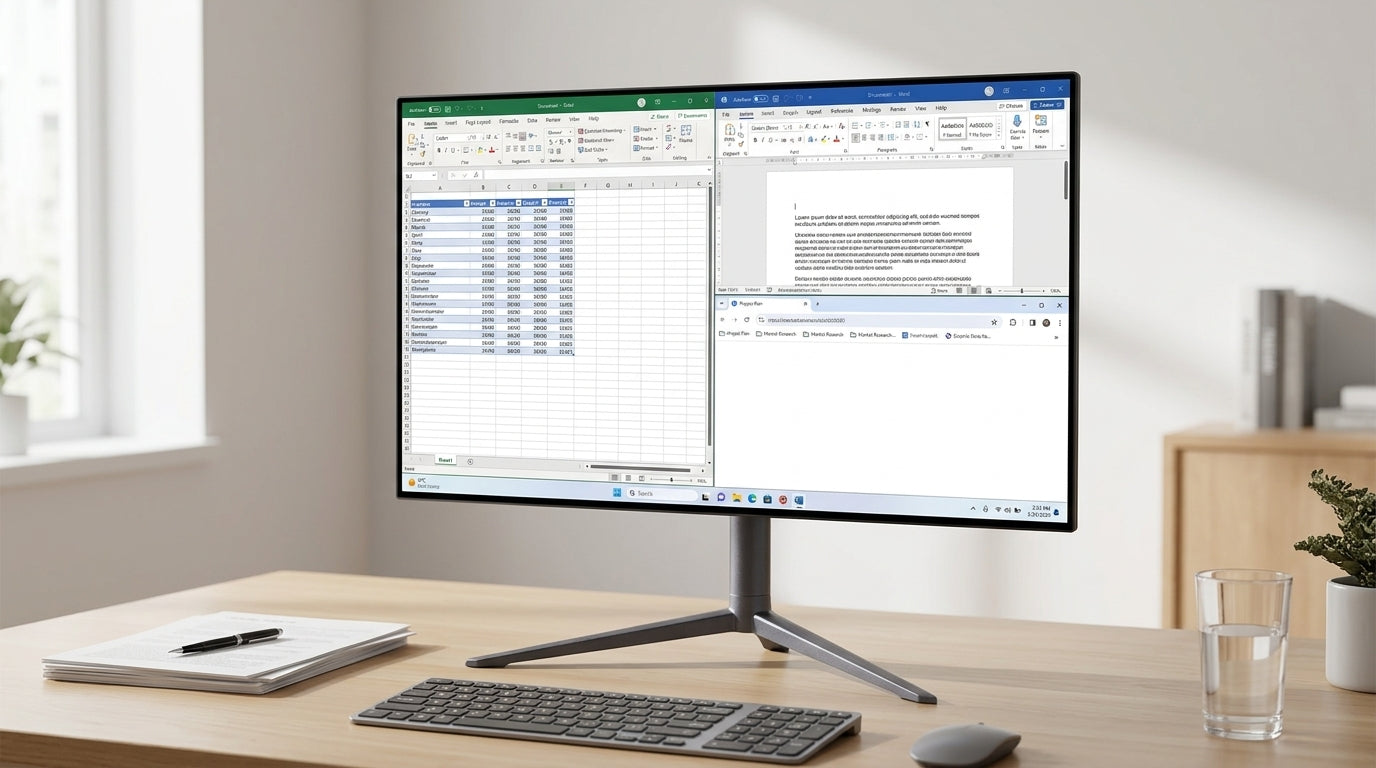
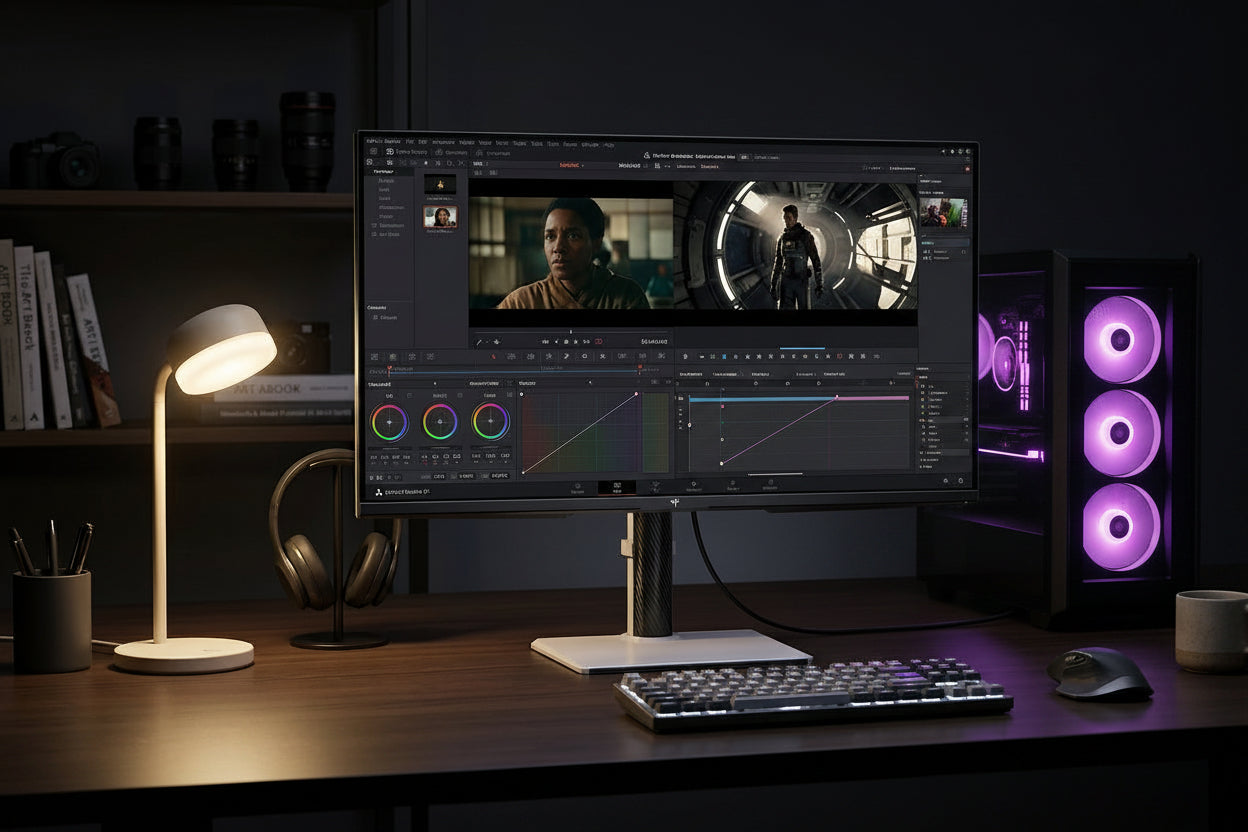
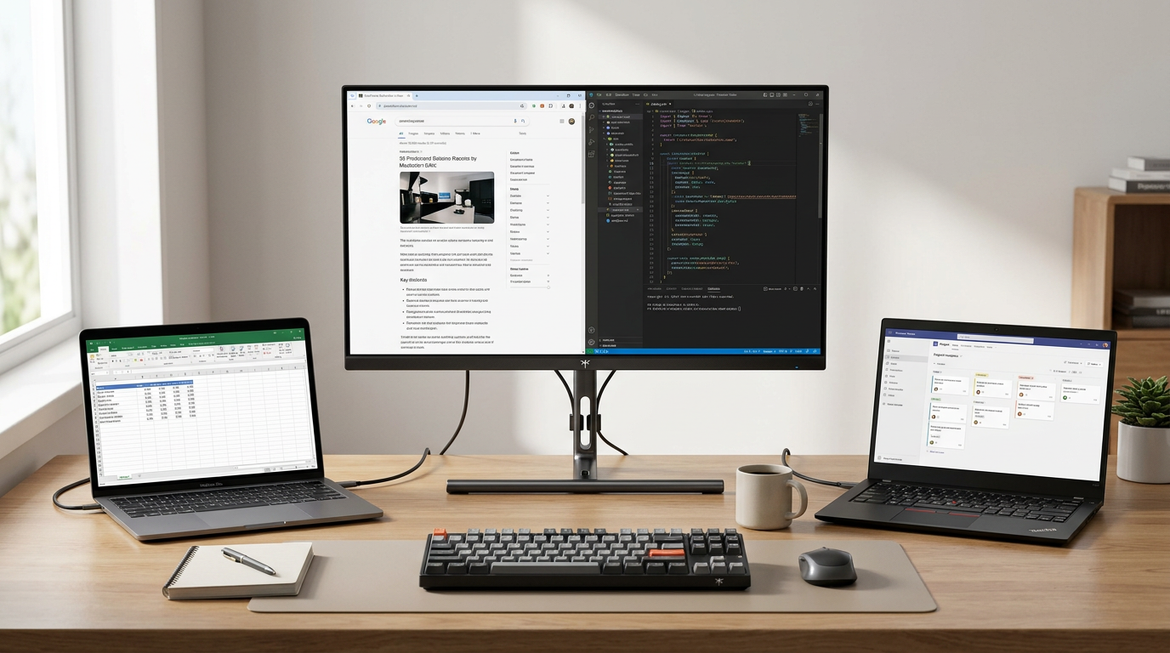
Mini-LED monitor for mixed desk lighting can make sense when your desk swings from daylight to lamps, but it is not a blanket fix. The useful question is whether you need more brightness headroom and stronger contrast, or whether your real problem is reflections, screen angle, and room placement.

Why Mini-LED Can Help in Mixed Desk Light
A mini-LED monitor for mixed desk lighting is worth considering when the screen has to stay readable across changing conditions, such as morning sun, afternoon glare, and evening lamp light. In that kind of desk setup, the monitor is not fighting one lighting condition, but several.
Mini-LED can help because it usually gives you more brightness headroom plus local dimming, which can improve contrast in darker scenes. That said, it does not remove reflections on its own. If the desk faces a bright window or the lamp hits the panel directly, even a strong display can still look washed out.
For most mixed-use buyers, the choice is not Mini-LED versus "good enough." It is Mini-LED versus a simpler IPS or VA screen that may be easier to live with if the room is already under control. If your space is consistently dim or you can manage the light, standard panels can still be the better value.
What Matters Most in a Mixed-Light Monitor
The biggest mistake is shopping by one spec and ignoring the room. In a mini-LED monitor for variable room light, four things usually change the experience most: brightness, reflections, contrast behavior, and how much the stand lets you position the panel.
For brightness, a practical anchor is 120-150 nits for typical office work, while brighter rooms or window-adjacent desks often feel better around 200-250+ nits. That does not mean every desk needs the same number. It means a screen that looks fine in a controlled room can feel too dim once daylight starts pushing in.
Brightness also does not feel linear. A bigger nit number helps, but it does not magically double how bright the screen looks to your eye. That is why the room still matters even when the spec sheet looks strong.
For reflections, monitor coating and placement guidance matters almost as much as peak brightness. The most useful check is simple: if you can position the panel perpendicular to the window and keep overhead light off the screen, you will usually get a cleaner result than by buying a brighter panel and leaving the layout unchanged.
Local dimming is a conditional win. It can improve contrast and make HDR content look more dramatic, but it can also create desktop friction in SDR work, such as haloing around text or cursor artifacts. If you mostly read, write, or browse, that trade-off may matter more than the headline HDR number.
For that reason, adjustability is not a bonus feature. A stand with height, tilt, swivel, and pivot gives you more ways to dodge glare and tune the viewing angle. In mixed light, that can matter as much as the panel itself.
If you want a deeper walkthrough of settings, the Mini-LED local dimming settings guide is a useful follow-up for office work, HDR gaming, and mixed desks.
Mixed desk light: what changes readability most
Readability depends most on room light and reflections; brightness helps, while local dimming mainly changes contrast and HDR comfort.
View chart data
| Scenario | Controlled office | Mixed desk light | Bright or window-adjacent |
|---|---|---|---|
| Brightness target | 3 | 2 | 1 |
| Reflection control | 3 | 3 | 2 |
| Local dimming / HDR | 2 | 2 | 3 |
| Ergonomics / adjustability | 2 | 3 | 2 |
How the KTC Mini-LED Models Fit Different Desks
If you already know you want Mini-LED, the next question is which kind of desk use you are buying for. The right choice is less about "best" and more about whether your priority is 4K clarity, 1440p speed, or a middle ground that still handles mixed light well.
The M27P6 4K Mini-LED is the most premium fit here. It pairs a 27-inch 4K Fast IPS panel with 160Hz, 600 nits SDR brightness, HDR 1400, 1,152 local dimming zones, and full stand adjustment. That makes it a strong fit if your desk has changing light and you also want sharper productivity text or console-style 4K use.
The main reason to choose it is not just the HDR spec. It is the combination of high brightness, deep contrast, and flexible positioning. If you want one screen for work and play and you care about how the image behaves when the room brightens up, this model is the clearest Mini-LED fit in the lineup.
The M27T6 180Hz Mini-LED shifts the balance toward 1440p and value. It has a 2560 × 1440 HVA Mini-LED panel, 180Hz refresh, 400 nits SDR brightness, HDR 1400, and the same full adjustment range. That makes it easier to recommend if you want HDR contrast and smoother motion without paying for 4K.
The M27T6S 200Hz Mini-LED leans more toward speed and mixed-use flexibility. It uses a Fast IPS panel, 450 nits SDR brightness, HDR 1000, and 200Hz refresh, with the same stand adjustment class. If you want the quickest 1440p option and you care a little more about everyday SDR brightness than the highest HDR peak, it is the more balanced speed-first pick.
| Model | Best fit for mixed desk lighting | What it gives up |
|---|---|---|
| M27P6 | Highest-end mixed-use desk where 4K clarity, HDR impact, and strong brightness matter | Higher price than 1440p options |
| M27T6 | Value-focused 1440p Mini-LED for HDR and contrast without going to 4K | Lower SDR brightness than M27P6 and M27T6S |
| M27T6S | Faster 1440p mixed-use desk where SDR brightness and 200Hz matter more than HDR peak | Less HDR headroom than M27P6 and M27T6 |
If you are browsing the full category, the all Mini-LED lineup is the easiest place to compare the three together. If price is the deciding factor, check the current deals and offers before you settle on a model.
Match the Monitor to Your Lighting Pattern
Use this quick filter before you buy a mini-LED monitor for mixed desk lighting.
- Identify your dominant light pattern. If the desk is mostly controlled, you do not need to overpay for brightness you will rarely use. If daylight and lamps change all day, Mini-LED becomes more useful.
- Judge your reflection tolerance honestly. If a bright window sits near the screen and you cannot move either one, brightness alone will not solve the problem.
- Choose your use priority. For work-first desks, clarity and adjustment matter more. For gaming-first desks, local dimming and higher HDR headroom matter more. For balanced use, you want the least annoying compromise, not the biggest number.
- Check the stand before the panel. Height, tilt, swivel, and pivot can change whether the screen sits in glare or out of it.
- Buy Mini-LED only if you will actually use the contrast/HDR benefit. If you mostly do SDR office work and rarely care about darker-scene impact, a good IPS or VA monitor may be the calmer choice.
That is the simplest rule: choose Mini-LED when your room changes enough that brightness and contrast really matter, and skip it when the real fix is better placement or a lower-friction SDR monitor.
Final Desk-Light Checklist Before You Buy
Before you check out, make sure the monitor matches the room, not just the spec sheet. A mini-LED monitor for mixed desk lighting is most useful when you have changing daylight, some tolerance for local dimming trade-offs, and a stand that lets you aim the panel properly. Verify your window position, lamp placement, desired refresh rate, and whether you want 4K sharpness or 1440p speed. If you want to keep shopping, start with the Mini-LED collection and compare current pricing against the latest deals.
Frequently Asked Questions
How Bright Should a Mini-LED Monitor Be for Mixed Desk Lighting?
There is no single number that fits every room, but mixed-light desks usually need more headroom than a controlled office setup. A practical way to think about it is 120-150 nits for calmer workspaces and 200-250+ nits when daylight or window glare is part of the day.
What Matters More for a Desk With Glare: Brightness or Anti-Glare Finish?
Both matter, but they solve different problems. Brightness helps the image stay visible, while anti-glare treatment, screen angle, and window placement reduce the light bouncing back at you. If the room layout is poor, extra brightness alone usually will not fully fix the view.
Can Mini-LED Reduce Washed-Out Looking Screens in Daylight?
It can help, especially by preserving contrast and highlight detail, but it cannot cancel strong daylight or bad placement. If the desk sits near a bright window, move the panel first and treat Mini-LED as a helpful upgrade, not a complete solution.
What Is the Best Mini-LED Use Case for Office and Gaming at One Desk?
The best fit depends on what you notice most. If you want the sharpest text and a premium all-around desk screen, 4K Mini-LED is usually the easiest case to make. If you care more about speed and value, 1440p Mini-LED tends to make more sense.
Why Would I Choose Mini-LED Instead of a Standard IPS Monitor?
Choose Mini-LED when you want more contrast help and stronger HDR potential, especially in a mixed-use room. Choose standard IPS when you mainly want dependable SDR work performance and a simpler, lower-friction setup that does not need local dimming as much.