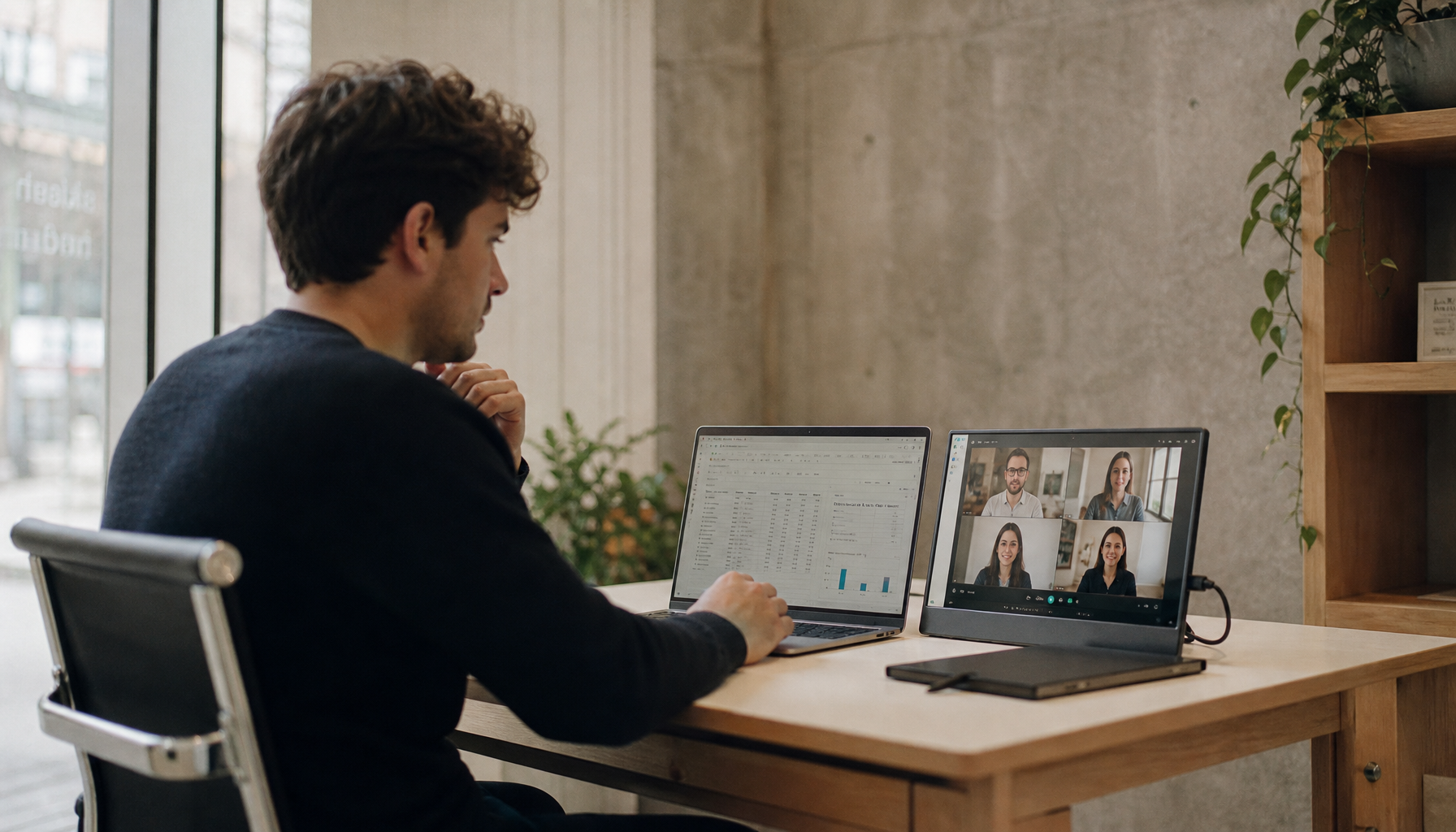
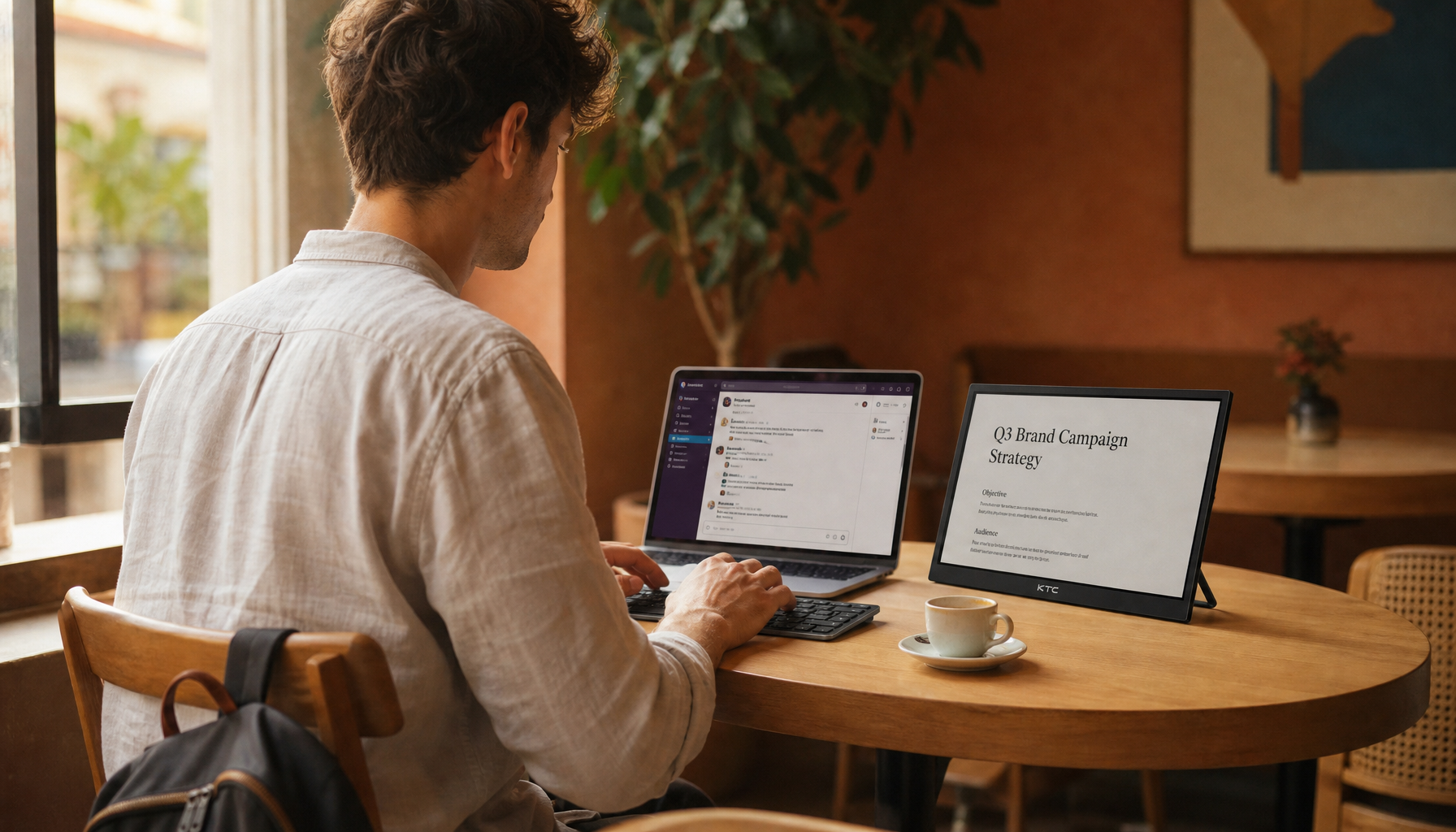
If you have consistent low-latency broadband of at least 45 Mbps and can achieve ping below 40 ms to your cloud gaming servers, a smart display can serve as the central hub for a console-free gaming room in 2026, delivering responsive streaming without a dedicated console or bulky PC. This minimalist setup suits savvy enthusiasts in small apartments or shared spaces who value reduced clutter, multi-purpose use, and access to libraries like Xbox Game Pass and GeForce Now, but it is not a fit for competitive players needing sub-30 ms precision or those with unreliable networks.
The first step is a network audit: test your download speed, ping, and jitter using official service tools. If results fall short, even the best smart display cannot overcome the baseline network latency that makes cloud gaming feel noticeably different from local hardware.

Why the 'Console-Free' Gaming Room is the New Standard for 2026
Cloud gaming services have matured enough that the display itself often becomes the most important piece of hardware. Instead of maintaining a console or high-end PC that requires regular updates, power draw, and physical space, many gamers now prefer streaming directly to a capable smart display. This shift reduces mental load around cable management, hardware failures, and storage management while still providing access to high-quality titles.
Minimalism here goes beyond aesthetics. It frees up room for better ergonomics and multi-use spaces, such as a bedroom that doubles as a living-room gaming corner or a home office that transforms after work hours. However, this only holds when your internet connection meets minimum thresholds. Without stable performance, the convenience quickly turns into frustration. As NVIDIA's official GeForce NOW system requirements explain, 4K streaming typically needs 40-45 Mbps sustained, while 1080p can run on around 20 Mbps, but real-world experience also depends on latency and jitter.
For those whose networks pass initial checks, the setup offers genuine advantages in simplicity and cost over time. Those with inconsistent connections or who play fast-paced competitive titles should stick with local hardware, where input lag stays consistently lower.
The Hardware Blueprint: What You Actually Need for a Console-Free Setup
A console-free cloud gaming room centers on three elements: reliable networking, a smart display with low-latency features, and minimal wireless peripherals. Start with bandwidth and latency rather than screen specs. Xbox support documentation for cloud gaming recommends ping below 40 ms for a responsive, local-like feel, though many users find playability up to 80 ms depending on the game.

Display choice matters more for connectivity and processing than raw refresh rate. Wi-Fi 6 or better, plus Bluetooth 5.2, lets you pair controllers and headsets without dongles or cables, preserving the clean look. The Wi-Fi Alliance overview of Wi-Fi 7 highlights how the 6 GHz band reduces household interference, which is especially useful in apartments or shared spaces.
Peripherals stay simple: low-latency Bluetooth controllers and USB-C or wireless headsets avoid extra boxes. A quick self-check is to verify your router supports modern standards and is within reasonable range of the display location. If not, consider Ethernet-over-power adapters for a minimalist wired fallback that doesn't require new cabling.
Choosing Your Hub: KTC MegPad vs. Smart Monitor A32Q8
Once network basics are confirmed, the display becomes your zero-box hub. Two practical options stand out for different room needs. The KTC MegPad (A32Q7 Pro) is a 32-inch 4K mobile smart touch display running Google EDLA Android 13 with 8 GB RAM, Wi-Fi 6, Bluetooth 5.2, and a 9500 mAh battery. Its rolling stand and height adjustment make it ideal for moving between bedroom and living room or using in portrait for productivity between gaming sessions. The built-in battery and tablet-style OS provide snappier app switching for cloud services compared with heavier TV layers.
The KTC A32Q8 32-inch 4K Google TV smart monitor serves better as a stationary desk or media-center hub. Its VA panel delivers strong contrast for immersive cloud visuals, integrated Google TV brings native apps, and tilt-adjustable stand suits fixed setups. Both models support direct streaming with low-latency modes when network conditions allow, but the MegPad's mobility and Android optimization often feel more responsive for gaming workflows.
This matches the insight that mobile-first OS designs can reduce the app-switching friction common in traditional smart TV interfaces. For small-apartment mobility, choose the MegPad. For a dedicated home-office gaming sanctuary with better ergonomics, the A32Q8 or a VESA-mounted variant is usually preferable. Always confirm current firmware supports the latest cloud apps before purchase.
Optimizing the 'Air Gap': Reducing Input Lag and Stutter
The cumulative delay between controller input and on-screen response—known as the air gap—determines whether cloud gaming feels responsive. Native smart display apps sometimes add post-processing lag that bypasses optimal game modes, while a dedicated HDMI streaming stick can trigger Auto Low Latency Mode (ALLM) and reduce that penalty.
Cloud gaming responsiveness by setup choice
Lower is better: native apps usually add the most delay, HDMI game mode is the safer low-latency path, and Ethernet is typically steadier than Wi‑Fi.
View chart data
| Category | Latency tier |
|---|---|
| Native App Lag | 2.0 |
| HDMI Game Mode Lag | 0.0 |
| Network Stutter (Wi‑Fi) | 2.0 |
| Network Stutter (Ethernet) | 1.0 |
This chart clarifies typical latency tiers across setups using conservative groupings derived from independent testing patterns (Competitive, Casual, Unplayable). HDMI game mode usually lands in the safer low-latency zone, while native apps and Wi-Fi can push into higher tiers depending on conditions.
Practical optimizations include using Ethernet-over-power adapters for rooms distant from the router, disabling background notifications and non-essential processing, and entering dedicated game modes. RTINGS input lag testing shows that proper game mode can cut display-side delay by 50-100 ms, which helps offset network variables. For the MegPad and A32Q8, pairing controllers directly via Bluetooth 5.2 and keeping the OS lean further improves persistence and reduces stutter.
The Reality Check: Limitations of the Console-Free Life
Cloud gaming on smart displays delivers convenience but carries real trade-offs. Image compression can make dark scenes or fast motion look softer than native 4K hardware, especially during peak server load. As the Digital Foundry cloud streaming face-off analysis notes, visual artifacts and slight latency increases remain compared with local consoles, even in 2026.
You are also limited by the speed of light to distant servers and lose all functionality during internet outages. This makes the setup less suitable as a sole gaming system for households with spotty connectivity or frequent travel without reliable Wi-Fi. Plan a backup device or mobile hotspot for critical sessions. These boundaries keep expectations realistic: the console-free life excels for casual and story-driven play but does not fully replace local hardware for every scenario or user.
Step-by-Step: Building Your Cloud-First Sanctuary
Begin with a network audit using Speedtest and the ping check to your closest GeForce Now or Xbox nodes. Target sustained speeds above the service minimums and ping under 40 ms. Next, position the smart display for ergonomics per OSHA monitor guidelines: top of screen at eye level and viewing distance roughly 1.5 times the diagonal for 32-inch 4K.
Pair controllers directly to the display's Bluetooth for lowest latency and hard-pair to avoid reconnection friction. Finally, optimize the OS: disable non-gaming notifications, enable game mode or low-latency presets, and test multiple titles across genres for 30 minutes each. For MegPad users, the rolling stand allows quick room changes; for the A32Q8, a VESA mount can add flexibility. Re-test latency after each change. This structured approach turns the theoretical blueprint into a functional, low-clutter gaming space tailored to your conditions.
How Does Network Quality Affect Cloud Gaming on Smart Displays?
Network quality determines roughly 70-80% of the perceived responsiveness in cloud gaming. Even with a premium smart display, high jitter or ping above 60 ms creates noticeable floatiness in controls. Stable fiber connections with Wi-Fi 6 or Ethernet consistently outperform shared or congested networks. Test during your typical play hours rather than off-peak times.
What Input Lag Difference Exists Between Native Apps and HDMI Streaming Sticks?
Native apps on smart displays can add 20-50 ms more lag than a dedicated HDMI stick that forces ALLM and game mode, according to general testing patterns. For competitive play, the stick route often feels tighter, though it slightly reduces the all-in-one convenience. Most casual users notice little difference after optimization.
Which KTC Smart Display Works Best for a Mobile Cloud Gaming Setup?
The KTC MegPad A32Q7 Pro, with its battery, wheels, and Android 13 OS, suits mobile room-to-room use better than stationary models. Its 32-inch 4K resolution and Bluetooth 5.2 support direct cloud streaming with fewer cables. Check current battery runtime expectations for your planned session length.
Can a Smart Display Fully Replace a Console for All Game Types?
No. It works well for single-player, narrative, and casual multiplayer titles under good network conditions, but fast-paced competitive games or offline play still favor local consoles. Evaluate your game library first—if most titles are cloud-supported and non-esports, the replacement is practical for many users.
What Ergonomic and Room Factors Should I Check Before Final Setup?
Confirm viewing distance, screen height, and ambient light. OSHA-aligned guidance suggests the top quarter of the screen at eye level to reduce neck strain. In bright rooms, prioritize higher-brightness panels. Test controller reach and cable-free placement to avoid new clutter sources.