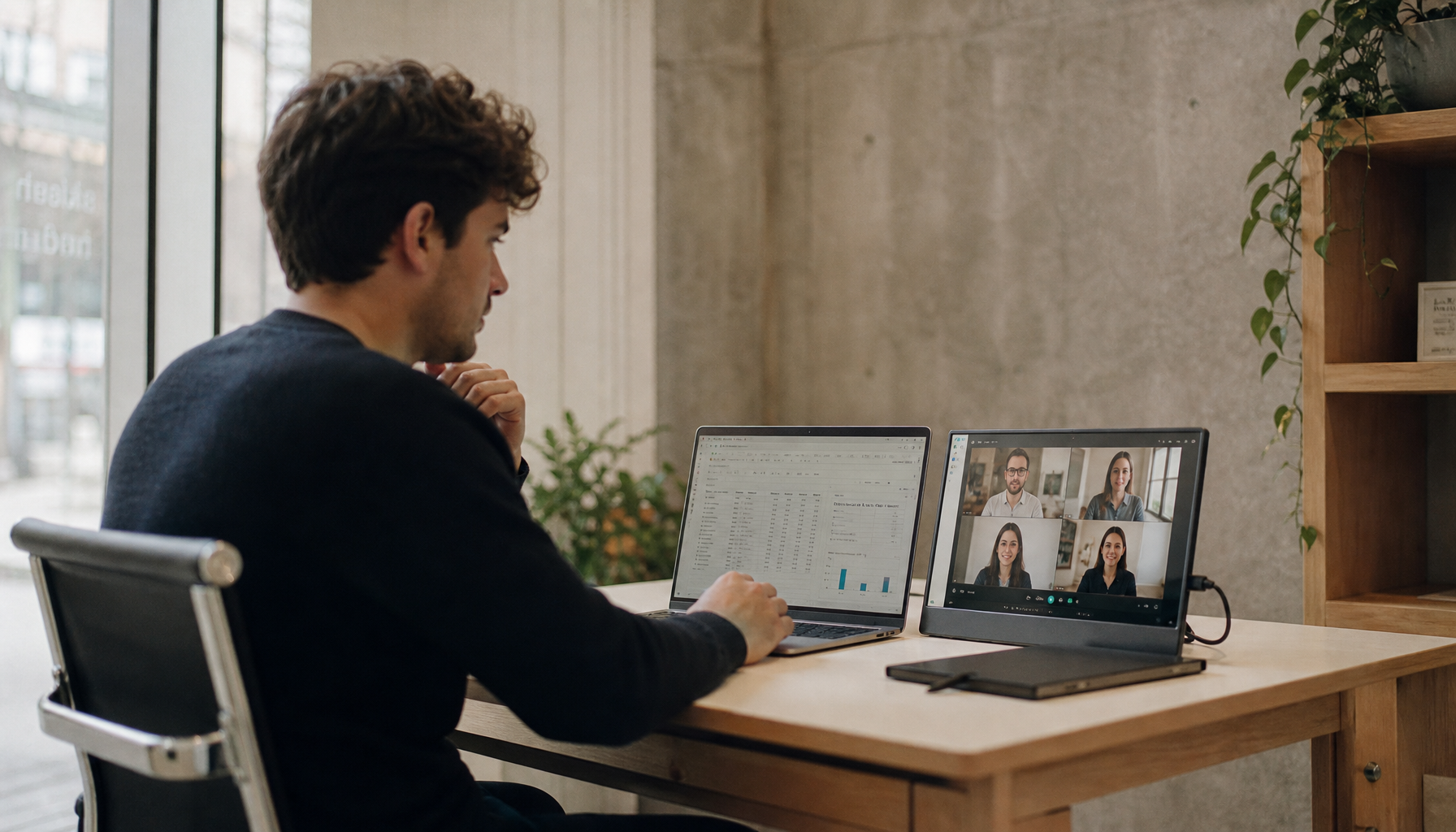
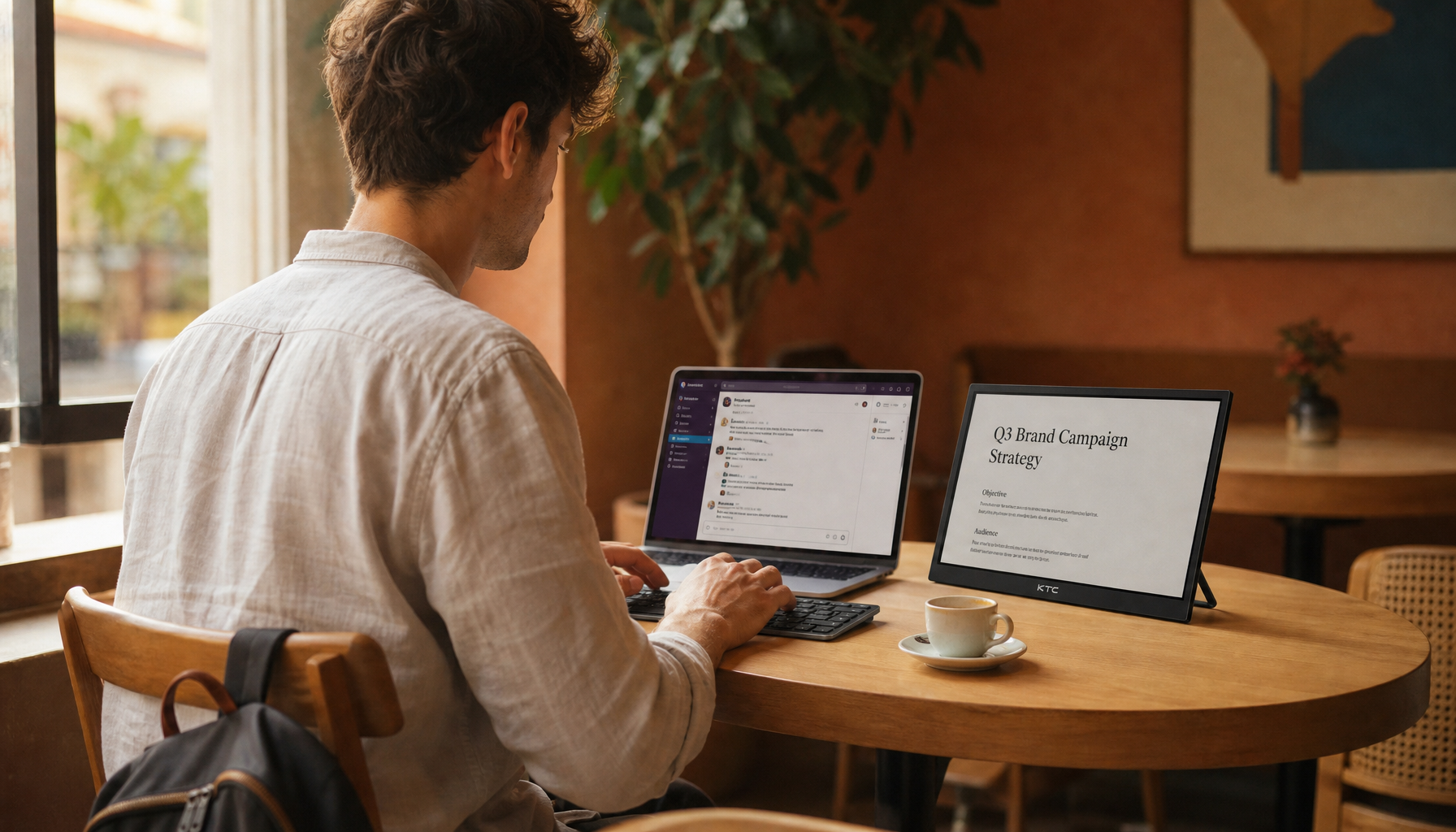
Portable monitors can improve travel productivity, but without an adjustable stand, hotel-room setups often force the screen too low, too close, too tilted, or too unstable.
Why Portable Monitors Become Awkward in Hotel Rooms
A portable monitor is a lightweight secondary display built to travel with a laptop, tablet, or compact workstation. The advantage is obvious: more screen space for spreadsheets, calls, code, dashboards, research, or creative previews. The ergonomic problem starts when the monitor’s built-in cover or fixed kickstand is the only support available.
Hotel rooms rarely provide a true office workstation. The desk may be shallow, the chair may not adjust, power outlets may sit in the wrong place, and lighting often comes from side lamps or bright windows. In that environment, a fixed-angle portable display usually sits low on the desk, below the laptop screen, or off to the side at an awkward angle. That contradicts core ergonomic guidance: the top of the screen should be approximately at eye level and about an arm’s length away for typical computer work.
The mismatch is subtle because portable monitors feel convenient. They connect quickly, often over USB-C, and modern 13-inch to 17-inch models are sharp enough for real work. But convenience is not the same as body alignment. A display that cannot rise, tilt, rotate, or stay stable under touch can turn a productivity upgrade into a posture tax.
The Main Ergonomic Challenges
Low Screen Height Creates Neck Flexion

The most common issue is screen height. When a portable monitor rests flat on a hotel desk using a folio cover, the top edge often lands several inches below seated eye level. That pushes your head forward and down, especially during reading-heavy tasks.
A simple real-world check is to sit naturally, look straight ahead, and notice where your eyes land. If your gaze hits the wall above the portable monitor, the screen is too low. Over a long session, that low angle encourages rounded shoulders, a forward head position, and upper-back fatigue. Ergonomic posture guidance for laptop users also warns against using the laptop as both screen and keyboard for extended periods; the same logic applies to a portable monitor that sits too low beside it.
The practical fix is elevation. In a hotel room, that may mean a compact folding stand, a rigid protective case, or a stable riser made from a firm box or stacked books. The goal is not perfection; it is getting the top third of the portable display closer to your natural line of sight.
Fixed Tilt Makes Glare and Readability Worse

A non-adjustable stand usually gives you one or two tilt angles. That is limiting in a hotel room because lighting is unpredictable. One room may have a window directly behind you; another may have glossy furniture, overhead bulbs, or a lamp reflecting across the screen.
Glare does more than make the image annoying. It changes posture. You lean forward to read text, twist the monitor away from reflections, or lower brightness until the screen becomes harder to see. Good screen positioning keeps the display visible without forcing the body to compensate. Screen brightness and distance should support relaxed viewing, not squinting or forward leaning.
Matte screens and higher brightness help, but they do not replace adjustability. A stand with tilt control lets you aim the display away from lamps and windows while keeping the panel upright enough for comfortable reading.
Poor Viewing Distance Causes Eye Strain
Portable monitors invite close placement because hotel desks are shallow. A 15.6-inch screen may end up only 14 or 16 inches from your face, especially if it sits between your laptop and the back wall. That distance can feel sharp at first, but it often leads to dry eyes, headaches, and difficulty refocusing after long sessions.
A common ergonomic starting point is roughly arm’s length from the eyes. For many adults, that means around 20 to 31 inches, depending on body size and screen size. The important point is balance: too close can fatigue the eyes, while too far can make you lean forward or enlarge everything until the second screen becomes less useful.
In a hotel room, the best layout is often side by side rather than stacked front to back. Put the laptop and portable monitor at a similar distance, angle the secondary screen inward, and use operating-system scaling so text is readable without pulling the screen closer.
Unstable Stands Break Focus and Touch Accuracy

A fixed folio stand may be acceptable for light email, but it can wobble when you type, tap a touchscreen, adjust cables, or use a cramped desk. That instability matters because your body responds by holding tension. You may brace one hand near the display, avoid using touch features, or keep your shoulders lifted while trying not to knock the monitor over.
Portable monitor stand reviews often evaluate stability, portability, height and angle adjustment, build quality, and travel suitability. That selection logic is sound because the best travel stand is not simply the smallest one. It must hold the display steady at the height and angle your body needs. A market page for portable monitor stands shows the category exists for a reason: the stand is part of the workstation, not an accessory afterthought.
This is especially important for touch portable monitors. Touch interaction increases reach demands. If the display is too far away, your shoulder works harder. If it is too low, your wrist bends awkwardly. If it wobbles, every tap becomes slower and less precise.
Hotel-Room Setup Tradeoffs
Setup Choice |
Main Benefit |
Ergonomic Risk |
Best Use |
Built-in folio cover |
Packs flat and weighs little |
Usually low, fixed, and less stable |
Short sessions, email, light review |
Compact folding stand |
Better height and tilt control |
May wobble with larger screens |
Business travel and daily carry |
Laptop-mounted holder |
Saves desk space |
Can add weight and pull screens off-center |
Tight hotel desks and quick dual-screen work |
VESA-compatible stand |
Strong stability and positioning |
Less travel-friendly |
Longer stays or hotel-based remote work |
The tradeoff is not simply weight versus comfort. A 10 oz stand that cannot hold the monitor steady is dead weight. A slightly heavier stand that raises the panel several inches and gives reliable tilt can protect the entire work session.
How to Build a Better Temporary Workstation

Start with the chair and viewing line. Sit with your feet supported, your back against the chair, and your shoulders relaxed. If the hotel chair is too low, use a firm cushion. If your feet do not reach the floor comfortably, use a bag or folded towel as a footrest.
Next, raise the screen. Ergonomic monitor placement centers on height, distance, and angle because the screen determines where your head and shoulders go. For a portable monitor, aim for the top edge near eye level or slightly below it. If you wear progressive lenses, a slightly lower screen with a gentle backward tilt may be more comfortable because it reduces neck craning.
Then separate input from display. A compact keyboard and mouse are not luxury items for hotel work; they let you raise the laptop or portable monitor without forcing your hands upward. Once your hands can stay near elbow height, the screen can move to the correct viewing position.
Finally, manage light and breaks. Place the monitor at a right angle to bright windows when possible, match brightness to the room, and use the 20-20-20 rhythm: every 20 minutes, look about 20 ft away for 20 seconds. That guidance is simple, but it works because travel work often happens in compressed, high-focus bursts.
Pros and Cons of Using Portable Monitors Without Adjustable Stands
The main advantage is speed. A folio-supported portable monitor sets up quickly, packs flat, and keeps your bag lighter. For a short hotel stop, a fixed cover can be good enough for checking email, reviewing a deck, or keeping chat open during a call.
The downside is control. Without height adjustment, tilt range, and stable support, the screen controls your posture instead of the other way around. That becomes a bigger issue for long writing sessions, spreadsheet work, coding, gaming from a hotel desk, or any task where the second screen stays in constant view.
The value-oriented answer is not always to buy the most expensive stand. It is to match the stand to your travel pattern. If you work from hotels twice a year, a sturdy budget stand may be enough. If you live out of a carry-on, prioritize a fold-flat stand with real height adjustment. If you use a larger 17-inch display or touch input, stability deserves more weight than ultra-light packing.
Buying Priorities for a Healthier Travel Display Setup
A good portable monitor stand should raise the display, adjust tilt, resist wobble, fold compactly, and fit the screen size you actually carry. For hotel rooms, height adjustment matters more than rotation tricks, and stability matters more than cosmetic slimness.
Portable monitor buying guides often emphasize resolution, brightness, USB-C, and weight, and those specs matter. But for ergonomics, the stand is the force multiplier. A bright 1080p or QHD portable display with weak support can still create neck strain. A modest 15.6-inch display on a stable adjustable stand can feel faster, cleaner, and more immersive because your body stops fighting the setup.
The reliable travel formula is simple: screen at a comfortable height, text at readable size, distance near arm’s length, cables out of the reach path, and input devices separated from the display. When those pieces line up, the portable monitor becomes what it should be: a performance tool that expands your workspace without shrinking your comfort.
A hotel room will never feel exactly like a tuned desk setup, but it does not have to punish your neck and eyes. Pack the monitor for productivity, pack the stand for endurance, and treat adjustability as part of the display’s real performance spec.