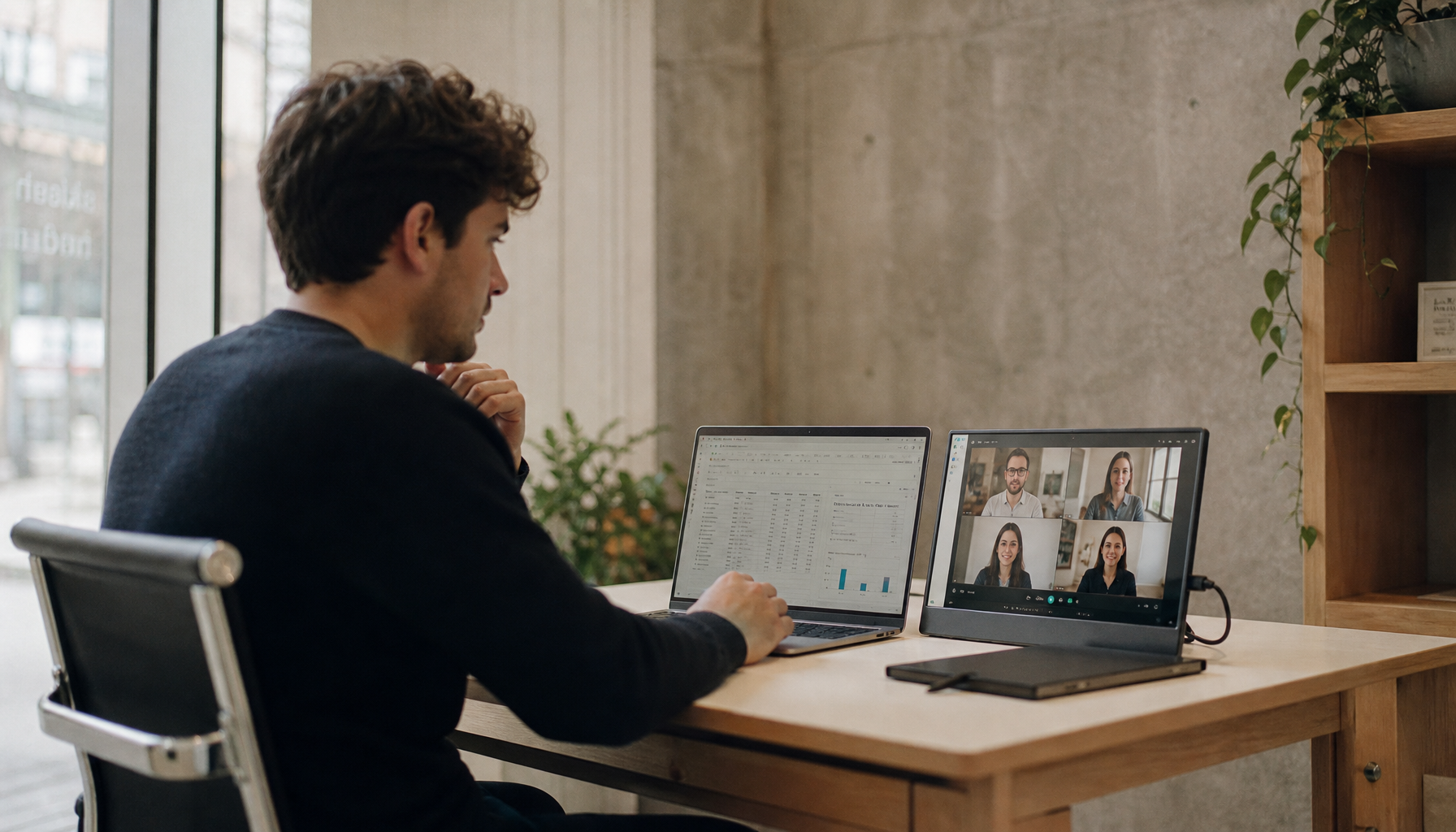
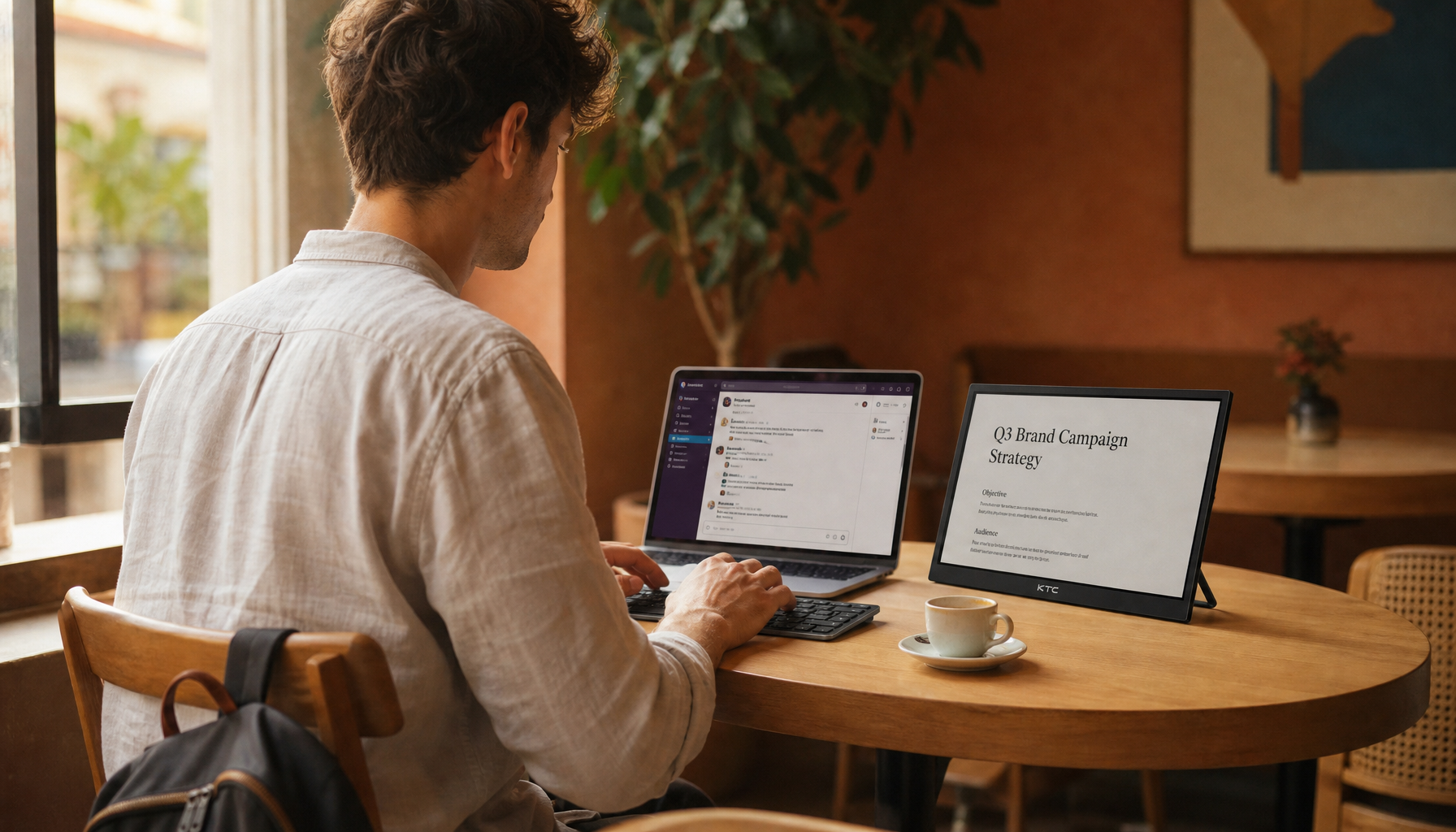
The best multi-monitor lighting setup combines soft ambient light, side- or rear-positioned task lighting, and low-level bias lighting behind the screens so your desk stays visible without reflections washing across the panels.
Is your dual-screen or triple-screen desk forcing you to choose between a dim cave and a mirror-bright display? A properly layered setup can make text easier to read, reduce harsh contrast, and keep your posture from drifting as you dodge reflections. Here is a practical way to light a high-performance monitor workspace for gaming, office work, streaming, and long focus sessions.
Why Multi-Monitor Desks Create More Glare Than Single-Screen Setups
A single monitor has one reflective plane. A multi-monitor setup has several, often with one screen centered and another angled toward you. That angle is useful for productivity, chat windows, timelines, spreadsheets, and monitoring tools, but it also catches light from more directions. A lamp that misses your main display may hit the side monitor. A ceiling fixture that looks harmless from one seat position can show up as a pale streak across a glossy panel after you tilt a secondary display inward.
Glare is not only an aesthetic problem. Bright lights shining directly on display screens can wash out images and make work harder to see, which increases visual effort. In real desk testing, the common symptom is not just “my screen looks bad.” It is leaning forward, raising monitor brightness too high, squinting at dark interface elements, or rotating your neck around a reflection. Over a long workday, that turns a display problem into an ergonomic problem.
Start With Screen Position Before Buying More Lights
The strongest glare fix is usually free: rotate the desk or screens before adding another fixture. For a windowed room, place the monitor plane at a right angle to the main window so daylight enters from the side instead of directly behind you or directly behind the display. This same principle applies to a side monitor; angle it for viewing comfort, then sit in your normal posture and check whether it catches the window, ceiling light, or lamp shade.

OSHA’s workstation guidance recommends orienting workstations so bright window light is at right angles to the computer screen. For example, if your window is on the left wall, your monitors should generally face forward along the room, not face the window or have the window directly behind your chair. If you cannot move the desk, use blinds, drapes, or shades to cut the brightest path first.
For multi-monitor arrays, viewing distance matters too. A 27- or 32-inch display typically feels more controllable around arm’s length, about 20 to 30 inches from your eyes, and the recommended monitor distance fits that range. If your desk is shallow, your screens sit close, reflections look larger, and you may compensate by over-brightening the panels. A deeper desk or monitor arms can create enough distance for both comfort and glare control.
Build Lighting in Layers, Not in One Overhead Blast
A glare-resistant workspace uses three jobs for light: ambient light for the room, task light for the desk surface, and bias light behind the monitors. When these roles are separated, you can tune each one instead of trying to make a single ceiling fixture solve every problem.
Lighting Layer |
Best Use |
Glare Risk |
Best Placement |
Ambient light |
General room visibility |
Medium if overhead or too bright |
Diffused ceiling, wall bounce, floor lamp |
Task light |
Keyboard, notes, sketching, controls |
High if aimed at screens |
Side or behind monitor, aimed down |
Bias light |
Reducing screen-to-room contrast |
Low when hidden |
Behind monitor, facing wall |
Accent light |
Mood, streaming depth, room identity |
Medium if visible or saturated |
Shelves, rear wall, under desk |
A balanced combination of ambient and task lighting is especially useful for screen-heavy work because it reduces the contrast between a bright display and a dark room. In practice, your ceiling light should not dominate the setup. It should be soft enough to keep the room readable, while the desk light handles close work and the bias light stabilizes the background.
Choose Ambient Light That Supports Screens
Ambient light should make the room comfortable without throwing a bright source into your eyes or onto the panels. Diffused LED panels, shaded floor lamps, wall-bounce lamps, and indirect fixtures usually work better than bare bulbs or harsh downlights. If you are in an office with fixed fluorescent fixtures, diffusers and shielding matter because a bright ceiling rectangle can reflect across multiple screens at once.
Color tone should match the work mode. Cooler daylight-balanced light can support alertness and detail-focused work, while warmer light feels calmer for evening or creative sessions. For a display-heavy desk, neutral-to-cool light during the day and warmer, lower brightness at night is a reliable balance. Cooler lighting for focus is commonly recommended, but the key is control, not maximum brightness.
A simple check helps: if your room feels dim enough that your monitor looks like the only light source, add low ambient light. If your screen looks gray, washed out, or reflective, reduce or redirect ambient light. The goal is not a bright room; it is a low-contrast visual field where the display remains dominant without becoming harsh.
Place Task Lighting Where It Cannot Hit the Panels
Task lighting is focused light for the work surface: keyboard legends, notes, controllers, paperwork, tablet sketching, cable labels, and small hardware. The mistake is placing a lamp beside the monitor and aiming it across the desk. That often sends a bright cone directly into an angled side display.
A monitor light bar can be a strong solution because it mounts above the screen and throws light downward onto the desk instead of forward into your eyes. For multi-monitor users, one centered light bar may work if the main task area is the keyboard and notepad zone. With a wide dual-monitor setup, a longer bar or two lower-brightness lights can be better than one overpowered source. The goal is to light the desk surface evenly while keeping the LED emitters hidden from your normal seated position.

Traditional desk lamps still work if they have height, reach, a shade, and precise aiming. Put the lamp behind the monitor line or off to the side opposite the most reflective screen, then aim it down and slightly away from the panels. Adjustable desk lamps are useful because you can direct light exactly where needed instead of flooding the monitor wall.
Use Bias Lighting Behind the Screens
Bias lighting is soft light placed behind the monitor and aimed at the wall. It does not light your keyboard much. Its job is to reduce the contrast between a bright display and a dark background, which makes long sessions feel easier and keeps the room from turning black around the screen.

For a gaming setup, bias light improves immersion without forcing colored light into your face. For productivity, it makes dark-mode dashboards, spreadsheets, code editors, and timelines feel less stark during evening work. Keep the strip or lamp hidden behind the monitor or rear desk edge; visible LEDs become another glare source. Bias lighting behind a monitor is most effective when brightness is moderate and the LEDs are not directly visible.
Start with bias light at a low level, roughly bright enough to reveal the wall behind the display but not bright enough to color your screen perception. If your monitor’s black areas look lifted or your wall glow pulls attention away from the game or work surface, turn it down.
Match Monitor Brightness to the Room
Lighting and display settings have to meet in the middle. If the room is bright and your monitor is dim, text looks flat. If the room is dark and your monitor is blasting, your eyes keep adapting between the screen and everything around it. Matching screen brightness to the room is one of the fastest comfort upgrades.
A simple white-paper test works well. Open a white document on the screen, hold a white sheet of paper near the display, and compare them under your normal desk light. If the screen looks like a flashlight, lower brightness or raise room light softly. If the paper is much brighter than the display, increase monitor brightness or reduce direct room light. Screen brightness should match ambient lighting so your eyes do not work harder than necessary.

For color-sensitive work, avoid extreme colored lighting, saturated wall washes, and mismatched light tones. A neutral wall light behind the screen is more dependable than cycling colors. For competitive gaming, keep ambient light controlled and predictable so you are not fighting reflections in dark scenes.
Pros and Cons of Common Anti-Glare Fixes
Fix |
Pros |
Cons |
Repositioning desk |
Free, highly effective, improves posture |
Limited by room layout |
Blinds or shades |
Controls daylight at the source |
Needs adjustment through the day |
Monitor light bar |
Saves desk space, lights keyboard well |
May need careful fit on thick or curved monitors |
Bias lighting |
Reduces contrast, improves evening comfort |
Does not replace task lighting |
Matte desk surface |
Cuts secondary reflections |
Changes desk aesthetic |
Anti-glare filter |
Helps when layout cannot change |
Can soften image clarity or affect color work |
Brighter monitor |
Improves visibility in bright rooms |
Can worsen fatigue in dim rooms |
Anti-glare filters should be a fallback, not the first move, especially for high-refresh gaming monitors or color-critical displays. Environmental fixes preserve image quality better. Still, if you work in a fixed office, shared space, or rental room where windows and fixtures cannot be changed, a high-quality filter can make an otherwise difficult setup workable.
A Practical Setup for Two or Three Monitors
For a two-monitor desk with one main display and one angled side display, put the desk perpendicular to the window, mount both monitors on arms, and keep the side display angle shallow enough that it does not catch the window or lamp. Add a dimmable monitor light bar over the main display for the keyboard zone, then add a hidden bias light behind the monitor array. Use a shaded floor lamp or wall-bounce lamp for low ambient room light.
For a triple-monitor cockpit, avoid bright fixtures above or behind your chair. The side displays act like light scoops, so rear-wall bias lighting and soft side ambient light are safer than overhead spotlights. If you stream or take video calls, add a soft front-facing light near camera height, but keep it wide and diffused so it does not reflect as a hard dot in the panels or your glasses.
The strongest workspace lighting feels almost invisible: the desk is readable, the screens stay rich, and your posture remains neutral. Build from layout first, add soft layers second, and reserve filters or accessories for problems you cannot solve at the source. A multi-monitor setup should expand your focus, not make you wrestle with reflections every time the sun moves.