Pairing a high-performance computer with an outdated display limits your hardware capabilities. If your screen cannot process frames quickly, your expensive graphics card is wasted. Understanding hardware specifications allows you to purchase a display that matches your computer's power and your specific gaming habits. This guide explains the technical components of modern displays to help you find the exact hardware you need for smooth, responsive gameplay.

What Are The Most Important Gaming Monitor Specs?
To evaluate any display accurately, you must first understand the three foundational gaming monitor specs: resolution, refresh rate, and response time.
Resolution
Resolution measures the exact number of pixels displayed on the screen. A higher pixel count provides a sharper, more detailed image. However, higher resolutions require significantly more processing power from your graphics card to maintain stable performance.
Refresh Rate
Measured in Hertz (Hz), the refresh rate determines how many times per second the monitor redraws the entire image. A 60Hz monitor updates 60 times per second, while a 144Hz monitor updates 144 times per second. Higher numbers result in smoother motion and less visual stuttering during fast-paced action.
Response Time
Measured in milliseconds (ms), response time indicates how fast an individual pixel can change from one color to another. A slow response time leaves a faint trail behind moving objects, known as motion blur or ghosting. For optimal performance, you should look for a response time of 1ms or lower.

Which Resolution Should You Choose For Your PC?
Selecting the correct resolution is the most critical step in building your setup. You must match the pixel count to your computer's graphical processing power.
1080p (Full HD)
Operating at 1920x1080 pixels, this is the baseline standard. It is very easy for modern hardware to run. Players who prioritize maximum frame rates over visual detail often choose 1080p displays.
1440p (Quad HD)
Operating at 2560x1440 pixels, a 1440p gaming monitor offers a noticeable visual upgrade over 1080p without demanding the extreme hardware power required by 4K. For most PC users today, this resolution provides the ideal balance between sharp image quality and high frame rates.
4K (Ultra HD)
Operating at 3840x2160 pixels, 4K provides the highest level of visual detail currently available in mainstream displays. You will need a top-tier, expensive graphics card to run modern titles smoothly at this resolution.
144Hz Vs 240Hz: How Much Refresh Rate Do You Need?
The refresh rate directly impacts how fast you can react to on-screen events. Upgrading from a standard 60Hz office display to a high-refresh-rate display is a massive visual upgrade, but buyers often struggle to choose between the current standards.
For the average player, 144Hz to 165Hz is the target range. This speed provides incredibly smooth gameplay and is achievable with mid-range computer hardware. When setting up a 1440p gaming monitor, aiming for a 144Hz refresh rate provides excellent visual fluidity for racing games, role-playing games, and casual shooters.
When comparing 144Hz vs 240Hz, the latter is designed specifically for competitive esports players. If you play games like Counter-Strike or Valorant professionally, a 240Hz or 360Hz display provides a fraction of a millisecond advantage in reaction time. However, the visual jump from 144Hz to 240Hz is much less noticeable to the human eye than the jump from 60Hz to 144Hz.

IPS Vs VA Panel: Which Screen Technology Is Better?
The internal panel technology dictates color accuracy, contrast ratios, and viewing angles. Understanding the difference between panel types is crucial for finding the best gaming monitor for your room lighting.
TN (Twisted Nematic) Panels
TN panels offer the fastest response times and highest refresh rates at the lowest price. However, they suffer from poor color reproduction and very narrow viewing angles. They are strictly for competitive players who only care about speed.
IPS (In-Plane Switching) Panels
IPS panels deliver excellent color accuracy and wide viewing angles. Modern "Fast IPS" technology has eliminated the slow response times of older models. When deciding between an IPS vs. a VA panel, IPS is generally the superior choice for users who want vibrant colors and play in well-lit rooms.
VA (Vertical Alignment) Panels
VA panels excel at contrast. They block backlighting highly effectively, allowing them to display deep, true blacks. If you play horror games or use your computer in a dark room, a VA panel provides excellent shadow detail. In the IPS vs VA panel debate, VA loses slightly in motion clarity, as some VA screens exhibit "smearing" during fast camera movements.
OLED And Mini-LED Technologies
OLED panels feature self-lighting pixels, offering infinite contrast and near-instant response times. They are premium options that carry a risk of permanent burn-in. Mini-LED monitors use thousands of tiny backlight zones behind an IPS or VA layer to provide extreme brightness and excellent HDR (High Dynamic Range) performance without the burn-in risk.

Does Monitor Size And Aspect Ratio Matter For Gaming?
The physical dimensions of your display dictate how much desk space you need and how much of your peripheral vision is covered during gameplay.
24-Inch Displays
This size is the global standard for competitive esports. A 24-inch screen allows the player to see the entire user interface, including the minimap and health bars, without physically moving their neck or eyes.
27-Inch To 32-Inch Displays
A 27-inch screen is the standard size for a 1440p gaming monitor. It provides enough physical space to make the higher resolution noticeable without taking up your entire desk. Sizes 32 inches and larger are best reserved for 4K resolutions, providing a massive, cinema-like experience for single-player adventure games.
Ultrawide Aspect Ratios
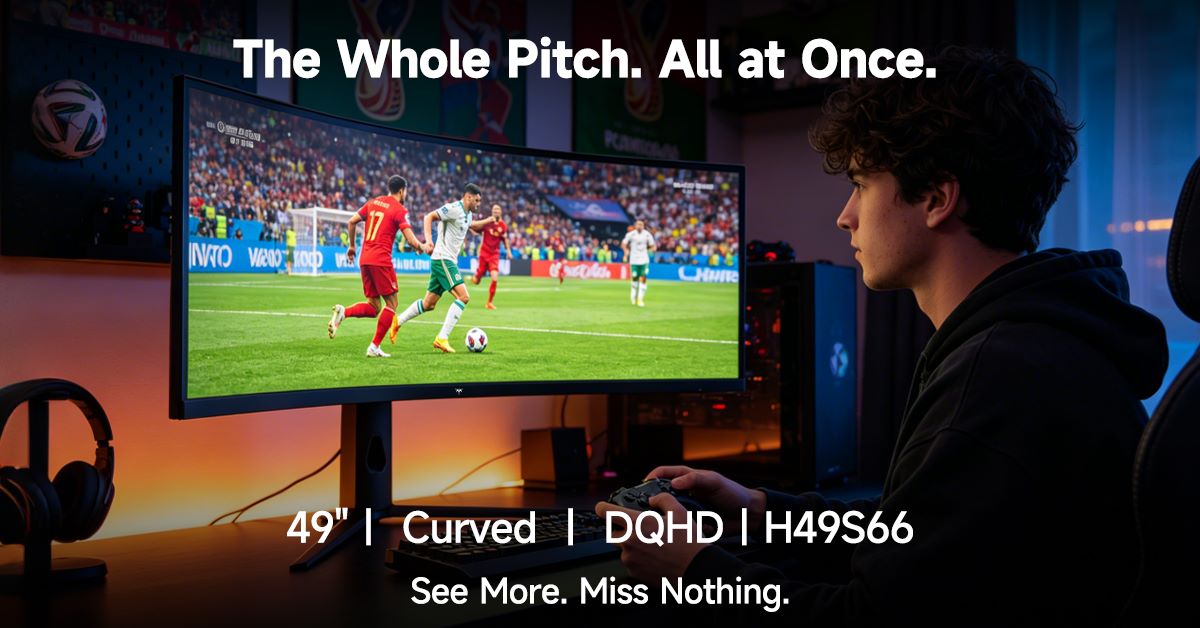
Standard monitors use a 16:9 aspect ratio. Ultrawide monitors use a 21:9 or 32:9 ratio. These screens stretch much further horizontally, replacing the need for a dual-monitor setup. They provide excellent peripheral vision for racing and flight simulators, though some older games do not support ultrawide resolutions natively.
How Do G-Sync And FreeSync Prevent Screen Tearing?
Screen tearing occurs when your graphics card outputs a frame while the monitor is in the middle of a refresh cycle. This results in an image that looks horizontally split or misaligned.
Adaptive Sync Technology
To solve screen tearing, manufacturers developed Adaptive Sync. This hardware technology forces the monitor to adjust its refresh rate dynamically to match the exact frame output of the graphics card.
NVIDIA G-Sync And AMD FreeSync
NVIDIA G-Sync requires an NVIDIA graphics card and relies on a physical module inside the monitor. AMD FreeSync is an open-source standard that works with AMD cards. Modern displays often feature "G-Sync Compatibility," meaning they use the FreeSync standard but are certified by NVIDIA to work flawlessly with their hardware. You must ensure your new display supports the sync technology compatible with your specific graphics card.
How To Match Your Monitor To Your Graphics Card (GPU)
Buying the best gaming monitor on the market is useless if your computer cannot generate enough frames to utilize it. You must analyze your internal hardware first.
Identifying Your Hardware Limits
If you own an entry-level graphics card, purchasing a 4K, 144Hz display will result in severe lag. Your GPU will only produce 30 frames per second, making the high refresh rate useless. Conversely, if you own a top-tier GPU, connecting it to a 1080p 60Hz monitor restricts its performance artificially.
Balancing The Setup
To maximize your investment, review the gaming monitor specs alongside your GPU benchmarks. A mid-range GPU pairs perfectly with a 1440p, 144Hz display. Always research how many frames per second your specific graphics card can produce in your favorite games before selecting the display resolution and speed.
What Is The Best Gaming Monitor Setup For Your Genre?
Your preferred video game genres should heavily influence your final hardware decision. Different games require different visual advantages.
For Competitive Shooters
If you play multiplayer shooters, speed is your priority. You should search for a 24-inch or 27-inch 1080p display. You must prioritize the 144Hz vs 240Hz decision, opting for 240Hz or higher if your budget allows. Panel color quality is secondary to response time.
For Single-Player RPGs And Story Games
If you play highly detailed role-playing games, visual fidelity matters most. You should look for a 27-inch or 32-inch 4K or 1440p display. You should prioritize an IPS or OLED panel to ensure the environments look vibrant, and ensure the monitor has a high HDR rating for realistic lighting effects.
For General Daily Use And Mixed Gaming
If you play a mix of everything and also use the computer for work, aim for balance. A 27-inch, 1440p IPS panel with a 144Hz refresh rate provides enough speed for multiplayer games, enough clarity for text editing, and excellent colors for movie playback.
Choose the Right Gaming Display
Finding the right display requires aligning your budget with your computer's processing limits and your daily usage habits. By carefully evaluating resolution, understanding refresh rates, and comparing panel technologies, you avoid paying for features your computer cannot support. Match the hardware specifications directly to your favorite game genres, and you will secure a display that delivers flawless, responsive performance for years.