In-Plane Switching (IPS) technology has become the gold standard for professional designers and gamers alike due to its superior color accuracy and wide viewing angles. However, many users of an IPS monitor encounter a common visual phenomenon known as IPS glow. This silver or brownish sheen in the corners of the screen can be distracting, especially when viewing dark content in a dim room. This guide explains what this glow is, why it occurs, and practical methods to minimize its impact on your viewing experience.

What Is IPS Glow?
IPS glow is a characteristic of the liquid crystal structure used in an IPS panel monitor. It appears as a faint light emanating from the corners of the screen when viewing dark images. Unlike other display artifacts, this glow is dependent on the viewer's position and angle relative to the screen.
The Visual Appearance of Glow
When you look at a dark or black screen on an IPS monitor, you may notice that the corners appear "washed out" or have a hazy white, silver, or sometimes orange-tinted glow. This is not a failure of the pixels to display black, but rather light from the backlight leaking through the crystal layers at extreme angles. This effect is most pronounced when looking at the corners of a large monitor from a short distance.
Viewing Angle Dependency
The most defining trait of IPS glow is that it changes as you move your head. If you shift your position to look directly at a corner that previously appeared "glowing," the glow in that specific corner will often disappear, only to appear in the opposite corner. This distinguishes it from other permanent hardware defects that remain constant regardless of where you stand or sit.
Impact on High-Contrast Content
For users who enjoy horror games or cinematic movies with many night scenes, the IPS glow can be particularly noticeable. It effectively raises the "black level" in the corners, making those areas look more like dark gray than true black. While it does not affect color accuracy in bright scenes, it is a primary concern for those who prioritize deep contrast and immersion in dark environments.

Is IPS Glow the Same as Backlight Bleed?
A common point of confusion for consumers is the distinction between IPS glow and backlight bleed. While they may look similar to the untrained eye, their causes and solutions are fundamentally different. Knowing which one you are dealing with is essential for deciding whether to return a product.
Understanding Backlight Bleed
Backlight bleed is a manufacturing defect where light "escapes" from the edges of the monitor because the bezel or frame is not sealed tightly against the panel. It usually appears as bright, concentrated "patches" or "fingers" of light along the edges. Unlike IPS glow, backlight bleed is permanent. It will not move or change intensity when you change your viewing angle.
The Movement Test
The easiest way to determine the difference in IPS glow vs backlight bleed is the movement test. Set your monitor to a black background in a dark room. Move your head from side to side. If the light patches stay in the exact same spot and maintain the same shape, you are likely looking at backlight bleed. If the light appears to follow your movement or shifts between corners, it is IPS glow.
Manufacturing Consistency
Backlight bleed is often a result of poor quality control or pressure points in the assembly process. You might have two identical models where one has significant bleed, and the other has none. IPS glow, however, is a biological characteristic of the technology itself. Almost every IPS panel monitor will exhibit some degree of glow, although higher-end panels often have better-tuned layers to mitigate it.
Why Do IPS Monitors Have Glow?
To understand why this happens, we must look at what the IPS monitor technology is at a structural level. The way liquid crystals are aligned in these panels is the root cause of the light leakage.
Liquid Crystal Alignment
In an IPS panel, the liquid crystals are aligned horizontally and rotate within the plane of the screen to let light through. When the monitor tries to display black, the crystals rotate to block the backlight. However, due to the physical orientation of these crystals, they are not 100% effective at blocking light when viewed from an angle. Some light "slips" past the edges of the crystals, creating the glow.
The Role of the Backlight
All LCD monitors, including IPS, VA, and TN, require a backlight to function. This light is always "on" behind the panel. Because IPS crystals are optimized for color consistency across wide angles, their ability to perfectly seal off the backlight in the corners is slightly compromised. This is the trade-off for the excellent color performance that makes an IPS monitor so popular.
Polarizer Efficiency
The quality of the polarizer layers used in the screen assembly also plays a role. High-end professional monitors sometimes include a specialized layer known as an "A-TW" (Advanced True Wide) polarizer. This layer is specifically designed to help the crystals block light more effectively at wide angles. However, these polarizers are expensive and are rarely found in consumer-grade gaming or office monitors.
Can You Completely Remove IPS Glow?
The short answer is no; you cannot completely remove IPS glow because it is an inherent physical property of the panel's design. It is not a software bug or a mechanical part that can be "fixed" with a tool.
Because the glow is caused by the way light interacts with the liquid crystals, it will always be present to some degree on any standard IPS panel. It is part of the technology's "DNA." If a panel were to have zero glow, it would likely no longer be using standard IPS architecture or would require extremely expensive optical filters that are not viable for the general market.
Manufacturers generally consider IPS glow a normal characteristic rather than a defect. Returns are rarely accepted for "standard" glow unless it is accompanied by severe backlight bleed or dead pixels. Most users find that once they begin using the monitor for actual tasks—browsing, gaming, or working—the glow becomes much less apparent than it was during a "black screen test."
How Can You Reduce IPS Glow at Home?
While you cannot eliminate it, you can significantly reduce its visibility. Learning how to reduce IPS glow through environmental and setting adjustments can transform your viewing experience.
Optimize Your Viewing Distance and Angle
The closer you sit to a large screen, the wider the angle between your eyes and the corners of the monitor. This increases the visibility of the glow. Try moving your monitor further back or switching to a deeper desk. Additionally, ensuring the monitor is at eye level and slightly tilted can help align your vision more directly with the center of the panel, reducing the "extreme angles" that cause the light to leak.
Adjust Ambient Lighting
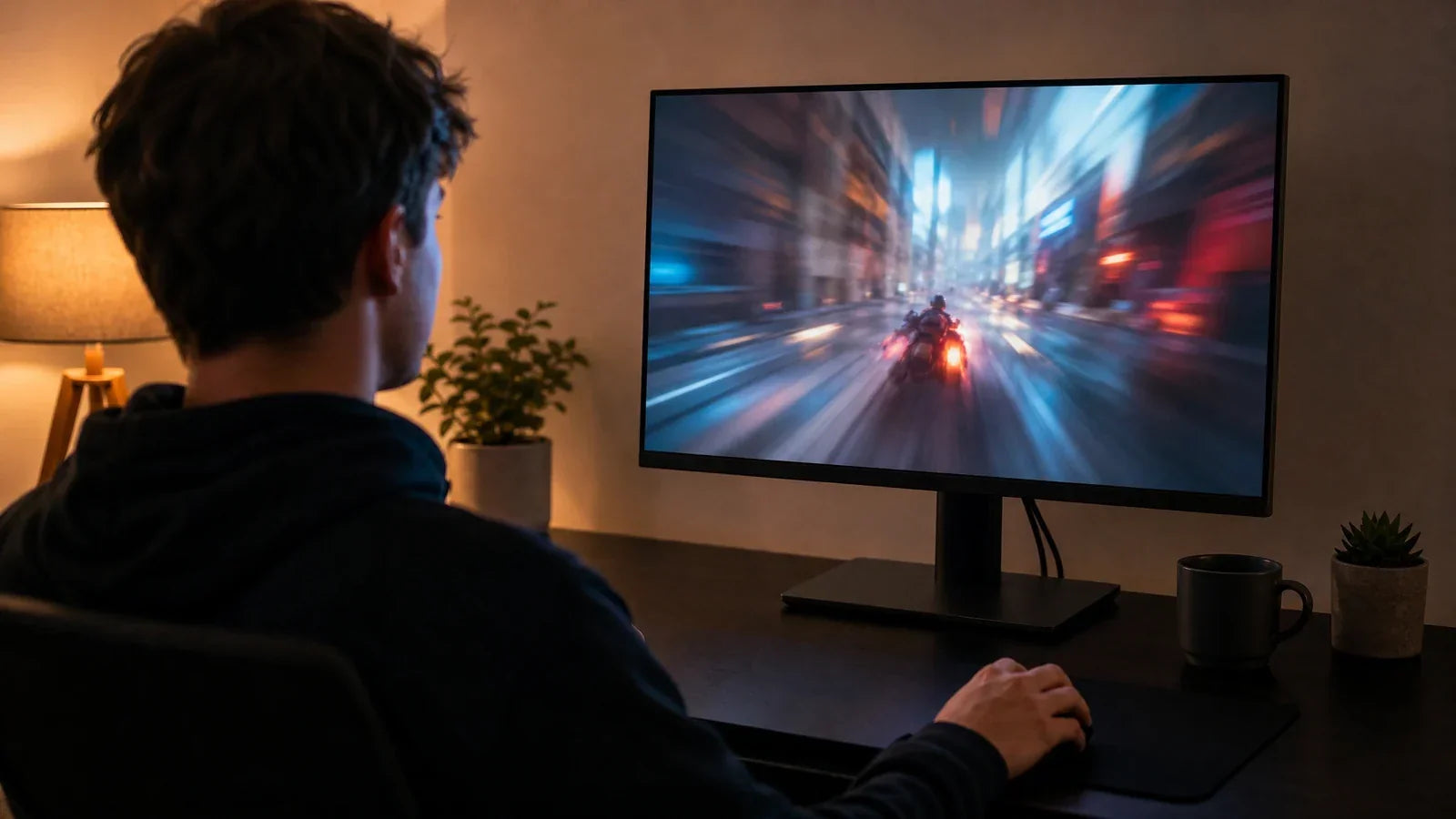
IPS glow is most visible in pitch-black rooms. To mitigate this, introduce some "bias lighting." Placing a dim LED strip behind your monitor creates a soft glow on the wall behind the screen. This increases the ambient light in your field of vision, causing your pupils to constrict slightly. As a result, your eyes become less sensitive to the faint glow coming from the monitor's corners, making the blacks look deeper and the glow nearly invisible.
Calibrate Brightness and Contrast
Many users run their monitors at 100% brightness, which is often unnecessary for indoor use. High brightness levels force the backlight to work at full power, which exacerbates light leakage.
- Lower Brightness: Reducing your brightness to 25% or 50% (roughly 120-150 nits) is often enough for a comfortable experience and drastically reduces the intensity of the glow.
- Contrast Tuning: Ensure your contrast is set to its native level. Pushing contrast too high can sometimes make the transition from black to gray glow more jarring.

Should IPS Glow Stop You From Buying an IPS Monitor?
Despite this one drawback, the IPS panel monitor remains the most popular choice for a reason. For most users, the benefits far outweigh the presence of a corner glow that is only visible in specific conditions.
When you choose an IPS monitor, you are gaining industry-leading color accuracy, great response times, and viewing angles that prevent color shifting. In contrast, VA panels offer better blacks but often suffer from "black smearing" in fast motion. TN panels have zero glow but offer very poor colors and viewing angles. For general productivity, creative work, and most gaming, IPS provides the most balanced experience.
If you are a hardcore enthusiast who exclusively plays dark, atmospheric games in a dark room, or if you are a movie buff who demands perfect black levels, you might prefer a VA panel or an OLED screen. OLED technology does not use a backlight at all, meaning it has zero glow and infinite contrast. However, for the average user, the tips on how to reduce IPS glow provided above are usually sufficient to make the glow a non-issue.
Set Realistic IPS Display Expectations
Understanding what is ips monitor technology is helps in managing expectations regarding its visual performance. While IPS glow is a permanent characteristic of these panels, it is rarely a deal-breaker. By adjusting your room’s lighting, lowering your screen brightness, and maintaining a proper viewing distance, you can enjoy the vivid colors and sharpness of your IPS panel monitor without being distracted by corner haze. Focus on the overall quality of the display, and you will find that IPS remains an excellent choice for almost any computing task.
FAQs about IPS glow
Can I fix the IPS glow by rubbing the screen?
No. Rubbing or applying pressure to the screen will not fix IPS glow and can actually cause permanent damage to the delicate liquid crystal layer or create new areas of backlight bleed. Glow is an optical property, not a physical misalignment that can be "pressed" back into place.
Is IPS glow worse on curved monitors?
Yes, it can be. The curve of the monitor changes the angle at which light hits your eyes from different parts of the screen. In some cases, the "wrap-around" nature of a curved IPS panel monitor can make the corner glow appear more consistent across the edges, though high-quality manufacturing can mitigate this.
Does the IPS glow get worse over time?
No, IPS glow does not typically change over the lifespan of the monitor. Unlike backlight bleed, which can occasionally worsen if the monitor's frame warps due to heat, the optical characteristics that cause glow remain stable from the day you unbox the monitor.
Will a higher refresh rate monitor have more glow?
No, refresh rate (Hz) and IPS glow are unrelated. A 60Hz monitor and a 240Hz monitor using the same panel technology will exhibit the same level of glow. Glow is a result of the panel’s physical structure and backlight, not the speed at which it updates the image.
Is IPS glow more visible on 4K monitors?
Generally, yes, but only because 4K monitors are often larger. Because a 32-inch 4K IPS monitor covers a larger portion of your field of vision, the corners are at a more acute angle to your eyes than they would be on a 24-inch 1080p screen, making the glow more apparent.