The difference between 1 ms and 4 ms is sometimes visible, but refresh rate, panel tuning, and overdrive usually matter more than the spec alone. For fast, high-refresh gaming, 1 ms can help; for work and slower games, 4 ms is usually enough.
What Response Time Actually Means
Monitor response time is how long a pixel takes to change from one color or shade to another, usually measured in milliseconds. Lower response time generally reduces blur and ghosting during motion. A display with slow pixel transitions can leave faint trails behind moving objects, which is why monitor response times matter most in fast genres such as first-person shooters, racing games, and action titles.

The tricky part is that “1 ms” and “4 ms” are not always measured the same way. Gray-to-gray, often written as GtG, measures transitions between shades of gray and is the most common marketing spec. MPRT, or moving picture response time, reflects how long motion remains visible to your eyes. A monitor can advertise a fast number while still looking worse than expected if it needs aggressive overdrive to hit that number or if its slowest transitions are much worse than its average ones.
In practice, the most useful test is not reading the box. Open a fast-moving game, set the monitor to its native refresh rate, try each overdrive mode, and watch dark edges, text trails, and enemy outlines during camera pans. The best setting is usually the one that produces the cleanest moving image, not automatically the one labeled “Extreme.”
Can You See 1 ms vs 4 ms?
You can see the difference most clearly when the rest of the display is fast enough to expose it. At 240 Hz, each refresh window is about 4.17 ms, so a 4 ms pixel response already uses nearly the whole frame interval. That is why a 240 Hz monitor delivers its full benefit only when the graphics pipeline, connection, settings, and panel response all keep up.
At 60 Hz, each frame stays on screen for about 16.67 ms. In that context, the visible difference between a clean 1 ms monitor and a clean 4 ms monitor is often modest because frame persistence from the refresh rate itself dominates what you see. You may still notice less ghosting on fast transitions, but the bigger upgrade is usually moving from 60 Hz to 120 Hz, 144 Hz, 165 Hz, or higher.
At 144 Hz, each frame lasts about 6.94 ms. A true 4 ms transition can still fit inside that window, but there is less margin for slow dark transitions, VA black smearing, or overdrive artifacts. A true 1 ms class panel gives more headroom, especially when crosshair tracking, quick peeks, recoil control, and target outlines matter.

Use Case |
Is 1 ms Noticeably Better Than 4 ms? |
Better Priority |
Often yes, if the 1 ms mode is clean |
Fast GtG, high refresh rate, low input lag |
|
Racing and action games |
Sometimes, especially during fast pans |
1 ms to 2 ms, 144 Hz or higher |
RPGs, strategy, and casual games |
Usually minor |
Color, contrast, resolution, screen size |
Rarely |
Sharp text, ergonomics, single-cable connectivity, screen space |
|
Portable second-screen use |
Rarely |
Brightness, weight, power, connectivity |
Why 1 ms Can Look Worse Than 4 ms
A spec-sheet 1 ms monitor is not automatically better than a well-tuned 4 ms monitor. The problem is overshoot, also called inverse ghosting, where pixels are pushed too hard and go past the intended color. Instead of a normal dark trail, you may see bright halos or pale outlines behind moving objects. That can be more distracting than ordinary blur.

This is where overdrive matters. Many gaming monitors offer response-time modes such as Normal, Fast, Faster, or Extreme. The fastest setting may win the marketing race, but the middle setting often looks cleaner in real play. Independent testing methods usually treat response time and overshoot together because motion quality is not just about how fast pixels move; it is also about whether they land accurately.
Panel type also changes what 1 ms and 4 ms feel like. OLED usually delivers the clearest motion because pixel behavior is extremely fast. IPS has become the practical sweet spot for many gamers because modern fast IPS panels combine strong color with good response times. VA panels often deliver better contrast and deeper-looking blacks, but darker transitions can be slower, so a “4 ms” VA can look smearier in dark scenes than a similar IPS display.
Refresh Rate Matters More Than Most Buyers Expect
Response time controls how quickly pixels change. Refresh rate controls how often the whole screen updates. They are separate, but they work together. A high refresh rate without fast enough pixel response can still look blurry, while a 1 ms response time on a 60 Hz monitor cannot create the fluidity of 144 Hz or 240 Hz.
For competitive players, the better upgrade path is usually refresh rate first, then verified motion performance. The same practical point appears throughout the research notes: 144 Hz is a major advantage for FPS players, while many non-FPS users are better served by stronger image quality instead of chasing the smallest number. That matches current buying logic: prioritize 144 Hz or higher for shooters, then make sure the response behavior is clean enough to support it.
For example, if you are choosing between a 60 Hz monitor advertised at 1 ms and a 144 Hz monitor advertised at 4 ms, the 144 Hz model will usually feel smoother in games, assuming its pixel response is reasonably tuned. If you are choosing between two 165 Hz IPS gaming monitors and one has genuinely cleaner 1 ms class response while the other shows visible 4 ms smearing, the faster model becomes more compelling.
For Gaming, 1 ms Is Best When the Game Rewards It
A 1 ms class response time is most valuable in games where motion clarity changes how confidently you react. Competitive shooters, arena games, fast racing, and other high-speed titles benefit because you are constantly reading small moving details. A sharper edge on a strafing opponent or a cleaner view during a flick is not magic, but it reduces visual uncertainty.
The practical gaming target is not “always buy 1 ms.” It is “buy fast enough for your refresh rate and game type.” Response-time recommendations in the notes frame 1 ms as the competitive sweet spot, 1 ms to 2 ms as strong for action and racing, 3 ms to 5 ms as acceptable for RPGs and open-world play, and 5 ms or more as more suitable for casual or office use.
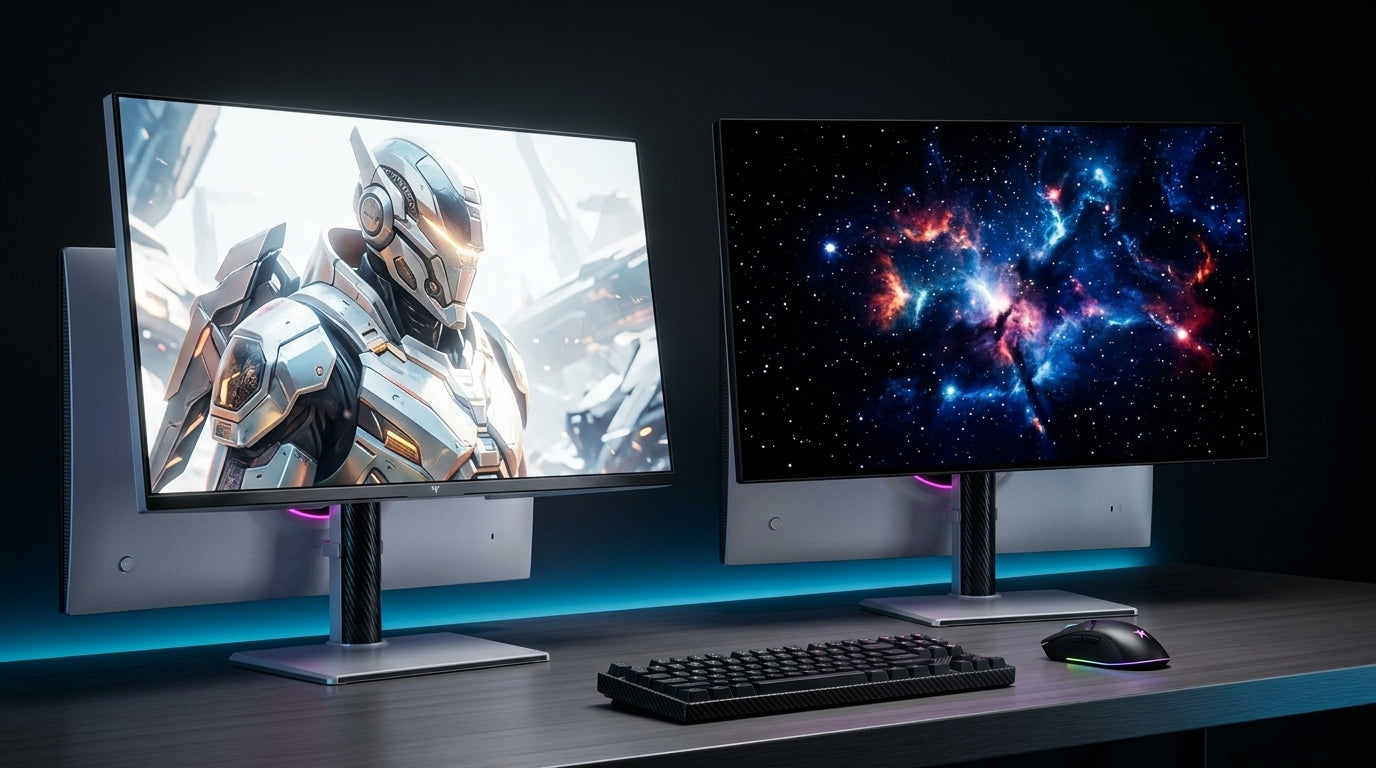
If you mostly play tactical shooters, battle royales, hero shooters, driving games, or other fast multiplayer titles, a high-refresh 1 ms class monitor is a sensible performance purchase. That is the context where something like the KTC 27” FHD 280Hz/1ms Gaming Monitor fits best: a 27-inch FHD, 280 Hz display where the 1 ms spec matters more than it would on a slower office screen. If you mostly play slower RPGs, strategy games, city builders, puzzle games, or cinematic single-player titles, a 4 ms monitor with better contrast, resolution, HDR behavior, or color may give you a better overall experience.
For Office Work, 4 ms Is Already Fast Enough
For productivity, response time is rarely the spec that improves your day. Text clarity, screen size, pixel density, viewing comfort, and connectivity matter far more. A writer, analyst, developer, designer, or hybrid worker will usually gain more from QHD, 4K, ultrawide space, height adjustment, power delivery, and flicker-free backlighting than from moving from 4 ms to 1 ms.

Productivity-focused monitor advice consistently emphasizes usable workspace and text sharpness. Usable screen space matters because it lets you keep documents, browser tabs, timelines, dashboards, or communication windows visible without constant switching. A 27-inch 4K display, a 32-inch 4K display, or a 34-inch ultrawide can change workflow efficiency in a way a 1 ms spec cannot.
That does not mean refresh rate is irrelevant for work. A 100 Hz or 120 Hz office display can make scrolling, window dragging, and pointer motion feel smoother. Recent monitor roundups also show more work-focused models combining higher refresh rates with productivity features, which reflects a useful shift: smoother screens are no longer just for gaming. Still, for spreadsheets, research, email, coding, and browser work, 4 ms is already fast enough.
Portable Screens
Portable monitors are usually bought for flexibility, not top-tier motion performance. If you use a portable display as a second screen for travel, presentations, chat, coding references, dashboards, or light media, response time should rank below brightness, sharpness, connection reliability, stand design, weight, and power behavior.
The research notes include portable business displays in the 14-inch class, where the real value is mobility and convenience. In that category, a 4 ms response time is rarely a dealbreaker for work. A dull panel, weak stand, poor scaling, awkward cables, or limited brightness will irritate you far more often than the absence of a 1 ms response time.
For portable gaming, the advice changes slightly. If the screen is attached to a handheld PC, compact console setup, or gaming laptop, response time matters more. Even then, match the display to the system. A portable 144 Hz panel with clean 4 ms behavior may feel better than a cheap “1 ms” portable screen with overshoot, dim brightness, and unstable color.
How to Choose Without Getting Trapped by Marketing
Start by deciding whether motion clarity is the monitor’s main job. If your display is primarily for competitive gaming, aim for a high refresh rate, genuinely fast response, low input lag, and an overdrive mode that avoids halos. If it is primarily for productivity, prioritize resolution, screen size, ergonomic adjustment, and connectivity. If your setup must do both, look for a balanced IPS or OLED display with 120 Hz or higher refresh and credible motion reviews.
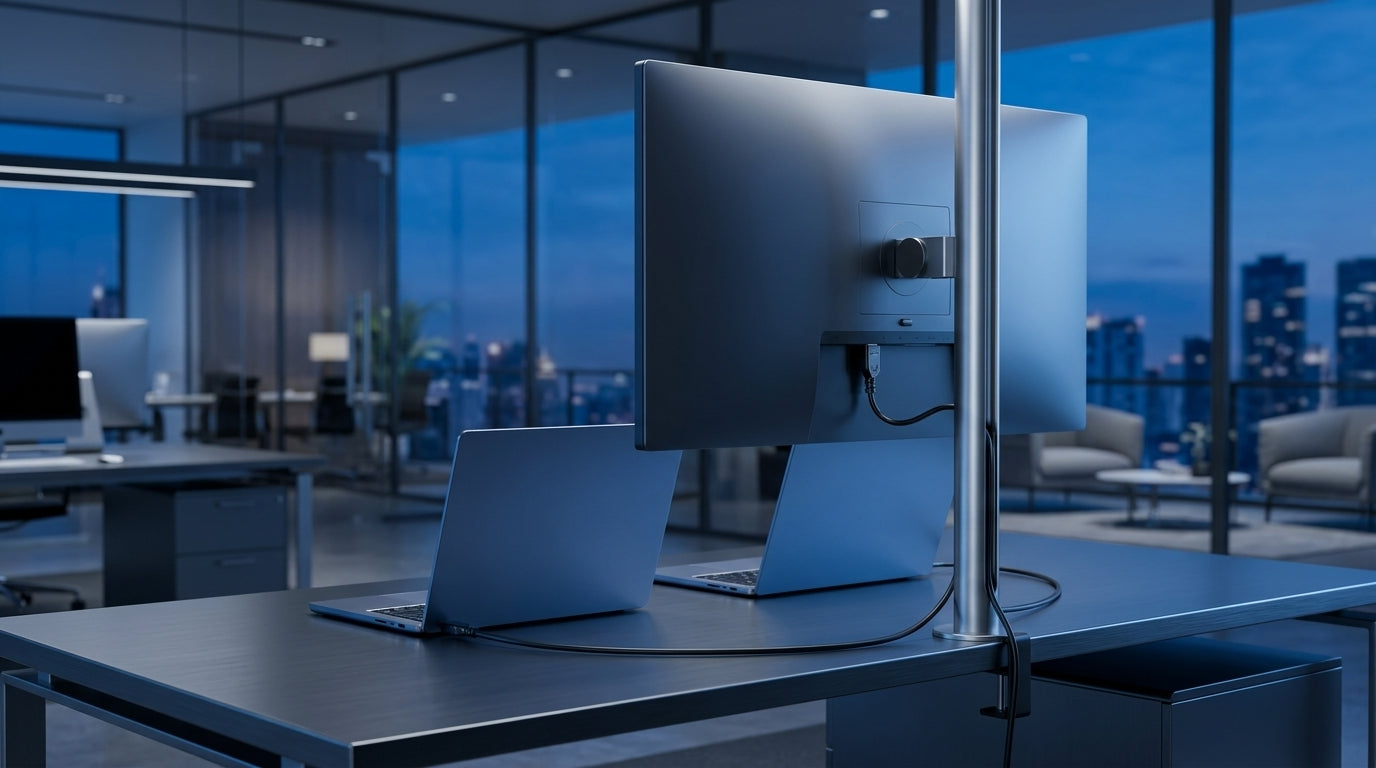
For a desk-based work setup, work-focused monitors are often judged by sharp text, ergonomic stands, power delivery, and enough ports to reduce cable clutter. That is the right lens if your screen is on for long workdays. A strong 4K 120 Hz productivity monitor can feel more useful than a bare-bones 1 ms gaming monitor with poor stand adjustment and weak text clarity.
For a pure gaming setup, use the eye test. Enable the highest refresh rate in your system settings, confirm you are using a connection that supports the monitor’s full refresh rate, then test motion with your actual games. Try the monitor’s response-time modes and watch for three things: blur behind moving objects, dark smearing in shadow-heavy scenes, and bright inverse ghosting around edges. If the 1 ms mode creates artifacts, use the slower clean mode.
Pros and Cons of 1 ms vs 4 ms
Response Time |
Pros |
Cons |
Best Fit |
1 ms |
Cleaner fast motion, better high-refresh headroom, stronger competitive feel |
Can require aggressive overdrive, may cost more, not always look cleaner |
FPS, racing, high-refresh gaming |
4 ms |
Often clean enough for casual gaming and work, can come with better image quality or value |
May show more blur at high refresh, less ideal for competitive tracking |
Office work, mixed use, RPGs, creative productivity, portable screens |
The key tradeoff is not speed versus slowness. It is motion performance versus total display quality. A strong 4 ms IPS or VA productivity monitor can be a better purchase than a low-quality 1 ms display if your real workload is writing, editing, coding, spreadsheets, video calls, and occasional gaming. A verified 1 ms gaming monitor is worth it when your games punish blurry motion and your system can feed enough frames to take advantage of it.
FAQ
Is 1 ms response time the same as low input lag?
No. Response time is how quickly pixels change color. Input lag is the delay between your mouse, keyboard, controller, or system action and the result appearing on screen. A monitor can have fast pixels but still feel delayed if its signal processing is slow, and a display can have decent input lag but visible ghosting if pixel transitions are slow.
Is 4 ms bad for gaming?
No. A 4 ms monitor is generally fine for casual play, RPGs, strategy games, open-world titles, and even many action games when paired with a reasonable refresh rate. It becomes less ideal when you play competitive shooters at 144 Hz, 240 Hz, or higher and want the cleanest possible motion.
Should I always use the fastest response-time setting?
Not always. The fastest setting can create overshoot or inverse ghosting. Use it only if it actually looks cleaner in motion. If you see bright halos or strange outlines behind moving objects, step down one mode.
Final Call
If your goal is competitive advantage, a clean 1 ms class monitor paired with 144 Hz, 240 Hz, or higher is a real upgrade. If your goal is a sharper, calmer, more productive desk setup, a good 4 ms display with better resolution, ergonomics, color, and connectivity will usually deliver more value. The best screen is not the one with the smallest number; it is the one whose speed, clarity, and comfort match how you actually use it.