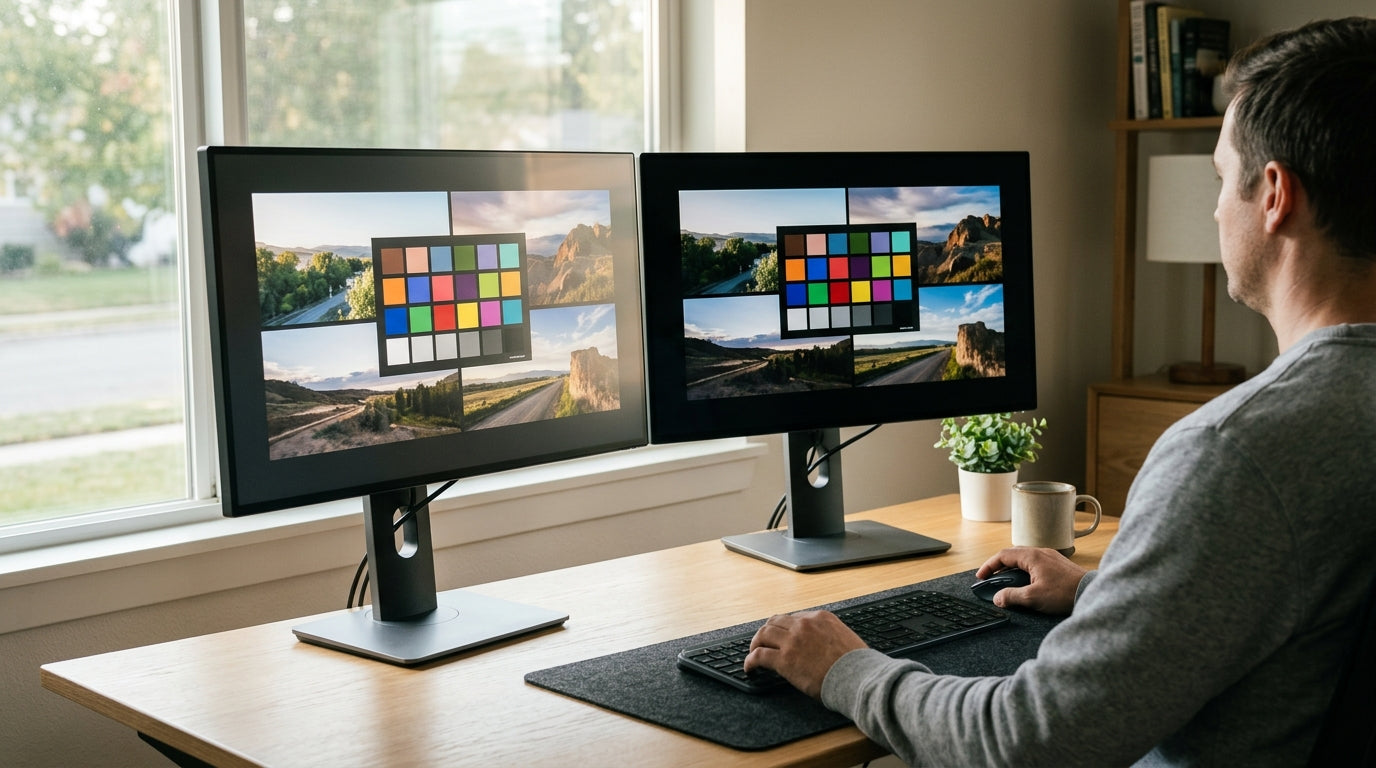
In 2026, the 32-inch 4K OLED monitor market offers strong raw panel performance across brands, but the real decision comes down to whether you need premium ecosystem features or prefer maximum value from a pure display. The KTC G32P5 stands out as a strong baseline option for dedicated PC gamers who want 4K at 240Hz without paying for unused smart TV functions or niche toggles, while Samsung's Odyssey G8 (G80SD) and LG's UltraGear 32GX870B suit users who benefit from AI processing or ultra-high refresh modes.

Many buyers worry that lower-priced models like KTC use inferior panels or carry higher long-term risks. In practice, the core 4K 240Hz WOLED experience is remarkably consistent when you focus on native PC gaming at full resolution. The differences appear mainly in added processing, refresh-rate switches, service convenience, and the resulting price gap of roughly $150–$250.
Panel Quality: Is KTC Using B-Grade Glass?
The most common concern when comparing budget-friendly OLED monitors to premium names is whether the panel itself is lower grade. For the average 4K PC gamer, the KTC G32P5 delivers the same fundamental 32-inch 4K 240Hz WOLED performance that defines the category this year. Its native refresh rate and response characteristics support smooth gameplay in demanding titles without obvious compromises in color or contrast that most users would notice in real desktop use.
Premium models do introduce incremental panel advancements. The LG UltraGear 32GX870B uses a 4th-generation Tandem WOLED panel that improves peak brightness and longevity compared with earlier generations (LG announcement details). This matters most for users who push the monitor hard in HDR content or bright-room conditions. Samsung's Odyssey G8 adds a specialized matte coating that reduces reflections while preserving the deep blacks OLED is known for.
What this means for most buyers is that the baseline visual experience—deep blacks, infinite contrast, and fast pixel response—remains excellent across all three. If your setup is a dedicated PC rig running native 4K games or productivity work, the KTC panel meets the same core expectations without the incremental cost of Tandem stacking or brand-specific coatings. Check your room lighting and content mix first: bright living rooms or heavy console upscaling tilt the advantage toward the premium finishes.
All-OLED Monitor buyers often start here because the panel itself is the biggest long-term quality factor, and the 2026 WOLED generation has narrowed the gap between value and flagship models.
The Feature Tax: Raw Performance vs. Ecosystem Bloat
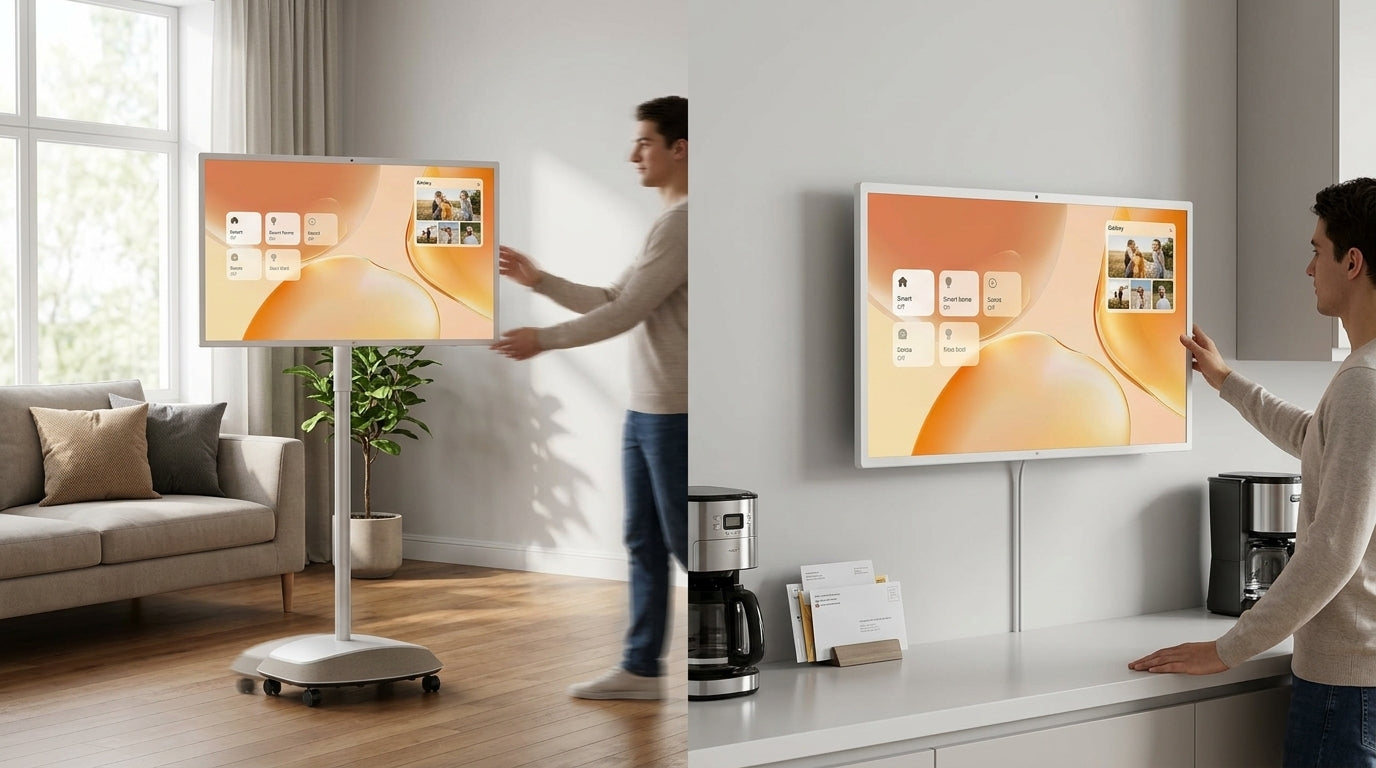
The largest part of the price difference between the KTC G32P5 and its Samsung or LG rivals comes from features most PC gamers never use daily. Samsung's Odyssey G8 includes an NQ8 AI Gen3 processor for upscaling lower-resolution content and a Smart Hub that turns the monitor into an all-in-one entertainment device. These additions shine when you connect consoles, stream movies, or watch sports in a living-room setup, but they add cost without improving native 4K PC frame rates or input lag.
LG's Dual Mode on the 32GX870B lets you switch instantly between 4K at 240Hz and 1080p at 480Hz. Competitive esports players who drop resolution for maximum frame rates in titles like Valorant or CS2 benefit from the smoother motion and lower persistence blur. For RPG, story-driven, or AAA single-player games that stay at native 4K, the toggle sees little use and represents a premium paid for a capability that sits idle.
KTC takes the opposite approach by focusing on raw panel hardware. The G32P5 skips proprietary scalers, smart OS layers, and multi-mode switches to keep the price down while delivering the same 4K 240Hz experience in standard desktop use. This “Pure Monitor” philosophy works well when your workflow stays on a PC and you already own a separate streaming box or console.
The table below summarizes how the main features align with typical usage. It helps clarify when the extra cost delivers real daily value versus when it becomes an expensive toggle you rarely touch.
| Feature | PC Purist (KTC) | Hybrid Minimalist (Samsung) | Prosumer/Esports (LG) |
|---|---|---|---|
| Smart Hub / TV apps | Low | High | Medium |
| AI Upscaling | Low | High | Medium |
| Dual-Mode 480Hz | Low | Low | High |
| Pure Panel Focus | High | Medium | Medium |
This view shows that the $150–$250 premium often buys capabilities that only matter in specific mixed-use or competitive scenarios. For pure PC gaming at native resolution, the KTC approach removes bloat without sacrificing the pixels that matter on screen.

Warranty and The Burn-In Insurance Math
All three monitors follow the 2026 industry pattern of offering three-year coverage that includes burn-in protection. The practical difference lies in how you actually use that warranty. Samsung and LG maintain widespread local service networks, so a claim often involves dropping the monitor at a nearby center. KTC, as a factory-direct brand, typically handles RMAs through shipping, which can add days or weeks of downtime and out-of-pocket shipping costs in the worst case.
KTC addresses this gap with its optional Worry-Free Purchase plan, which aims to simplify claims and reduce the friction of direct-import support. When you factor in the $150–$250 lower base price, the math becomes a classic insurance decision: pay more upfront for local convenience or accept the potential time cost of a cheaper panel that still carries the standard three-year burn-in warranty.
Buyers who keep their desk setup stable and rarely move the monitor often find the savings outweigh the service difference. Those who travel frequently with the display or live in areas with limited shipping options usually prefer the established brand network. Either way, treat the KTC “Worry-Free” add-on as part of the true ownership cost if peace of mind matters to you.
Worry-Free Purchase can be added at checkout to bring the support experience closer to what premium brands offer out of the box.
2026 32-inch 4K OLED: Finding Your Fit
The best monitor depends on how you actually use the screen. Three clear personas emerge from the feature sets and price differences.
PC Purist — Choose the KTC G32P5 when your setup is 100% PC-focused, you run native 4K, and you want to maximize dollars per refresh rate. You avoid paying for smart TV software or a 480Hz mode you will never activate. This is the clearest value path for dedicated gamers and productivity users who already own separate entertainment devices.
Hybrid Minimalist — The Samsung Odyssey G8 (G80SD) fits best when the monitor doubles as a living-room TV or streaming hub. The AI upscaling helps with console content and lower-resolution media, the matte coating reduces glare in brighter rooms, and the Smart Hub removes the need for extra streaming boxes. Accept the higher price if convenience across multiple devices is your top priority.
Prosumer/Esports Gamer — The LG UltraGear 32GX870B makes sense only if you actively switch to 1080p for competitive play and will use the 480Hz Dual Mode regularly. The Tandem panel also provides a measurable brightness and longevity edge for users who push HDR content daily. If you stay at native 4K most of the time, the extra cost buys a feature that stays dormant.
These recommendations are mutually exclusive because each brand optimizes for a different primary use case. A quick self-check: list the last ten hours you spent at your desk. If the majority were native 4K PC games or work, start with the KTC. If half involved consoles, streaming, or competitive 1080p sessions, move to Samsung or LG accordingly.
Gaming Monitor shoppers who want to explore more 4K OLED options can compare the full lineup once they know which persona best matches their workflow.
Frequently Asked Questions
Is the KTC G32P5 panel quality truly comparable to Samsung and LG in 2026?
For native 4K PC gaming and desktop use, yes—the core WOLED performance, contrast, and 240Hz refresh rate deliver a very similar experience. LG’s Tandem panel adds measurable brightness and longevity that matters more in bright rooms or heavy HDR workloads, while Samsung’s matte coating reduces reflections. If your room is controlled and your content is primarily native 4K, the visual difference is smaller than the price gap suggests.
Does buying KTC mean I will have worse burn-in protection than Samsung or LG?
No. All three typically carry a three-year warranty that covers burn-in. The practical difference is service convenience: Samsung and LG offer local centers in many regions, while KTC relies more on shipping-based RMAs. Adding the Worry-Free Purchase plan helps close that gap for buyers who want similar peace of mind at a lower entry price.
When does the Samsung Odyssey G8’s AI upscaling and Smart Hub justify the extra cost?
The features pay off when you regularly use the monitor with consoles, stream movies, or watch sports in a multi-purpose room. For pure PC gaming at native 4K, the AI processor and smart platform add cost without improving frame rates or input lag. Hybrid users who want one device for work, gaming, and entertainment usually see the clearest return.
Is LG’s 480Hz Dual Mode worth the premium for non-competitive gamers?
In most cases, no. The mode requires dropping to 1080p, which reduces sharpness on a 32-inch screen. Competitive players who chase every frame in esports titles benefit, but RPG, story-driven, or casual gamers rarely use the toggle. The Tandem panel’s brightness and longevity improvements remain useful, but the 480Hz switch itself is a niche advantage.
How much money do I actually save by choosing KTC over Samsung or LG?
Current street pricing shows a $150–$250 gap depending on current promotions and whether you add the optional protection plan. That difference represents the cost of local service networks, proprietary processors, smart OS features, and incremental panel advancements. Calculate your expected usage hours and room conditions to decide whether the savings or the added capabilities matter more over a three-year ownership period.
Which monitor is best if I split time between PC gaming and console play?
The Samsung Odyssey G8 usually wins here because its AI upscaling improves console image quality and the Smart Hub simplifies switching between devices. The KTC remains excellent for the PC half of your day but lacks the convenience features that make console use seamless. LG is viable only if you also drop resolution for competitive play on the console.
Should I wait for newer panel generations before buying any 32-inch 4K OLED in 2026?
If your current monitor is still serviceable, waiting for 2027’s expected efficiency gains makes sense. However, the current WOLED and Tandem panels already deliver excellent contrast, response times, and color that surpass most Mini-LED alternatives in dark-room gaming. For buyers replacing a 2–3 year old IPS or VA panel, any of these three models represents a significant upgrade today.