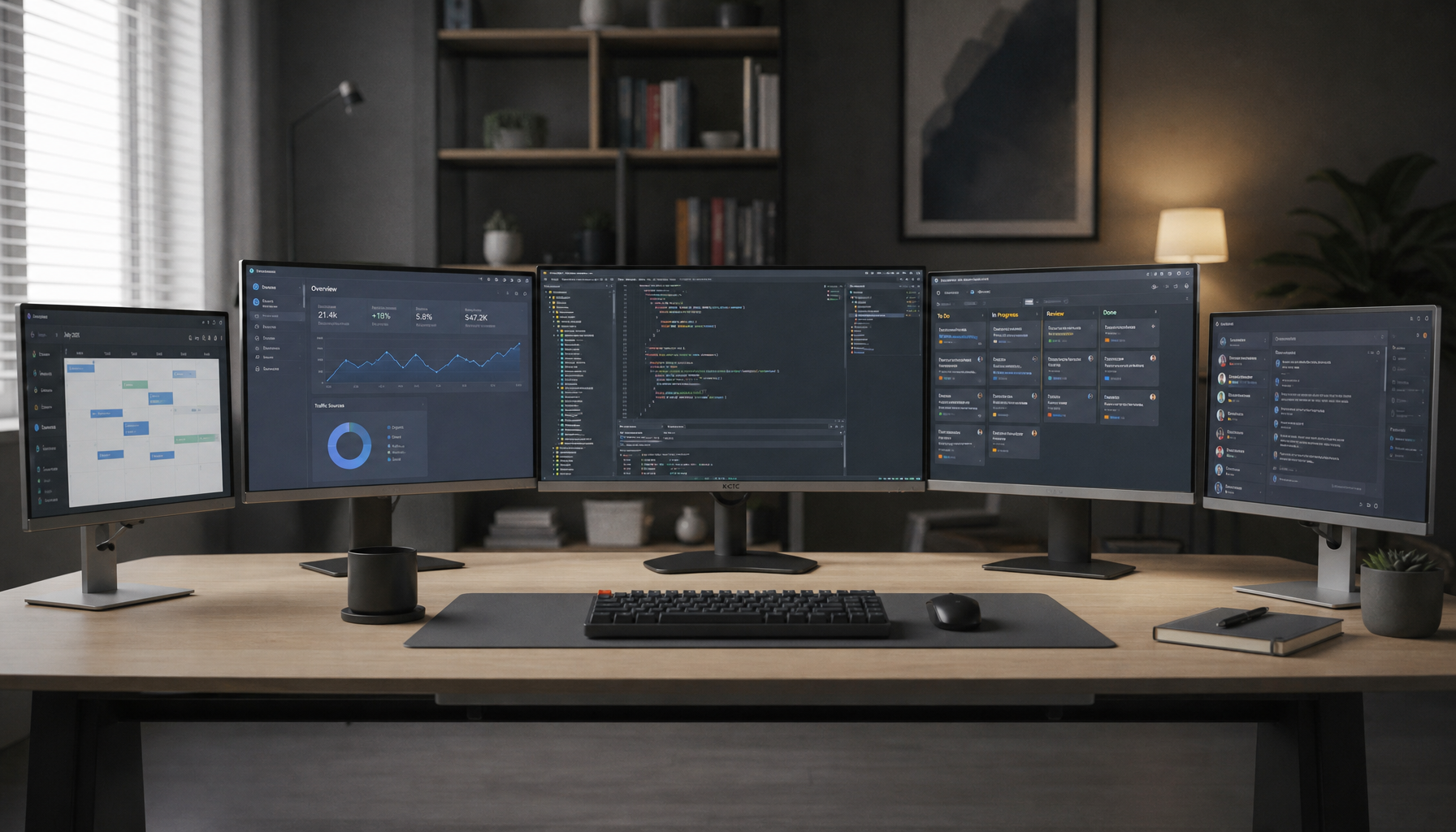
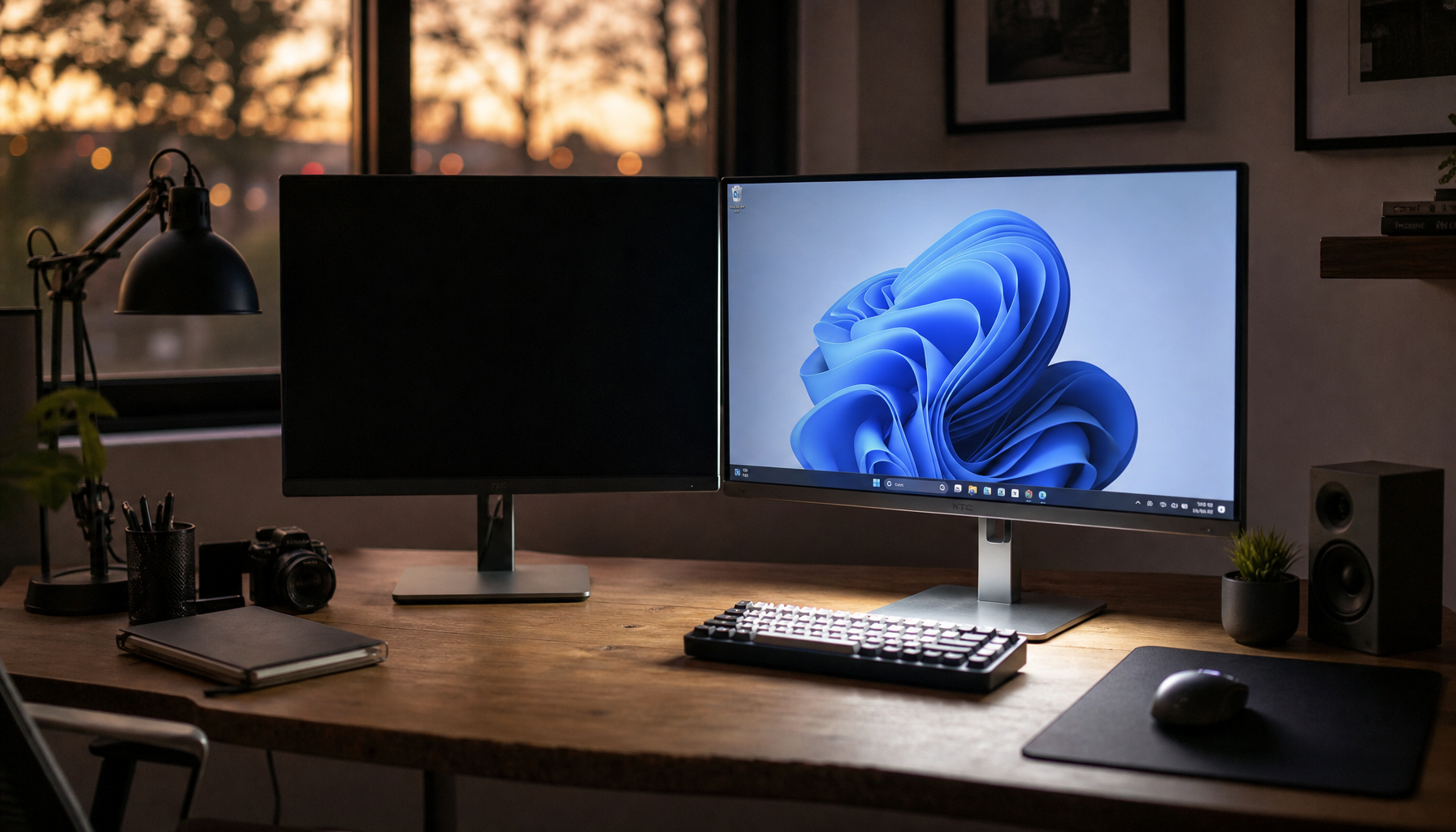
For the best HDR accuracy, your room should be very dim, but not necessarily pitch black. A small amount of controlled, neutral ambient light behind the screen can make HDR more comfortable without reducing contrast too much.

Why HDR Likes a Darker Room
HDR is built around contrast: deep shadows, bright specular highlights, and more realistic brightness separation. Because HDR brightness is mapped more directly than SDR, a bright room can make dark detail look flatter and reduce the punch of highlights.
That is why reference-style HDR viewing calls for a tightly controlled environment, with very low surround illumination and dark matte room surfaces to limit reflections and stray light, especially for PQ HDR content using fixed brightness mapping.
For gaming, movies, and HDR photo review, overhead lights, uncovered windows, and bright light strips near the panel work against the display. They raise your visual black floor before the monitor has a chance to perform.
Why Total Darkness Is Not Always Better
A completely dark room can maximize perceived contrast, especially on OLED or high-zone mini-LED monitors. But it can also make a bright HDR screen feel more aggressive during long sessions.
If your monitor is the only light source, your eyes keep adapting between dark surroundings and intense highlights. That can make subtitles, explosions, bright UI elements, or white webpages between videos feel harsher than they should.

A better setup is controlled darkness: no direct light on the panel, no glare on the screen, and a soft neutral light behind the monitor. This kind of bias lighting can reduce the harsh brightness jump between the screen and the surrounding wall while preserving much of HDR’s impact.

The Best Ambient Light Setup for HDR
Use ambient light as support, not decoration. The goal is comfort and stable perception, not a light show competing with the image.
A strong HDR monitor should still be the brightest object in your field of view. If the wall, desk, or keyboard lighting is visually louder than the screen’s highlights, you are giving up HDR depth.
Setup steps:
- Put a dim, neutral bias light behind the display.
- Keep light off the screen surface to avoid glare.
- Use blackout curtains if a window reflects in the panel.
- Dim or disable bright peripheral lighting.
- Keep the wall behind the monitor neutral, not strongly colored.
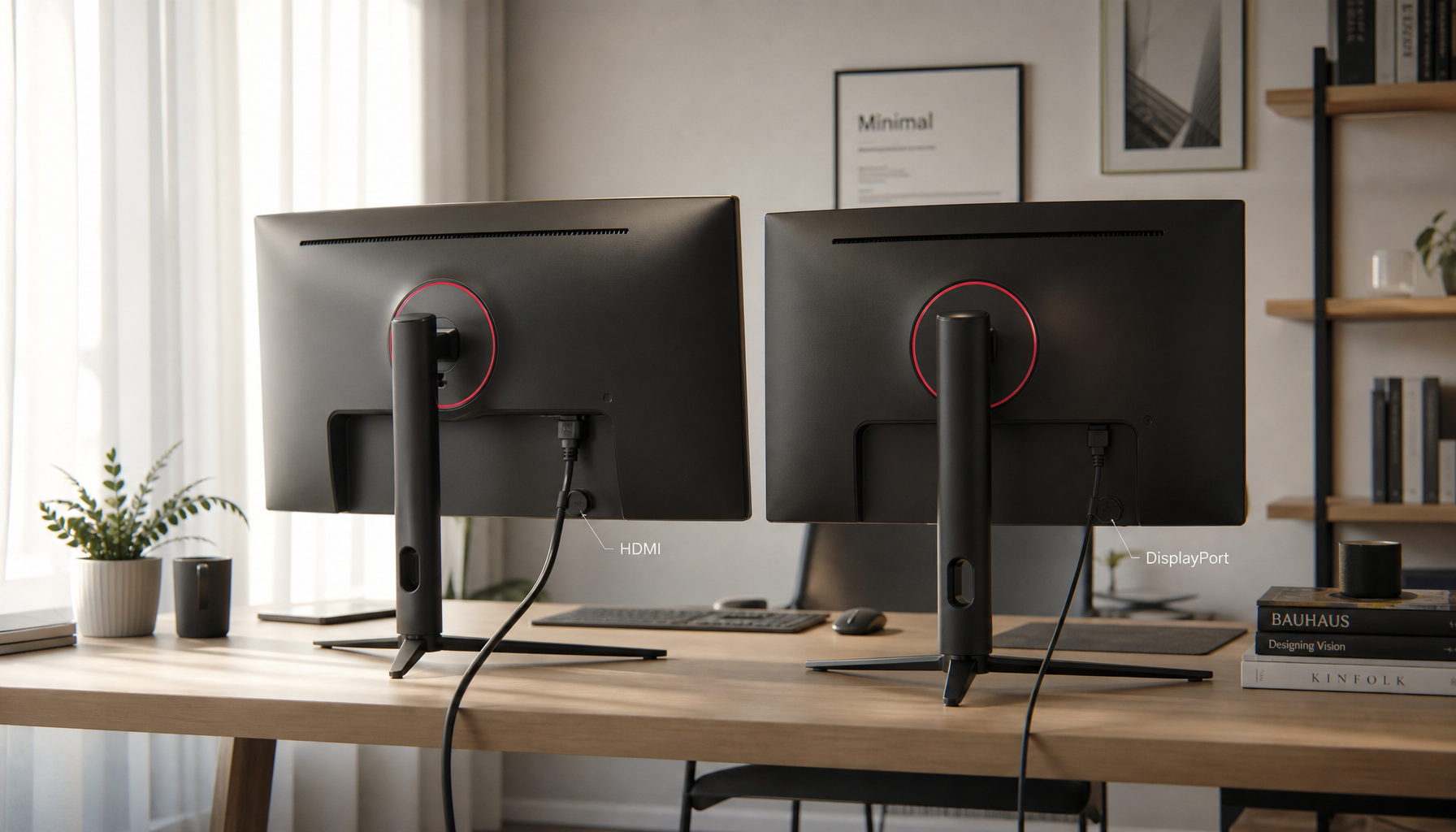
For PC users, also confirm the HDR signal path is correct. A certified HDR display still needs HDR enabled for that specific monitor, and the HDR setting affects how tone mapping is handled before the desktop image is composed.
OLED, Mini-LED, and Room Light
OLED thrives in darker rooms because its pixel-level blacks make shadow scenes look clean and dimensional. Add too much room light, and those perfect blacks become harder to appreciate because reflections and raised perceived black levels get in the way.
Mini-LED often has the advantage in mixed lighting because many models can push higher peak brightness. A 1,000-nit mini-LED monitor can hold HDR impact better in a moderately lit room than an entry-level HDR display.
Still, peak brightness is not the whole story. The certification tiers are useful because meaningful HDR depends on brightness, black level, color, and dimming behavior working together.
Modest ambient light can improve comfort, but it cannot rescue a low-contrast panel, poor local dimming, or a glare-heavy screen coating.
Practical Recommendation
For HDR movies and cinematic games, start with a dark room plus a low neutral bias light behind the monitor. For competitive games or productivity between HDR sessions, allow a little more room light, but keep it diffuse and away from the screen.
The sweet spot is simple: dark enough that blacks stay deep, lit enough that your eyes stay relaxed. That balance lets HDR feel immersive, precise, and usable for more than a ten-minute demo.