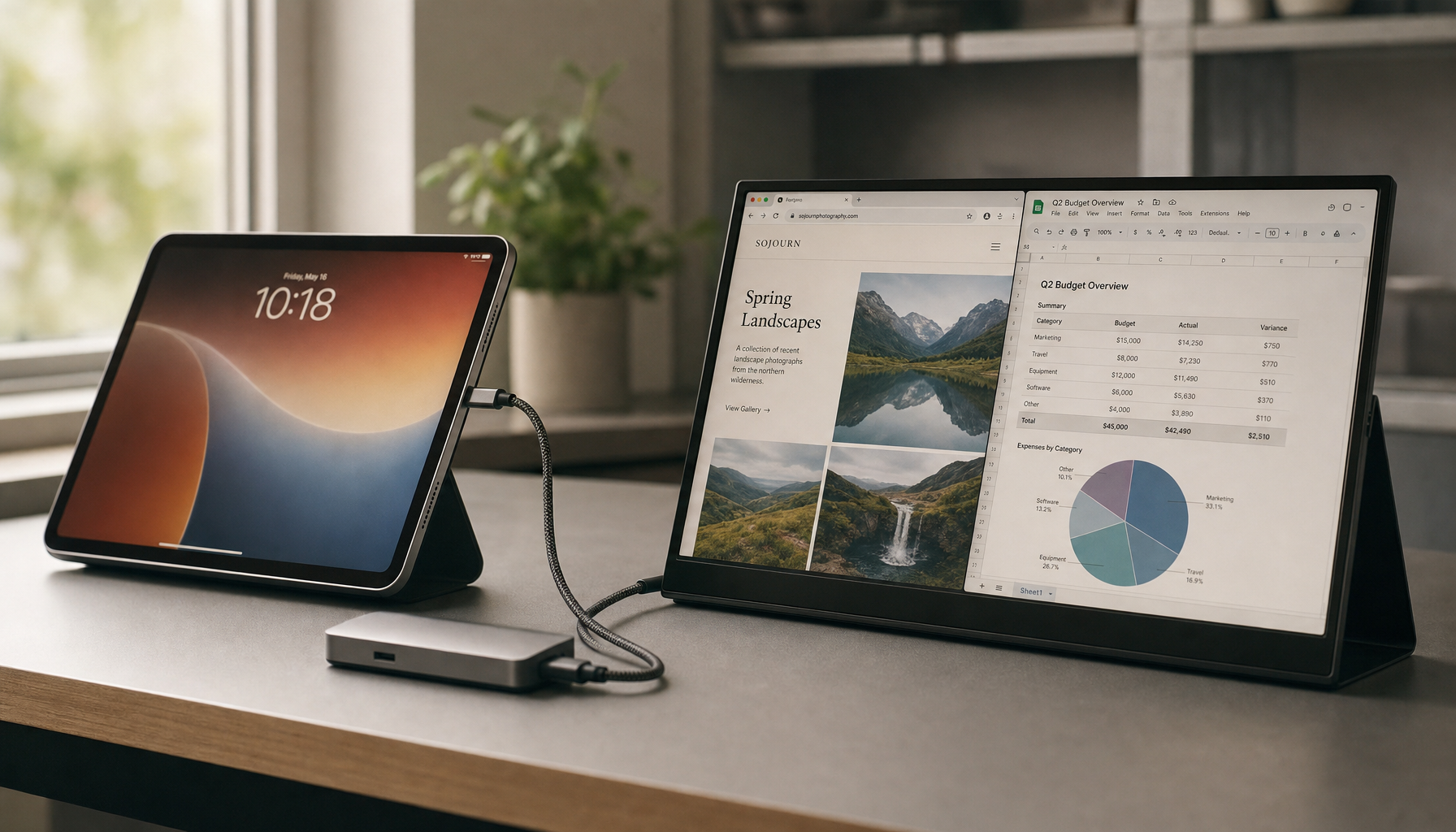
Most USB-C portable monitors need about 5W to 15W from your laptop, with 8W to 10W common for a 15.6-inch 1080p screen. For a brighter 4K, touchscreen, dual-screen, or high-refresh model, plan closer to 15W to 30W, and use USB-C Power Delivery passthrough for stable all-day performance.
The Practical Wattage Range
A compact portable monitor is far easier to power than a desktop display. Many 12- to 16-inch portable monitors sit around 4W to 10W, while broader real-world estimates put common USB-C travel screens around 5W to 15W.
For everyday office work, a 15.6-inch Full HD display is usually the sweet spot: sharp enough for documents, dashboards, code, and chat, but efficient enough to run from one USB-C cable without draining your laptop too quickly.

Quick rule:
- 5W to 8W: small, low-brightness, basic 1080p monitor
- 8W to 12W: typical 14- to 15.6-inch 1080p productivity screen
- 12W to 18W: brighter IPS, touchscreen, speakers, or 4K portable screen
- 20W to 30W: large, dual-screen, high-brightness, or performance-focused model
Why USB-C Specs Matter More Than the Port Shape
USB-C is only the connector. The laptop still needs a port that can output video, usually DisplayPort Alt Mode, and deliver enough power at the same time.
That is why “has USB-C” is not enough. Some ports handle charging only, some handle data only, and some support video plus USB Power Delivery. A good USB-C setup can carry charging through USB Power Delivery, display signal, and data over one cable, but only when the laptop, monitor, and cable all support it.
If the monitor flickers, dims, disconnects, or cycles on and off, the issue is often power budget or cable quality, not the panel itself. For reliability, use the monitor’s included cable or a USB-C cable rated for both video and adequate wattage.
The Battery Math That Actually Helps
Think in watt-hours. If your laptop has a 50Wh battery and the portable monitor pulls 10W, the monitor alone can use about 20% of that battery in one hour before you even count the laptop’s CPU, Wi-Fi, keyboard backlight, and internal screen.
That is why portable monitors can feel efficient at the wall but demanding on battery. A monitor drawing power from the laptop over USB-C directly adds to the total system load, and a 15W to 30W monitor can noticeably shorten runtime.
A practical example: an ultrabook using 25W during focused work plus a 10W portable monitor becomes a 35W setup. A 60Wh battery that might have lasted about 2.4 hours under that load has less room for brightness spikes, video calls, or heavier apps.
What Raises the Wattage
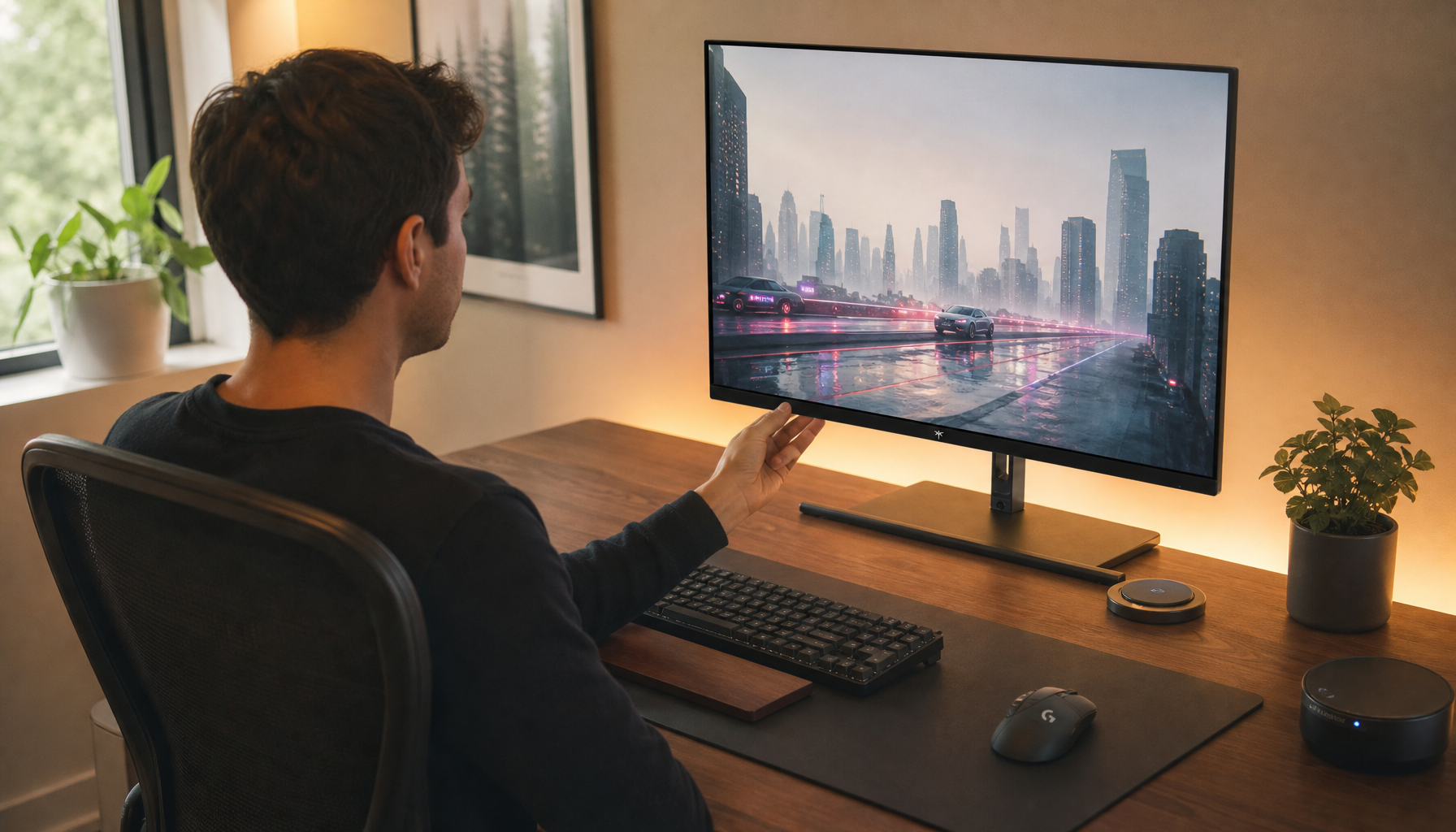
Brightness is the biggest controllable variable. Higher nits improve readability in bright rooms, but brighter screens also consume more power. Around 300 nits is enough for many everyday office tasks, while 400 to 500 nits is better for brighter spaces.

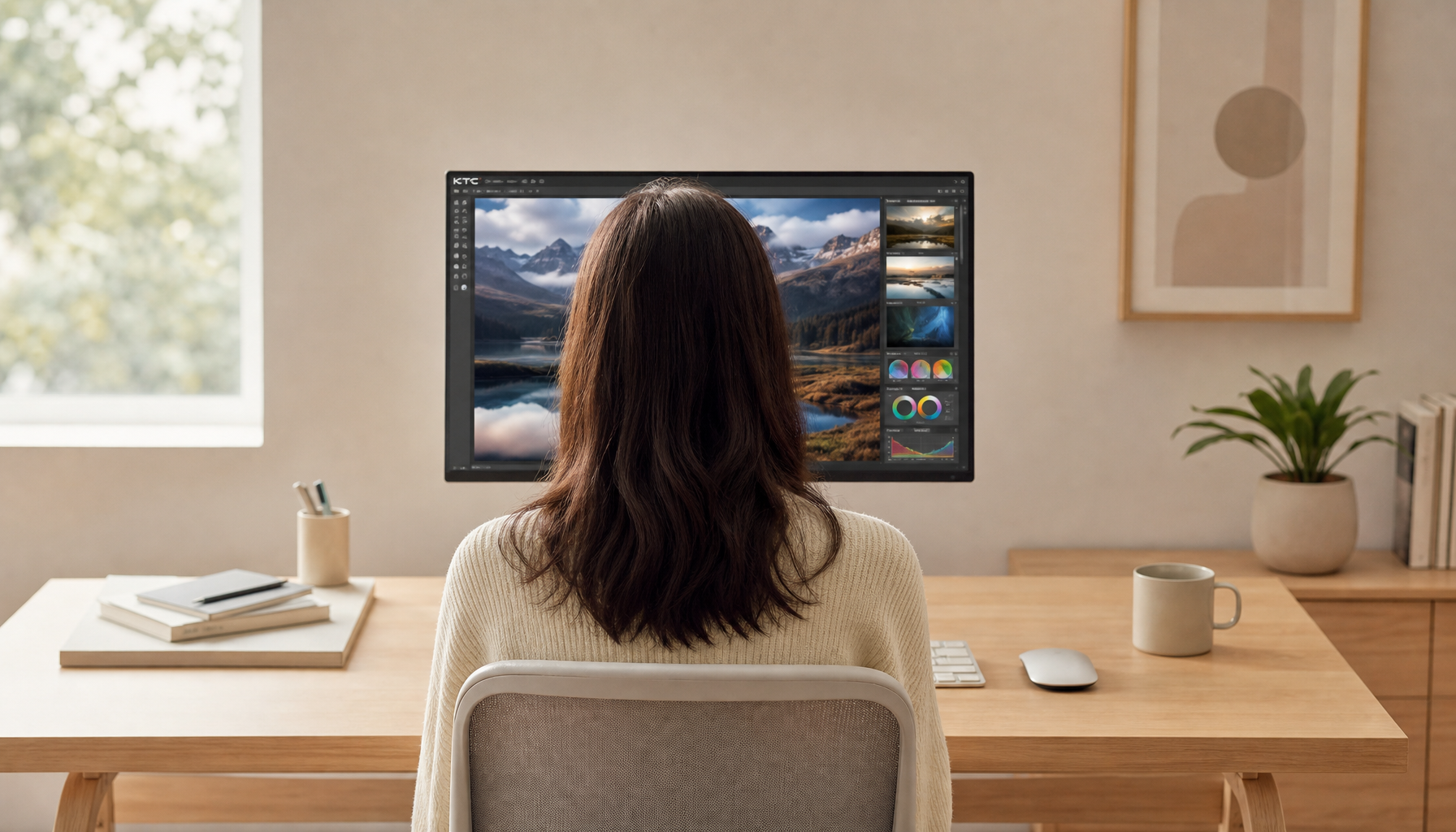
Resolution also matters. A 4K portable monitor has more pixels to drive than a 1080p model, so it usually needs more graphics output and more panel power. Touch input, speakers, USB hubs, HDR modes, and high refresh rates can add a few more watts.
Panel type is another factor. IPS is the balanced pick for most productivity and gaming-adjacent setups. OLED can look stunning for contrast and motion, but power use varies heavily by content; bright white documents and static office apps can draw more than dark interfaces.
Published wattage ranges differ because manufacturers may quote typical, peak, or lab-condition power, so check the monitor label or spec sheet when exact battery planning matters.
Best Setup for Reliable Power
If you only need a second screen for a meeting, writing session, or hotel desk, a laptop that can spare 10W to 15W over USB-C is usually enough.
For a full workday, use passthrough charging. Feed power into the monitor from a wall charger or USB-C power bank, then let the monitor pass power and video through to the laptop. For a 10W monitor, a power bank with output above the monitor’s requirement is the baseline; for example, 12.5W or 15W output can cover a 10W display.

For a clean, reliable mobile workstation, target a 65W USB-C PD charger for mainstream laptops and a 100W setup for larger creator machines. That gives the monitor its 5W to 15W draw while leaving enough headroom to charge the laptop instead of slowly draining it.