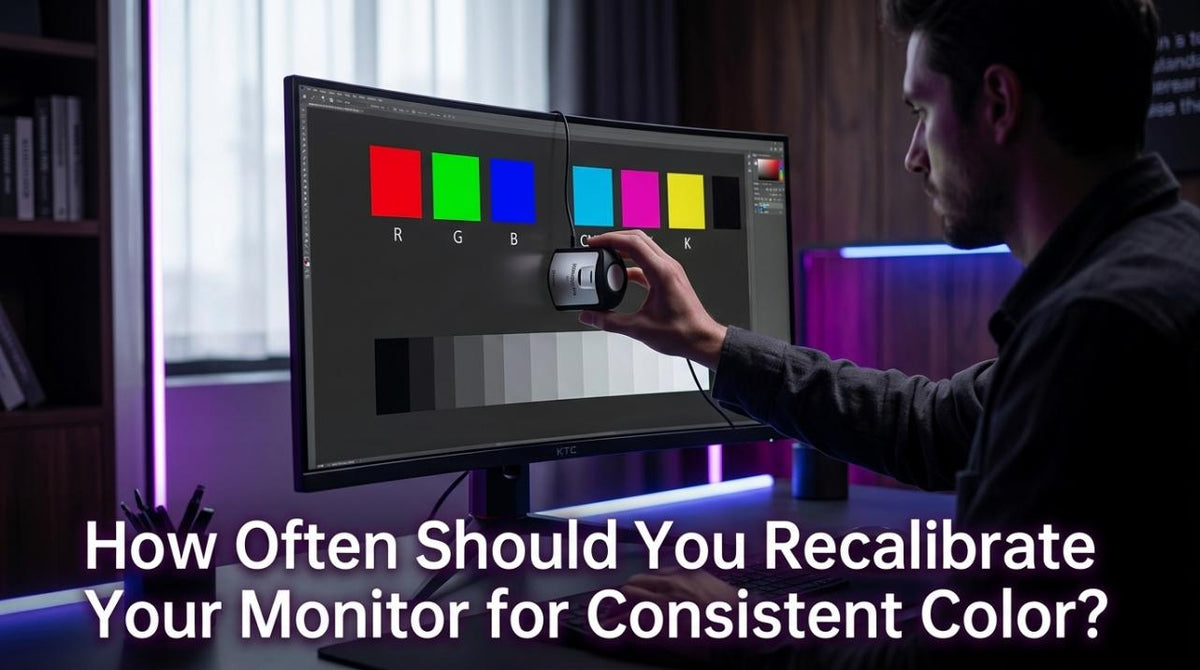
Featured storyHow Often Should You Recalibrate Your Monitor for Consistent Color?Recalibrate your monitor every 2-4 weeks for professional work or every 1-3 months for general use. A consistent schedule keeps your display accurate for photo editing and gaming.May 18, 2026/9 min read
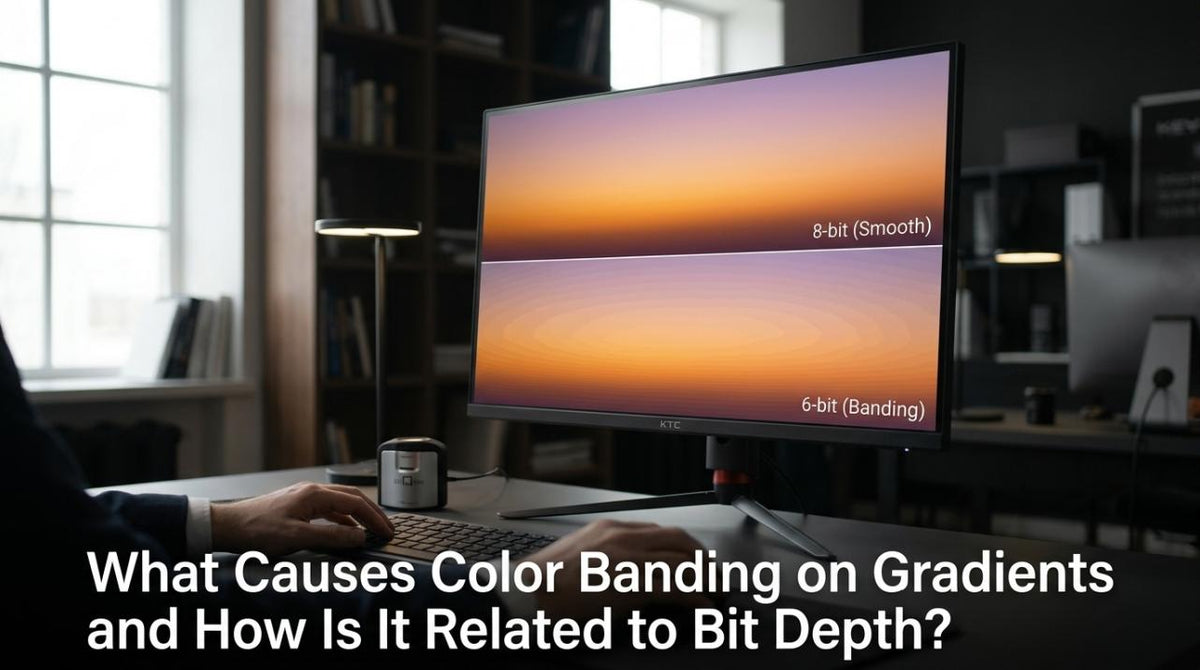
What Causes Color Banding on Gradients and How Is It Related to Bit Depth?Color banding creates visible stripes on smooth gradients. This guide explains how bit depth, compression, and your display settings cause it and offers solutions.May 18, 2026/9 min read
What Does “Factory Calibrated” Actually Mean for Monitor Color Accuracy?Factory calibrated monitors offer better out-of-box color. This guide explains what the term means, its limits, and when you need to calibrate for professional results.May 18, 2026/11 min read
Why Does My Monitor Show Oversaturated Colors in sRGB Content?Oversaturated colors on your monitor often mean a wide-gamut display is stretching sRGB content. Use your monitor's sRGB mode for natural, accurate color in games & apps.May 18, 2026/11 min read
Can You Trust Monitor Color Accuracy Without a Colorimeter?Monitor color accuracy without a colorimeter is possible for casual use but risky for creative work. Get trustworthy color with the right presets and room setup.May 18, 2026/10 min read
Why Do Colors Look Different Between My Monitor and Phone Screen?Colors look different on your monitor and phone because of panel tech, gamut, and calibration. This guide explains why and shows you how to get more consistent, accurate color for editing, shopping, and gaming by managing your display settings.May 18, 2026/11 min read
What Causes Clipping in HDR Highlights and How Can You Detect It?HDR highlight clipping ruins bright details in photos, games, and video. This guide explains what causes clipping and shows you how to detect and prevent it at every stage.May 18, 2026/9 min read