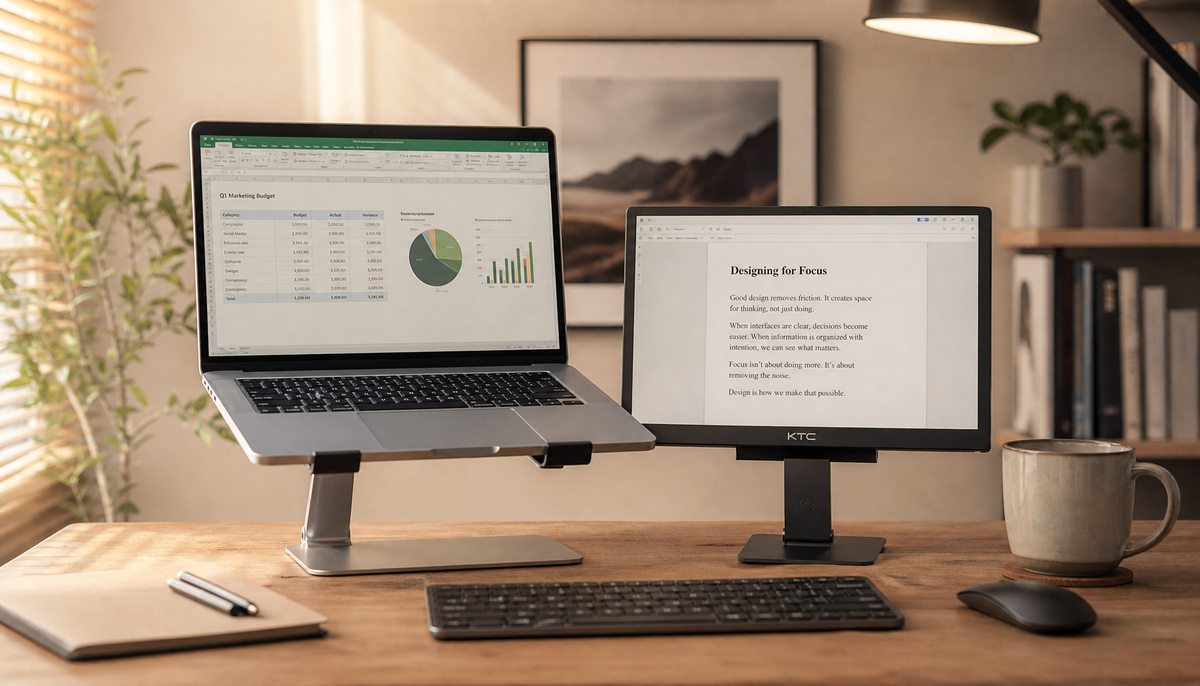
Featured storyWhy Do Some Apps on My Smart Monitor Look Stretched or Poorly Scaled?Apps look stretched on your smart monitor because of resolution, aspect ratio, or scaling errors. Get clear steps to correct poor scaling for PC, ultrawide & legacy apps.Jun 11, 2026/8 min read
Why Does My USB-C Monitor Only Charge at 15W Instead of 65W?USB-C monitor charging at 15W instead of 65W? This is a Power Delivery (PD) failure. Fix it by checking the monitor's PD spec, using a rated cable, and verifying your laptop port.Jun 11, 2026/11 min read
Does DisplayPort MST Work With USB-C Docking Stations?A DisplayPort MST USB-C docking station can create a dual-monitor setup, but compatibility is key. Your laptop needs DP Alt Mode, the dock needs an MST hub, and macOS has limitations.Jun 11, 2026/9 min read
Why Does My DisplayPort Monitor Show Lower Resolution Options Than HDMI?DisplayPort showing lower resolution than HDMI often results from a bad connection, not a weaker standard. Check your monitor's settings, cable, or drivers to fix it.Jun 11, 2026/10 min read
Can You Use a DisplayPort to HDMI Adapter and Keep 144Hz Refresh Rate?A DisplayPort to HDMI adapter for 144Hz can work, but only if your adapter, cable, and monitor all support it. Get the facts on active vs. passive adapters for 1080p, 1440p, and 4K setups.Jun 11, 2026/8 min read
Why Does My Monitor Refuse to Enable 10-bit Color Over DisplayPort?10-bit color over DisplayPort may not enable due to bandwidth limits from your resolution and refresh rate. Get the steps to troubleshoot your GPU, cable, and monitor settings.Jun 11, 2026/7 min read
Can You Run 5K or Ultrawide 5K2K Over DisplayPort 1.4?DisplayPort 1.4 supports 5K and ultrawide 5K2K resolutions at 60 Hz. Get a stable, high-resolution image by ensuring your GPU, cable, and monitor are fully compatible.Jun 11, 2026/9 min read