







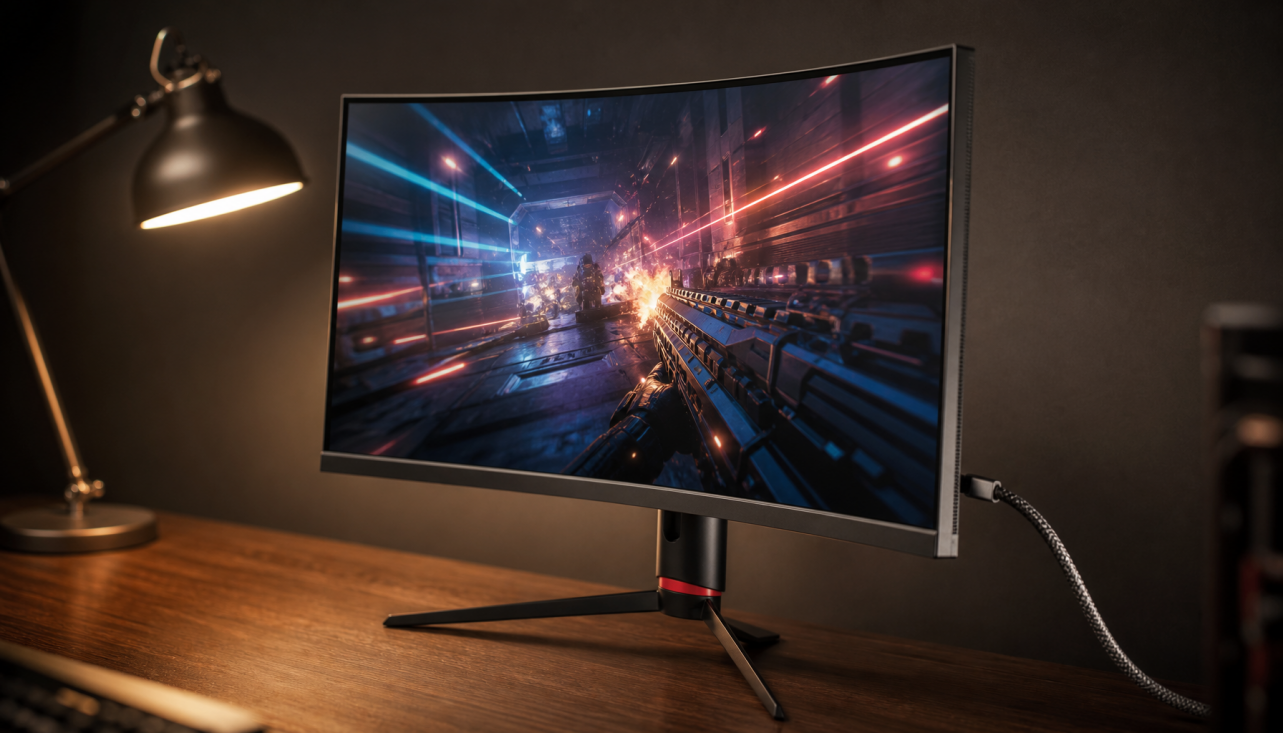
Black Frame Insertion, or BFI, improves motion clarity by placing dark frames between visible frames so each image stays on screen for less time. Its real-world value depends on panel type, refresh rate, brightness headroom, and whether you prioritize competitive clarity, cinematic contrast, or all-day comfort.
How BFI Sharpens Motion
Most modern flat panels are sample-and-hold displays: each frame remains visible until the next one arrives. During eye tracking, that held image smears across your vision, creating perceived motion blur.
BFI reduces that blur by shortening visible persistence. A classic example is 60 FPS content on a 120 Hz display, where the screen can alternate one real frame and one black frame; this can approximate CRT-like motion behavior for retro or locked-frame-rate games, as described in black frame insertion.

The tradeoff is immediate: less visible time means less light. If every other refresh is black, perceived brightness can drop by roughly half. That is why BFI often feels best on bright gaming monitors, OLEDs with enough luminance headroom, or controlled-room setups.
LCD Panels: IPS, VA, and TN Behave Differently
On LCD monitors, BFI is usually implemented as backlight strobing rather than true pixel-level black frames. The backlight turns off between refreshes, trying to hide transitions while your eyes track motion.

IPS is often the safest all-around match. It typically brings fast response, stable color, and wide viewing angles, making it strong for esports plus productivity. Current panel comparisons still frame IPS as a balanced choice for gaming and work, while VA favors contrast and TN favors speed in narrower use cases.
VA can look more immersive because of deeper blacks, but slower dark transitions may create smearing. BFI can reduce persistence blur, but it cannot fully erase slow pixel transitions if the panel is still changing when the strobe fires.
TN remains fast and practical for pure competitive play, but its weaker color and viewing angles make it less appealing for hybrid desks where the same screen handles spreadsheets, video calls, and late-night gaming.
OLED and BFI: Cleaner Motion, Tougher Tradeoffs
OLED is special because each pixel emits its own light. There is no backlight to strobe, so OLED BFI is closer to literal black-frame insertion.

That near-instant pixel response gives OLED a major clarity advantage. On newer OLED gaming monitors, BFI can avoid some LCD strobe problems, such as ghosting and crosstalk, and early OLED monitor implementations have been highlighted for more uniform motion clarity, especially in fixed-refresh SDR modes.
But OLED BFI is not free. Brightness drops, flicker may be more visible, and static UI risk still matters. On OLED TVs, BFI-style modes can also add latency; one practical setup notes about a one-frame increase when using BFI-style modes.
OLED has excellent pixel speed, but BFI still depends on firmware limits, fixed refresh modes, and user flicker tolerance.
When to Use BFI
BFI is worth trying when motion clarity is the bottleneck, not when brightness, HDR impact, or variable refresh smoothness matters more.
Quick decision rules:
- Use it for 60 FPS retro games on 120 Hz or higher screens.
- Try it for fast side-scrollers, racing games, and competitive shooters.
- Avoid it for bright HDR showcases where luminance matters.
- Disable it if flicker causes eye strain or headaches.
- Be cautious with static menus, HUDs, and long pause screens.

For office productivity displays, BFI is usually unnecessary. Text clarity, brightness stability, and eye comfort matter more over an eight-hour workday. For portable smart screens, limited brightness and battery life often make BFI a poor fit.
Buying Advice for Performance Displays
Do not buy a monitor only because it lists BFI. Buy the panel and feature stack first: refresh rate, response behavior, brightness, VRR support, ergonomics, and warranty.
For value-driven gaming and work, a fast IPS monitor is the most reliable baseline. For cinematic depth, VA still earns attention. For premium immersion and elite motion, OLED is the aspirational pick, provided you accept brightness management and static-image care.
The best BFI experience comes from alignment: frame rate, refresh rate, panel response, and strobe timing all working together. When that alignment is right, motion looks cleaner, aiming feels more readable, and older 60 FPS content can feel surprisingly alive on a modern screen.



%20improves%20motion%20clarity%20on%20gaming%20monitors%20by%20reducing%20perceived%20blur.%20This%20guide%20covers%20how%20BFI%20works%20on%20IPS,%20VA,%20%26amp;%20OLED%20panels%20and%20its%20tradeoffs.
)