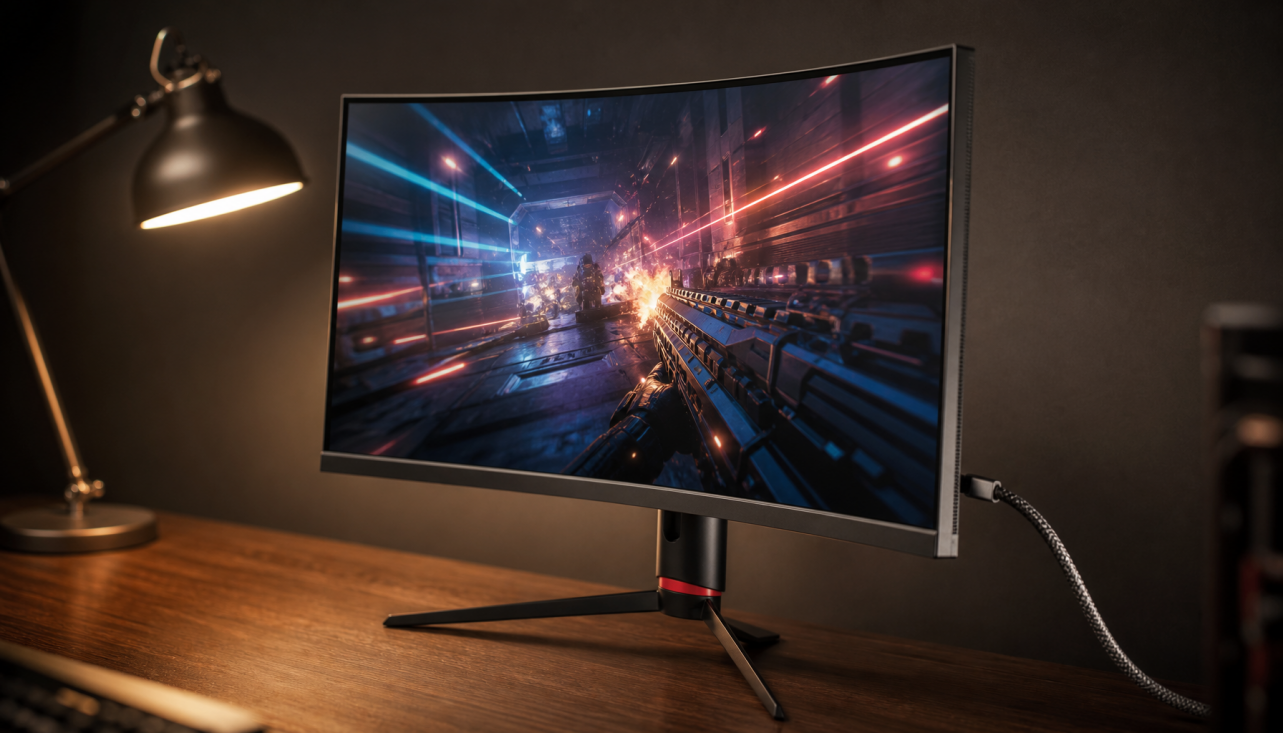
Sometimes, but not reliably. In most bright rooms, a matte screen, enough brightness, and better placement reduce side-window glare more than switching from flat to curved.
If your desk sits beside a sunny window, the problem usually shows up as a bright band that washes out text, minimaps, or dark scenes right when you want to work or play. One real bright-room setup went from perfectly usable in a windowless room to nearly unusable for browsing after moving beside a floor-to-ceiling window. You should leave with a practical answer on when curvature helps, when it is mostly marketing, and what to fix first.

Why Side-Window Glare Is So Stubborn
Screen geometry changes the reflection pattern
The shape of the screen changes light direction, which is why a flat 16:9 panel and a curved ultrawide can behave differently when sunlight comes from your left or right. A flat screen tends to show a broader reflection across the surface, while a stronger curve can pull that reflected light into a smaller area. That can be better if the bright patch moves away from where you look most, or worse if it gets pushed toward the center.
A bright-room buyer who moved from a light-controlled room to a desk beside a floor-to-ceiling window said two 27-inch monitors from a brand became almost unusable even for normal browsing. That is a useful reality check for monitor shoppers: the same gaming display can feel fine in one room and fail badly in another because room geometry changed, not because the panel suddenly became worse.
Brightness settings rarely fix hard reflections
A glass-walled office case showed the usual dead end: changing display settings did not solve the reflection problem. Once a bright window is mirrored on the panel, turning the image brighter may help a little, but it usually does not remove the distracting shape or restore contrast in dark content.
Does a Curved Monitor Actually Reduce Glare More Than a Flat One?
Where curvature can help
A curved 27-inch monitor overview notes that a curved panel brings the edges closer to you and can make viewing feel more consistent across the screen. On a wider display, especially a 34-inch or larger ultrawide, that geometry can reduce how much of the left or right edge acts like a single flat mirror facing the window.
The reflection behavior described by monitor enthusiasts is the most honest summary: flatter shapes tend to spread a reflection across more of the screen, while stronger curves can compress that reflected light into a narrower zone. In practice, that means a curved monitor may reduce the overall area of visible glare from a side window, but it can also create a brighter hot spot if the angle is unlucky.

Where curvature does not help much
A gaming monitor comparison recommends flat panels for many 27-inch and 32-inch QHD gaming monitors because smaller curved screens deliver much less of the intended effect. If your main goal is glare control on a standard-size desktop monitor, the curve alone is usually too small a change to justify the tradeoffs in price, line distortion, or multi-monitor alignment.
What This Means for Gaming Monitors and Ultrawides
Dual 27-inch panels vs. one curved ultrawide
A real buying scenario for a bright room framed the exact choice many shoppers face: two 27-inch 1440p high-refresh monitors or one ultrawide, with a budget around $1,200. For that kind of desk, the smarter buying rule is simple. If you want a 27-inch gaming monitor, prioritize finish, usable brightness, and stand flexibility. If you want a 34-inch-plus ultrawide anyway, the curve can be a secondary glare benefit on top of immersion and edge consistency.
The monitor test criteria used by a platform emphasize brightness, contrast, design, menu usability, connectivity, and stand adjustment for good reason. A monitor that tilts easily, gets bright enough for daytime use, and has a better anti-reflective surface will usually outperform a poorly coated curved model in the same room.
Quick comparison
Setup |
Side-window glare behavior |
Best fit |
Main tradeoff |
27-inch flat 16:9 gaming monitor |
Reflection often spreads across a wider patch |
Competitive gaming, mixed work, dual-monitor desks |
You must rely more on coating, brightness, and placement |
27-inch curved 16:9 gaming monitor |
Small glare change at best |
Buyers who already prefer a curved look |
Limited benefit for glare, weaker value |
34-inch curved ultrawide |
Reflection may cover less total area if you sit centered |
Immersive gaming, sim racing, single-display setups |
Needs more desk depth and can create a brighter hot spot |
34-inch flat ultrawide |
Reflection is more uniform but can stretch farther across the width |
Collaboration, straight-line work, simpler mounting |
Wide reflective area from side windows |
45-inch curved ultrawide |
Better edge orientation, but glare angle becomes more sensitive |
Premium gaming setups replacing dual monitors |
Expensive and less forgiving of bad window placement |
What Matters More Than Curvature
Matte coating, filters, and hoods
A monitor filter is still one of the most practical fixes when you cannot move the desk. In one case, a user ordered an anti-glare filter and reported that it worked well, which matches what many office buyers discover after spending too much time comparing shapes instead of solving the reflection directly.
A matte-finish monitor and low-cost overlays solved similar glare problems in another real setup. The useful detail there is not the DIY material list by itself; it is the tradeoff. Every overlay that cuts glare also risks a small hit to sharpness, so the right move is to reduce reflections first and then decide whether the image degradation is acceptable for spreadsheets, browsing, or fast games.
Placement and lighting direction
A bright-room note from a company makes the buying priority clear: bright-room performance depends on finish, brightness, lighting direction, and placement. That matches real troubleshooting. A small rotation of the monitor, a slight desk angle change, or a better tilt position can send the reflection toward the floor or ceiling and do more than changing from flat to curved.

Practical Next Steps
Buy for your room, not for the spec sheet
The same reflection rules mean you should treat curvature as a room-dependent modifier, not a guaranteed glare cure. If your side window hits the screen at a shallow angle and you sit centered, a curved ultrawide may help. If the bright patch is already near the center of your view, a stronger curve can make the annoyance more obvious.
A screen filter or matte solution should usually come before replacing a good monitor just for glare. For most buyers, the best order is: test placement, add shading or blinds for the worst hours, try a filter if the desk cannot move, and only then decide whether your next monitor should be curved or flat.

Action checklist
- Sit in your normal daytime position and note exactly where the reflection lands: edge, center, or full-screen washout.
- Rotate the monitor 10 to 15 degrees and test a small tilt change to see whether the reflection moves toward the floor or ceiling.
- If you use a 27-inch or 32-inch gaming monitor, shop for better coating and brightness before paying extra for a curve.
- If you want a 34-inch or larger ultrawide anyway, consider a moderate curve such as 1800R or 1500R, especially if you sit about 5 to 6 ft away and centered.
- Add a quality anti-glare filter or hood if the desk cannot move and the room stays bright all day.
- Prioritize a stand with height, tilt, and swivel adjustment, because those features let you tune reflections after installation.
FAQ
Q: Should I buy a curved monitor only to fix glare from a side window?
A: Usually not. A bright-room monitor choice depends more on screen finish, brightness, lighting direction, and placement than on curvature alone.
Q: Are curved ultrawide monitors better for bright rooms?
A: Sometimes. The way curves compress reflections can reduce how much of a wide screen shows glare, but the same geometry can also create a more intense hot spot if the window angle is wrong.
Q: What matters most for daytime gaming and work?
A: The core test factors for usable monitors are the same ones that matter here: enough brightness, decent contrast, an adjustable stand, and a surface treatment that handles reflections well.
References
- a platform: How to avoid background reflection Computer display
- a company: How to Choose the Best 27-Inch Curved Monitor for Your Needs
- a platform: Monitor(s) for bright room recommendations
- a platform: The Best Monitors We’ve Tested for 2026
- a platform: How can I reduce glare on my computer monitor?
- a brand: Curved vs flat gaming monitor: What’s the difference?
- a platform: Curved Monitors and Glare