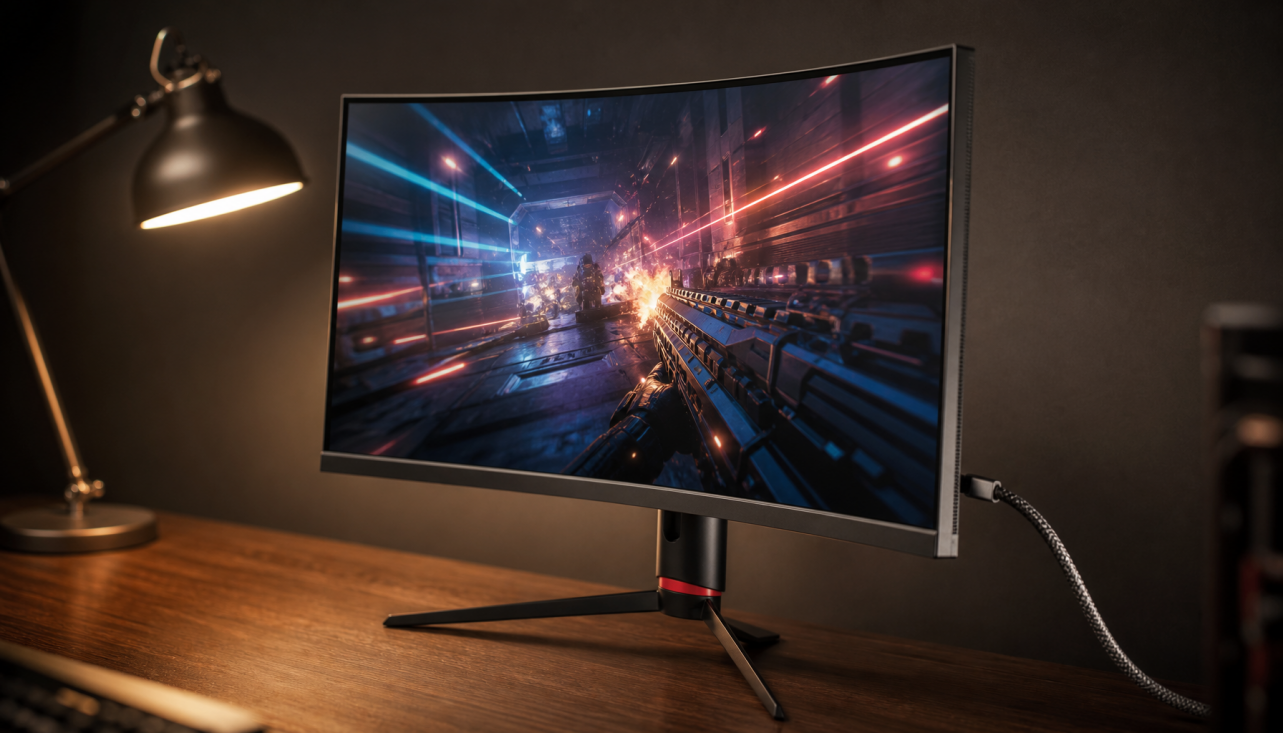
OLED burn-in risk for gaming monitors is real but manageable for many users when daily habits and room conditions align with the panel's strengths. The key decision points are how many hours you spend with static desktop elements on screen, whether your space is dark or brightly lit, and whether motion clarity outweighs absolute longevity concerns.

What is OLED Burn-In? The Science of Differential Aging
OLED burn-in occurs because the organic compounds in each subpixel gradually lose light-emitting efficiency at different rates. This process, called differential aging, stems from cumulative electrical current and heat rather than a sudden defect. Static HUDs, taskbars, or desktop icons accelerate wear on specific pixels while neighboring areas remain less stressed, creating visible retention over time. As this primary scientific overview explains, the effect is a physical property of the material itself.
Modern OLED Protection: How Pixel Shifting and Thermal Logic Fight Degradation
Modern panels include several automated safeguards that spread wear and limit heat buildup. Pixel shifting nudges the entire image by a few pixels to distribute load across subpixel boundaries. Temporal Peak Control (TPC) reduces overall brightness during low-motion dark scenes, while Global Static Detection (GSR) dims only persistent bright elements such as HUDs or logos. Thermal management, including heatsinks on models like the KTC G27P6, helps dissipate heat away from the organic layer.

These features reduce risk substantially, yet they introduce a visible trade-off. TPC can trigger global dimming after roughly 90 seconds of low average picture level even during active play, and GSR may lower HUD luminance without warning. The chart below helps visualize which protection behavior is more likely to affect immersion in different game types.
How Long Do OLED Monitors Last for Gaming?
Real-world longevity depends more on usage variety than calendar years. Accelerated tests show early visible retention can appear after 700–1,000 hours of continuous static content, yet varied gaming, media, and desktop switching often pushes panels past 10,000 hours before permanent signs emerge. While torture tests show early failure, real-world gaming habits usually extend panel life significantly. KTC's three-year warranty provides a safety net for typical mixed-use cycles, though it does not replace routine maintenance.
OLED vs. Mini-LED: Choosing Between Pixel-Perfect Contrast and Zero Burn-In Risk
Mini-LED uses inorganic gallium nitride LEDs behind an LCD layer, making it fundamentally immune to permanent burn-in. This gives it a clear advantage in bright offices or for users who keep spreadsheets, browsers, or desktop windows visible for many hours daily. The KTC M27P6 reaches 1,400 nits peak HDR brightness and maintains high contrast through local dimming, performing well in lit environments.
OLED retains the edge in dark-room immersion because each pixel can turn completely off, delivering true black levels and motion response as low as 0.03 ms. For gamers who prioritize contrast and speed over static-content tolerance, models like the KTC G27P6 remain compelling. The choice ultimately hinges on whether your room lighting and daily productivity ratio favor one technology's strengths.
Risk-Reduction Habits: How to Protect Your Panel Without Ruining the Experience
Simple desktop and in-game adjustments meaningfully lower cumulative stress. Enable dark mode, auto-hide the taskbar, and set a short screen-off timer so the panel can run its automated pixel-refresh cycle overnight. In supported titles, reduce HUD opacity or switch to dynamic HUD options. Keep the monitor plugged in so compensation routines complete; unplugging interrupts them. Rotating wallpapers or solid black backgrounds further limit static pixel load.
Which Monitor Fits Your Playstyle? A Habit-Based Buying Guide
If static productivity exceeds roughly 30 percent of daily screen time, lean toward Mini-LED for zero burn-in concern. The KTC M27T6S offers strong color volume and 200 Hz performance at a more accessible price point for mixed-use buyers. Pure dark-room gamers who keep sessions varied and under eight hours of static UI often find the KTC G27P6's motion clarity and contrast worthwhile. Check room lighting, typical usage ratio, and willingness to apply the habits above before deciding.
Frequently Asked Questions
Can OLED Burn-In Occur From Regular Gaming Sessions Alone?
Burn-in requires prolonged static content on the same pixels. Normal varied gaming with different titles and occasional media consumption rarely triggers noticeable retention within the first several thousand hours.
Do Modern Protection Features Fully Eliminate Burn-In Risk?
Features such as pixel shifting, TPC, and GSR reduce thermal load and spread wear, yet they cannot override the fundamental aging behavior of organic materials under extreme static conditions.
Is Mini-LED Always the Safer Choice for Longevity?
Mini-LED is immune to permanent burn-in because it uses inorganic LEDs. It becomes the clearer option when daily static UI time exceeds several hours or when the monitor sits in a bright room.
Should I Disable TPC or GSR to Avoid Dimming During Games?
Disabling these safeguards removes an important thermal safety layer and may accelerate wear. Most users accept occasional brightness adjustments rather than risk faster degradation.
How Does KTC's Warranty Address Potential Burn-In Claims?
KTC provides a three-year warranty that covers manufacturing defects, but users should still follow recommended maintenance routines since extreme static exposure can exceed typical coverage expectations.