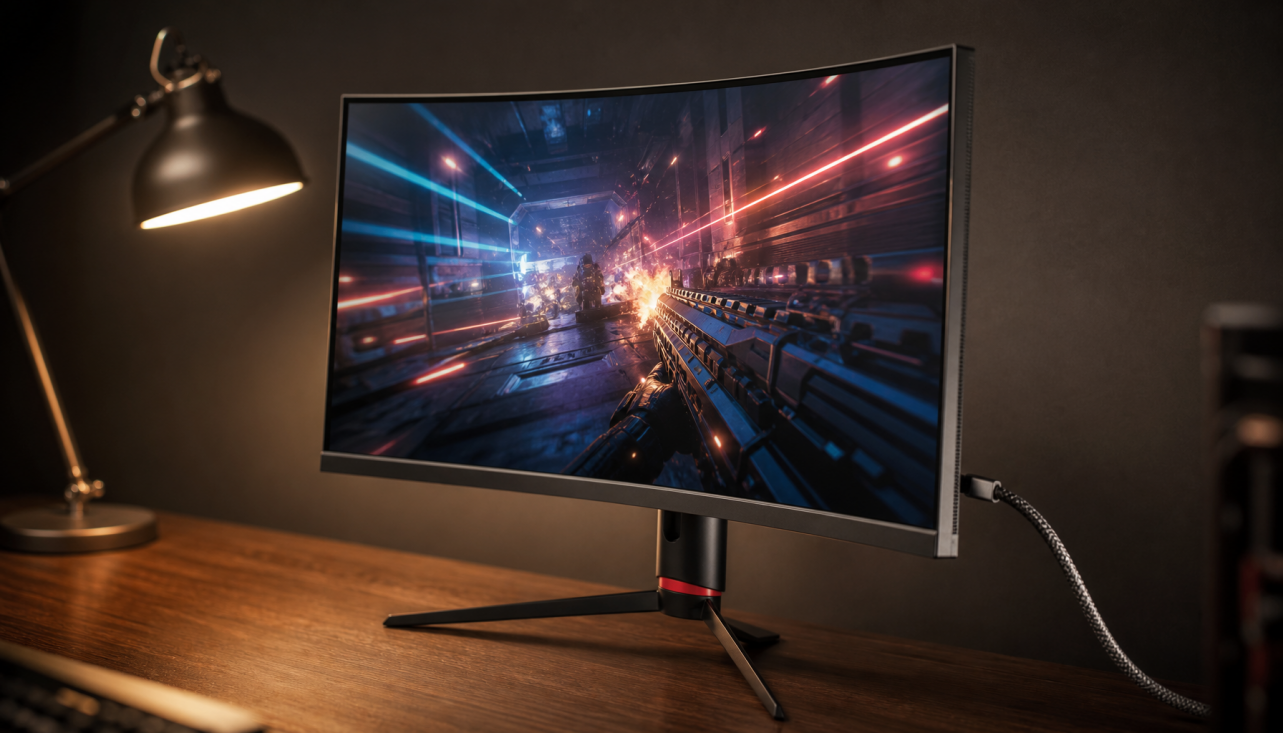
A monitor’s refresh rate matters only when its pixels can change state fast enough before the next frame arrives. In LCD panels, that limit is shaped by liquid crystal response speed, overdrive tuning, voltage control, panel structure, and the time budget created by each refresh cycle.
Refresh Rate Is a Deadline, Not Just a Number
Refresh rate tells you how many times per second the display updates the image; a 60 Hz screen refreshes 60 times per second, while 144 Hz refreshes 144 times per second. That definition sounds simple, but the engineering challenge is timing: every pixel transition must happen inside a shrinking frame window.
At 60 Hz, one frame lasts about 16.7 ms. At 144 Hz, that drops to about 6.9 ms. At 240 Hz, it is only about 4.2 ms.

That is why refresh capability is not determined by the scaler alone. The panel must physically move its liquid crystal molecules fast enough to reach the intended brightness and color before the next refresh replaces the frame.
Why Liquid Crystals Set the Real Speed Limit
In an LCD, pixels do not emit light directly. They control how much backlight passes through by rotating liquid crystal molecules under electrical drive. Research on liquid crystal response shows that response time is strongly affected by material viscosity, elastic properties, cell gap, and applied voltage.
For performance displays, the key idea is simple: lower resistance to molecular movement and shorter travel distance usually mean faster transitions. A thinner liquid crystal cell can respond faster, while smarter voltage driving can push pixels harder toward their target.
But there are tradeoffs. Faster liquid crystal mixtures may compromise brightness efficiency, contrast, color behavior, or viewing stability. This is why two monitors can both advertise “1 ms” yet deliver very different motion clarity in real gaming or scrolling.
Response Time Must Fit the Refresh Window
A panel can accept a 165 Hz signal and still show smearing if its pixel transitions lag behind. This is where response time and refresh compliance matter more than the headline Hz figure.
For example, a 144 Hz monitor has about 6.9 ms per frame. If many gray-to-gray transitions take 9 ms or 12 ms to settle, the next frame arrives before the old one is visually complete. The result is trailing, ghosting, or muddy motion.
Modern reviews often examine whether pixels complete transitions before the next refresh, because refresh rate compliance better explains whether a monitor can actually benefit from high frame rates. OLED panels typically excel here because their pixels switch almost instantly, while LCD performance varies widely across IPS, VA, and TN implementations.
Lower refresh rates can sometimes look cleaner on a slow LCD because each pixel has more time to finish its transition.
Overdrive Helps, But It Can Backfire
To make LCDs faster, manufacturers use overdrive: they apply extra voltage to push pixels toward their target more aggressively. Done well, this improves motion clarity and helps the panel sustain higher refresh rates.
Done poorly, it creates overshoot. Instead of stopping at the intended shade, the pixel goes past it, producing bright or dark inverse ghosting around moving objects.

That is why the best gaming monitors usually offer multiple overdrive modes. A balanced setting often looks better than the most aggressive one, especially if you use variable refresh rate and your frame rate moves between 80 FPS, 120 FPS, and 160 FPS.
For competitive gaming, choose the overdrive mode that stays clean near your actual frame-rate range, not just the one with the fastest advertised response number.
What Buyers Should Check Before Trusting the Hz
A high-refresh monitor needs three things working together: the panel, the signal chain, and the system performance. Windows can show supported refresh options in Advanced display settings, but that only confirms the selected output mode.
Quick checks:
- Confirm the monitor OSD shows the same Hz as the operating system.
- Use the right cable and port for your resolution and refresh target.
- Run a motion test such as refresh rate measurement.
- Match refresh rate to real FPS, especially for esports or 4K gaming.
- Prioritize response behavior over “1 ms” marketing claims.
For office displays, 100 Hz to 120 Hz can make scrolling and cursor movement feel cleaner without chasing extreme specs. For gaming monitors, 144 Hz and above only shine when the LCD response speed can keep up with the frame window.