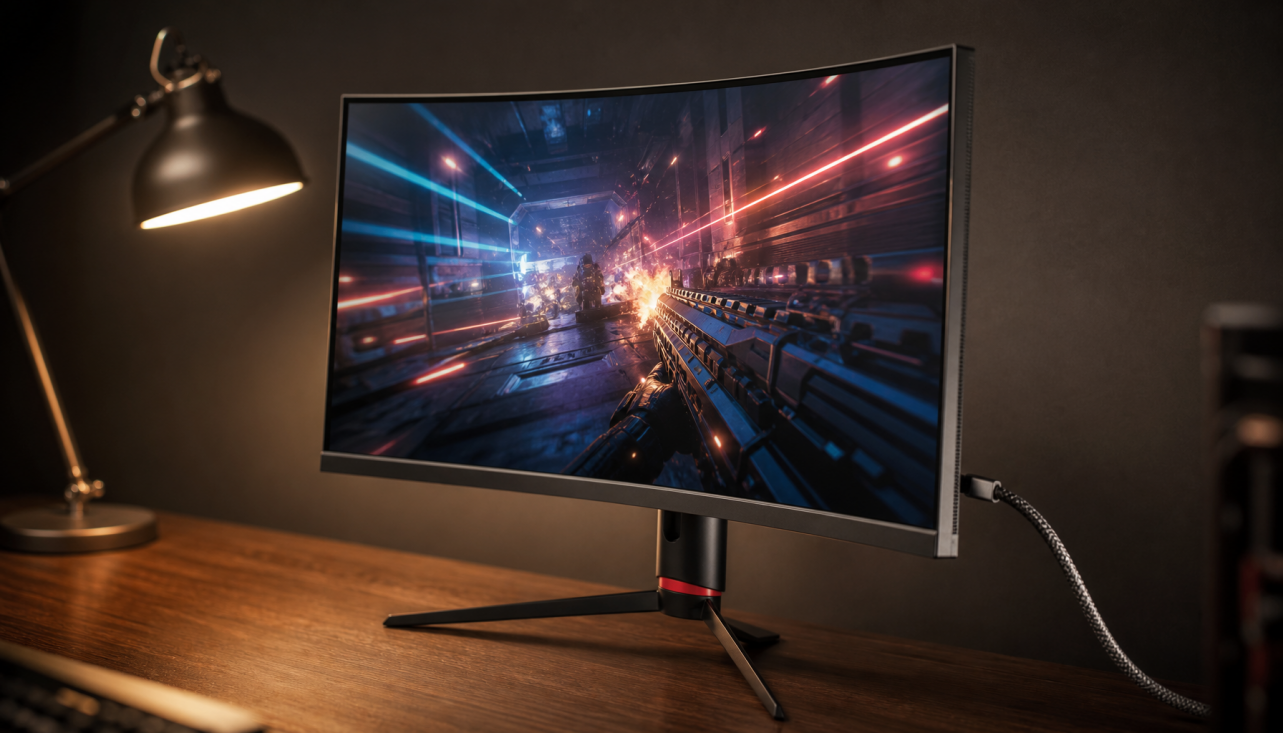
For most competitive gaming monitors, 144Hz is the first threshold that clearly matters, 240Hz is the best-value competitive tier, and 360Hz or higher only pays off when your game, PC, and play style can actually use it.
If you have ever blamed a lost duel on your monitor and wondered whether 240Hz is no longer enough, that instinct is understandable. In practical game comparisons, players running roughly 320 to 400 FPS often described 144Hz to 240Hz as the meaningful jump, while 240Hz to 360Hz felt smaller and more situational. You will get a genre-by-genre buying rule here, plus the monitor specs that matter once refresh rate stops being the main bottleneck.
Where Refresh Rate Starts to Matter
The clearest competitive upgrade on a gaming monitor is the move from 144Hz to 240Hz. Across user comparisons involving 240Hz, 360Hz, 400Hz, and even 500Hz-class displays, the pattern is consistent: 144Hz to 240Hz is usually the bigger change in feel, while 240Hz to 360Hz is noticeable but much less dramatic.

That lines up with the basic display behavior described in a forum discussion: higher refresh improves smoothness and can reduce display-side latency, but the real gain still depends on total system lag, pixel response quality, and how well your frame rate holds up. Once you get above roughly 200Hz, raw refresh rate stops being the only spec that matters.
Refresh Rate Thresholds by Genre
The right refresh-rate threshold depends on how much constant tracking, camera motion, and reaction timing a genre demands, not just on whether a game is “competitive” in name only. A monitor for a tactical shooter or a hero shooter should be chosen differently from a monitor for a MOBA, a fighting game, or sim racing.
Genre |
Sensible Threshold |
When Higher Helps |
What to Prioritize |
Tactical shooters and hero shooters |
240Hz |
360Hz+ if you can hold 300 to 400 FPS and care about tiny aim corrections |
Response time, low latency, stable FPS |
Battle royale and extraction shooters |
144Hz to 240Hz |
Only if late-game FPS stays high |
VRR, frame pacing, GPU headroom |
MOBA and RTS |
144Hz |
240Hz mostly adds comfort, not a huge competitive edge |
Resolution, clarity, screen size |
Racing and sim racing |
144Hz to 240Hz |
Higher helps if motion is fast and FPS is stable |
Motion clarity, VRR, panel tuning |
Fighting games |
144Hz |
240Hz can improve feel, but timing consistency matters more |
Low lag, clean transitions, stable output |
Tactical Shooters and Hero Shooters
A real game test case is useful because it shows both the upside and the limit of very high refresh. The player compared 144Hz, 240Hz, and 360Hz while usually sitting around 320 to 400 FPS, and still reported the most consistent aim on a 144Hz TN monitor in some situations. The lesson is not that 144Hz is “better” than 360Hz. The lesson is that aim-heavy shooters reward high refresh only when the whole chain is clean: stable FPS, low-latency settings, good pixel response, and a setup you are already adapted to.

MOBA, Racing, and Fighting Games
For genres with less constant mouse-tracking pressure, the 144Hz to 240Hz difference can still feel better, but the competitive return is usually smaller than it is in twitch shooters. In a MOBA, you are more likely to notice smoother camera panning and cursor travel than a major jump in win rate. In fighting games, clean timing and low lag matter, but 360Hz is usually well past the point of obvious value for most buyers. In racing, 240Hz can be excellent if your system can hold it, but a well-tuned 144Hz or 240Hz ultrawide often makes more sense than chasing an esports-class 360Hz panel.
Why 360Hz Sometimes Disappoints
A practical game comparison showed something many buyers discover only after spending the money: a higher-Hz monitor does not automatically create better aim. The player reported stronger consistency when the game was uncapped around 370 to 399 FPS, while locking to 144 FPS made aim feel worse. That points to a bigger issue than refresh rate alone: frame pacing and latency familiarity can outweigh the panel’s headline spec.
The same thread breaks the problem into mouse microstutter, aim-latency familiarity, and FPS-versus-Hz microstutters. The setup advice was unusually specific and practical for competitive monitor tuning: update GPU drivers, disable extra buffering tricks, leave FPS uncapped or cap near the panel ceiling, use a low-latency feature instead of stacking multiple latency features, and test in repeatable combat scenes instead of judging from one match.
For 360Hz displays, mouse polling at least 4x to 6x display Hz is another overlooked limit. On a 360Hz monitor, that means 2,000Hz to 4,000Hz can be a better fit than a basic 1,000Hz mode if your mouse supports it. That does not make high polling mandatory, but it explains why some players buy a faster monitor and still feel tiny inconsistencies during micro-adjustments.
The Specs That Matter Once You Pass 240Hz
A fast refresh rate alone does not guarantee sharp motion. A forum expert notes that IPS and TN panels can ghost more as a percentage of the refresh cycle when the refresh rate rises but gray-to-gray response does not improve enough. That is why some 360Hz monitors look less clean in fast pans than buyers expect, and why response-time tuning matters almost as much as refresh rate once you move into very high-Hz territory.

That is also why the high-end monitor tiers summarized from review-site testing step down by both refresh rate and panel quality, not by Hz alone. The current top end includes a 540Hz OLED, then 480Hz, 360Hz, and strong 240Hz models beneath it. If your budget is fixed, a cleaner 240Hz or 360Hz panel at 1440p is often a smarter buy than a blurrier 500Hz-class panel you cannot fully drive.
For mixed workloads and uneven frame rates, VRR support and dual-mode operation deserve real weight in monitor shopping. A display that can run 1440p at 240Hz for normal play, then switch to a lower-resolution higher-Hz mode for tournaments or aim training, often gives more real value than chasing a single spec on the box.
Buying Guidance for Real Monitor Budgets
A 240Hz gaming monitor is often the strongest value tier because modern options now combine usable response times, VRR support, and either 1080p or 1440p resolution without demanding extreme hardware. That makes 240Hz the practical sweet spot for players who mainly care about shooters but still want a monitor that looks good outside ranked play.

A 360Hz panel makes sense mostly when your system can stay near 300 to 400 FPS in the exact games you grind. If your PC cannot do that, or if you split time between shooters, MOBAs, and racing games, the same budget often goes farther in a better-tuned 240Hz panel, a sharper 1440p screen, or a stronger overall display with fewer ghosting tradeoffs.
The market’s current top picks reinforce that buying logic. Even the enthusiast recommendations step down in sensible tiers from 540Hz to 480Hz to 360Hz to 240Hz, which is a good reminder that there is no single “best” refresh rate. The right threshold is the one your game genre, frame rate, and budget can all support at the same time.
FAQ
Q: Is 360Hz worth it over 240Hz?
A: For most players, the 240Hz to 360Hz jump is real but modest, so it is worth paying for mainly if you play aim-heavy shooters and can sustain very high FPS.
Q: Does 1440p hurt competitive performance?
A: A game test at 1440p around 400 FPS shows that higher resolution is viable when the hardware can keep up, but if moving to 1440p drops you far below your monitor’s refresh ceiling, the gain in sharpness may cost more than it helps.
Q: What matters more after 240Hz, refresh rate or response time?
A: Above about 200Hz, pixel response quality becomes nearly as important as refresh rate because slower transitions create ghosting that can cancel out part of the motion-clarity benefit.
Practical Next Steps
The safest way to buy a competitive monitor is to match refresh rate to sustainable FPS, then judge response-time quality, VRR support, and resolution before paying for the next refresh tier. That keeps you from overbuying a spec your actual games cannot use.
- Check your real in-game FPS in the titles you play most, not just in a benchmark.
- Buy 144Hz first if you are still on 60Hz or 75Hz.
- Treat 240Hz as the default target for serious shooter-focused setups.
- Move to 360Hz only if you can regularly stay above 300 FPS and care about tiny aim gains.
- Prioritize response time and ghosting control once you are shopping above 240Hz.
- Favor VRR and good panel tuning if you play battle royale, racing, or mixed genres with unstable frame rates.
- Choose resolution and screen format around your full use case, not refresh rate alone.
The practical threshold is simple: 144Hz matters to almost everyone, 240Hz matters to most competitive shooter players, and anything above that is for buyers who already know exactly why they need it.