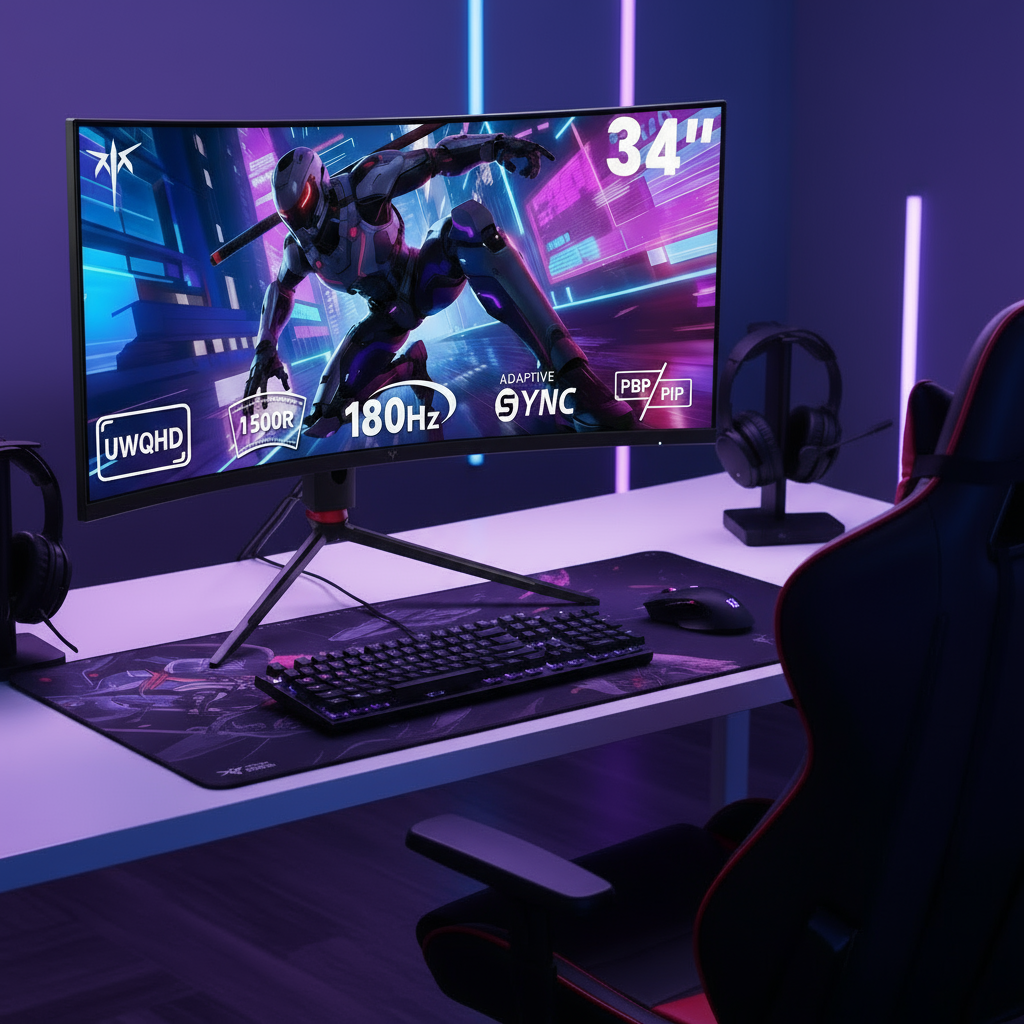


The 27-inch monitor strikes the ideal balance between screen real estate, pixel density, and desk ergonomics for most hybrid gamers and productivity users in 2026. It delivers sharp 1440p visuals without the scaling overhead of 4K or the space demands of larger panels, making it the strongest all-around choice when your desk depth is around 27-30 inches and you split time between work and gaming.

The Goldilocks Zone: Why the 27-Inch Format Rules the Desktop
Savvy enthusiasts who balance competitive gaming with daily productivity often find themselves choosing between cramped smaller screens and oversized displays that eat desk space. The 27-inch format has become the default primary display because it offers enough immersion for games while maintaining high pixel density for sharp text during work.
This size avoids the common pitfalls of both smaller 24-inch panels that feel limiting during multitasking and 32-inch options that can force awkward viewing distances on typical desks. KTC has focused heavily on this segment with models optimized for exactly these hybrid needs, delivering strong performance-to-price value.
The main decision comes down to whether your setup can comfortably support the screen size without causing eye strain or neck fatigue over long sessions. For most users on mid-sized desks, 27 inches provides the sweet spot that larger screens promise but often fail to deliver in real-world conditions.
Resolution vs. Real Estate: The 1440p vs. 4K Threshold
Many assume more pixels always mean a better experience, but at 27 inches the choice between 1440p and 4K comes with clear trade-offs. A 27-inch 1440p monitor delivers approximately 109 PPI, which feels sharp at normal viewing distances, while a 4K panel reaches around 163 PPI but requires scaling that often cancels out workspace gains (What Is Pixel Density And Pixels Per Inch (PPI)?).
The scaling paradox explains this clearly: running 4K at 150% scaling on Windows creates the same logical desktop layout as native 1440p, so you do not gain extra windows or multitasking space. You simply get crisper text and icons. This makes 1440p the performance king for gaming, where mid-range 2026 GPUs can comfortably drive 240Hz, while 4K remains the typography king for heavy text work like coding where aliasing causes fatigue (The Ideal Viewing Distance for Monitors and Screens).
For hybrid users, 1440p often wins because it avoids the GPU overhead and potential fuzziness in non-optimized apps. Individual eyesight varies, so test your own sensitivity to pixel density before committing to either resolution. This guide on matching monitors to your graphics card helps clarify which resolution best suits your specific GPU capabilities.
Desk Depth Dilemma: Why 27 Inches Beats 32 Inches for Most Setups
Desk space is the hidden factor that flips many size decisions. A 32-inch monitor on a standard 24-inch deep desk often forces you to sit too close or push the display to the back edge, creating neck strain and making it difficult to use a monitor arm effectively.
At typical viewing distances, the larger 32-inch 1440p panel drops to roughly 92 PPI, which can introduce a subtle pixel-crawling effect on text and fine details compared to the sharper 27-inch version. Competitive gamers also prefer the 27-inch format because it keeps HUD elements like mini-maps comfortably within peripheral vision without excessive eye darting.
The 30-inch rule serves as a useful guideline here: 32-inch monitors become ergonomically viable mainly when your desk depth reaches 30 inches or more. On shallower setups, the 27-inch option reduces physical strain and maintains better overall usability. See how different desk depths affect monitor fit in the chart below.
Desk Depth Fit for 27-inch vs 32-inch Monitors
Higher values indicate a better ergonomic fit for typical viewing setups.
View chart data
| Category | 27-inch Fit | 32-inch Fit |
|---|---|---|
| Shallow (<24 in) | 3.0 | 1.0 |
| Standard (24-30 in) | 3.0 | 2.0 |
| Deep (>30 in) | 2.0 | 3.0 |
This visualization clarifies the pattern across typical desk depths. Note that individual posture and chair height can shift these thresholds slightly, so measure your actual setup before deciding.

The Ergonomics of the 'Sweet Spot': Viewing Distance and Desk Depth
Proper positioning matters more than many realize for long-term comfort. Occupational safety guidelines recommend keeping your primary monitor at a viewing distance of 20 to 40 inches to reduce eye strain and support neutral posture (Computer Workstations eTool: Monitors).
For a 27-inch display, this range aligns perfectly with standard desk depths of 27 to 30 inches. Position the top of the screen at or slightly below eye level and tilt it back 10 to 20 degrees to minimize neck strain (Office Ergonomics - Positioning the Monitor).
KTC monitors support this flexibility through ergonomic stands and standard VESA mounting. If your current desk falls short of the ideal depth, consider whether a 27-inch panel will still offer a more comfortable experience than pushing a larger screen closer. This setup advice pairs well with our broader gaming monitor selection guide.
Gaming Performance: Refresh Rates, Motion Clarity, and Panel Choice
The 27-inch size shines for high-refresh gaming because it pairs naturally with fast panels that deliver smooth motion without requiring extreme GPU power. In 2026, 240Hz and higher OLED options excel in esports titles where response times around 0.03ms provide clear advantages in fast-paced action.
Mini-LED alternatives offer higher sustained brightness for HDR content, making them strong for mixed gaming and media use. The choice often comes down to your priorities: OLED for ultimate motion clarity in competitive play versus Mini-LED for brighter rooms and lower burn-in concerns during static productivity tasks.
Hybrid users should weigh the daily friction of managing OLED screen savers against the occasional blooming that can appear around text on some Mini-LED models. Our refresh rate guide breaks down how these specs translate to real gameplay differences, while the panel type comparison helps match technology to your style.
The 2026 Buyer’s Checklist: Finding Your Perfect 27-Inch Match
Start by measuring your desk depth and typical viewing distance. If you sit closer than 24 inches or have a very shallow desk, prioritize 27-inch models to avoid ergonomic issues. For users spending eight or more hours on text-heavy work, lean toward higher PPI options or test scaling comfort.
Competitive gamers benefit most from 1440p panels with 240Hz refresh rates and fast response times. Hybrid users who want bright HDR and strong contrast for evening gaming may prefer Mini-LED, while those chasing the absolute lowest input lag often choose OLED.
Consider these KTC options based on your needs:
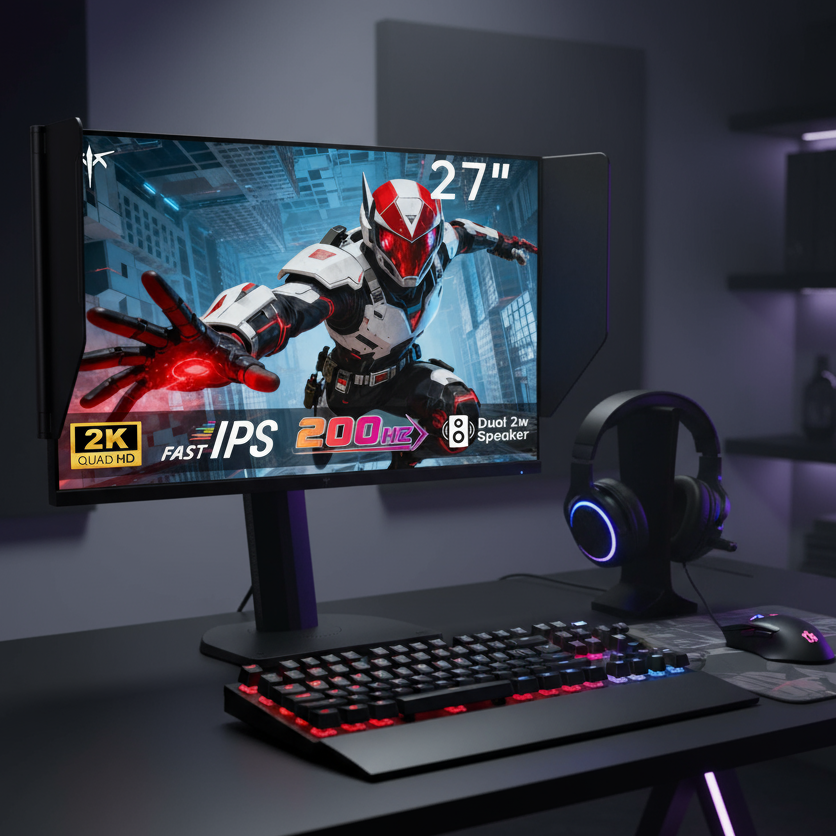
- For value-focused 1440p gaming with solid features, the H27T6 delivers 200Hz performance.
- Pure speed enthusiasts should look at the G27P6 for its 240Hz OLED panel.
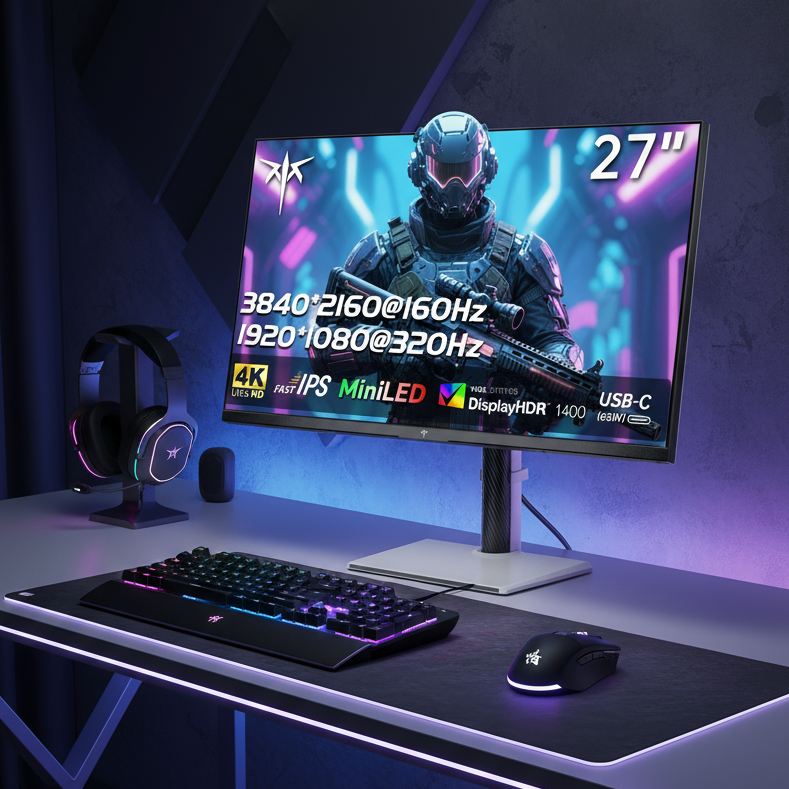
- Those wanting 4K versatility can explore the M27P6 or H27P6.
Browse the full 27 inch Monitors collection to compare current models. Always verify your GPU can maintain target frame rates at your chosen resolution and refresh rate before purchasing. Check our 2K Monitor and 4K Monitor collections for resolution-specific options.
FAQs
Is a 27-inch monitor good for both gaming and work? Yes, for most hybrid users a 27-inch 1440p display provides enough screen space for multitasking while delivering the high refresh rates and sharp visuals needed for gaming. It avoids the scaling complications of 4K on the same size.
What is the ideal viewing distance for a 27-inch monitor? The recommended range is 20 to 40 inches, with many users finding 24 to 30 inches optimal for comfort. This distance helps maintain sharpness at 1440p without forcing excessive head movement.
Should I choose 1440p or 4K on a 27-inch monitor? Choose 1440p if gaming performance and high refresh rates matter most to you. Opt for 4K primarily for professional work requiring maximum text clarity, keeping in mind the higher GPU demands and scaling behavior.
How does a 27-inch monitor compare to 32-inch for desk use? A 27-inch model is generally easier to fit on standard desks and creates less eye and neck strain at closer distances. The 32-inch size works better only when you have at least 30 inches of desk depth and prefer a more immersive field of view.
What refresh rate is best on a 27-inch gaming monitor? 240Hz or higher stands out for competitive titles, while 144-200Hz offers an excellent balance for most gamers. The 27-inch size makes these higher rates more achievable with mid-range GPUs compared to larger resolutions.