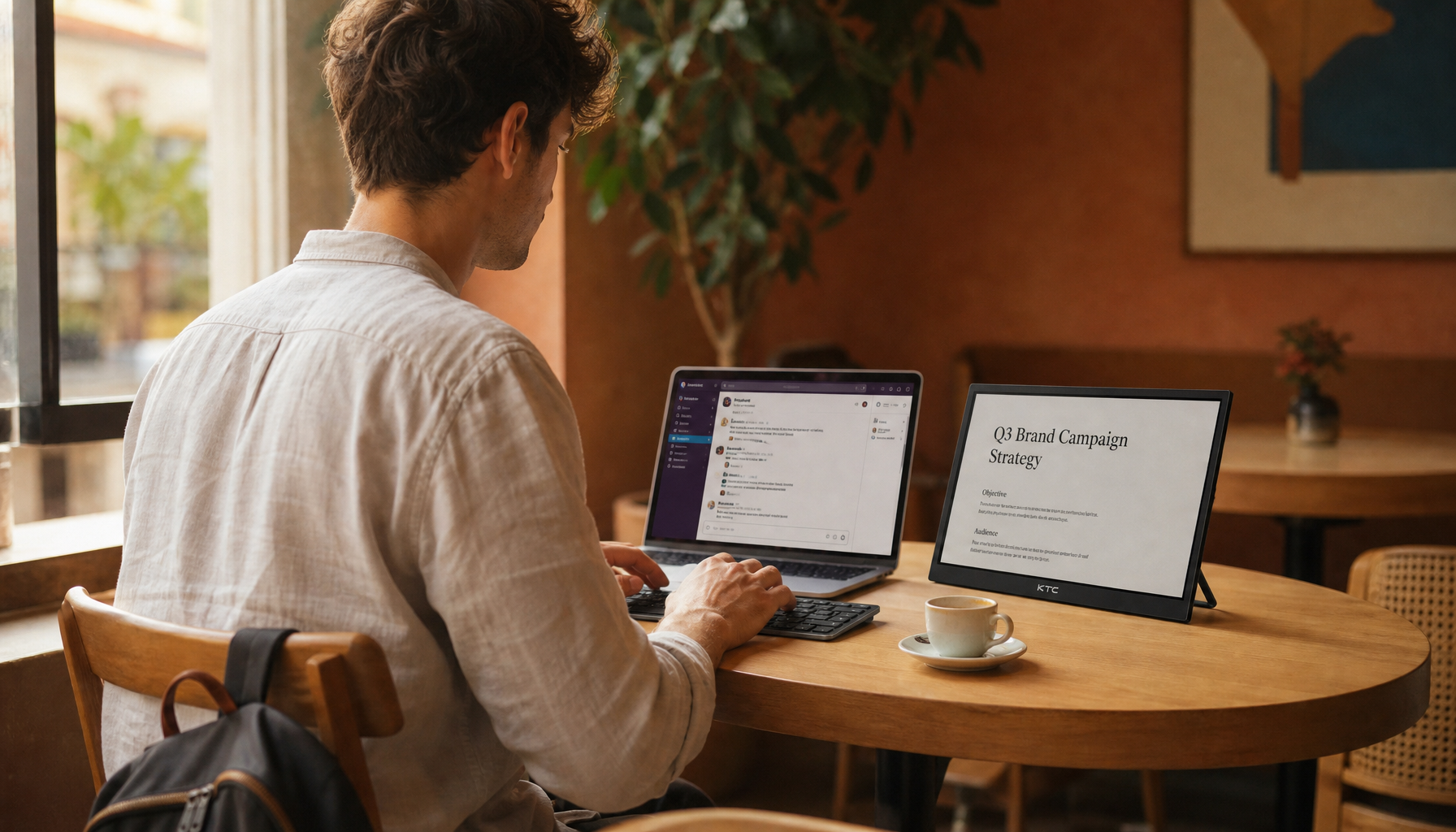
A 32-inch touch monitor can transform how you follow recipe videos in the kitchen by providing clear visibility from a safe distance, reducing neck strain, and supporting multitasking without the constant handling of small tablets. For home cooks frustrated with squinting at phones or leaning over messy counters, this large, portable Android-powered screen offers a practical upgrade that fits into smart home workflows while addressing common visibility and ergonomics issues.

The Evolution of the Smart Kitchen in 2026
Kitchen design trends in 2026 increasingly emphasize purposeful technology that supports multifunctional zones for prep, socializing, and wellness, according to the NKBA KBIS 2026 Kitchen Trends Report. Small tablets often fall short here, forcing users to squint at fine print or risk cross-contamination by handling devices with messy hands. A 32-inch kitchen smart screen bridges the gap between a distant fixed TV and a fragile smartphone, delivering a shared, glanceable display that keeps your focus on cooking rather than fighting with small screens.
This shift reflects growing recognition that kitchen tech should enhance ergonomics and workflow instead of adding friction. For busy families or tech-forward homeowners, the result is less physical strain and more seamless integration of recipes, calendars, and smart controls in one central spot.
Why a 32-Inch Touch Monitor Beats Tablets for Cooking Videos
Many wonder if a 32-inch screen feels too large for a kitchen counter, yet it actually solves the core problem of visibility from across the prep area. As this Ars Technica report on giant tablets highlights, large-format displays provide significantly better visibility for recipe steps and ingredient lists from a distance compared to standard tablets.
The difference becomes clear at typical kitchen distances. A 10-inch tablet often requires you to lean in close—creating neck strain and increasing the chance of touching the screen with greasy hands. In contrast, a 32-inch monitor remains comfortably legible from 5 to 8 feet away, letting you stay at the island while keeping the device safely positioned.
Recipe Legibility by Viewing Distance: Tablet vs. 32-inch Monitor
Shows the typical legibility drop for a tablet as distance increases, while a 32-inch monitor stays easier to read at farther kitchen distances.
View chart data
| Category | Tablet | 32-inch Monitor |
|---|---|---|
| 0-1 ft | 9 | 10 |
| 1-2 ft | 8 | 10 |
| 2-3 ft | 6 | 9 |
| 3-5 ft | 4 | 9 |
| 5-8 ft | 2 | 8 |
| 8-10 ft | 1 | 7 |
4K resolution further enhances this by enabling split-screen views where a full ingredient list and high-definition video walkthrough appear side-by-side without constant scrolling. The ergonomic payoff is substantial: eliminating the “leaning in” posture reduces neck strain and the risk of cross-contamination during active meal prep.

Beyond Recipes: Your Kitchen's New Command Center
A 32-inch touch monitor extends well beyond video recipes to serve as a centralized hub for family logistics. You can use its large, responsive interface for shared digital calendars, grocery lists in apps like AnyList or Paprika, and real-time meal planning without switching devices.
Smart home integration adds further value. Control lighting, check security cameras, or manage timers directly from the prep zone through Google Home or Home Assistant. This CNET piece on giant Android kitchen screens demonstrates how such displays change perceptions of smart hubs by making them truly useful in daily routines.
Entertainment flexibility rounds out the experience. Transition seamlessly from a cooking tutorial to streaming music or news while eating, all on the same portable screen that moves with your needs.
Optimal Placement and Safety: Keeping Your Kitchen Screen Grease-Free
Keeping a large touch screen clean and safe requires mindful placement and maintenance habits. Steam and high heat remain primary risks for internal corrosion and touch-panel issues, so avoid the “Steam Triangle” around stoves, kettles, and dishwashers, as outlined in kitchen display safety guidelines.
For cleaning, start with a dry microfiber cloth to remove grease and fingerprints. Follow with a cloth lightly dampened with distilled water when needed, but never spray liquids directly onto the screen or use harsh chemicals that could damage the oleophobic coating. Detailed steps appear in this guide to safely cleaning kitchen touchscreens.
The built-in battery delivers up to 11 hours of use, eliminating cord clutter and trip hazards that often plague plugged-in devices on kitchen islands. This mobility lets you reposition the screen to avoid glare or move it entirely during heavy cleaning. Note that occasional light splatter is common in cooking; the key is preventing cumulative exposure through smart placement and gentle care. The device is not rated for water resistance, so treat it as a precision monitor rather than a rugged appliance.
Choosing the Right Large Screen for Your Culinary Workflow
Selecting the best 32-inch touch monitor depends on matching resolution, mobility, and software to your specific kitchen routine. 4K models excel for reading fine-print ingredient lists from a distance, offering sharper text and more detailed video than 1080p options in the same size range.
Mobility choices matter too. A wheeled stand provides flexibility to reposition the screen as sunlight or workflow changes, though it performs best on flat, single-level floors without high thresholds or thick rugs. Fixed VESA mounts may suit smaller kitchens with dedicated wall space.
Software compatibility completes the picture. Google EDLA certification ensures smooth access to popular recipe apps and smart home controls without compatibility headaches. For most users, prioritizing 4K resolution and battery-powered mobility delivers the strongest balance of performance and convenience.
Consider whether your kitchen layout supports the extra footprint and whether you primarily need distance viewing versus compact portability. Those who regularly follow complex video recipes or manage family schedules from the counter will likely see the biggest gains, while minimal cooks may find a smaller tablet sufficient.
Is a 32-Inch Touch Monitor Right for Your Kitchen?
A 32-inch touch monitor shines for regular video recipe users who value clear, hands-off viewing and smart home integration. It reduces common frustrations like squinting and neck strain while centralizing meal planning and controls.
It may not fit every space, however. Homes with very limited floor area, heavy steam exposure near cooking zones, or users expecting full appliance-grade durability should evaluate smaller or more protected alternatives first. Check your counter layout, typical viewing distance, and cleaning routine before deciding.
Ultimately, weigh the ergonomic and multitasking benefits against the space and maintenance requirements. For many modern kitchens, this large portable screen represents a meaningful step toward more efficient, enjoyable cooking.
Frequently Asked Questions
Can I use a 32-inch touch monitor with popular recipe apps like Paprika or NYT Cooking?
Yes, Google EDLA-certified models provide native access to the Google Play Store, allowing seamless installation and optimized use of recipe apps. The large 4K screen makes ingredient lists and step instructions easier to read at a glance compared with phone or tablet interfaces.
How do I protect the screen from kitchen grease without using harsh cleaners?
Use a dry microfiber cloth for initial wiping, followed by a cloth lightly dampened with distilled water. Avoid spraying any liquid directly on the display and skip chemical cleaners that can strip protective coatings over time.
Is the wheeled stand practical in a small kitchen?
It depends on your floor plan. The mobility helps reposition for glare or cleaning, but the base requires clear pathways. Measure your available space and consider door thresholds before committing to a mobile setup.
Does the battery eliminate the need for constant charging during cooking?
The 11-hour battery supports a full day of intermittent use for most meal-prep sessions and entertainment without frequent recharging, though actual duration varies with screen brightness and app activity.
What resolution should I choose for kitchen recipe videos?
4K resolution provides noticeably sharper text and video detail from several feet away, making it preferable for multitasking between recipes and instructional footage. FHD can work but may require closer viewing for fine print.