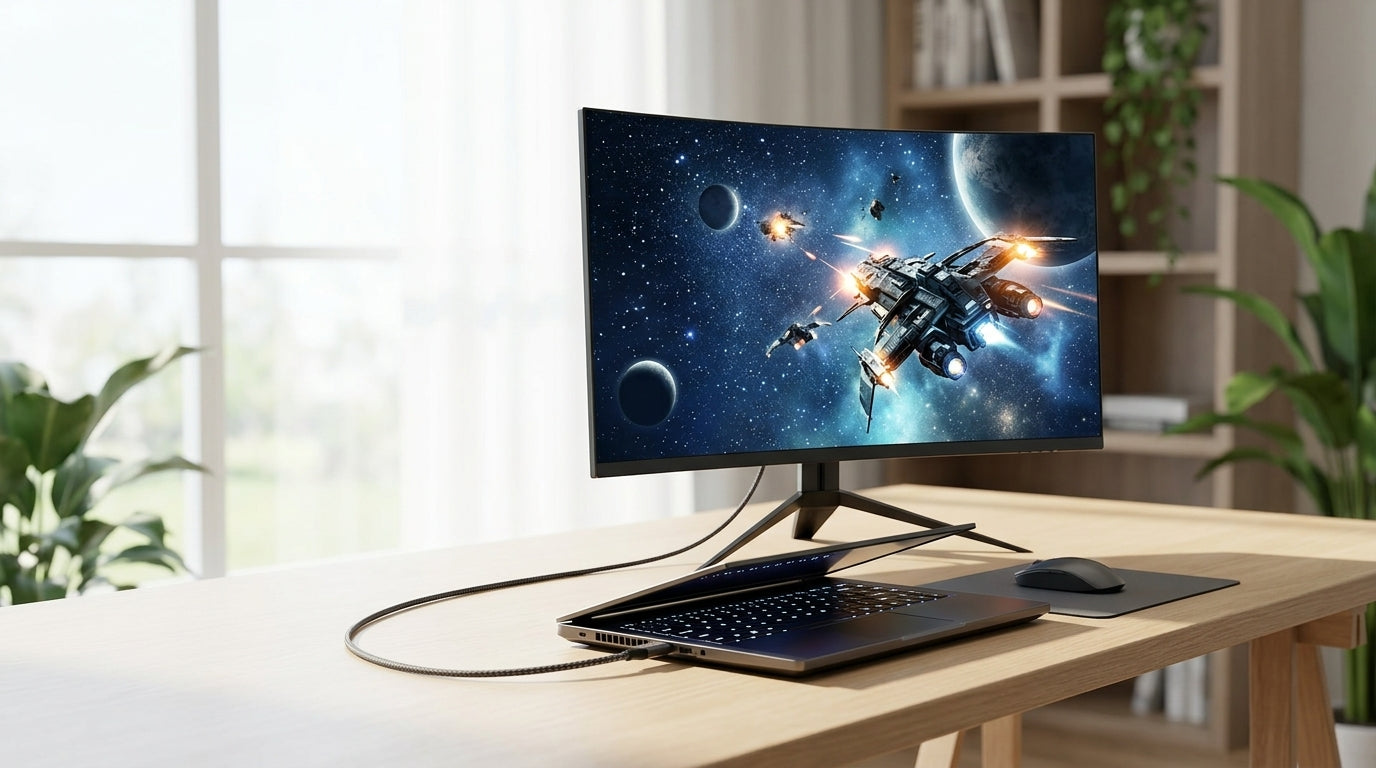
A 32-inch monitor delivers impressive immersion and productivity real estate, but only when your desk depth supports the right viewing distance. Most users need at least 30 inches of desk depth with the factory stand to reach the comfortable 24–30 inch range that balances 4K clarity, reduced eye strain, and neutral posture. Shallower desks often require a monitor arm to reclaim space and avoid the “size shock” that forces you too close.

The Science of Viewing Distance: Why It Matters for 32-Inch Screens
Placing a 32-inch monitor where your old 24-inch screen sat usually creates the common “size shock” feeling. The larger panel fills more of your field of view, making pixels noticeable or forcing constant head and eye movement if you sit too close. This leads to faster eye fatigue, neck tension from forward head posture, and the sense that the screen is simply too big for the desk.
Visual acuity—the distance at which individual pixels on a 4K panel become invisible—sits around 25 inches for a typical 32-inch 4K monitor (roughly 138 PPI). Sitting closer than this range reduces the sharpness benefit of the higher resolution. According to OSHA guidelines on monitor positioning, the preferred viewing distance for computer monitors falls between 20 and 40 inches to minimize strain.
The ergonomic risks compound quickly on shallow desks. When the monitor sits only 12–15 inches away, users tend to crane their necks or lean forward, increasing muscle tension and dry-eye symptoms over long sessions. Peripheral scanning strain appears as your eyes constantly track across the wider panel instead of resting in a natural cone of vision.
The Formula: Calculating Your Ideal Viewing Distance
The simplest starting formula for visual acuity distance is Distance ≈ 3438 / PPI. For a 32-inch 4K screen this yields roughly 25 inches, while a 32-inch QHD panel lands closer to 37 inches. These numbers provide a technical baseline rather than a rigid rule.
A practical rule of thumb many ergonomists recommend is to sit at least an arm’s length away—about 20–24 inches—as the bare minimum. Ergotron’s ergonomic guidance notes that larger screens require additional distance to maintain a healthy field of view and reduce the need to move your head excessively.
This chart helps visualize whether common desk depths keep a 32-inch monitor near the comfortable viewing band:
Will a 24"-36" desk depth keep a 32" monitor near the 25" viewing-distance target?
Green means the setup is usually close to the target viewing band; yellow means it may be workable with adjustment; red means it is likely too close or too far for a comfortable fit. The comparison uses conservative setup guidance and bounded desk-depth estimates.
View chart data
| Category | Stand - Green | Stand - Yellow | Stand - Red | Arm - Green | Arm - Yellow | Arm - Red |
|---|---|---|---|---|---|---|
| 24" desk | 0.0 | 6.0 | 18.0 | 4.0 | 10.0 | 10.0 |
| 30" desk | 12.0 | 6.0 | 6.0 | 14.0 | 4.0 | 10.0 |
| 36" desk | 2.0 | 0.0 | 2.0 | 2.0 | 0.0 | 0.0 |
What this means is that a 24-inch desk usually lands in the red zone with a standard stand, while a monitor arm can shift many setups into the yellow or green range.

Desk Depth Thresholds: Will a 32-Inch Monitor Fit Your Workspace?
Real-world desk depths fall into three practical tiers for 32-inch monitors. A 24-inch desk is typically red-zone territory when using the factory stand: the base consumes 9–12 inches of depth, leaving only 12–15 inches between your eyes and the screen—too close for comfortable posture or acuity.
A 30-inch desk reaches the recommended minimum for most users with the original stand, delivering a net viewing distance near the 25-inch target while leaving room for keyboard and mouse. At 36 inches and deeper you enter the green zone, where both stand and arm options feel spacious and posture stays neutral.
Curved panels (1000R or 1500R) improve peripheral comfort on shallower desks because the screen edges curve toward your natural field of view, reducing the need to scan side to side. Flat panels demand more depth or a monitor arm to achieve the same effect. Remember that personal vision differences, such as myopia or presbyopia, can shift these thresholds by several inches, so treat the zones as planning guidelines rather than universal rules.
The Monitor Arm Fix: Solving Shallow Desk Problems
When your desk is already too shallow but you own the monitor, a monitor arm often becomes the most practical solution. By mounting at the rear edge, a quality arm can reclaim roughly 8 inches of usable desk depth compared with a bulky factory stand that sits several inches forward.
This “floating” placement lets you push the screen farther back without sacrificing desk space for peripherals. For glass desks, verify clamp pressure limits first—our guide on mounting monitor arms to glass desks outlines the safety checks and alternatives that prevent damage.
Users who add an arm frequently report the 32-inch screen suddenly feels correctly sized instead of overwhelming. The arm also adds height, tilt, and depth adjustability that a fixed stand cannot match, making it easier to hit the 24–30 inch sweet spot daily.
Gaming vs. Productivity: Tuning Your 32-Inch Setup
Your ideal distance changes with primary task. For immersive gaming and cinematic experiences, a 40-degree field of view is often preferred. On a 32-inch screen this typically corresponds to sitting around 38–42 inches away, according to THX and SMPTE immersion standards. Closer distances heighten the sense of presence in RPGs or racing simulators but may increase eye movement.
Productivity work benefits from the 25-inch visual-acuity distance where 4K text stays sharp and multitasking windows remain readable without excessive head turning. Competitive gamers sometimes sit slightly farther back so the entire HUD stays inside central vision and reduces peripheral distraction during fast action.
Hybrid users get the best results with an adjustable arm that allows quick repositioning between modes. Test distances in 2-inch increments over several days; what feels immersive for evening gaming may cause fatigue during eight-hour workdays.
Optimizing Your 32-Inch Workspace for Long-Term Health
Follow this short checklist to verify your setup:
- Position the top of the screen at or just below eye level to keep your neck neutral.
- Set viewing distance so you can comfortably read small text without leaning forward.
- Ensure at least 4–6 inches of clearance behind the monitor base or arm clamp for cable management and depth adjustment.
- Adjust tilt and height so glare from windows or lights stays minimal.
Spend a week fine-tuning in small increments rather than locking in the first comfortable position. Many users discover their personal optimum sits 2–4 inches different from the calculated target once posture and task mix are considered.
If you are ready to pair the right desk depth with a high-performance 32-inch display, explore the full range of KTC 32-inch monitors. Models like the H32P22P 4K gaming monitor or the H32S25E curved 240Hz panel work especially well once viewing distance is dialed in.
For additional ergonomic tips, see our guides on remedying digital eye strain and building an ergonomic home office monitor setup.
FAQ
How far should you sit from a 32 inch monitor? Most users find 24–30 inches (roughly arm’s length) the most comfortable range for mixed use. Closer than 20 inches increases eye strain risk, while farther than 40 inches may reduce perceived sharpness for productivity tasks.
Is a 24 inch deep desk enough for a 32 inch monitor? Usually not with the factory stand, as the base consumes 9–12 inches and leaves too little viewing distance. A monitor arm often makes it workable by reclaiming space, but test the setup before committing to long sessions.
What is the minimum desk depth for a 32 inch gaming monitor? Plan for at least 30 inches with a standard stand. Curved models or a monitor arm can reduce the effective minimum to around 24–27 inches while still supporting proper posture and immersion.
Do I need a monitor arm for a 32 inch monitor on a small desk? Yes in most cases. The arm reclaims 6–8 inches of depth, allows precise distance adjustment, and often improves height and tilt options that fixed stands lack.
Does a 32 inch monitor feel too big on a standard desk? It often does when placed too close. The feeling usually disappears once you achieve 24–30 inches of viewing distance, either by choosing a deeper desk or adding a monitor arm.
Should I sit closer for gaming or farther for work on a 32 inch screen? Sit closer (around 24–28 inches) for immersive gaming to increase field of view. For productivity and 4K text clarity, 28–35 inches typically reduces eye movement and maintains sharper detail across the full panel.